 Thanks to spiralling ticket prices and the outrageous costs of pay-per-view these days, it’s becoming ever more difficult for soccer fans to watch their team in action. Not to worry though because, like most things, it’s possible to combat this problem using computer software. One of the best apps for watching live football on your PC is TvAnts, which allows you to tune into channels showing the games via Internet servers.
The basic installation process of the software is pretty straightforward and is merely a case of ‘OK’-ing through the prompts. However, there are a number of problems that crop up that can hamper your viewing progress. For instance, the resolution of the player window is often distorted and you may experience some degree of ‘flipping’. To combat this, try reducing both the colour depth and resoltuion. If this still doesn’t make a difference, you might need to watch the game in a smaller window, rather than maximising it.
You could also find the playback a little jerky, even with 100% buffering. This is usually due to the combination of your processor and software firewall. If your connection is running off a router then try disabling the firewall temporarily (remember to turn it back on again afterwards!)
Another problem occurs when you have the XP Service Pack 2 installed. The pack applies a limitation on streaming, so you’ll probably find the transmission isn’t smooth enough. To restore the original limit and resolve the issue simply install the XP Service Pack Socket Fix.
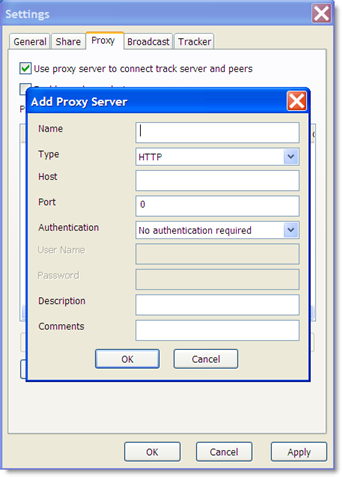
OK, so now everything is set up for maximum viewing pleasure, it’s time to find the games. First off, make sure you have the fanshoptv.no-ip.info server installed, as the one default server, www.tvants.com, is pretty unreliable. Now to access the channels. The best ones for live Premiership, La Liga, Champions League, etc. are the Asian ones such as Shanghai Sports, Gungdong TV and Goal TV. You’ll find channel guides and match schedules at BoxtoBox or Live Internet Football. Now, site back relax and enjoy your team dish out a good thumping.
 I used to rely on