GTA 5: Best Cheats, Codes and Phone Numbers (PlayStation, Xbox and PC)

GTA 5 might be a decade old, but Rockstar’s infamous sandbox hit is still one of the most entertaining experiences in videogame history. If you can’t get enough of Michael, Trevor and Franklin’s misadventures in their pursuit of fame and glory, then you’ve come to the right place. Today we’re going to teach you how to spice-up your criminal deeds in Los Santos with the best cheats and codes for Grand Theft Auto 5.

Do you want to know how to unlock all cars in GTA V? Or how about getting all weapons and unlimited money? Keep your eyes peeled because below you’ll find all this and much more. Discover all the secrets from Rockstar’s blockbuster game thanks to our guide with the best cheats to use in GTA 5 in 2023.

Grand Theft Auto V BUY NOW
9

How to use cheat codes in GTA 5

Up until now, to use a cheat in any GTA game we only had to type its code from anywhere on the map and wait for the God of Cheats to grant upon us its magical powers. Things have changed a bit in the newest Grand Theft Auto, giving us different options to use these codes. This is how you activate cheat codes in GTA 5 depending on the platform you’re playing on:

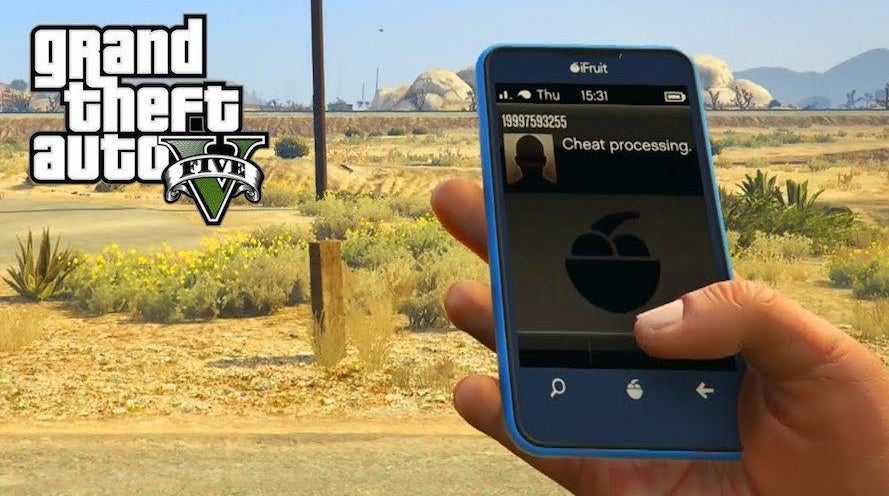
  • On Xbox (360, One, S/X) and Playstation (PS3, PS4, PS5) you simply input the code on your control pad while you’re exploring the map and not in the midst of a mission. You can also activate a cheat by making a phonecall or by typing a code on any of the PCs that you’ll find around Los Santos.
  • On PC, you can use cheat codes by typing them in the game console. To activate the console, just press the “¬” or “~” key on your keyboard. You can also use your in-game cell phone to dial and activate cheats or use a gamepad to input the Xbox controller codes.
Cheats in GTA 5

Warning: Cheating in GTA 5 has consequences

Before you get started and pull the trigger on your first cheat, keep in mind that once you do, you won’t be able to earn any trophies or achievements. Another thing to keep in mind is that sometimes cheats can break the game. So, it’s always best to create a separate save file if you intend to do a lot of cheating.

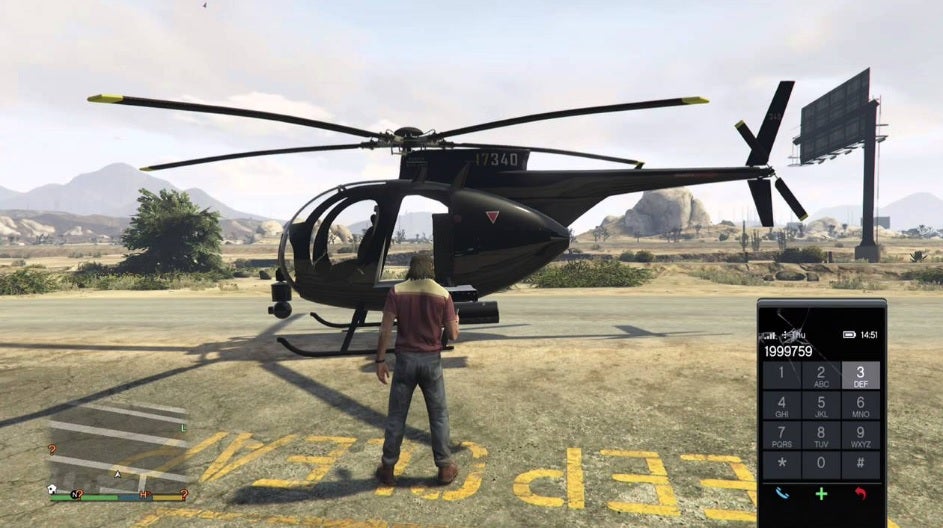
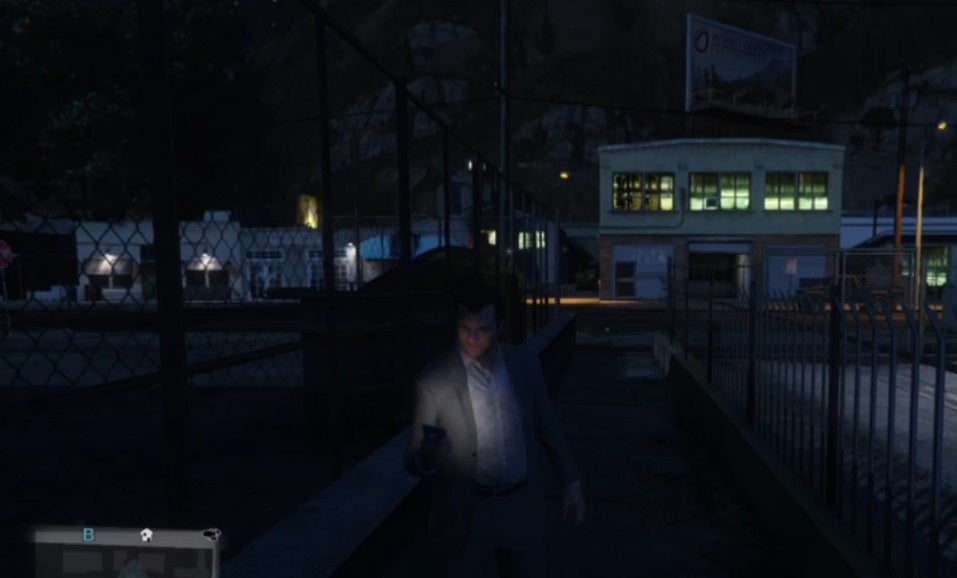
Spawning a helicopter in GTA 5

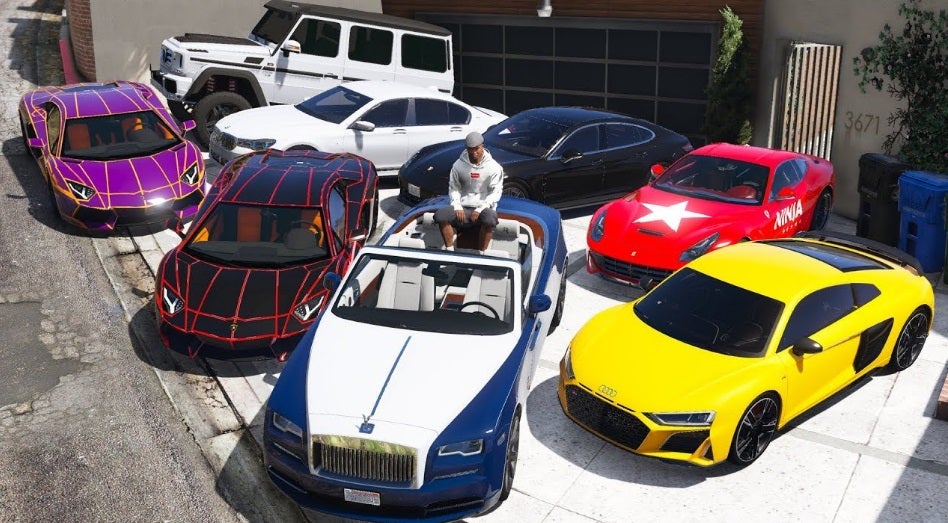
GTA 5 Vehicle Cheat Codes

  • BMX Bike
    • PS: Left, Left, Right, Right, Left, Right, Square, O, Triangle, R1, R2
    • Xbox: Left, Left, Right, Right, Left, Right, X, B,Y, RB, RT
    • PC: BANDIT
    • Cell Phone: 1-999-226-34
  • BUZZARD HELICOPTER
    • PS: O, O, L1, O, O, O, L1, L2, R1, Triangle, O, Triangle
    • Xbox: B, B, LB, B,B,B,LB, LT, RB, Y, B, Y
    • PC: BUZZOFF
    • Cell Phone: 1-999-289-9633
  • CADDY VEHICLE
    • PS: O, L1, Left, R1, L2, X, R1, L1, O, X
    • Xbox: B, LB, Left, RB, LT, A, RB, LB, B, A
    • PC: HOLEIN1
    • Cell Phone: 1-999-4653-461
  • COMET VEHICLE
    • PS: R1, O, R2, Right, L1, L2, X, X, Square, R1
    • Xbox: RB, B, RT, Right, LB, LT, A, A, X, RB
    • PC: COMET
    • Cell Phone: 1-999-266-38
  • DUSTER PLANE
    • PS: Right, Left, R1, R1, R1, Left, Triangle, Triangle, X, O, L1, L1
    • Xbox: Right, Left, RB, RB, RB, Left, Y, Y, A, B, LB, LB
    • PC: FLYSPRAY
    • Cell Phone: 1-999-359-77729
  • GARBAGE TRUCK (TRASHMASTER)
    • PS: Circle, R1, Circle, R1, Left, Left, R1, L1, Circle, Right
    • Xbox: B, RB, B, RB, Left, Left, RB, LB, B, Right
    • PC: TRASHED
    • Cell Phone: 1-999-872-7433
  • MAIBATSU SANCHEZ
    • PS: Left, Left, Right, Right, Left, Right, Square, O, Triangle, R1, R2
    • Xbox: B, A, LB, B, B, LB, B, RB, RT, LT, LB, LB
    • PC: OFFROAD
    • Cell Phone: 1-999-633-7623
  • RAPID GT VEHICLE
    • PS: R2, L1, O, Right, L1, R1, Right, Left, O, R2
    • Xbox: RT, LB, B, Right, LB, RB, Right, Left, B, RT
    • PC: RAPIDGT
    • Cell Phone: 1-999-727-4348
  • SHITZU PCJ 600
    • PS: R1, Right, Left, Right, R2, Left, Right, Square, Right, L2, L1, L1
    • Xbox: RB, Right, Left, Right, RT, Left, Right, X, Right, LT, LB, LB
    • PC: ROCKET
    • Cell Phone: 1-999-762-538
  • STRETCH LIMO
    • PS: R2, Right, L2, Left, Left, R1, L1, O, Right
    • Xbox: RT, Right, LT, Left, Left, RB, LB, B, Right
    • PC: VINEWOOD
    • Cell Phone: 1-999-846-39663
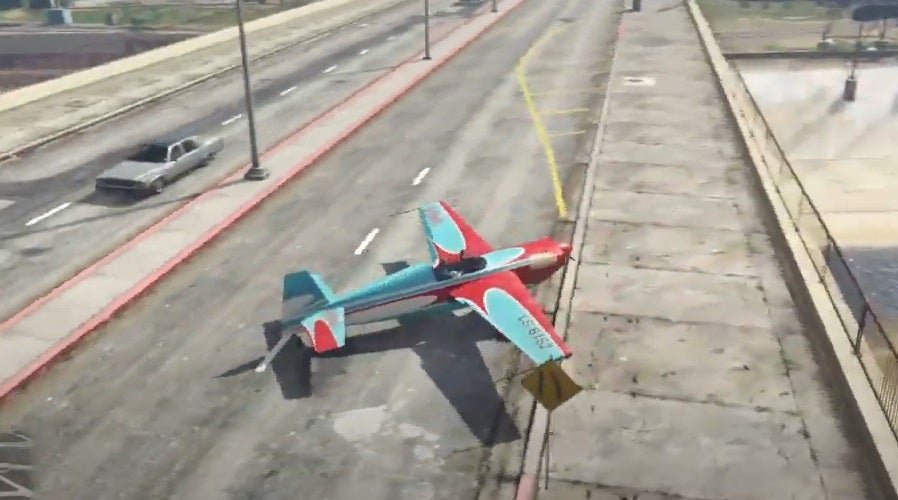
  • STUNT PLANE
    • PS: O, Right, L1, L2, Left, R1, L1, L1, Left, Left, X, Triangle
    • Xbox: B, Right, LB, LT, Left, RB, LB, LB, Left, Left, A, Y
    • PC: BARNSTORM
    • Cell Phone: 1-999-227-678-676
  • PARACHUTE
    • PS: Left ,Right, L1, L2, R1, R2, R2, Left, Left, Right, L1
    • Xbox: Left, Right, LB, LT, RB, RT, RT, Left, Left, Right, LB
    • PC: SKYDIVE
    • Cell Phone: 1-999-759-3483
  • BMX BIKE
    • PS: Left, Left, Right, Right, Left, Right, Square, O, Triangle, R1, R2
    • Xbox: Left, Left, Right, Right, Left, Right, X, B,Y, RB, RT
    • PC: BANDIT
    • Cell Phone: 1-999-226-348

GTA 5 Weapon Cheat Codes

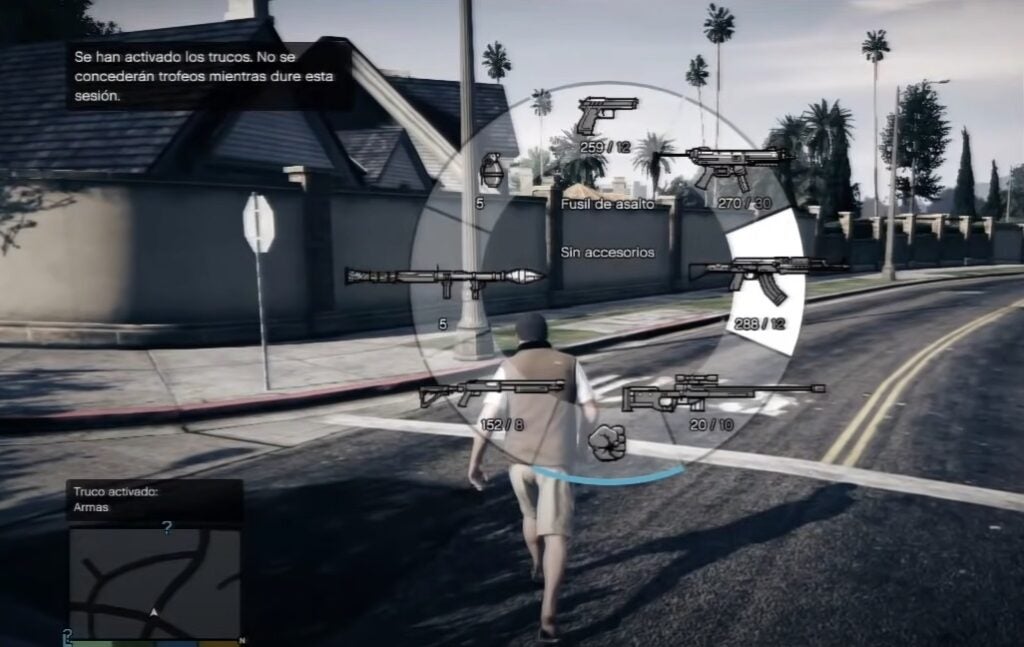
  • ALL WEAPONS AND INFINITE AMMO
    • PS: Triangle, R2, Left, L1, X, Right, Triangle, Down, Square, L1, L1, L1
    • Xbox: Y, RT, Left, LB, A, Right, Y, Down, X, LB, LB, LB
    • PC: TOOLUP
    • Cell Phone: 1-999-866-587
  • EXPLOSIVE ROUNDS
    • PS: Right, Square, X, Left, R1, R2, Left, Right, Right, L1, L1, L1
    • Xbox: Right, X, A, Left, RB, RT, Left, Right, Right, LB, LB, LB
    • PC: HIGHEX
    • Cell Phone: 1-999-444-439
  • FLAME ROUNDS
    • PS: L1, R1, Square, R1, Left, R2, R1, Left, Square, Right, L1, L1
    • Xbox: LB, RB, X, RB, Left, RT, RB, Left, X, Right, LB, LB
    • PC: INCENDIARY
    • Cell Phone: 1-999-4623-634279
  • SLIDING CARS
    • PS: Triangle, R1, R1, Left, R1, L1, R2, L1
    • Xbox: Y, RB, RB, Left, RB, LB, RT, LB
    • PC: SNOWDAY
    • Cell Phone: 1-999-766-9329

GTA 5 Ability Cheat Codes

  • CHANGE GRAVITY
    • PS: Left, Left, L1, R1, L1, Right, Left, L1, Left
    • Xbox: Left, Left, LB, RB, LB, Right, Left, LB, Left
    • PC: FLOATER
    • Cell Phone: 1-999-356-2837
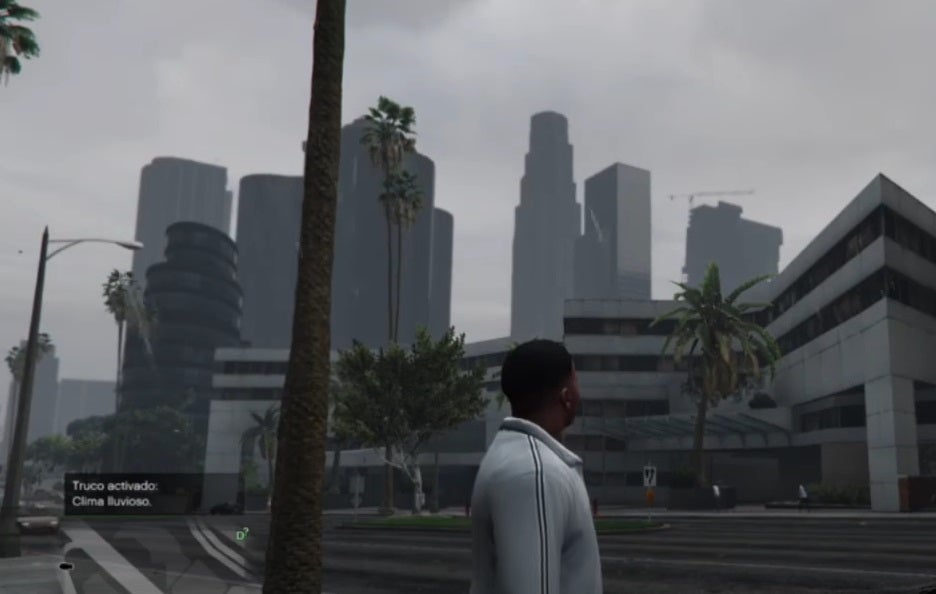
  • CHANGE WEATHER
    • PS: R2, X, L1, L1, L2, L2, L2, Square
    • Xbox: RT, A, LB, LB, LT, LT, LT, X
    • PC: MAKEITRAIN
    • Cell Phone: 1-999-625-348-7246
  • RECHARGE SPECIAL ABILITY
    • PS: X, X, Square, R1, L1, X, Right, Left, X
    • Xbox: A, A, X, RB, LB, A, Right, Left, A
    • PC: POWERUP
    • Cell Phone: 1-999-769-3787
  • SKYFALL
    • PS: L1, L2, R1, R2, Left, Right, Left, Right, L1, L2, R1, R2, Left, Right, Left, Right
    • Xbox: LB, LT, RB, RT, Left, Right, Left, Right, LB, LT, RB, RT, Left, Right, Left, Right
    • PC: SKYFALL
    • Cell Phone: 1-999-759-3255
  • SLOW MOTION
    • PS: Triangle, Left, Right, Right, Square, R2, R1
    • Xbox: Y, Left, Right, Right, X, RT, RB
    • PC: SLOWMO
    • Cell Phone: 1-999-756-966
  • SLOW MOTION AIMING
    • PS: Square, L2, R1, Triangle, Left, Square, L2, Right, X
    • Xbox: X, LT, RB, Y, Left, X, LT, Right, A
    • PC: DEADEYE
    • Cell Phone: 1-999-332-3393
  • SUPER JUMP
    • PS: L2, L2, Square, O, O, L2, Square, Square, Left, Right, X
    • Xbox: Left, Left, Y, Y, Right, Right, Left, Right, X, RB, RT
    • PC: HOPTOIT
    • Cell Phone: 1-999-467-8648

GTA 5 Health and Invincibility Cheat Codes

  • INVINCIBILITY
    • PS: Right, X, Right, Left, Right, R1, Right, Left, X, Triangle
    • Xbox: Right, A, Right, Left, Right, RB, Right, Left, A, Y
    • PC: PAINKILLER
    • Cell Phone: 1-999-724-6545537
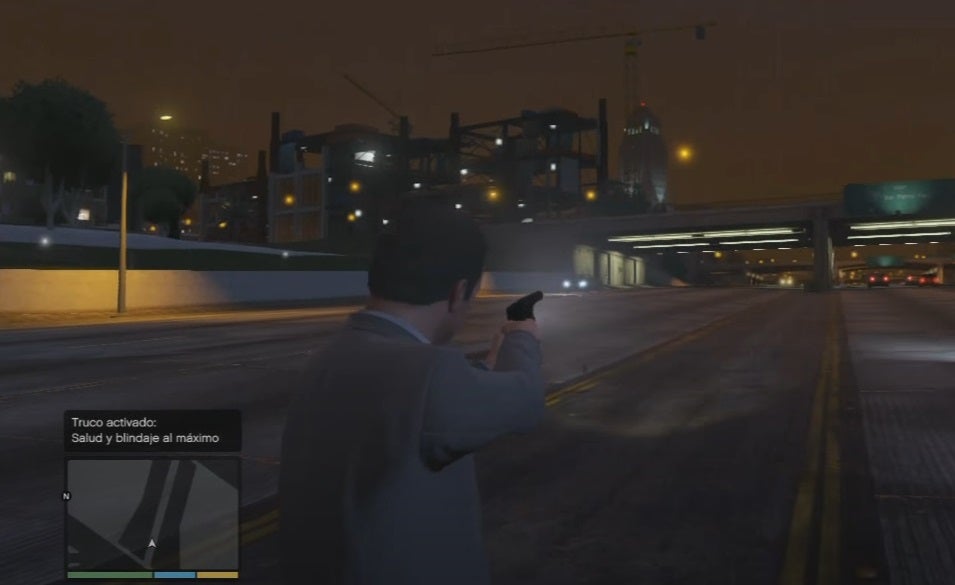
  • MAX HEALTH AND ARMOR
    • PS: O, L1, Triangle, R2, X ,Square, O, Right, Square, L1, L1, L1
    • Xbox: B, LB, Y, RT, A, X, B, Right, X, LB, LB, LB
    • PC: TURTLE
    • Cell Phone: 1-999-887-853

GTA 5 Wanted Level Cheats

  • RAISE WANTED LEVEL
    • PS: R1, R1, O, R2, Left, Right, Left, Right, Left, Right
    • Xbox: RB, RB, B, RT, Left, Right, Left, Right, Left, Right
    • PC: FUGITIVE
    • Cell Phone: 1-999-384-48483
  • LOWER WANTED LEVEL
    • PS: R1, R1, O, R2, Right, Left, Right, Left, Right, Left
    • Xbox: RB, RB, B, RT, Right, Left, Right, Left, Right, Left
    • PC: LAWYERUP
    • Cell Phone: 1-999-529-93787

GTA 5 Movement Cheat Codes

  • DRUNK MODE
    • PS: Triangle, Right, Right, Left, Right, Square, O, Left
    • Xbox: Y, Right, Right, Left, Right, X, B, Left
    • PC: LIQUOR
    • Cell Phone: 1-999-547867
  • FAST SPRINT
    • PS: Triangle, Left, Right, Right, L2, L1, Square
    • Xbox: Y, Left, Right, Right, LT, LB, X
    • PC: CATCHME
    • Cell Phone: 1-999-228-2463
  • FAST SWIMMING
    • PS: Left, Left, L1, Right, Right, R2, Left, L2, Right
    • Xbox: Left, Left, LB, Right, Right, RT, Left, LT, Right
    • PC: GOTGILLS
    • Cell Phone: 1-999-46844557

GTA 5 Infinite Money Cheat

All Grand Theft Auto games include a cheat that lets you get large sums of money instantly. All of them… except GTA 5. While Rockstar has added an insane amount of cheats and codes for all sorts of things to tweak your in-game experience, none of them will help you spawn large amounts of money.

But not having a money cheat is not the end of the world. There are many ways to earn some money in Los Santos and become the king of Ka-Ching. You can invest in the stock market, sell cars, steal armored trucks, find nuclear barrels and suitcases loaded with money or do some questionable jobs by completing all of Lester’s missions. Do all of that and you’ll be a millionaire in no time!

Get cheating in GTA V!

Whether you’re trying to advance your single-player career, or simply trying to tell a story, these cheats will definitely aid your pursuits in Grand Theft Auto V. Looking for more GTA 5 cheats and codes? Don’t miss out on this article:

GTA 5: All the cheats and codes for PC READ MORE

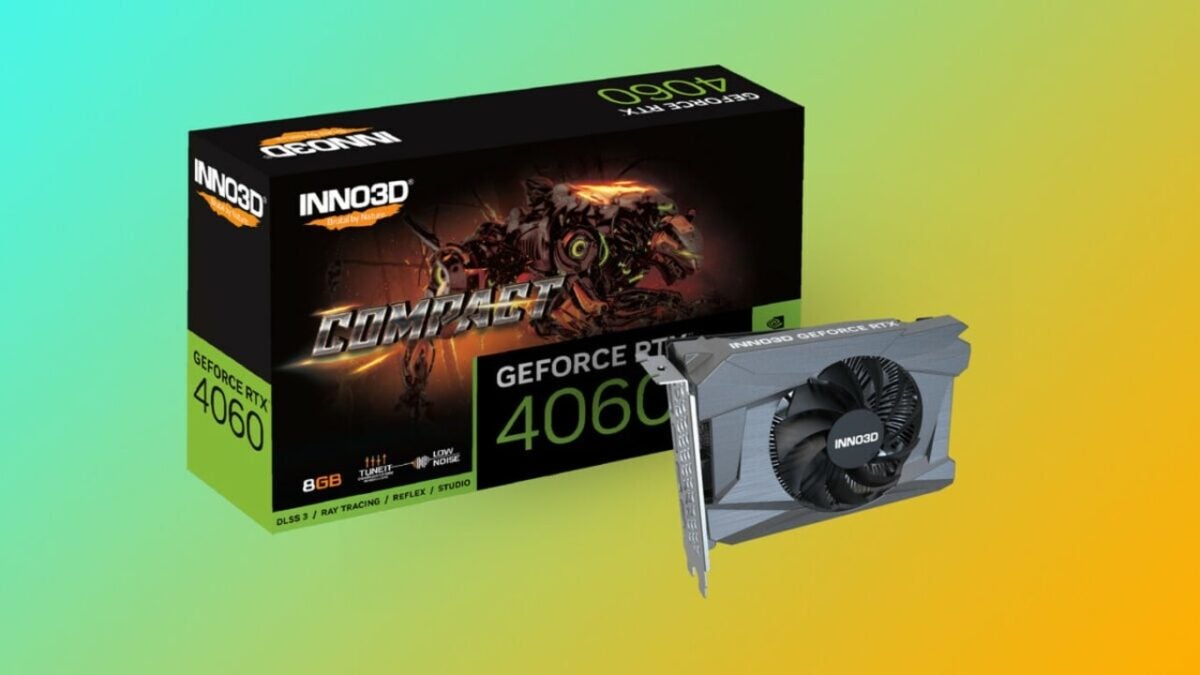
Could the RTX 4060 be the graphics card you need?

We’ve been using the GeForce RTX 4060 for a few months now, and after seeing the performance of the entire 40xx family, it may be time to say it because the RTX 4060 is probably one of the most affordable next-generation graphics cards on the market, but… What about its performance? Can it hold its own in a market dominated by high-end models from this generation and the previous one? The truth is that it’s a very interesting piece of hardware that’s unlikely to leave anyone indifferent.

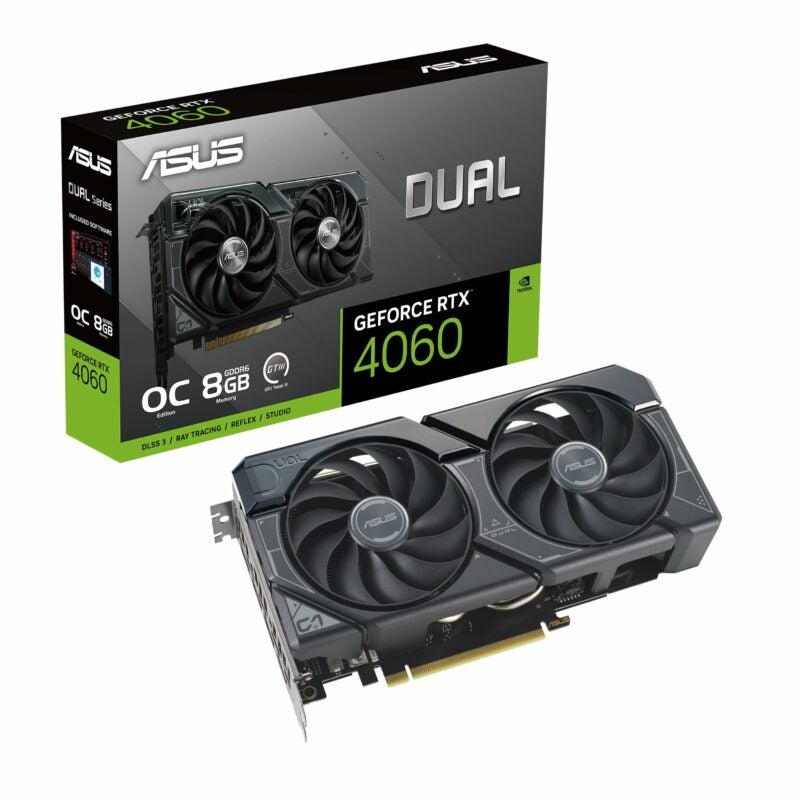
ASUS Dual GeForce RTX™ 4060 OC Edition 8GB AMAZON

Performance, artificial intelligence, and price

The GeForce RTX 4060 shares many qualities with its older sibling, the 4090. For example, it features the ultra-efficient Ada architecture based on fourth-generation Tensor Core cores, third-generation RT Core cores, and support for DLSS 3 for ultra-fast 3D rendering. It also relies on the eighth generation of NVENC (Nvidia’s encoder), which finally supports AV1.

It’s worth noting that all these improvements translate into a 45% increase in speed for 3D designers when rendering objects in real time, a task that requires a lot of computational power and can be extremely tedious. Similarly, Tensor Cores enhance the AI-based functions of specialized design applications such as DaVinci, Premiere Pro, or Blackmagic Design, saving a lot of time and greatly improving the workflow of 3D designers and other creative professionals. Get Geforce 4060 RTX on Amazon’s choice.

In terms of broadcasting, the new encoder has proven to be 40% more efficient, with a substantial increase in apparent bitrate, especially noticeable when viewing videos on YouTube, recording in OBS, or streaming via Discord, for example.

Not to mention its gaming performance, where it significantly outperforms the already impressive RTX 3060, which made many gamers happy for a long time. But the best part is its price, starting at 335 euros at the official price, making it a very affordable upgrade for any gamer or creative professional in need of a graphics card.

A death threat has closed Unity’s offices

It seems that the tension generated by Unity’s announcement regarding its pricing policy continues to escalate. After several particularly tense days, it appears to have reached its peak on September 14th when the offices of the company, a favorite among indie developers, remained closed due to a “credible” death threat. In fact, the company’s CEO, John Riccitiello, had to cancel a significant commitment with several employees because of this. However, despite the seriousness with which the threat was taken, its source is still unknown.

An extremely controversial change

This threat comes in an extremely tense context after Unity officially announced a change in its pricing policy for the use of its game engine in general and its Unity Runtime App tool in particular. This new policy is set to take effect starting January 1, 2024, and would charge developers a fee per download beyond a certain number of installations, potentially putting the indie game industry at risk and potentially ending some models supported by freemium or ad-supported games.

As expected, Unity game developers have not taken this news well, and the reactions have been not only very negative but also quite visceral. Many developers fear they won’t be able to continue their projects, quite a few have opted to start learning other game engines and programming languages, and a significant group has chosen to migrate their games to other game engines with more favorable terms or have decided not to work with Unity anymore.

A particular case has been the developers of “Cult of the Lamb,” one of the most popular indie games in recent years, who have already announced that if Unity continues with its intentions, any game they have for sale on that engine will disappear. This includes, as expected, “Cult of the Lamb.”

Steam Deck has a surprise for you, and you’re going to love it

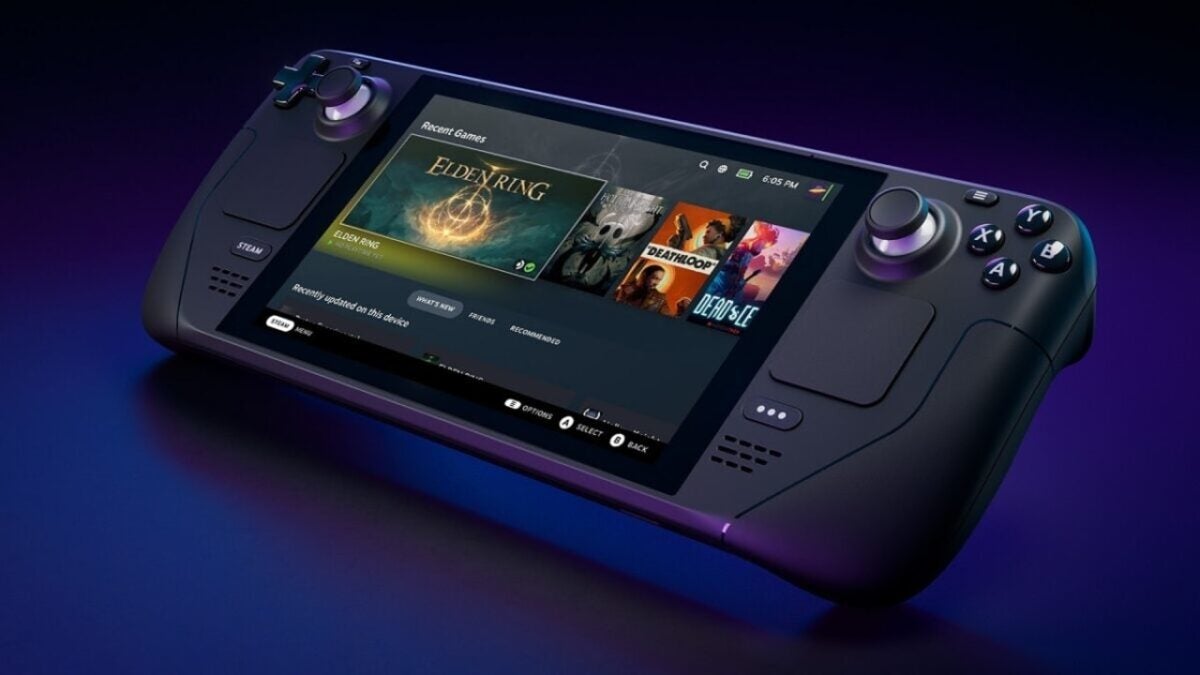
Steam is an extremely pioneering company in the world of video games. From hiring the developers of DOTA (the most popular mod for Warcraft 3) to creating Steam and, most recently, the success of creating the handheld gaming computer through the Steam Deck. This hybrid between a portable console and a gaming PC capable of running games like Elden Ring or The Witcher 3 without much trouble has set a new standard in the gaming world, perhaps not so much in terms of sales numbers but in the wave it has created, with competitors like the ROG Ally from Asus and even rumored devices like the Lenovo Legion.

Steam Deck may not be the most powerful hardware among its competition; in fact, the ROG Ally is exceptionally strong in that regard. However, Valve’s console is still the favorite of many and has managed to make its name synonymous with these handheld gaming PCs. This is not by chance, as its level of optimization is very high for such compact hardware, with its main drawback often being storage space (a problem that is easily solvable). In fact, there are Micro SD cards specifically designed to provide Steam Deck with the file transfer speed it may need.

Besides, it’s on sale

Furthermore, Steam Deck is currently the most budget-friendly solution for acquiring a gaming PC. Its basic version costs less than a PlayStation 5, and its premium version is priced at under 700 euros. However, this price has dropped even further in recent days, as between September 14th and 21st, you can get it with a 20% discount on their website. This makes the basic version only 377 euros and the premium version 543.20 euros. It’s a golden opportunity if you were thinking about getting one.

The mouse we deserve exists: it’s called the Superlight 2

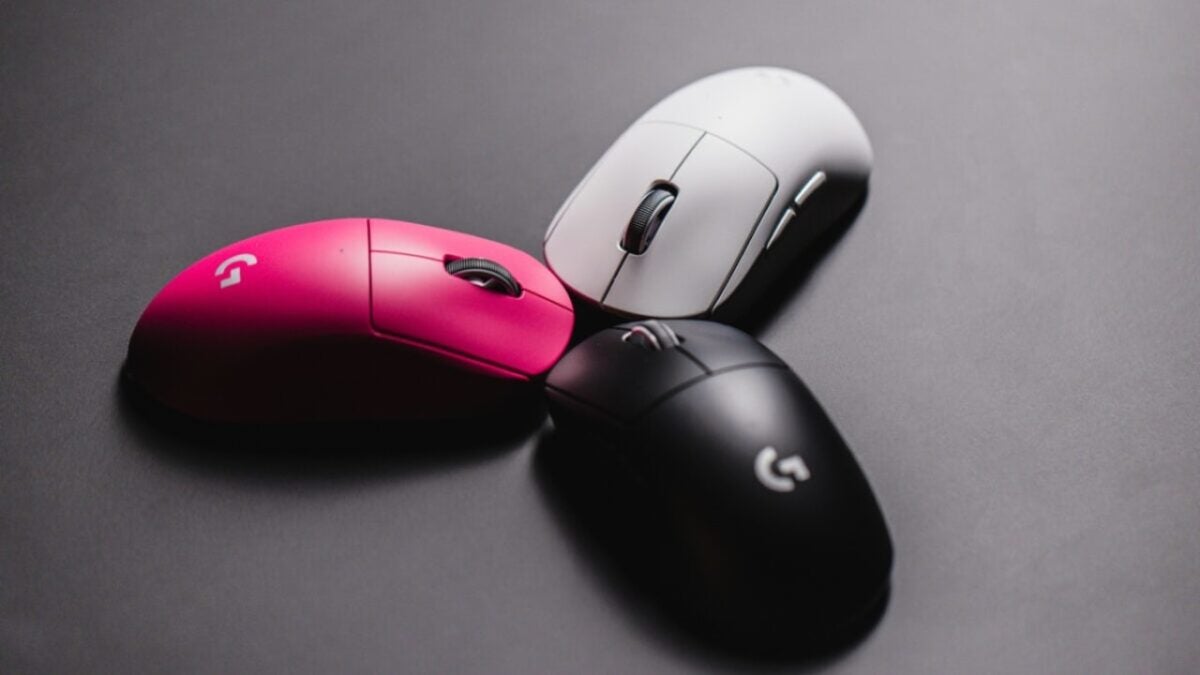
Just recently, we were discussing how interesting Logitech’s incredible gaming innovations are, focusing on the Lightspeed keyboard and the Superlight 2 mouse. However, I don’t think I emphasized enough the Logitech G Pro X Superlight 2 and how amazing it is as a mouse. Logitech is indeed known for delivering extraordinary peripherals that can do almost anything, but this one, in particular, is simply a true marvel that makes the G502 look like a toy. A very good toy, but the level they have achieved with this new piece is simply very hard to surpass.

The lightest wireless mouse

With a weight of just 60 grams, which is approximately half of the G502 Superlight, it is by far the lightest mouse Logitech has ever made, and, it’s safe to say, also the fastest. It boasts a wireless polling rate of 2 kHz and the ability to track at speeds of up to 500 inches per second, with a DPI range of up to 32,000. Additionally, it features a dual-mode design that maintains tracking even if the mouse is tilted or lifted off the mousepad.

While the original Superlight had a battery life of up to 70 hours, this enhanced version offers up to 95 hours of battery life. Notably, Logitech has moved away from the front-facing micro-USB connection, opting for USB-C, as they have done with the G502 X.

However, it’s important to note that this is an expensive mouse, designed for professional eSports players or gamers aiming for the highest level of performance. With a price tag of over 150 euros, you might wonder if the real difference will be noticeable, and in terms of specifications, it exists; however, for the average user, it can be challenging to perceive. What can be detected is the slightly increased actuation force required for a click, but it’s easy to adapt to. What might not be so easy to forget is the sniper button, which may seem like it’s missed at 32,000 DPI, but it’s not at all.

I have doubts about whether this mouse will become popular among the general public, but it is extremely comfortable in many ways and is a particularly convenient addition even for everyday use.

Logitech is expanding its gaming lineup with an impressive keyboard and mouse

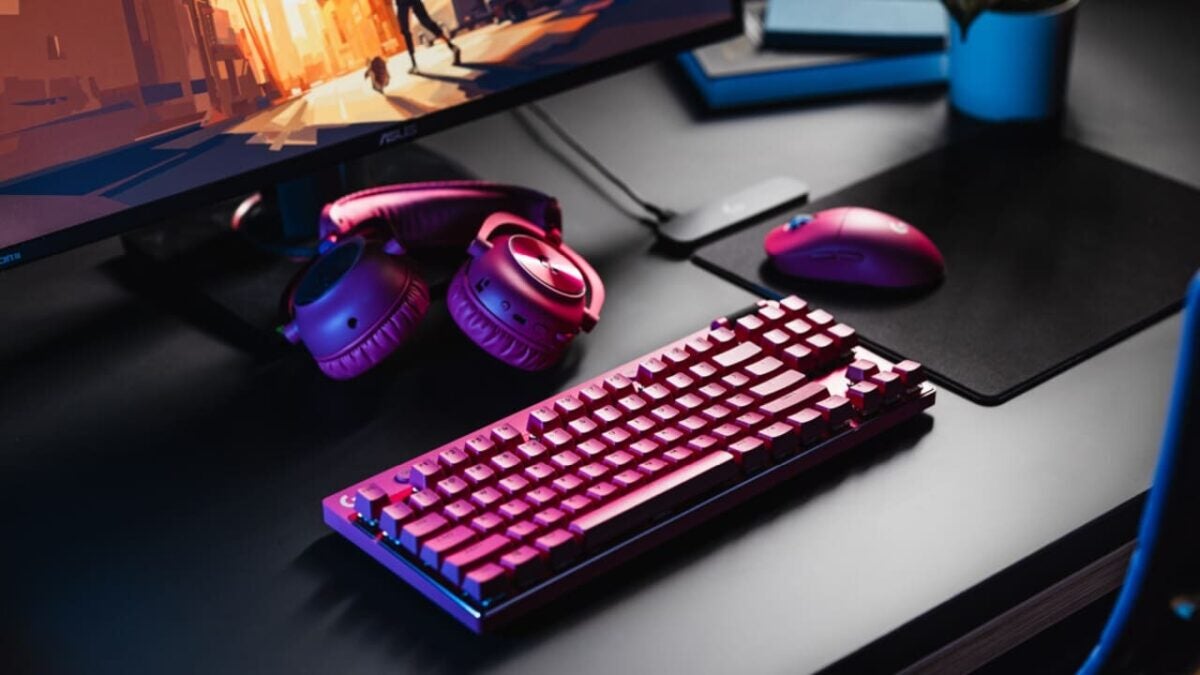
For several years now, hardware providers have been capitalizing on one of the most lucrative niches in the market: the gaming sector. It encompasses everything from specialized peripherals that could take us to the Titanic to ergonomic chairs and components dedicated to gaming. In the world of PC gaming, there are frequent releases of keyboards and mice designed to enhance players’ performance. Logitech, a company that has been manufacturing these instruments for quite some time, has been a part of this segment, and whenever possible, they introduce something new to surprise their users. This time, it’s the G Pro X TKL Lightspeed and the G Pro X Superlight 2, a keyboard and a mouse, respectively, designed for high-performance eSports competition.

At the forefront of gaming

These are not cheap peripherals. While the Lightspeed keyboard costs 240 euros, the Superlight 2 mouse is priced around 160 euros, but they offer a noticeable improvement over previous versions. For example, they feature improved connectivity to ensure greater success for eSports professionals.

But the changes don’t stop there: the G Pro X Superlight 2 is designed to provide greater speed and precision, weighing only 60 grams and equipped with Lightforce Hybrid switches, which offer faster response times and superior reliability. It also introduces a new sensor, the Hero 2, which can move the cursor at up to 32,000 dots per inch (DPI), along with USB connectivity and up to 95 hours of battery life, making it unlikely that you’ll need to resort to tricks to extend its autonomy.

On the other hand, the G Pro X TKL Lightspeed enhances its performance with programmable keys, a game control mode, and both Bluetooth and USB-C connectivity. Its battery lasts up to 50 hours, which is notably less than the Superlight 2 mouse but it’s also a more demanding device that includes multimedia and audio controls, various game configuration options, and RGB lighting with LightSync.

In addition to this, Logitech is releasing a pink version of the G Pro X 2 Lightspeed headset to complete the set, which will be available in addition to the pearl gray and black options.

Unprecedented Day One Patch for ‘Starfield’ Packs More Content Than Skyrim

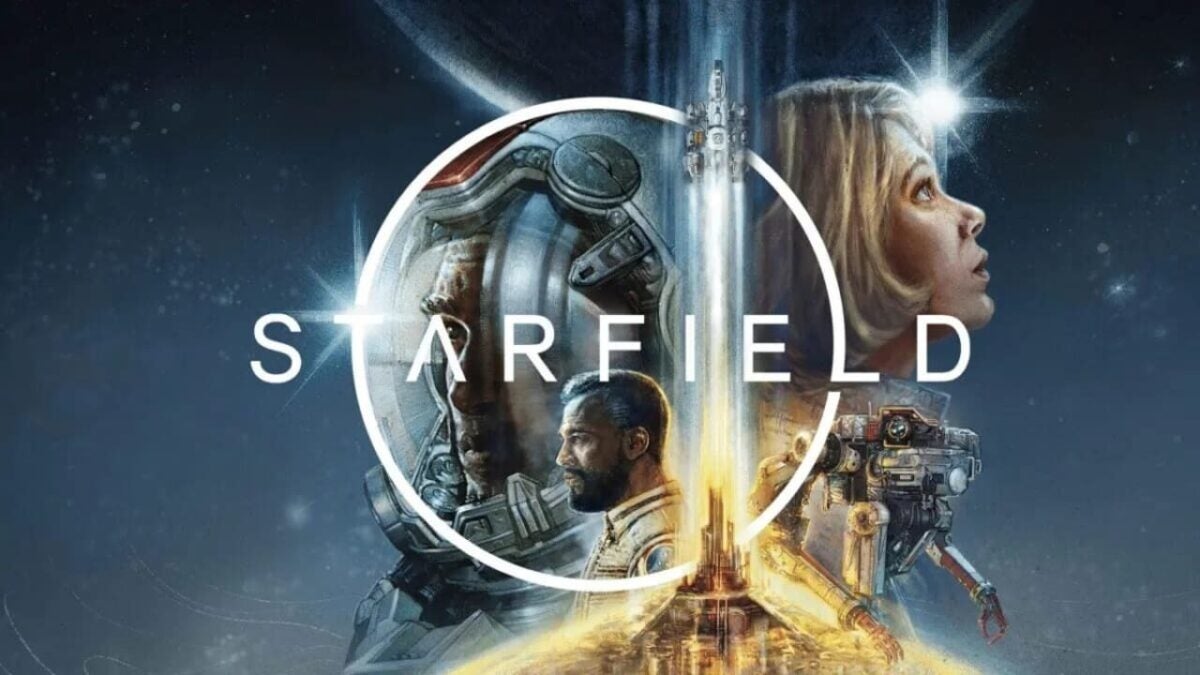
Starfield is one of the most anticipated games of the year and undoubtedly the flagship title for the Xbox system in 2023. For over a year, it has been surrounded by controversies regarding its performance and due to its delay. However, since the extended gameplay that Bethesda showcased during the Starfield Direct, this situation seems to have taken a complete turnaround. The community is gradually embracing the game with more excitement, and in the past month, the enthusiasm among the community has been continuously growing. One of the key factors is the incredible improvement in quality that the game has demonstrated in recent months, pushing the Creation Engine, the graphic engine of Skyrim, to unforeseen limits.

Despite Bethesda’s attempts to control the flow of information, content leaks have been inevitable from some sources. However, this doesn’t seem to have caused significant harm, and the community is increasingly showing more support for the game. This commitment is shared by Bethesda and Xbox, as they are pouring numerous fixes into a day one patch that will weigh around 15 gigabytes, almost 10% more than the pre-download weight of the game and even more than the full game weight of Skyrim, also developed by Bethesda.

Despite the space it occupies, it has been observed that the patch mainly addresses graphical errors or glitches that don’t significantly impact the gameplay experience, such as textures loading improperly or occasional issues causing characters’ hair to disappear. The game’s stability has also been improved, which is always necessary in large-scale games. Additionally, some more significant issues have been addressed, including a bug that made companions levitate or a certain delay on the initial screen.

Starfield could potentially arrive on Steam Deck on day one

It’s normal for a game of this scale, with such a variety of systems, to experience some errors that need to be addressed, and it’s commendable that Bethesda is working on optimizing their offering for the launch. This could potentially enable the game to be playable on platforms like Steam Deck or ROG Ally, as suggested by some leaks. However, I would approach this information cautiously, as even if it becomes playable, it might be a bit rough on PCs that don’t meet its minimum requirements, especially in its early moments.