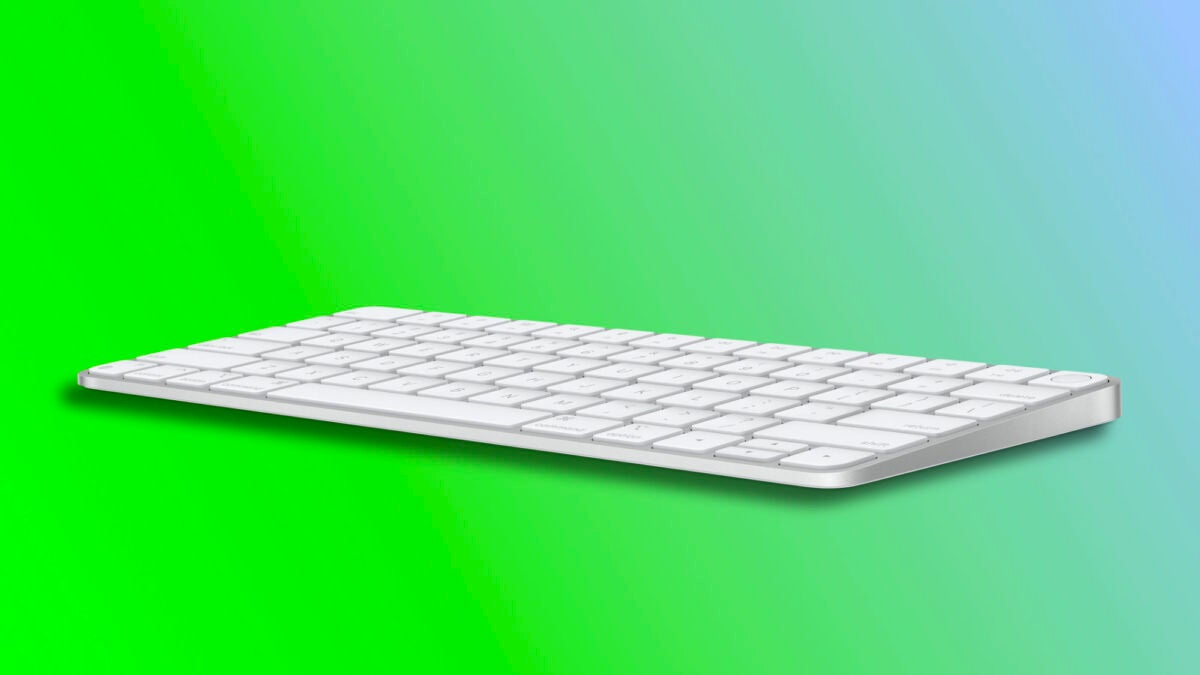
The Magic Keyboard is our main way of interacting with our Mac. It features a generous built-in rechargeable battery that charges via a Lightning cable, eliminating the need to constantly replace AA batteries. A battery that lasts for weeks, but at some point, we have to plug it in to charge. How do we know when?

How much battery is left in the Magic Keyboard?
The built-in battery of the Magic Keyboard has a long-lasting power, being able to power the keyboard for approximately a month or more between charges. In this context, knowing how much charge is left is necessary. Something that macOS allows us to do very easily. The steps to follow are as follows:
- In the Apple menu (), click on System Preferences.
- Click on Keyboard.
- Next to “Magic Keyboard”, under “My Devices”, check the battery percentage.
Alternatively, we can check from the Bluetooth menu in the menu bar. This allows us to do an even quicker check. In this case, all we have to do is click on the Control Center and then tap the Bluetooth button avoiding touching the blue section. Here we will see a list of connected devices and their remaining battery.
That being said, it is also important to mention that, even if we forget to check the battery level of our keyboard, macOS is designed to notify us. The operating system will display a notification when the battery level drops below 10%, giving us enough time to continue using the keyboard and then charge the device when it is convenient for us.
The Magic Keyboard, like many other Apple devices, offers us a very simple experience. With the ability to connect to the Mac in a matter of seconds and a battery life of several weeks, it is a great option for typing on our computer. And, just like when we talk about how to check the battery health of our iPhone and when to replace it with some attention to its charge level, we will be able to enjoy our Mac uninterrupted.
