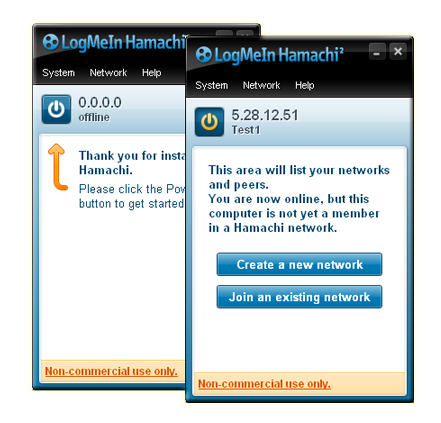
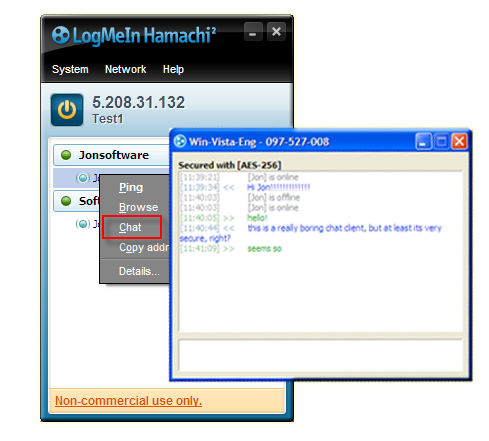
Welcome to part 2 of our beginner’s guide to Hamachi (you can catch part 1 here). Today we’re going to take a look at file sharing, one of the reasons you might want to use the program. If you’ve already taken a look around the options, you’d be forgiven for thinking that it is not a feature, but it is – Hamachi facilitates file sharing, but it doesn’t actually provide it. Let me explain…
File sharing is a feature that you’ll have to enable on your computer. Hamachi then provides the network via which your friend will access your files. Since Hamachi is already set up, you have to turn your attention to Windows’ file sharing. A word of warning – file sharing is a fairly routine procedure, but there is a degree of risk involved. If you are not totally comfortable with the process, you should probably become better acquainted with it before jumping in to the deep end.
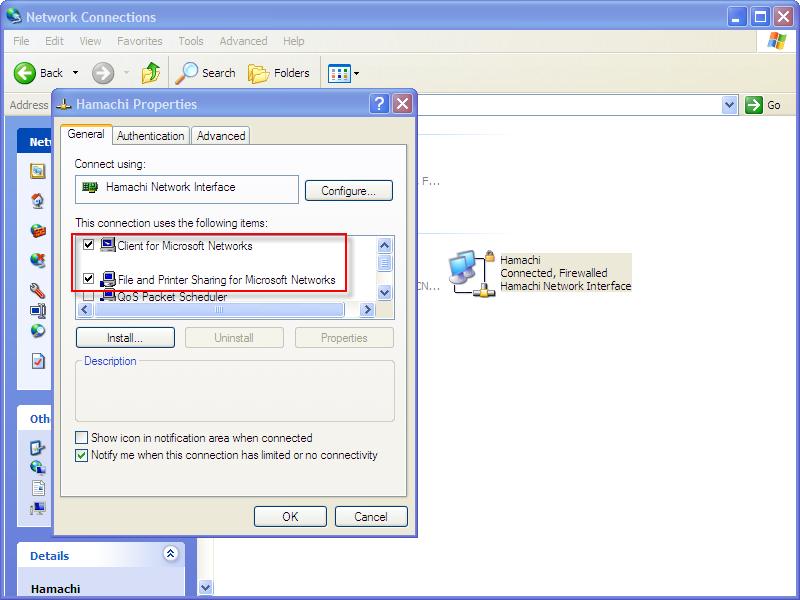
First of all, go to Control Panel > Network Connections (this tutorial is based on XP). Right-click on the Hamachi connection and choose Properties. In the options that appear, make sure ‘Client for Microsoft Networks‘ and ‘File and Printer Sharing‘ are ticked. Continue reading “LogMeIn Hamachi: file sharing”