 If you’re a VLC Media Player fan like me then Lunettes is something you should definitely check out. With doubts circulating about the future development of VLC on Mac, Lunettes has arrived signaling that the future for VLC on Mac is very much alive.
Lunettes (French for spectacles) features a new interface for VLC that opens it up to design innovations from other users. Most importantly, it integrates with Cocoa, the native programming environment of OS X, meaning VLC will finally shrug-off its Windows heritage.
The functionality of Lunettes remains the same. It will still be able to play almost any format as all the codecs. The look however is much improved looking more like a Mac app with a touch of inspiration from QuickTime X.
Instead of opening the player directly like with VLC, Lunettes opens a Window which keeps a history of everything that you’ve watched and how much you’ve watched of it:
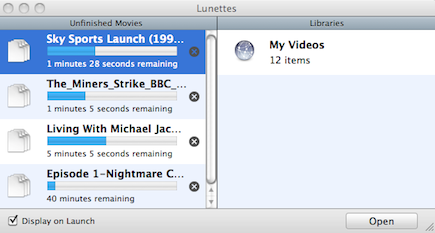
Lunettes also integrates automatically with all of the video content available on your Mac. You can access them all using the menu down the right-hand side:

There are three default skins included which are dark, transparent and one that makes Lunettes look like a Samsung TV. It is this ability to play with the look of Lunettes which really differentiates it from VLC Media Player. Continue reading “Lunettes – the future of VLC Player on Mac”





 If there’s one thing Microsoft Messenger for Mac users have been waiting far too long for, it’s video and audio support. Until now, Microsoft only allowed corporate users of Messenger for Mac to use audio and video. Finally, with the recent release of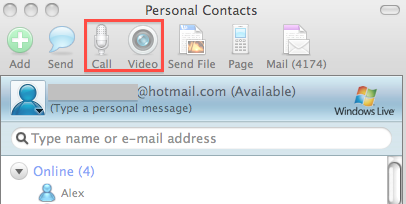
 I’ve never been able to touch-type but years of pounding a keyboard with my forefingers mean that I’m a pretty quick typist. Luckily, should I ever decide to learn touch typing, there are a lot more options than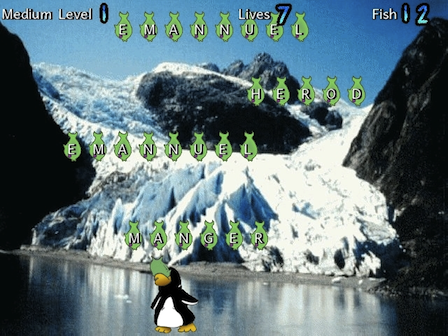
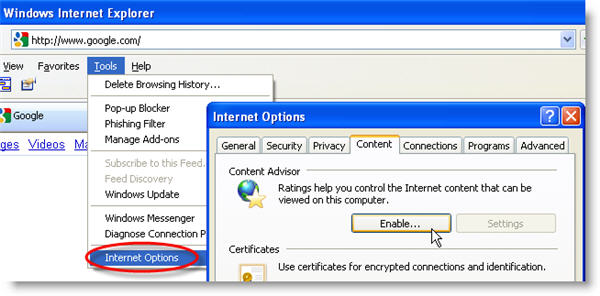
 Were you getting excited about the forthcoming Windows Mobile version of Firefox? Well, forget it kid, because Mozilla has just announced that it’s scrapping the whole project. Despite being