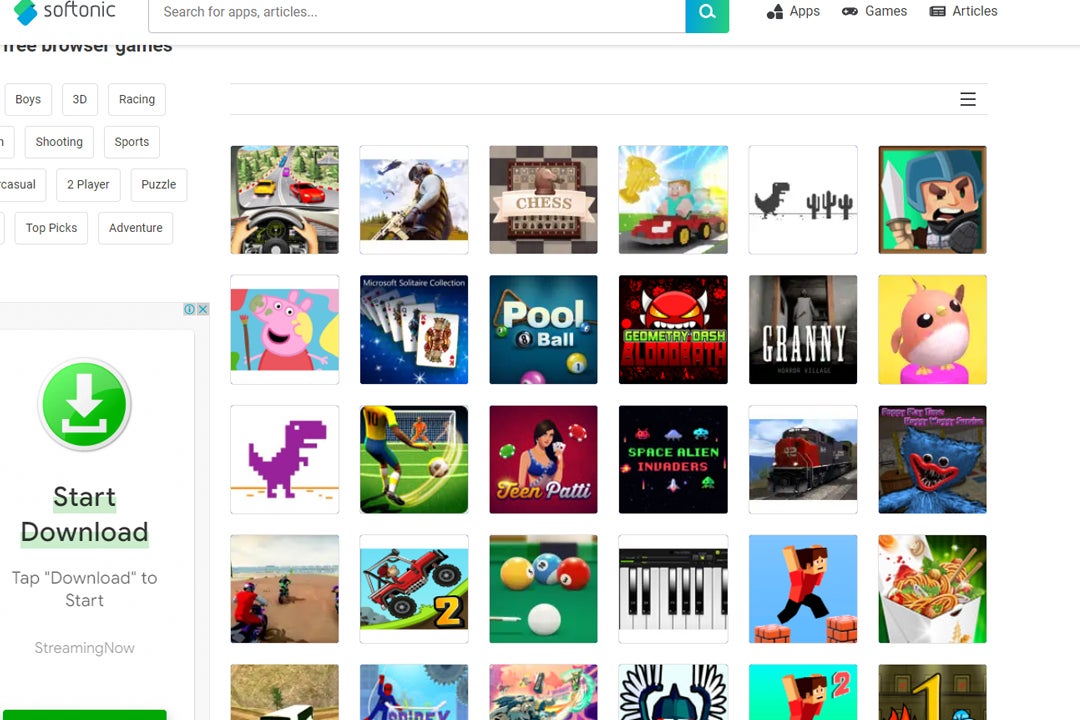
10 fun browser games to play with friends

Is there anything better than relaxing with friends and playing fun browser games after a long day? Well, sometimes, having to download and install the games on every one of your friends’ computers can put a damper on things. Sometimes you want to get home, connect with friends and immediately jump into a game without any setup.

Browser Games PLAY NOW!

This is where browser games can quickly become your best option. These games don’t require advanced computer specs, downloads, or installations. You launch them in your browser and start playing. Best of all, there are multiplayer browser games that enable you to play with your friends, no matter where in the world they are. Let’s look at ten fun browser games to play with friends.

Impostor 

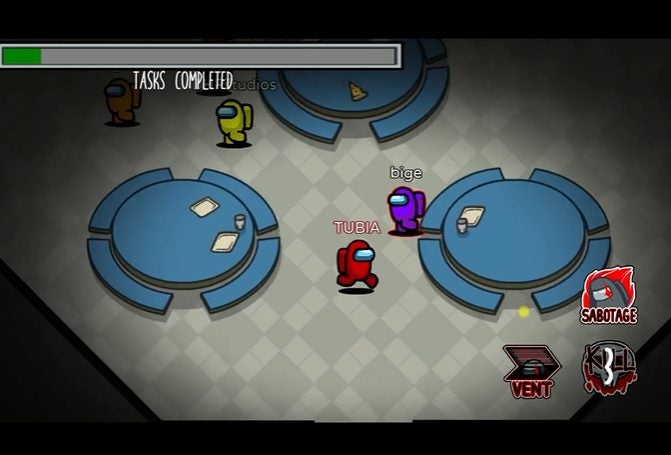
Imposter is based on the popular mobile game, Among Us. In this fun browser game, friends can play together, completing various tasks assigned by the game. However, danger lurks nearby as there are imposters among the crewmates. The imposter will cause all kinds of havoc, from sabotaging tasks to killing crewmates. It’s up to the rest of the team to figure out who the imposter is.

Impostor PLAY NOW!
fun browser games to play with friends

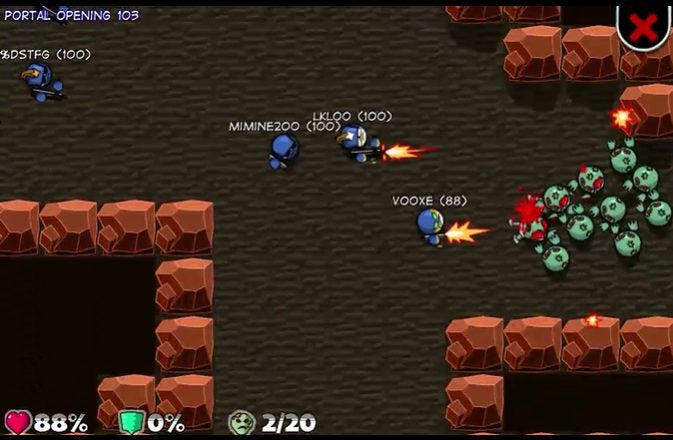
Zombie Hunters Arena

Zombie Hunters Arena is a free multiplayer zombie shooter that you and your friends can play directly from your browser. There are many different levels to enjoy, and players will spawn at random places on each map. They have to fight their way through the undead hordes to find the portal to complete the level. Throughout the levels, players will be able to collect bonuses and upgrade their weapons.

Zombie Hunters Arena PLAY NOW!
fun browser games to play with friends

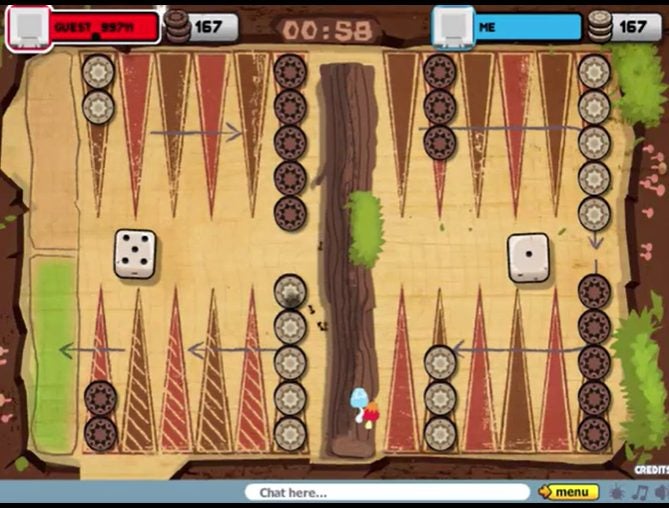
Backgammon

Enjoy the classic game of Backgammon right on your browser with this fun browser game to play with friends. This game is entirely free to play, and you can choose to play against a friend or the PC if you need some extra practice. It also has the option of playing against a friend on the same device. You can play together at home, or even if your friends are in another country.

Backgammon PLAY NOW!
fun browser games to play with friends

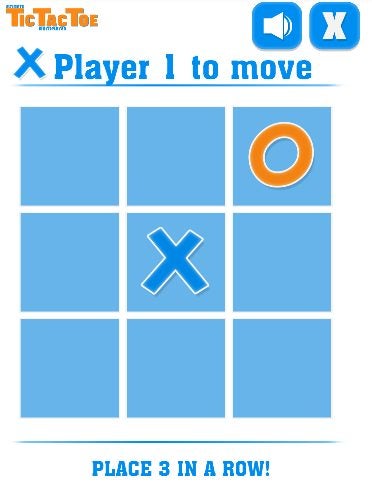
Tic Tac Toe

Based on another popular board game, Tic Tac Toe Online lets players enjoy the nostalgia of the noughts and crosses game in their browser. You can play against the computer, with friends on the same device or even those in other countries. While the traditional Tic Tac Toe game is played on a 3×3 board, this browser version lets you extend the board to 5×5 or 7×7 to increase the challenge.

Tic Tac Toe PLAY NOW!
fun browser games to play with friends

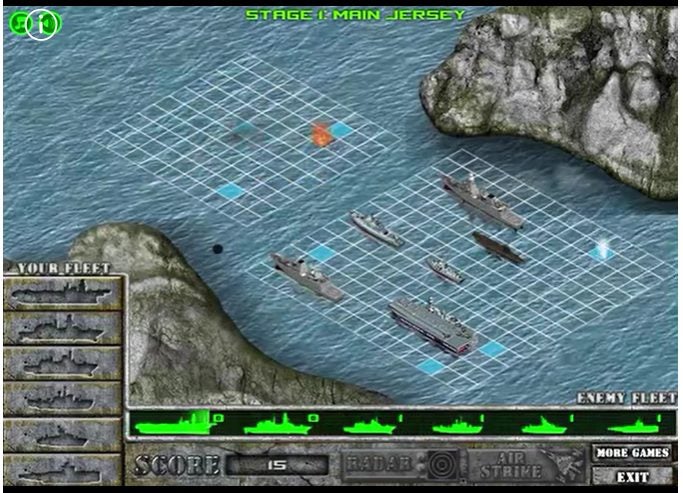
Battleship War

This free-browser game is based on a childhood favorite. You place your ships on a grid, and your opponent does the same. Your goal is to first sink all of your opponent’s ships by guessing where they might be. You can collect points to buy special power-ups by hitting your opponent’s ships. This is a fun browser game to play with friends.

Battleship War Multiplayer PLAY NOW!
fun browser games to play with friends

Rummikub

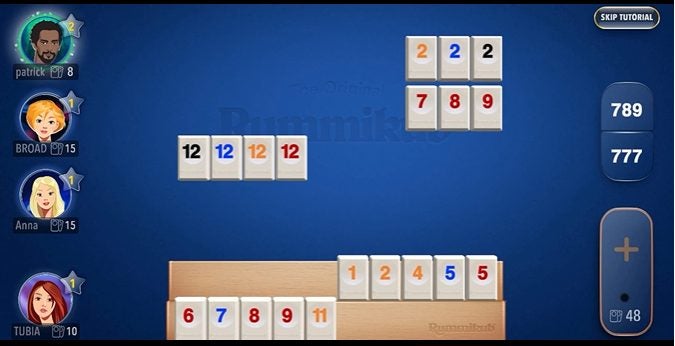
Rummikub is a game that requires memory retention, cognitive skills and quick thinking. Each player is dealt a set of numbered tiles. They have to make combinations using these tiles to clear their hands. Once a player has placed all the tiles in their hand, they’re declared the winner. This popular game is now available for free in your browser so that you can easily play with friends.

Rummikub PLAY NOW!
fun browser games to play with friends

Domino

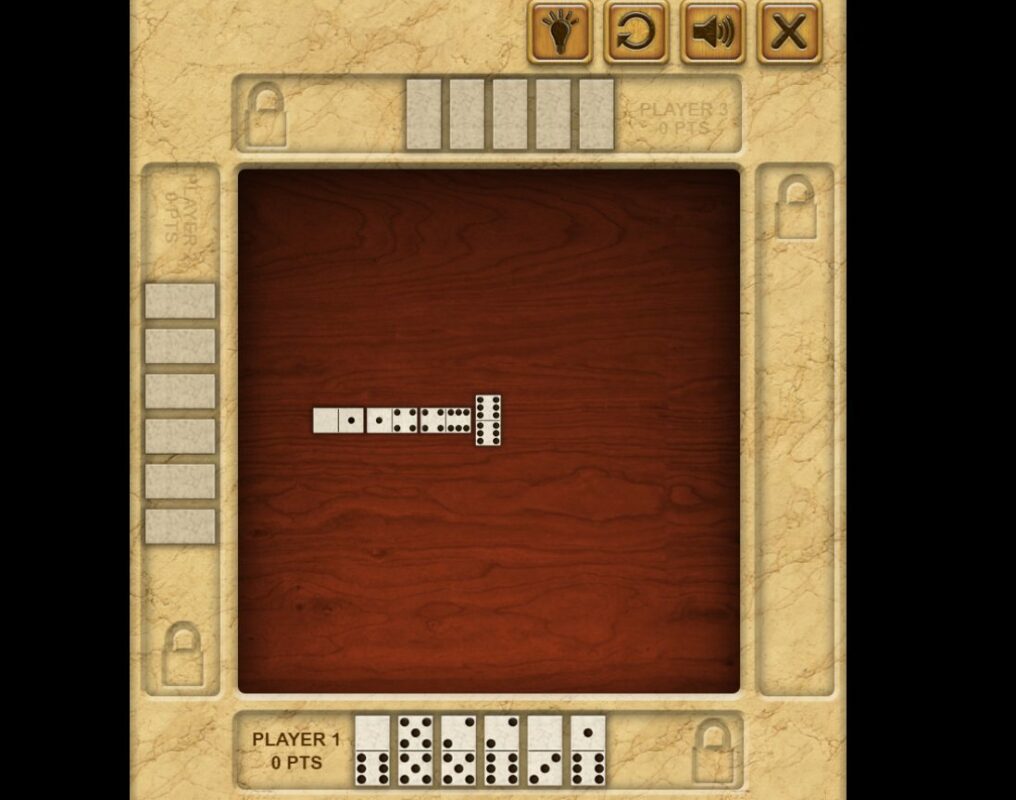
If you enjoyed playing dominoes growing up – get ready to fall in love again. This free browser game works just like the original Dominoes, and you can play against friends anywhere in the world. This popular tile game aims to get rid of all the tiles in your hand. To do that, you need to match up the color and value.

Domino PLAY NOW!
fun browser games to play with friends

8 Ball Pool

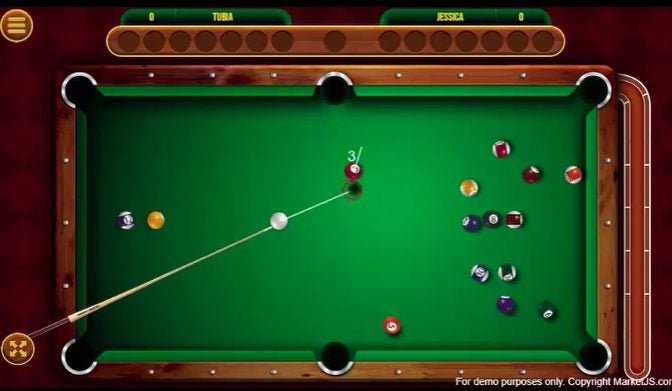
Enjoy a fun game of pool in the 8 Ball Pool browser game. The game uses real-world physics to ensure natural and realistic movements of the balls. The first ball potted will determine if your stripes or solids. You need to sink the balls in numerical order from the lowest value. The winner is the first player to sink all their balls, including the 8-ball. 

8 Ball Pool with Friends PLAY NOW!
fun browser games to play with friends

Ono Card Game

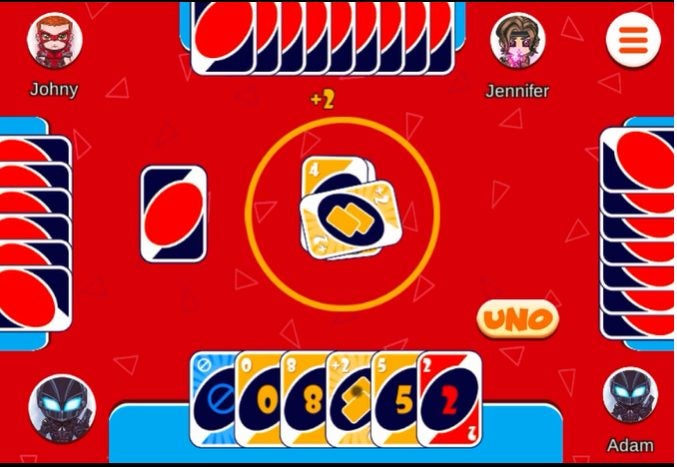
This classical matching card game has entertained friends and families for many years. Now, it’s conveniently available in a free browser version so that you can continue to enjoy the game even if your friends are in other countries. The game’s goal is to match cards by color or value until you play out your entire hand. The first person with no cards left is crowned the winner.

ONO Card Game PLAY NOW!
fun browser games to play with friends

Assassin’s Creed Freerunners 

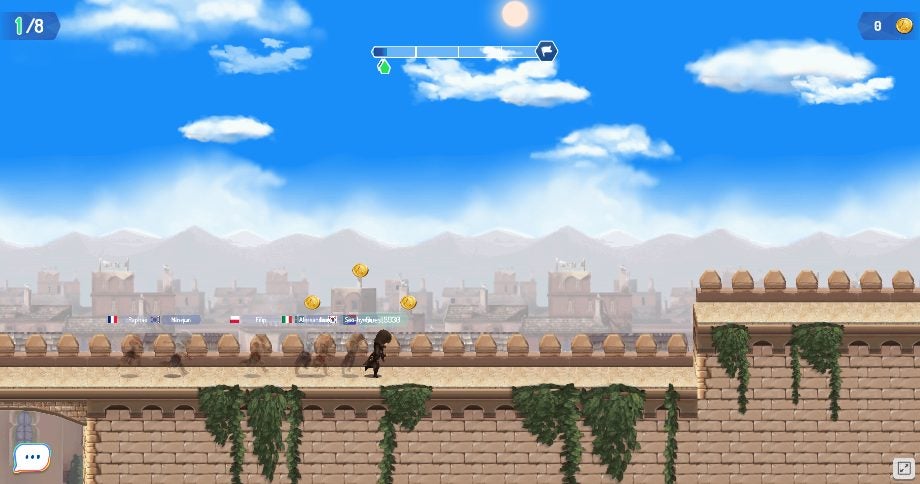
This free browser game is based on the popular franchise from Ubisoft. Players can choose their favorite Assassin and compete against friends in this fun runner. Players need to run through the different courses while avoiding obstacles. Try to beat your friends while also collecting the most coins.

Assassin’s Creed Freerunners  PLAY NOW!
fun browser games to play with friends

Play with friends without downloads and purchases

If you’re looking for a great way to unwind and enjoy video games with friends, browser games are a great option. They don’t require game purchases or installation and can only be enjoyed in the moment. Which of these ten fun browser games to play with friends is your favorite?

Also, be sure to check out our lists of the top Android games and best Windows games!
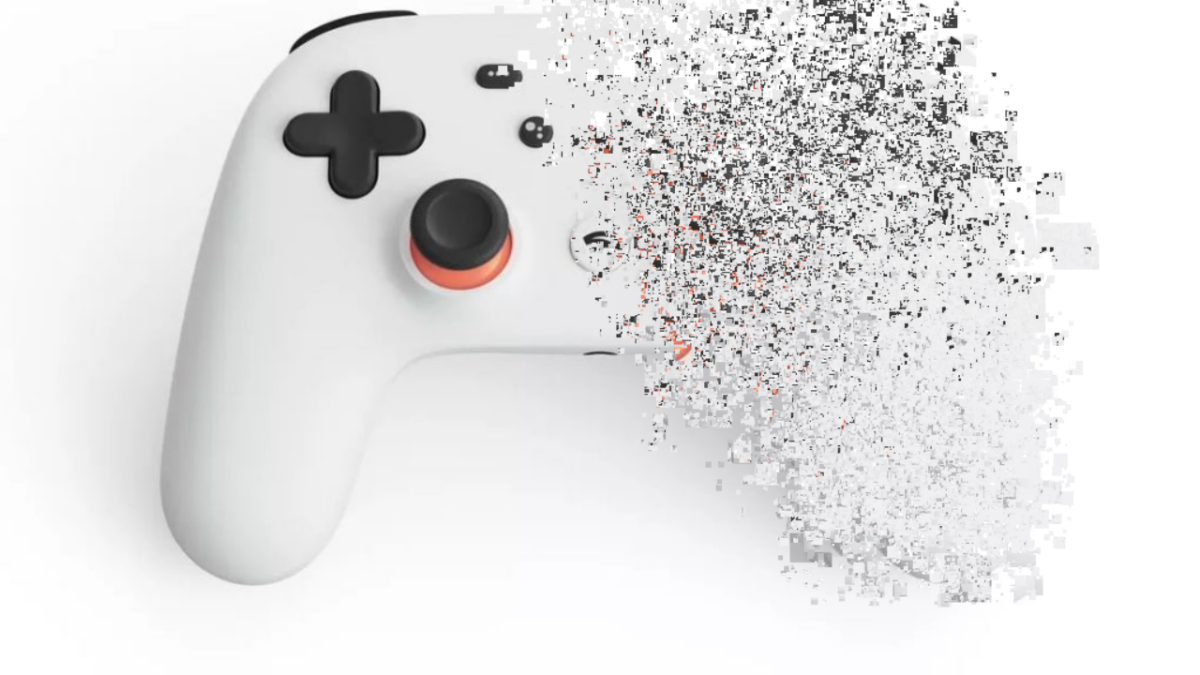
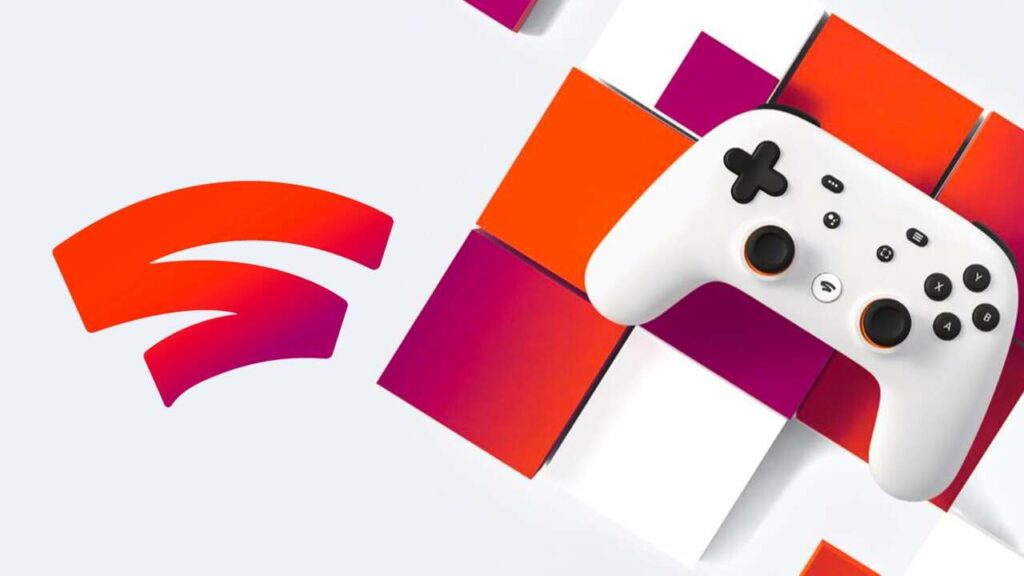
Google Stadia is no more

Google has officially pulled the plug on its Stadia gaming platform. The tech giant says that it will refund all Stadia hardware purchases that were made through the store, though, so if you invested in one, you’ve got a small payday coming. 

Google Stadia DOWNLOAD

Google Stadia seems to have been in decline for quite a while. But even, in the beginning, the platform didn’t really present much to write home about. The platform launched in 2019 to mixed reviews. However, the main concerns weren’t to do with the competitors, as many suspected would be the case. Rather, Google itself was at fault for promising more features in early teasers and concepts than it initially delivered.

Features such as Crowd Play and Family Sharing were highly-anticipated because of the capabilities they’d give players. Crowd Play would have enabled players to play with their favorite streamers during a live stream, and Family Sharing essentially would have let families share their games. However, at launch, both features, and countless others, were missing from the Stadia ecosystem. 

Google Stadia is no more

Since then, the platform has grown, but not enough or fast enough to present other more successful platforms with any true competition. While the shutdown was expected by some, Google has routinely denied rumors of the gaming platform meeting its end – as recently as July 2022. Google did, however, shut down its in-house gaming studios in a move that the company described as ‘allowing the company to develop the Google Stadia platform further.’ Google seems to now be using Stadia to ‘free up resources’ once again. 

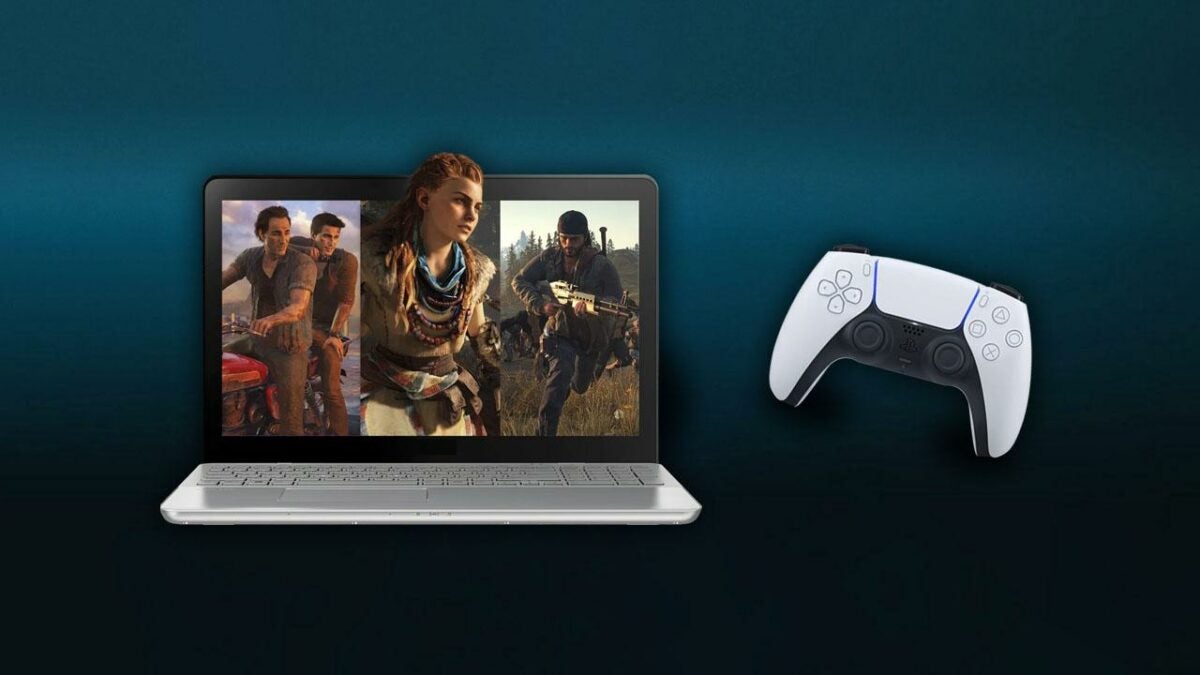
If you’re at all worried that you’ll lose access to your Stadia catalog or that your controllers will now be useless, don’t be. Google has said that: it will be ‘refunding all Stadia hardware purchases made through the Google Store, and all game and add-on content purchases made through the Stadia store.’ Google also says the controllers will remain usable with other platforms. Google says that it will provide users with more information on how they can put refunds into motion within the coming weeks.

This news, of course, goes directly against one of our previously published articles where we argued the point that Google Stadia was here to stay. Sadly, we were wrong, but it might be fun to read the article and laugh about how wrong we were.

Joker set to join the MultiVersus

Mark Hamill’s Joker might be making his way into MultiVersus soon. This has in no way been confirmed by Warner Bros., but a deep delve into the game’s files has revealed almost irrefutable evidence that this will be the case – likely in the coming months

MultiVersus DOWNLOAD

The results of the data mine were first posted to Twitter by a user named Laisul and feature various pieces of audio that seem to have been voiced by Mark Hamill. As you may be aware, Hamill voices the Joker in Batman: The Animated Series. Given that Batman has already joined the roster of characters you can choose from in MutliVersus, even logically, it’s not a stretch to think that Joker would join the ranks eventually. 

Just to push the authenticity of the clip over the top, it doesn’t just feature a bunch of Mark Hamill lines from the animated series. The lines recorded are specifically geared towards a fighting game like MultiVersus. This is clear by lines such as ‘Points to the blue bozos!’ and ‘That’s a point for the red rejects!’ These two lines are the most compelling evidence and most likely reference the tag team structure that MultiVersus employs.

Joker set to join the MultiVersus

If you aren’t familiar, MutiVersus lets you play either 1v1, 2v2, or a 4-player free for all, and this kind of dialog matches up perfectly with the red and blue team formations in the game. 

This isn’t the first time we’ve seen a data mine of MultiVersus turn up evidence for future characters, and previously, those leaks have all been confirmed in subsequent updates. We’re still waiting for Rick and Morty to join the ranks, but we’ve already seen LeBron James leaked in a previous data mine, and he is now in the game officially. 

In other MultiVersus news, the MultiVersus open beta is now live as per Leri Koen’s latest report.

Android phones will soon have much more natural voices

More and more these days we are interacting with virtual voices. Whether it be on automated customer service lines, with our virtual assistants at home, or perhaps when using our smartphone’s text-to-voice features we are increasingly happy to hear a machine talking to us. Still, however, there is a lot of room for improvement as most of these voices sound unnatural and a little weird. To address this situation on Android phones, Google is rolling out an update to the Speech Services by Google speech engine, which handles text-to-voice translations.

Android 13 Download Now

In an Android Developers Blog Post, Google has released details of a massive upgrade coming to Android’s speech engine, which will affect all 421 voices that are a part of the operating system across 67 different languages.

The feature utilizes a new voice synthesizer and model to drive the improvement in quality and produce a more natural sounding voice output. The blog post claims that the improvements are considerable and has provided a number of side-by-side comparison audio files across multiple languages for users to try out. If you want to check them out and compare them for yourselves you can do so by clicking here.

These text-to-voice features are extremely useful across a whole host of different apps from Google Translate to Google Play Books as well as offering inclusive accessibility features.

Google has said that the upgrade will be rolling out behind the scenes and claims that users of the TTS and Speech Services by Google engine will have already downloaded the update without even knowing about it. It will be rolling out 64-bit users of Android via the Google Play Store over the coming months.

In other recent Google news, Google Chrome is getting a speed upgrade thanks to a new freeze-dried tabs feature.

Best browser game at work you should play

I don’t blame you if you’ve had a long day at work, and you want to see to unwind on your PC without needing to leave your desk. While your employer might not let you install a computer game, you don’t need to install one to have fun. You have the option to play a browser game at work without anyone knowing.

Browser Game At Work PLAY NOW!

Here’s our top ten list of the top ten browser games we recommend you try at work. Of course, we can only condone you trying them at lunchtime or during your tea break. Wink wink….

Microsoft Solitaire Collection

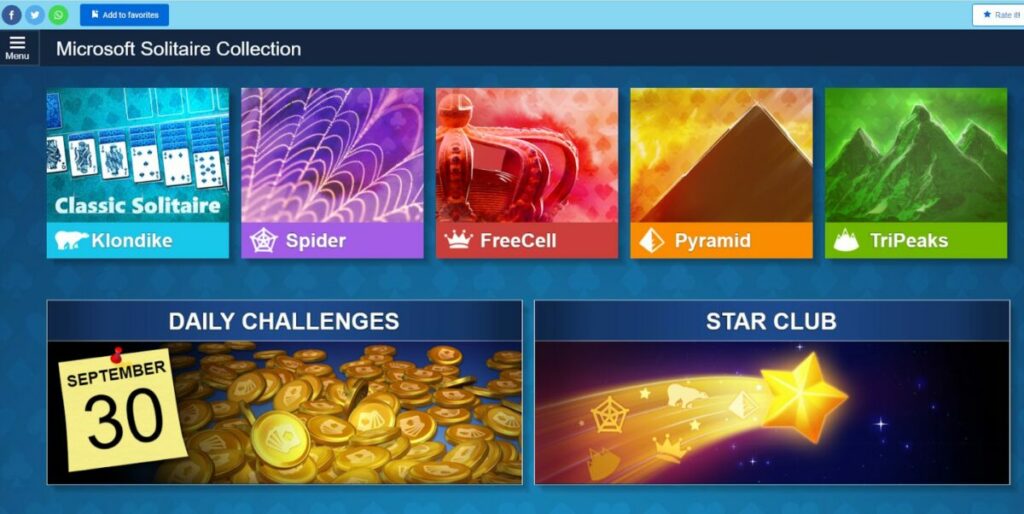
Most people love playing card games at work. It’s been a favorite pastime since Windows 7 days when we were still permitted games on our computers. With more restrictions these days, you’ll be happy to play this Microsoft Solitaire collection as a browser game at work. It features various modes, such as Spider, FreeCell, TriPeaks, and Pyramids. You can even change the theme to spice up the visuals.

Microsoft Solitaire Collection PLAY NOW!
Browser game at work

8 Ball Pool Online

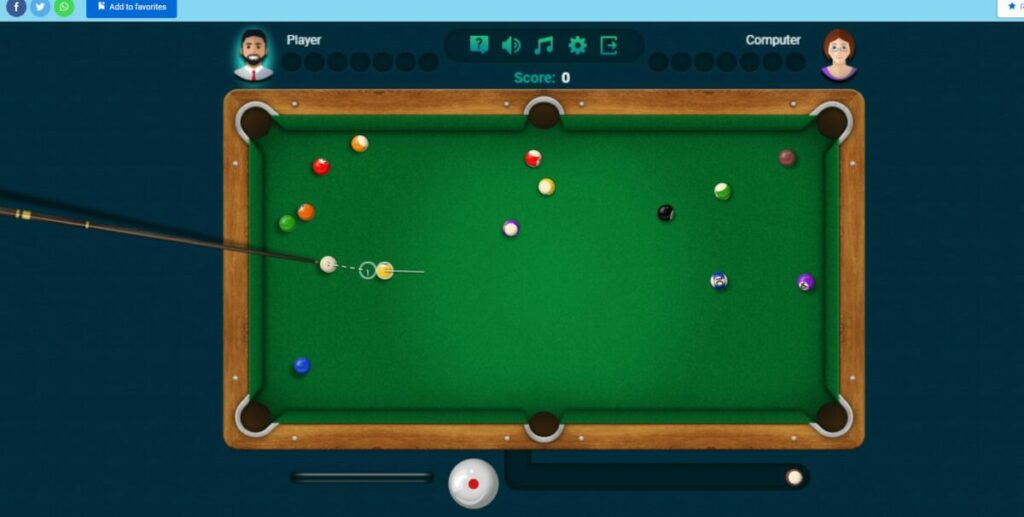
If you’re itching to head to a pub with a billiards table, you don’t have to leave your desk. 8 Ball Pool Online is a browser game to play at work where the standard rules apply. While you can’t play against other players, you’ll still enjoy aiming and practicing for real life.  With three difficulties, you can challenge the computer to see who is the best. Oh, and you can also change the theme and cue sticks.

8 Ball Pool Online PLAY NOW!
Browser game at work

PUBG Infinity BattleField OPS

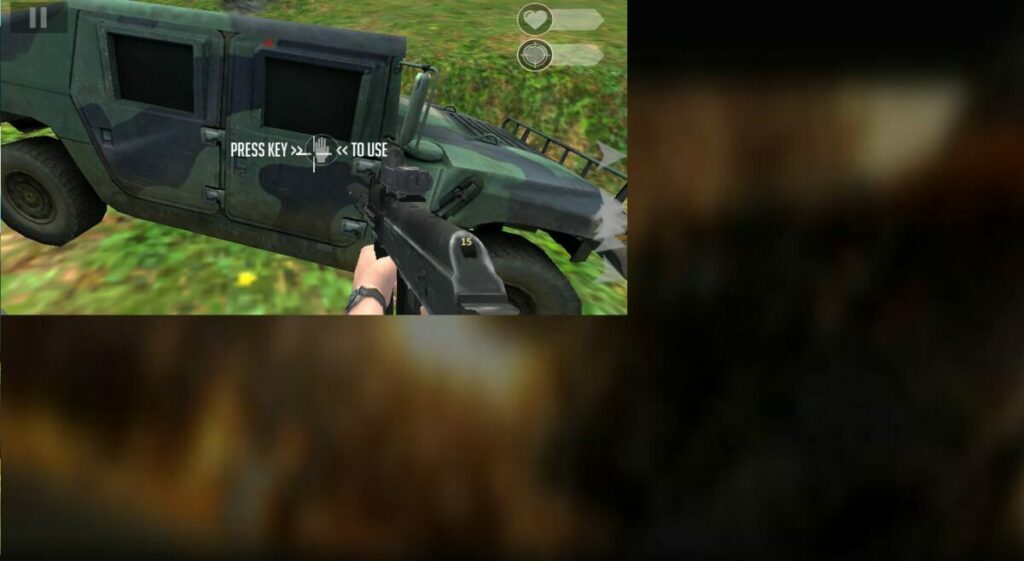
For those of you who can lock your office, you may want a more intense game PUBG Infinite Battlefield OPS has several missions you can complete, while there’s a survival mode also coming one of these days. With the points you earn from completing stages, you’ll unlock new weapons and gear to take on the hard quests later in the campaign.

PUBG Infinity BattleField OPS PLAY NOW!
Browser game at work

Chess

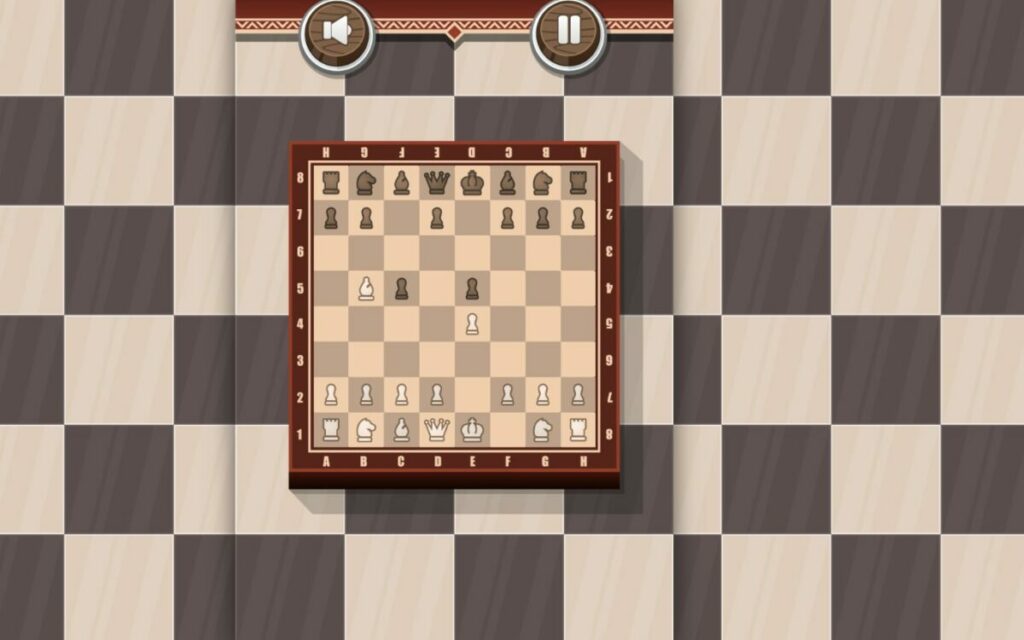
Are you ready to exercise your brain before your next strategy meeting? While it may not have many features, Chess lets you play a browser game at work with a colleague or on your own. If you choose the former, the two of you will take turns on the same PC to see who wins. When playing solo, you’ll face the computer until only one king is left standing.

Chess PLAY NOW!
Browser game at work

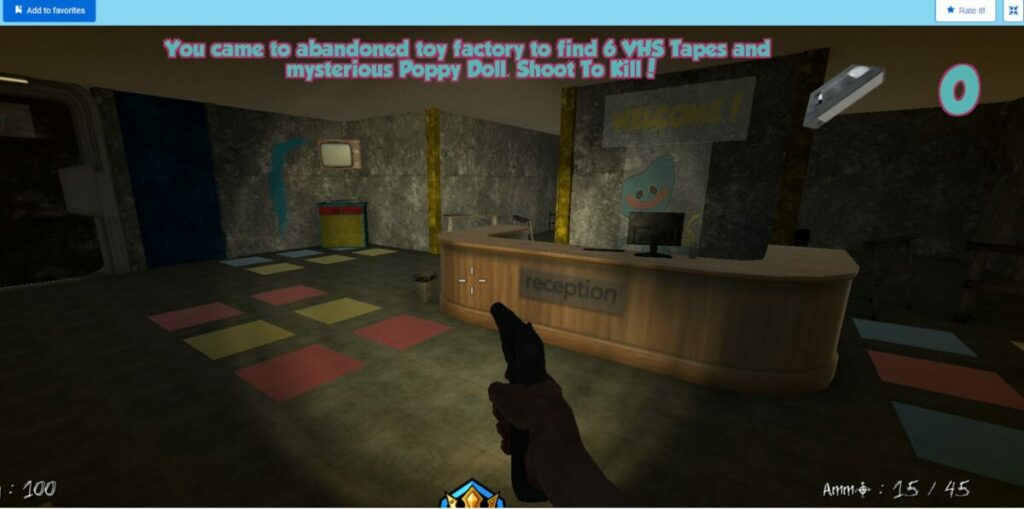
Poppy Survive Time: Hugie Wugie

For those of you who love horror, it’s time to close the shades in your office and prepare for some action. Poppy Survive Time: Hugie Wugie uses the same location from Poppy Playtime Chapter 1, but presents two new modes. Escape is where you need to make sure the monster doesn’t catch you. If you play Survival, you’ll have a gun to shoot as many monsters as possible.

Poppy Survive Time: Hugie Wugie PLAY NOW!
Browser game at work

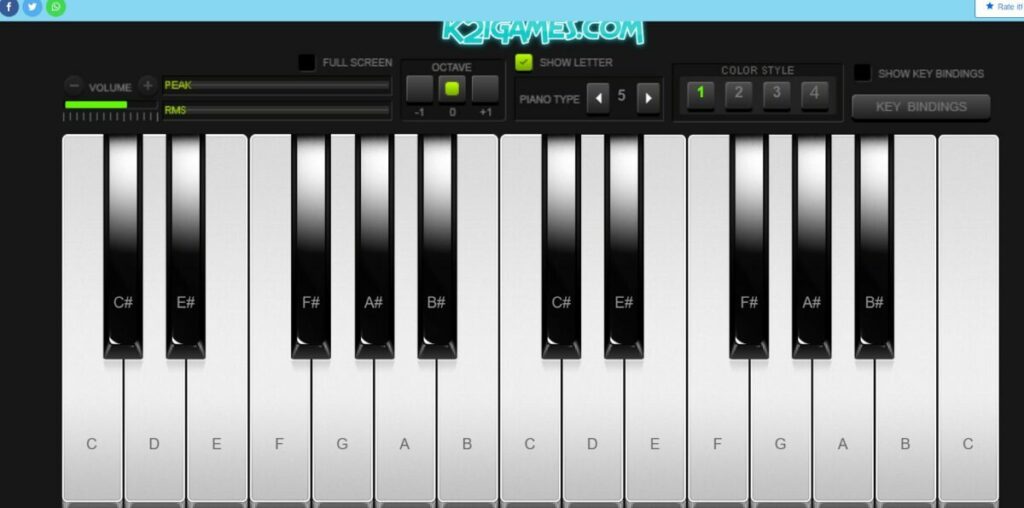
Real Piano Online

This browser game for work is for the budding musician. Real Piano Online features a basic keyboard with notes on the keys, letting you play songs with your mouse clicks. You can change the type of sounds you’ll hear, and there are visual settings to play around with. If your colleagues are interested, you can compete to see who can make the best music in the office.

Real Piano Online PLAY NOW!
Browser game at work

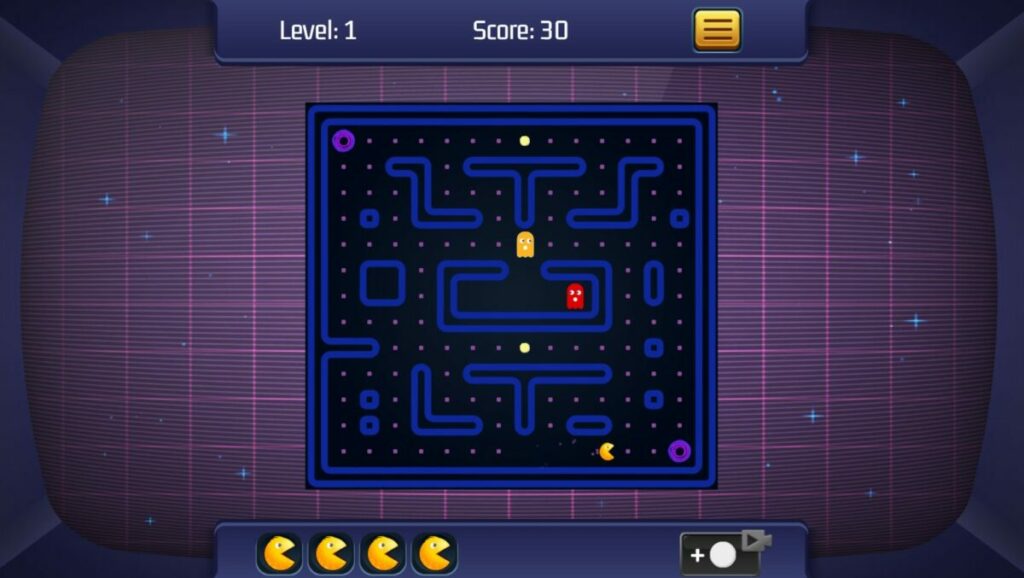
Classic Poci Online

Calling all gamers from the 80s like myself (yes, I’m old) who loved Pac-Man on the Atari, you’ll enjoy Classic Poci Online. As always, you’ll move around the maze while avoiding the ghosts at all costs. When you eat the power cookie, you can chase them down and devour them. Let’s see if you can reach a new high score!

Classic Poci Online PLAY NOW!
Browser game at work

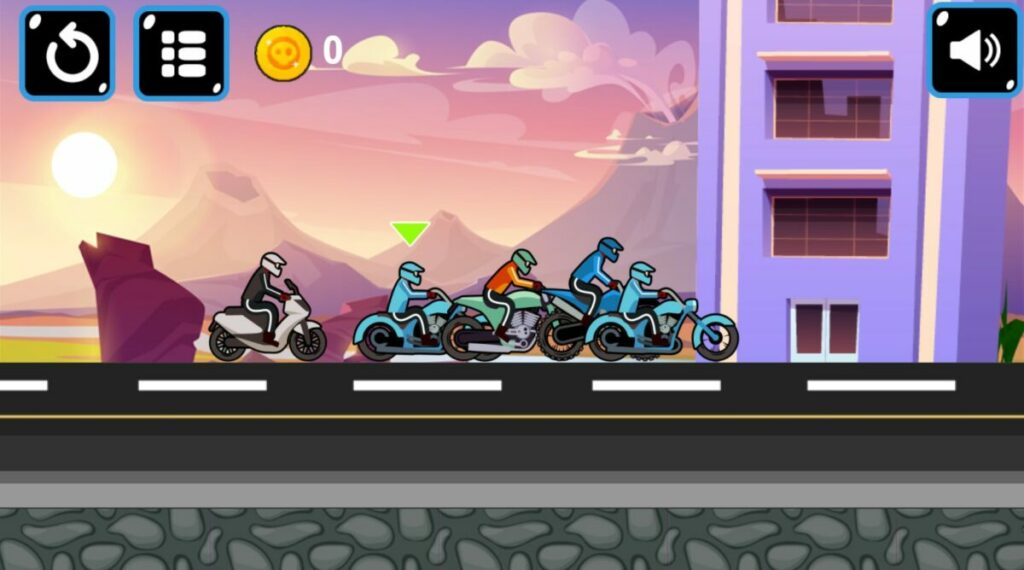
Moto Racer

You don’t need to wait for the weekend to race, especially if it’s SuperBikes or MotoGP time! Moto Racer lets you ride on your browser at work, with the game pitting you against other computer racers. There are many levels to complete, and you have a garage to change or customize your bike with the coins you collect.

Moto Racer PLAY NOW!
Browser game at work

Coach Bus Simulator

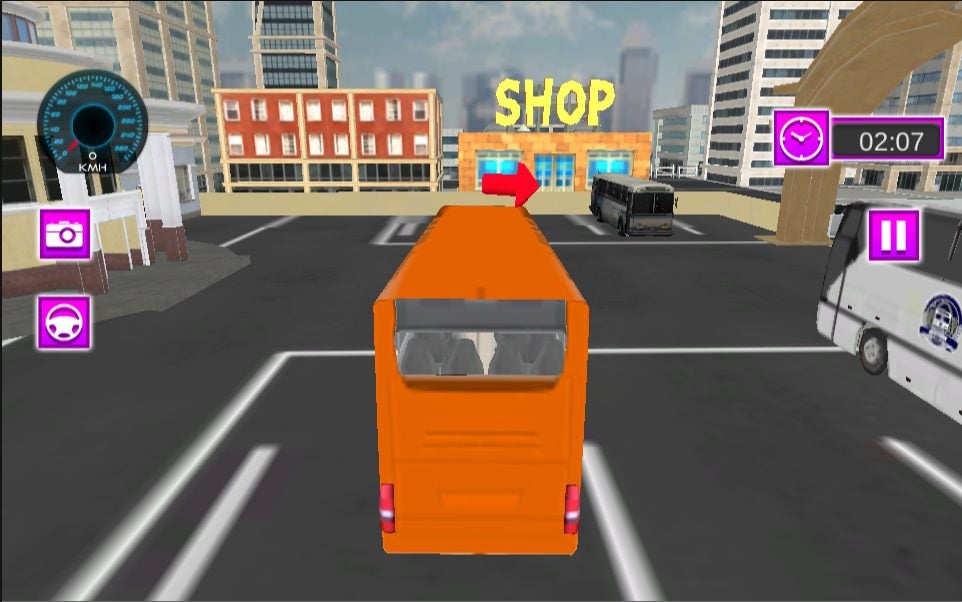
So, you fancy a career change and wonder what transporting people will be like? Even if you don’t, Coach Bus Simulator is a fun browser game to play at work during lunch. You’ll select a bus, town, and level before hitting the streets and collecting passengers. There’s a timer above, and you’ll need to hit the checkpoints and reach the destination before it runs out.

Coach Bus Simulator PLAY NOW!
Browser game at work

Noob Adventure

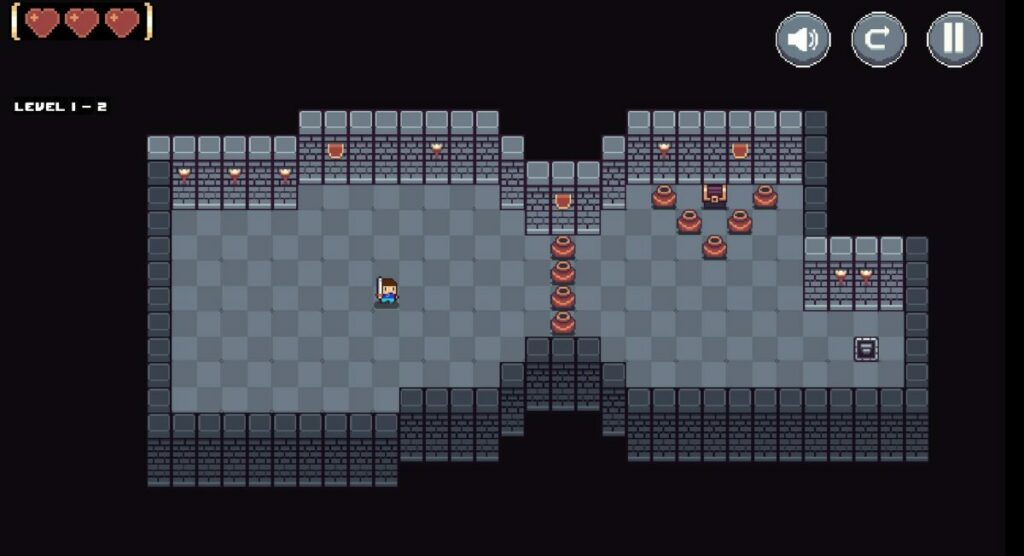
If you want to play a browser game at work that provides some platformer elements, try Noob Adventure. You have a character that slashes items and creatures in its way in an effort to claim the chest on every level. The stages are short, but they become more challenging later. See how many areas you can complete before your lunchtime is over.

Noob Adventure PLAY NOW!
Browser game at work

Which is your favorite browser game at work?

While these show you the top games I prefer to play at home when not working, there are plenty of others to check out. I’m sure many of you would prefer to play on your phones, though. If that’s the case, be sure to check out my list of the top Android games! There’s even a cool video to watch.
Twitter is beefing up its video features

We’ve reported on several new Twitter features in recent months that resemble features found on the all-conquering TikTok. Instagram has even been up to it too, changing the feed to be more like TikTok before quickly u-turning and going back to the classic Instagram feed everybody loved. Now, however, it looks like Twitter is beefing up its video features with one new feature looking like it has been grabbed right off of TikTok. Here is what you need to know.

Twitter Download Now

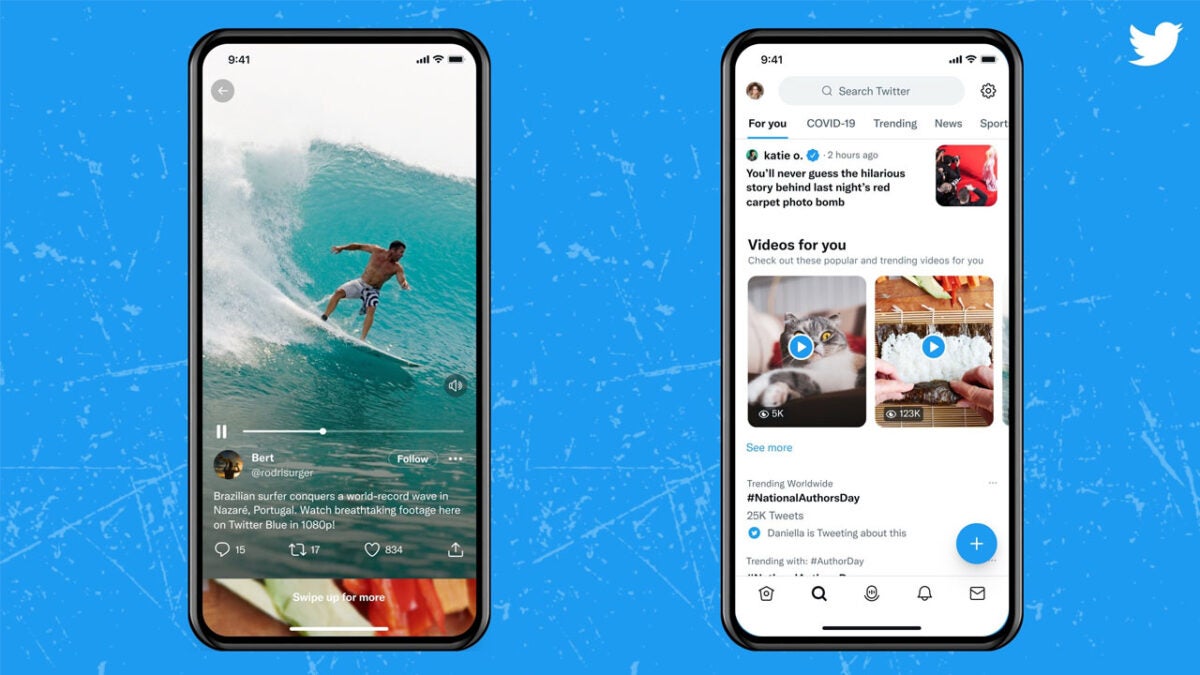
Twitter has announced a new immersive media view feature for watching videos on the app as well as its plan to show more videos in the Explore tab. According to the Twitter team, the plan is o make Twitter the best place for video.

It is the immersive media viewing feature that looks like it has been borrowed from TikTok. The feature allows users to view videos in a full-screen mode and then also allows them to flick through different videos on the feed easily and efficiently. You launch it by tapping any video on the app and then from there you can simply scroll through videos that have been uploaded rather than tweets.

The other feature is the addition of a new video carousel to the Explore tab. Twitter describes the feature like this:

“With our new video carousel, you can now easily find more videos you like alongside Tweets and Trends that might interest you. Just open the Explore tab to discover some of the most popular videos being shared on Twitter.”

Both features are in the process of rolling out in English to Twitter users in select countries on iOS while the carousel feature is rolling out on both iOS and Android. Efforts will continue to refine the features before they are rolled out to other regions.

In other recent Twitter news, the company’s data handling practices have recently come under pressure from a former employee.

Meta unveils a new text-to-video AI tool

We have all seen and marveled at the whacky and impressive images that text-to-image AI tools like DALL-E have been creating. There are many of these tools available at the moment including an impressive tool created by Meta and a more basic offering that comes in the form of a TikTok filter. Now, however, Meta has taken the idea a step further and has released a new text-to-video tool. Let’s check it out.

Facebook Download Now

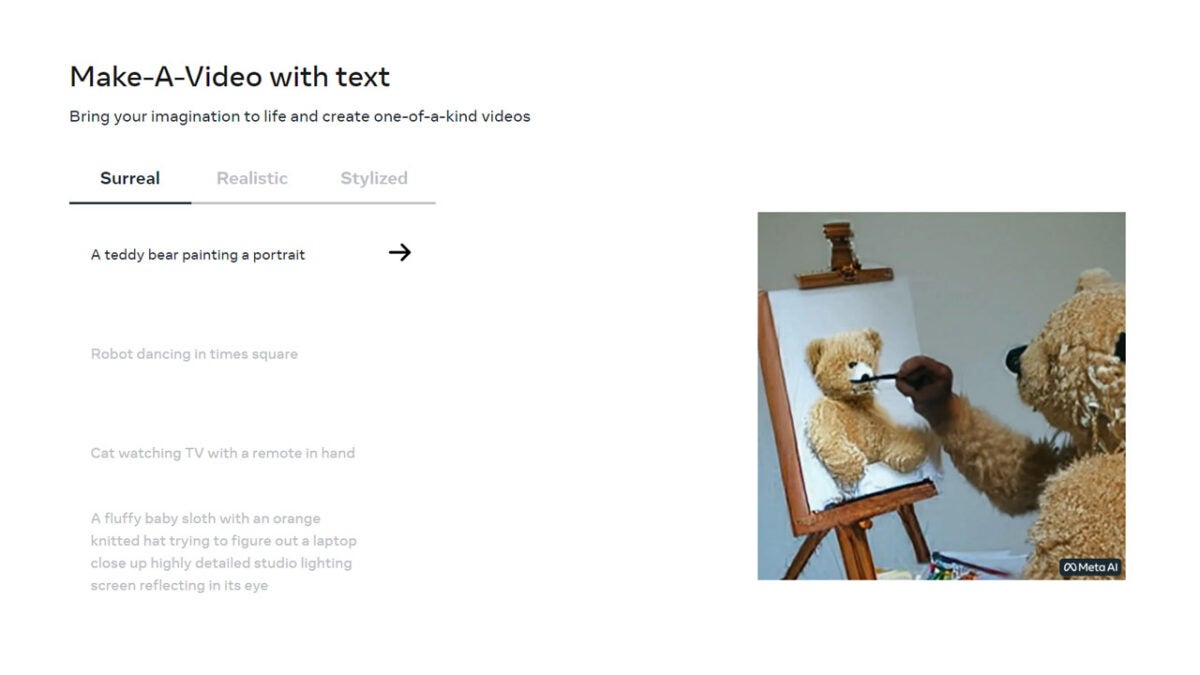
Mark Zuckerberg has announced via Facebook post that the Meta AI team has developed a new AI video generation tool called Make-A-Video. The post includes a host of weird example videos to marvel at and Meta has also released a homepage for the tool and the research paper the AI team published to explain how they have done it.

The new tool works in a very similar way to the now much more common text-to-image systems. You simply type in short descriptions such as “a teddy bear painting a self-portrait”, “a baby sloth with a knitted hat trying to figure out a laptop”, “a spaceship landing on mars”, and “a robot surfing a wave in the ocean” and the tool gets to work. It then sets about creating short GIFs that match the prompt.

The tool also has three settings to choose a style for the video to be made in, which are Surreal, Realistic, and Stylized. Zuckerberg used his Facebook post to explain the unique challenges that come with trying to create video from text as opposed to static images:

“It’s much harder to generate video than photos because beyond correctly generating each pixel, the system also has to predict how they’ll change over time. Make-A-Video solves this by adding a layer of unsupervised learning that enables the system to understand motion in the physical world and apply it to traditional text-to-image generation.”

Of course, new technology like this does not come without associated risks and challenges. As AI becomes capable of doing more and more amazing and exciting things such as creating video from mere word prompts, it is important to ensure that safeguards are put in place to ensure it is used safely. Let’s see how this one develops.

In other recent Meta news, the company has handed over control of a prominent AI framework to the Linux Foundation.

Top 10 Games for Windows

It’s 2022. The craziness of 2020 is slowly abating, and most of us are returning to our normal pre-Covid-19 lives. One thing that hasn’t changed, though, is how much we lot at Softonic love to game – and we know you do too. To that end, we’ve set up this list of the top 10 games for Windows.

Your favorite games might be on this list, and if they’re not, leave a comment so we can add them to the next top 10 review. If you want to see us play the games listed below, we have an accompanying video that you can find here. Without droning on about how much we love gaming, let’s get into the list, shall we?

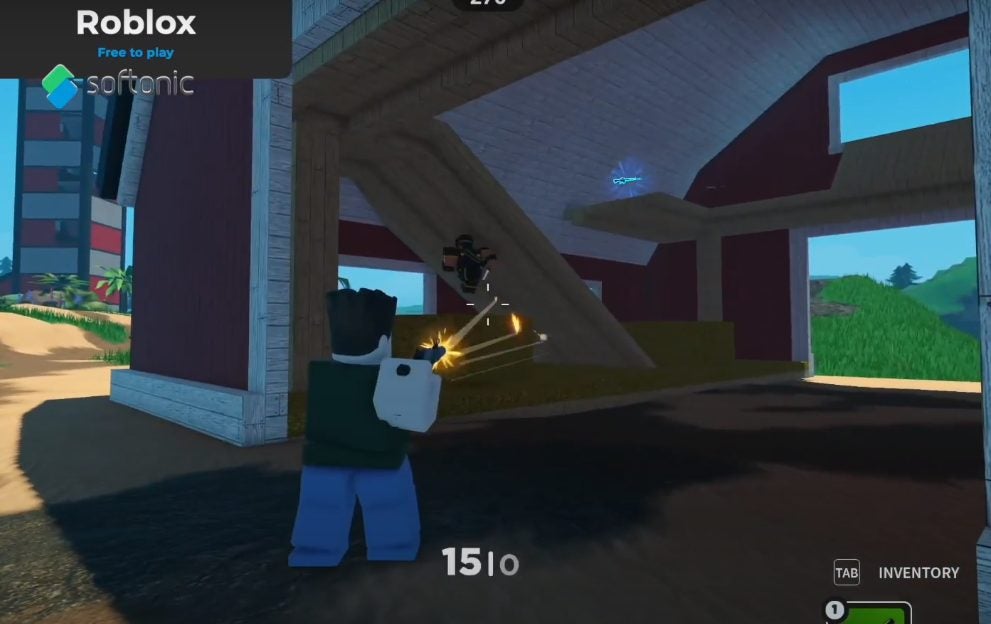
Roblox

The easiest way to explain Roblox is to take every single game on this list and every game that has ever existed and put them all on one platform. Roblox is a gaming platform that hosts games built by people like you. You can do virtually anything in Roblox, and you’ll be hard-pressed to find a more diverse and vast gaming platform. In fact, while you’re checking out Roblox and its infinite possibilities, try your hand at Crewmates Among Us.

It’s Among Us but in first-person. Roblox hosts all manner of games and will see you swimming with mermaids, driving through China, building a mansion, starting a cruise ship line, and beating the living daylights out of fellow Robloxians in the space of an hour. Go anywhere, do anything, and be whoever you want to be. 

Roblox DOWNLOAD
Games for Windows 1

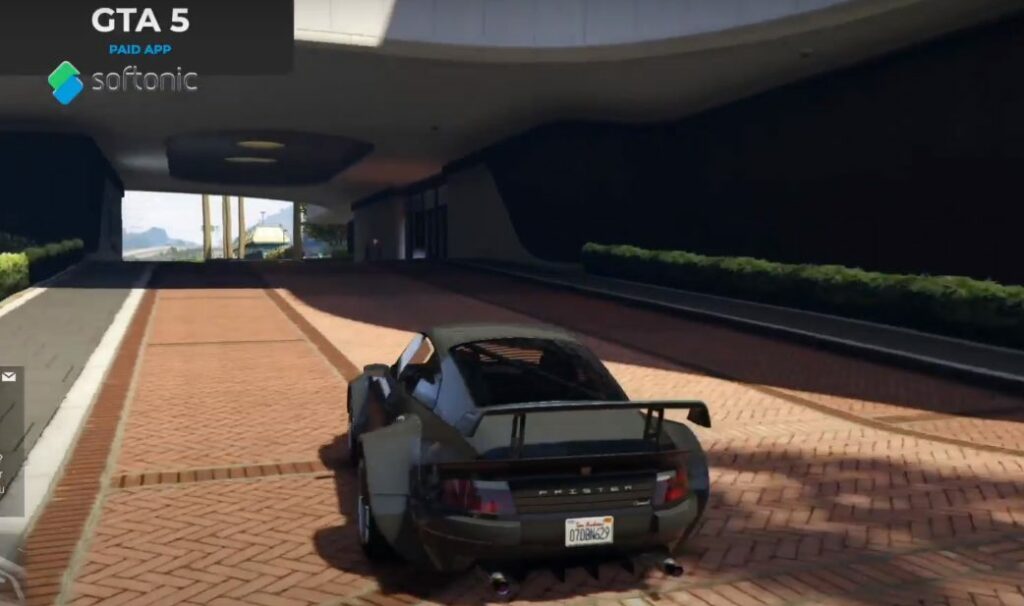
Grand Theft Auto V

This is the last iteration of GTA on our list, and also the most recently released. This game is by no means new, though. GTA V came out in 2015 and has been topping charts around the world ever since. This new iteration takes you back to GTA San Andreas’ Los Santos, but with more graphical, gameplay, and atmospheric advancements than this article allows me to elaborate on.

This time, you’ll be able to cycle through three different protagonists who at one point in the game are also each other’s antagonists. GTA V is stunning to look at, and with the addition of GTA Online and all its subsequent DLC packs, even more compelling to play. Visit the revamped Diamond Casino and pull off the heist to end all heists, or invest in million dollar homes, cars, aircraft, and yachts. The sky is the limit in GTA V and it’s so much more satisfying to reach in a Buckinham Volatus. 

GTA V DOWNLOAD
Games for Windows 1

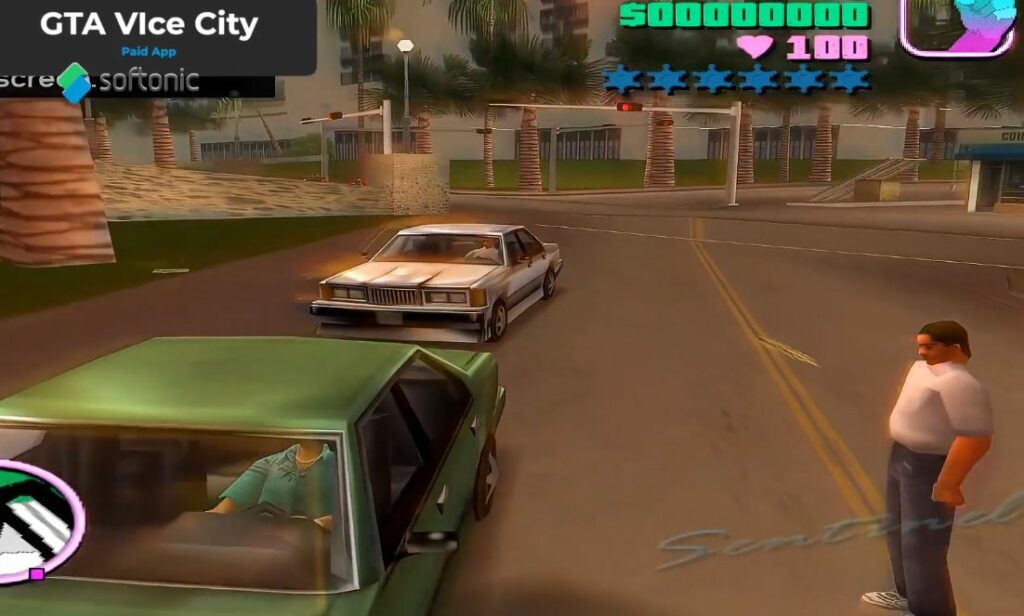
Grand Theft Auto Vice City

You can see how popular the GTA gaming franchise is by just how many iterations if it there are on our list. This one is older than San Andreas but still just as fun. Particularly with the overhauled graphics and atmospherics in the GTA Trilogy Definitive Edition. Vice City follows a similar story to San Andreas, but with different characters and in a different city.

Here, you’re in the Miami-inspired Vice City, a location set to make a return in the highly anticipated GTA VI. Drive around in even older cars, steal boats, crash planes, and do it all because the game tells you to. A life of crime is truly the most rewarding way to live in the GTA universe, and some would argue no game expresses this better than GTA Vice City. 

GTA: Vice City DOWNLOAD
Games for Windows 1

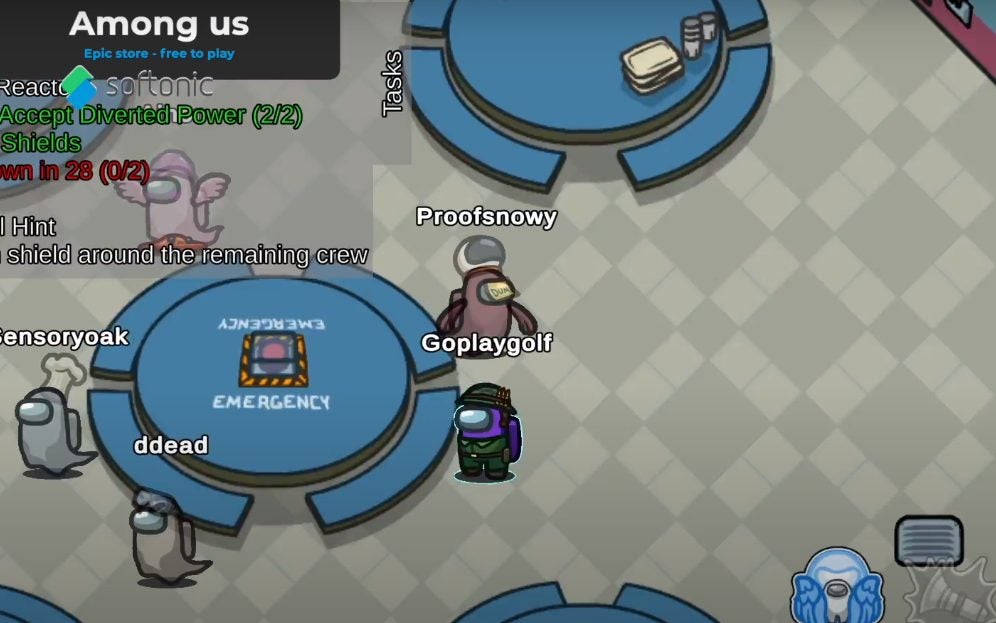
Among Us

This is one of my personal favorites. The premise of Among Us is simple. Your first game will likely be onboard the Skeld, a spaceship in the furthest reaches of the cosmos. You board the Skeld with a group of equally excited crewmates, but one of these – or in some cases two – is not like the others. They are an impostor. A fearsome creature that takes the form of a crewmate, but its mission is quite different.

As a crewmate, you’ll need to run around the ship performing tasks to keep the ship going and your fellow crewmates safe. An impostor will sabotage the ship and try and kill everyone else on the ship. Impostors win if the ship goes down or the crewmates all die; you win if you identify and vote to have the impostor ejected from the ship. Vote carefully, though, crewmates can be ejected too. You’ll only be able to call an emergency meeting once, so use it wisely. 

Among Us DOWNLOAD
Games for Windows 1

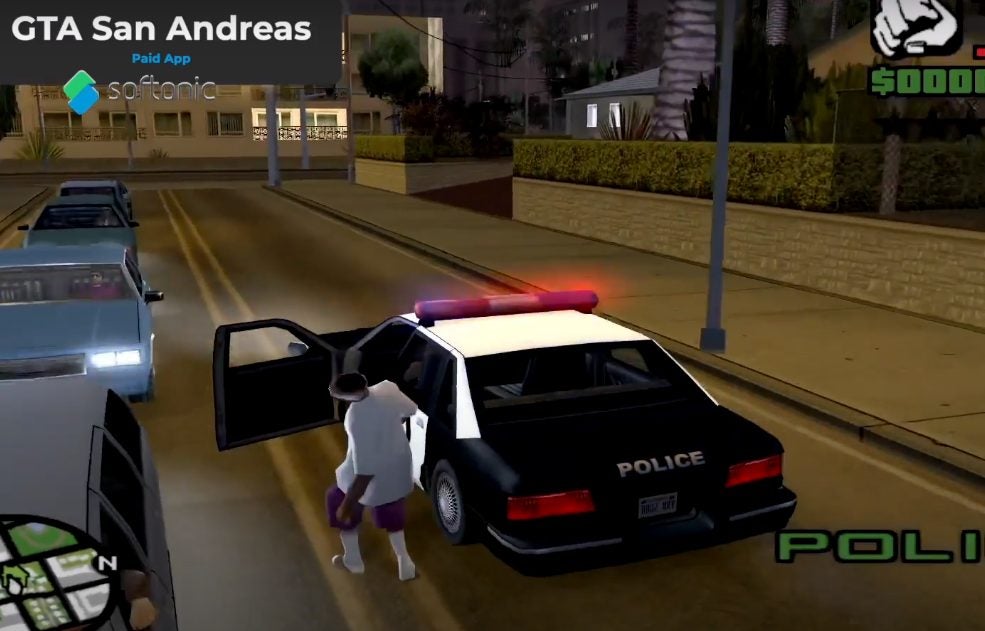
Grand Theft Auto San Andreas

If you had a good childhood you probably played this into the early hours of the morning. If you had a bad childhood, you probably also played this, but likely killed more Vagos and Ballas than your parents would be proud to admit. GTA San Andreas takes place within the fictional US tri-state area of San Andreas.

You’ll need to follow the storyline to unlock all the areas, like the vast San Francisco-inspired San Fierro. But the missions are incredibly fun and will challenge you at every turn. If you don’t like the cars, guns, NPCs, or even houses that the game gives you, you can change them all with mods. One more thing, in San Andreas, a life of crime is far more profitable than an honest day’s work. 

GTA San Andreas DOWNLOAD
Games for Windows 1

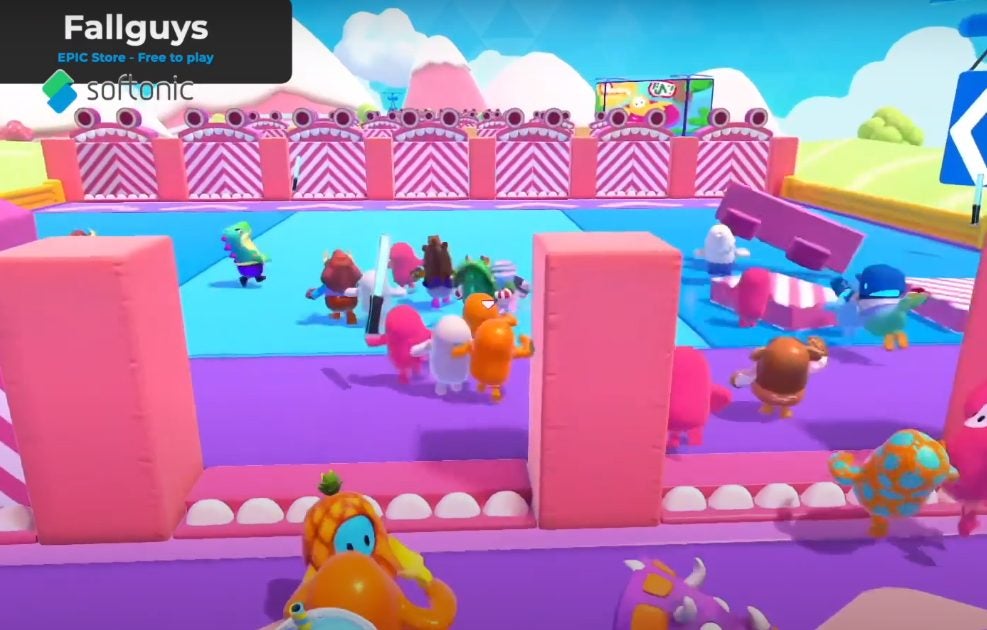
Fall Guys

If you enjoyed Stumble Guys, you’ll most likely fall in love with Fall Guys too. This massively multiplayer platform knock-out game will test even the most dedicated and nimble beans as you make your way across a vast selection of obstacle courses.

Each obstacle course is more daunting than the last so it’s best to keep your wits about you. As with Stuble guys, players will be knocked out after each round drastically shrinking the pool of potential victors. Bean be fast, bean be quick, bean jump over the various chasms of certain death. Follow this crudely constructed rhyme and you’ll be more than just fine. 

Fall Guys: Ultimate Knockout DOWNLOAD
Games for Windows 1

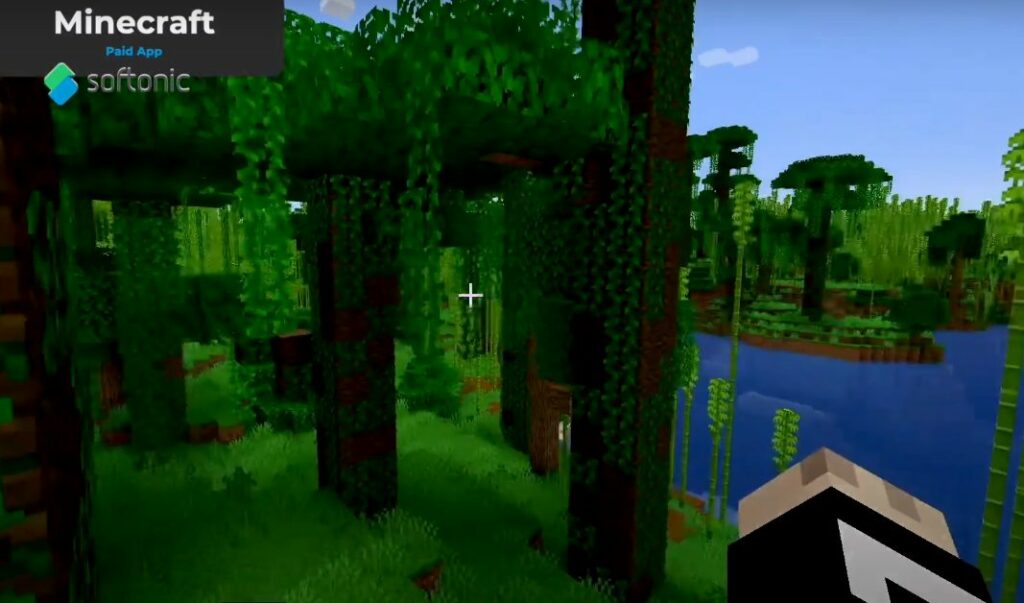
Minecraft

Minecraft is by far one of the most popular games in the industry’s history. What started out as a simple cave game by Markus Persson (The great and powerful Notch) has turned into a multi-dimensional world of intrigue, mystery, and monsters. Sleep at night to keep the monsters at bay for when the sun rises again you’ll have to toil away. Punch trees to harvest wood, craft your first set of wooden tools, and find food.

As you progress, you’ll make your way through a vast and complex skill tree that will eventually see you taking on the fearsome Ender Dragon. When the game is done, you get to do it all over again, or jump into creative mode to let your imagination run wild. Each update has introduced new mechanics, monsters, tools, and resources to the game. In this particular world of blocks, villagers, and beautiful vistas, you’ll never be bored. 

Minecraft DOWNLOAD
Games for Windows 1

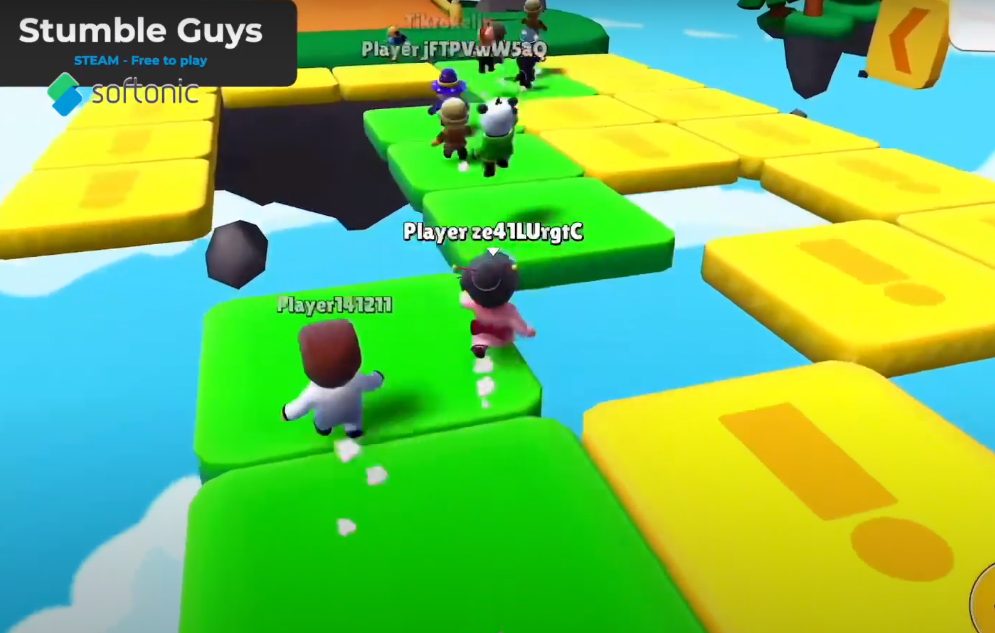
Stumble Guys

Stumble Guys is one of the most enjoyable experiences on our list. You start with up to 32 players in this massively multiplayer online game. You, then, have to compete against each other in various stages of an obstacle course. This is a knock-out game, which means that people are eliminated periodically should they not reach the next stage in time.

The game leads to pure scenes of chaos in a visually appealing, colorful world populated by like-minded bean-like characters. If you fall, get up and carry on running. There’s only one way to win this game and that is by being the fastest, most agile, and most resilient stumble guy. Each round the obstacles get harder so put your best foot forward and run your little heart out. 

Stumble Guys DOWNLOAD
Games for Windows 1

The Sims 4

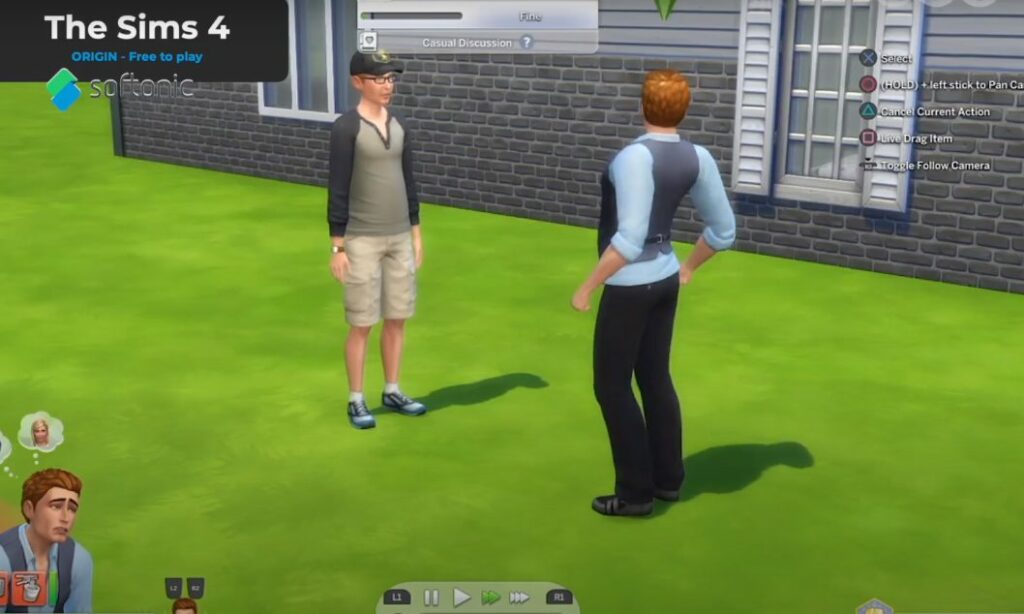
The Sims 4 is the fourth mainstream iteration of EA’s The Sims franchise. This time around, Sims are more intelligent, prone to emotional outbursts and far more fun to play with. EA and Maxis have updated the Create-A-Sim utility to make it even easier to make Sims that look like you, your crush, your family or your mortal enemy. Play with Life as you make your way through careers, romantic situations and experience the different towns that the base game has to offer.

Enhance your game even more with over 50 DLC packs with different gimmicks. Go back to college, become a vampire, or explore life as a plant Sim that absorbs sunlight as nourishment, Build impressive mansions or apartments and get to know the locals. You might even find some mysteries in the jungles of The Sims 4 Jungle Adventure. If you’re looking to solve the biggest mystery of all, though, head to Stranger Ville and confront the mother plant and her evil schemes. 

The Sims 4 DOWNLOAD
Games for Windows 1

Poppy Playtime

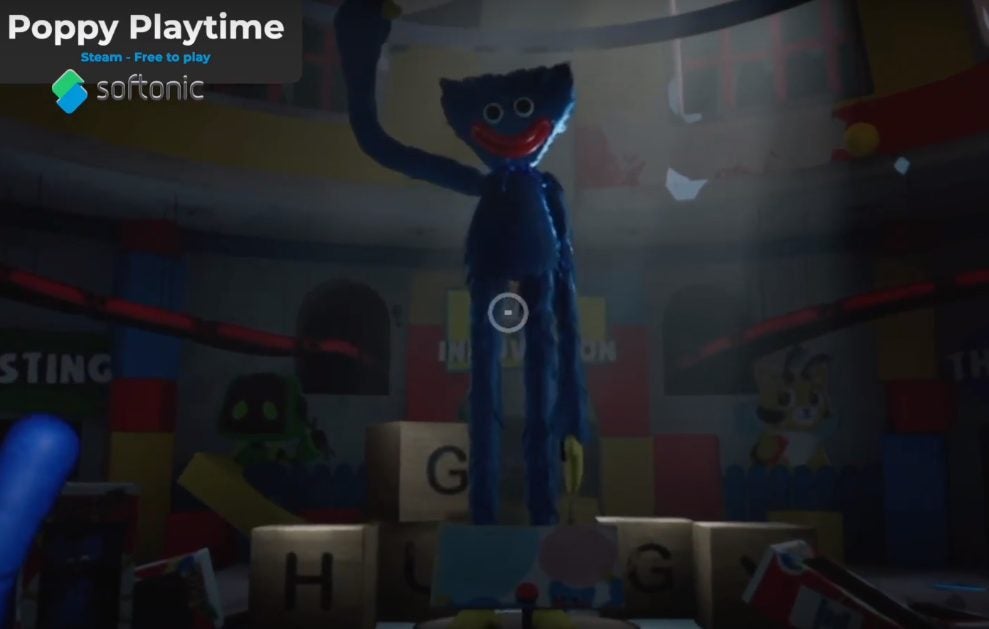
Poppy Playtime is the newest take on the indie horror genre that sees you exploring an abandoned toy factory that isn’t as empty and dead as you’d like it to be. If you succumb to the terrifying monster lurking in the shadows, the only dead one will be you. Along the way, you’ll need to find numerous toys, tapes, and other collectibles that will help you on your journey to discover the truth of the terrible fate that befell Playtime Co.

The game has two chapters currently out, and it’s best to play them in order. You have no weapons, so the only way to escape death is to keep moving and complete all your tasks before Huggy Wuggy finds you. Death isn’t all bad, though. As they did in Five Nights at Freddy’s, the death screens can yield some interesting clues about the nature of the situation within which you find yourself. 

Poppy Playtime DOWNLOAD
Games for Windows 1

No better time to game it out on Windows

Gaming has always held a special place in my heart and mind. More than just a way to kick back and relax after a hard day at work, gaming provides you with a release of endorphins and a way to get rid of all the angst, irritation, and dark and twisty thoughts you might have. I hope that this list inspires you to try your hand at one of these games or even get back into a childhood favorite that you’ve neglected for a while.

With the technological advancements and new platforms coming out now, there truly is no better time to game it out. If you prefer mobile gaming, you can check out our top 10 Android games based on downloads.

How to make amazing Photoshop textures

Photoshop textures are digital overlays designed to blend with your images. They make your photos look more like physical objects of art. Unlike elements in a photograph or painting, textures are rarely the subject of an artwork. Instead, Photoshop textures, consisting primarily of a specific motif, give your digital image the impression of being tactile. Photoshop provides several texture overlays that simulate those discoverable in the wider world of fine art production, and you can even create your own.

Adobe Photoshop DOWNLOAD

The application includes several texture templates that make your photos look smooth, rough, blurry, and even fuzzy. But if the right texture isn’t there, adding one in Photoshop is simple. To get started, all that’s required is a digital picture and your preferred texture. If you’re not an Adobe PS subscriber, here’s how to get Photoshop for free. In this step-by-step tutorial, we’ll guide you through exactly how to add a texture to your images in Photoshop.

  1. Import your texture and image into Photoshop

    Gray and red texture to import in Photoshop.

    Photoshop textures work best with images that aren’t overly saturated with objects and artifacts. For this exercise, choose a photo with an ample supply of negative space around your main subject.

    The primary photograph can be of anything, but the less busy it is, the more your texture will stand out. Regarding how to source a unique texture, you can create your own with a camera or download a unique overlay from the various free or paid sites that offer them.

    Once you’ve found a texture and a suitable image you can apply it to, open both your primary image and texture file by right-clicking them. Then select Open in Photoshop or choose File > Open at the top of your monitor and upload it from your device.

    Now you’re ready to create a new Photoshop project by setting the two files up as individual layers. If you don’t see the layers panel on your screen press F7 or click on Windows > Layers at the top of your monitor.

    To create a blank new layer, which looks like a gray and white checkerboard, select the rectangular icon with the + symbol from the lower toolbar inside the Layers panel or navigate to Layer > New > Layer. For this exercise, you will start with two layers, one for the primary image and a second containing your digital texture. The primary image should be labeled Background.

    Name your secondary layer Texture, click OK, and then drag and drop you texture file into this new layer. Once you’ve effectively copied your texture into the second layer, you can start resizing it to match the dimensions of your primary image.

  2. Resize your texture image

    Resize your texture image to match the primary layer.

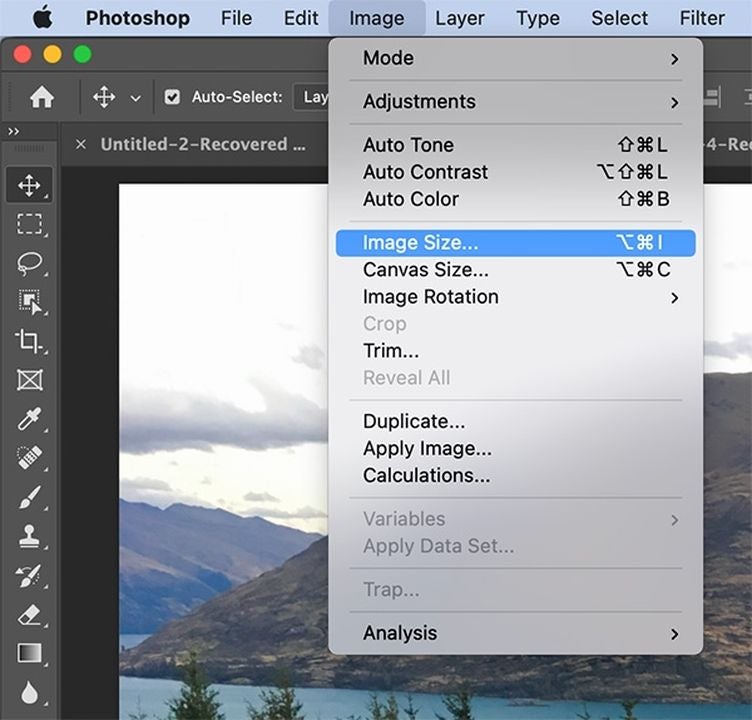
    If you prefer your texture layer to overlay your main image entirely, you’ll need to resize the texture layer so that it fits your background layer. Ensure that you’ve selected the texture layer and then find the Edit drop-down list of options. Select Edit > Free Transform or type Ctrl or Cmd + T.

    Begin resizing the texture file by dragging the corners until they fully cover the first main image layer. Adjust individual sides of your texture file by holding down Shift and moving them accordingly.

    Continue pulling the white squares until they lock into place and cover your primary layer. Once complete press Return or select check mark at the top right of your workspace. For a different look, try rotating your texture image around to find the effect you want.

  3. Blend your two layers

    Access Photoshop's blending feature to begin blending your two images together.

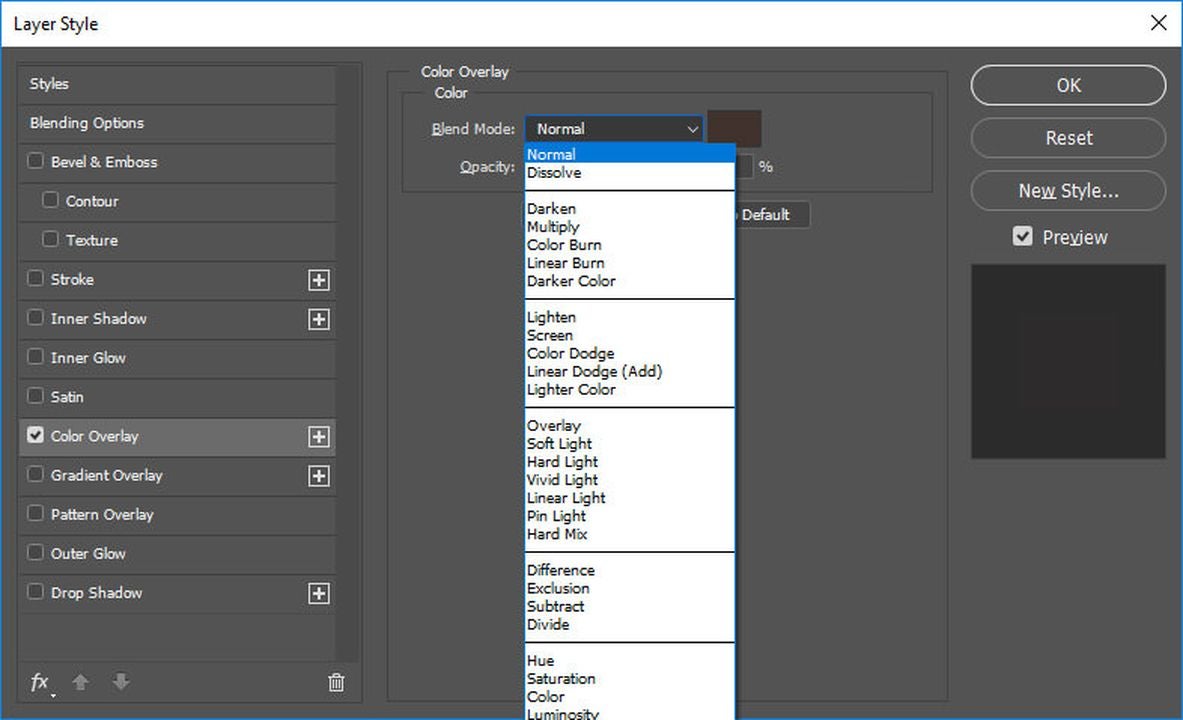
    The way layers interact in Photoshops is through its Blending modes. To access this feature, navigate to the top of the Layers panel where you’ll find Photoshop’s various blending options. Adobe sets this tool to normal by default, but how you want to blend the layers is entirely up to you.

    There’s no one way of blending layers. The two most commonly used blending features for a project like this are Lighten and Overlay. Feel free to experiment with the different modes to achieve your desired effect.

  4. Refine the texture overlay

    Refine the texture overlay by adjusting the opacity and creating a Layer Mask in Photoshop.

    As we previously mentioned, the texture shouldn’t be the main subject of your image. You’ll have to make a few refinements to the layer so that it doesn’t dominate your primary photo. Start by bringing the opacity of your texture layer down to roughly 50% and evaluate how it looks. The opacity setting is your preference, however. Just make sure that the texture layer doesn’t overwhelm the main subject for the best results.

    Photoshop lets you lighten portions of the texture, as well. Let’s assume, for example, your subject happens to be a person as opposed to a landscape. Photoshop lets you select the figure in your shot and remove or lighten the texture across the entire body or in specific areas such as the face. To achieve this, you need to create a masking layer.

    Find Layer at the top of your screen. Then choose Layer Mask > Reveal All or click on the Layer Mask icon, which is the rectangle containing an interior circle. When the white rectangular object appears, click on this to display the white masking layer.

    Now engage the Paintbrush tool and set its color to black. A soft brush will give you more opacity, making it easier to paint over the areas where you wish to remove the texture. The color black presents over the white layer mask, effectively eliminating the texture layer. To reverse your changes or add more texture back into the image, set your paintbrush as white and follow the same steps listed above.

Get the most of Photoshop by adding unique textures

The ability to add textures and generate an original digital creation that might find itself hanging on a museum wall is just one area where Photoshop thrives. The options you have with texture layers in the application are limitless, and they’re a fantastic way to bring more life to your less-than-exciting photographs. For more info on the program, check out our latest Adobe Photoshop review.

How to make a GIF in Photoshop in 7 steps

A GIF is a short looping animation or video clip that usually lasts just a fraction of a second. They’re made from a brief sequence of compressed images that keep the file small and easy to share. Like emojis on steroids, GIFs can steal your viewers’ hearts with a powerful emotional or creative punch in a tiny package.

Adobe Photoshop DOWNLOAD

Photoshop comes with an array of animation and image stacking tools that make creating GIFs simple and quick. You can start turning your ideas into animated GIFs today with our Adobe Photoshop download. This step-by-step tutorial will show you how to make a GIF in Photoshop.

  1. Keep your GIF small with the right file settings

    Create a new document in Photoshop.

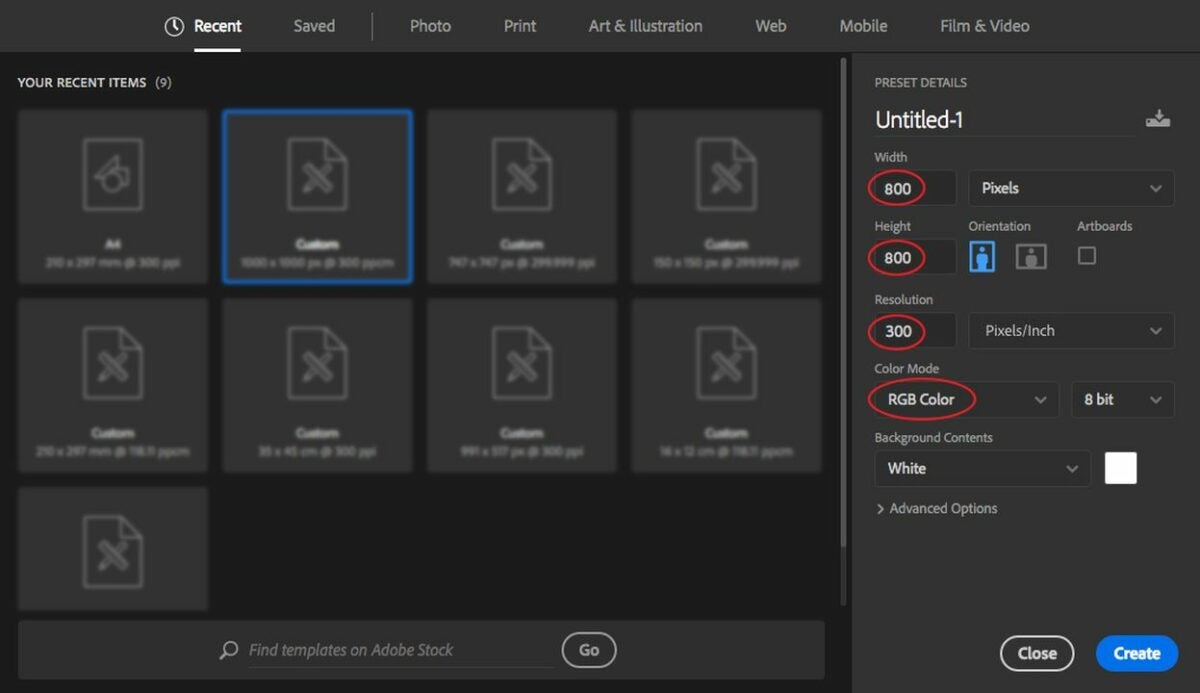
    – Open Photoshop, and press Ctrl + n to open the Create a new document panel. There are a lot of preset details here, but you only need to focus on the size, resolution, and color settings.

    – If you let the size of your still image or drawing dictate your GIF’s file size, your clip will probably be bigger than you need. Somewhere around 600 to 800 square pixels is usually big enough for most GIFs.

    – To keep your GIF small yet clear, use a resolution somewhere around 150 to 300 pixels per inch.

    – You’re not going to print your GIF, so set the Color Mode to RGB color.

    – When you’re ready, click on the blue Create button at the bottom right.


  2. Import your prepared frames

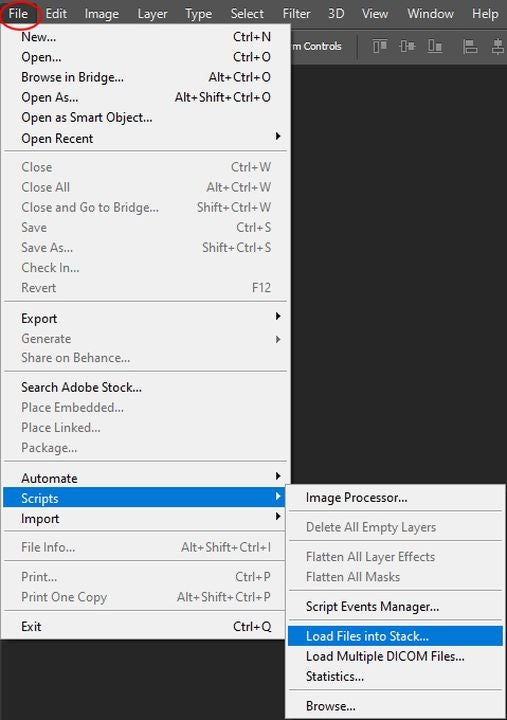
    Load Files into Stack.

    – The first frame of your animated GIF will be the first visible layer in your stack. All the consecutive layers under it will simulate the movement.

    – If you want to work with still images or video that you’ve prepared beforehand, you’ll need to import them into your new Photoshop document. If you’ll be drawing your GIF from scratch, skip to the next section.

    – To load a collection of still images into your new document, click on the File menu at the top left and then Scripts > Load Files into Stack.

    – In the popup window, click on Browse, and then, find the images you want to use in your GIF.

    – You can hold down the Shift key while you click to select multiple files. Select all the images you need, and click Open and then OK.

    – The images you selected will be imported into sequential layers in a separate document. You can resize or tweak them so that they fit into the canvas size and resolution you chose for your GIF document. Once you’re satisfied, you can select them all in the Layers panel on the right and then drag them over to your GIF document.


  3. Convert a video file

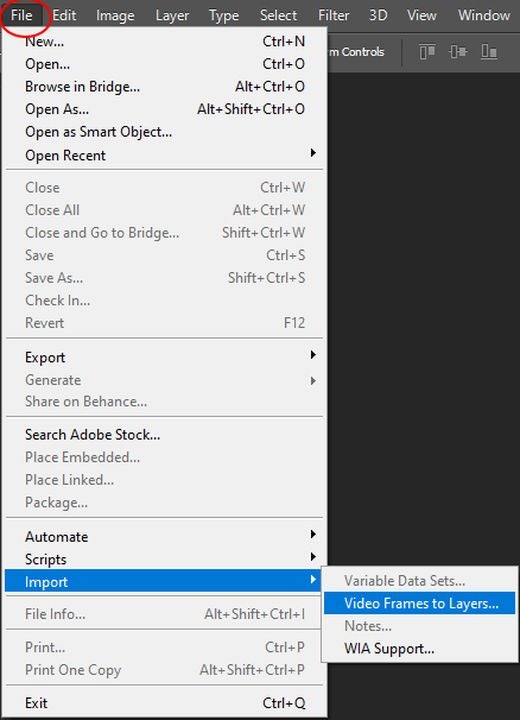
    Video Frames to Layers.

    – To convert a video file into an animated GIF, click on File > Import > Video Frames to Layers.

    – Make sure you only import short video clips, as Photoshop may have trouble importing long videos. The Import Video to Layers window gives you options to import the whole video, a Selected Range Only from your video file, or even just the frames at a set interval, like every other frame or every 10th frame.

    – Click OK to start importing your video clip.


  4. Create your animated GIF from scratch

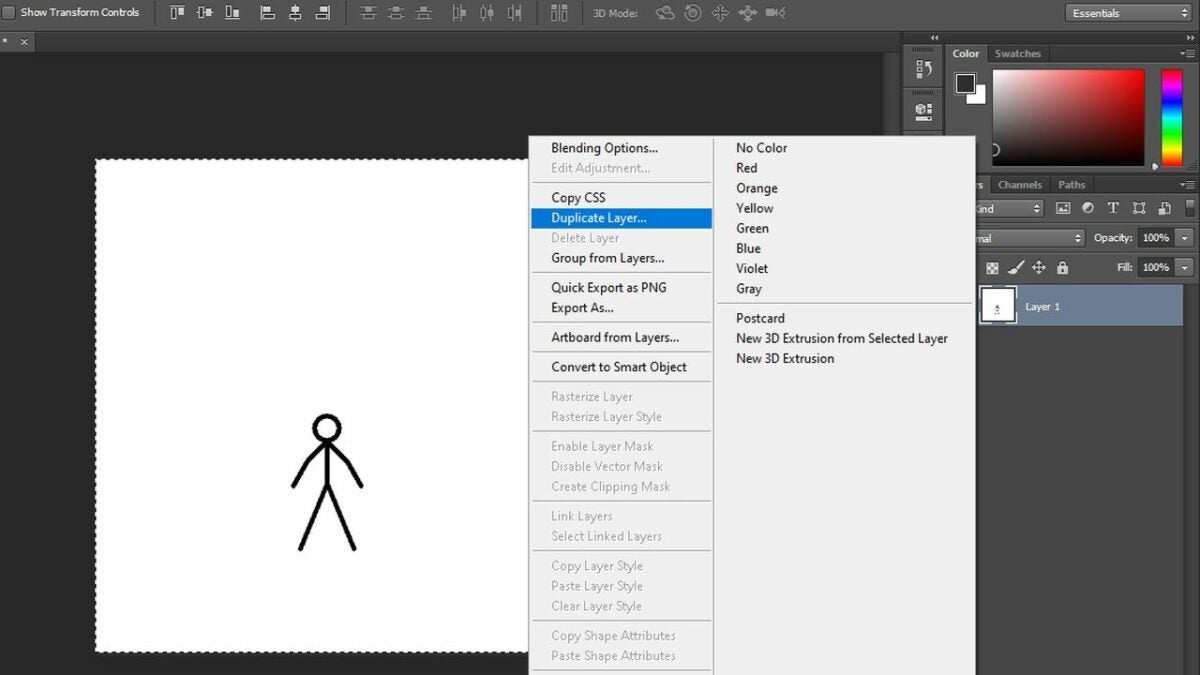
    Duplicate Layer in Photshop.

    If you want to draw the animation yourself frame by frame, import or draw an image to use as your first frame. When you like what you see, duplicate that layer by right-clicking on it in the Layers panel and selecting Duplicate Layer.

    – Select the duplicate layer you just created, and draw the changes you need for your next frame. Repeat as needed.


  5. Convert your layers into GIF frames

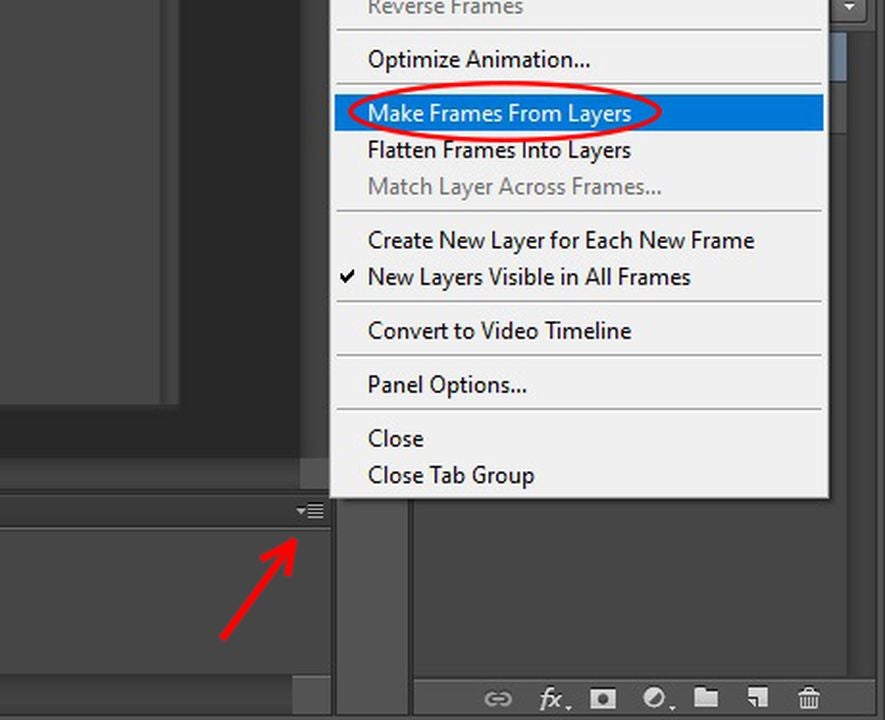
    Make Frames from Layers.

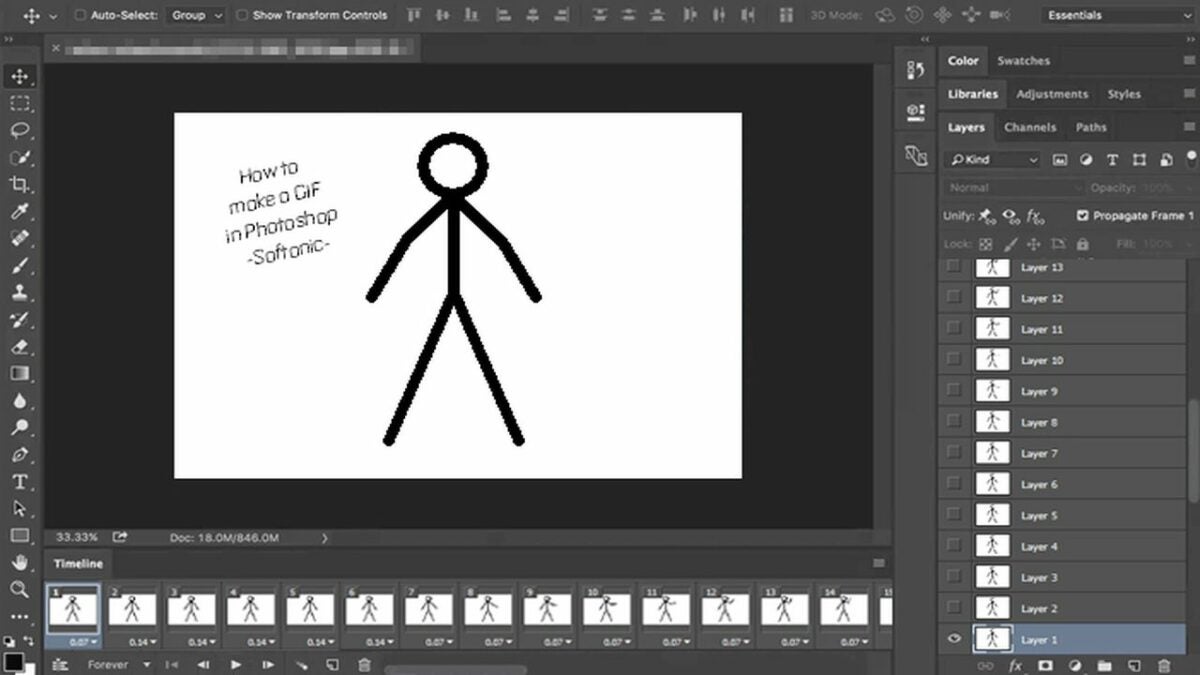
    Now that you have your imported or drawn images stacked neatly into consecutive layers, turn them into frames. Click on Window from the top menu and then Timeline to open the Timeline panel at the bottom of your screen.

    – Click on the dropdown arrow in the middle of the Timeline panel, and select Create Frame Animation.

    – Click on the Options icon at the top right of the Timeline panel. It looks like three parallel horizontal lines. From the dropdown menu that appears, select Make Frames from Layers. This will put each of your layers into a separate frame in your timeline.


  6. Set your GIF’s timing

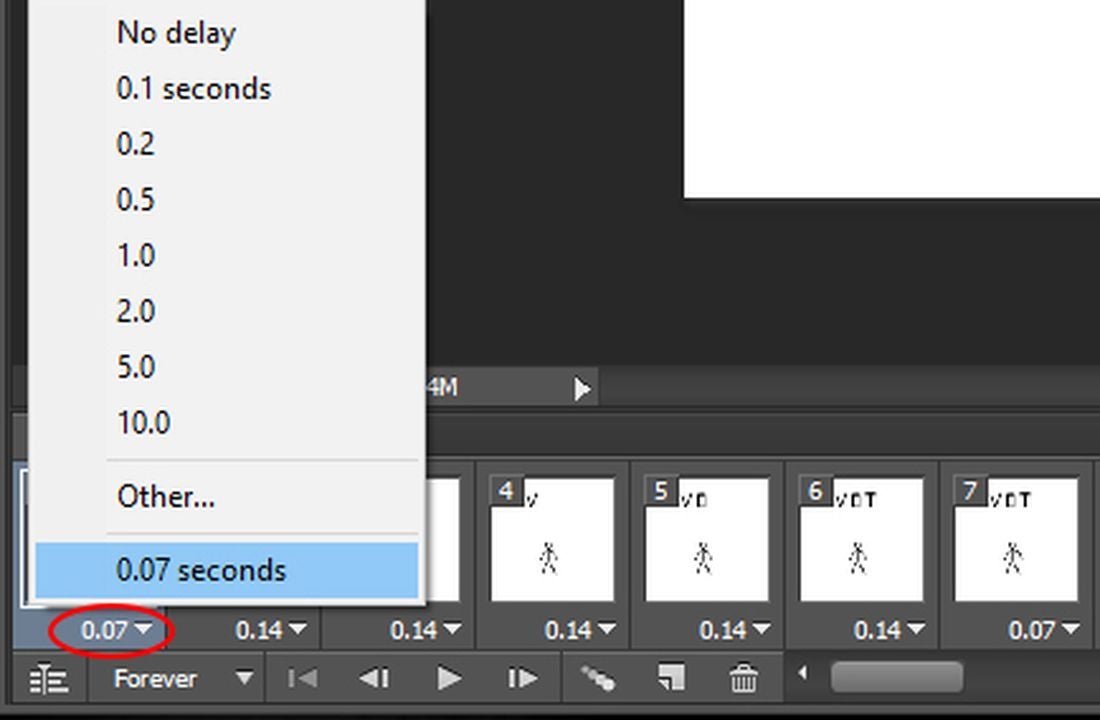
    Frame delay in Photoshop.

    Under each frame in your timeline, you’ll see a decimal number expressing how many fractions of a second it should appear. You can change a frame’s timing by clicking the dropdown arrow next to the decimal number. You can also select multiple frames to change the timing of all of them at once.

    If you want smooth, lifelike animation, use a lot of frames with short delays. Most creators use a frame delay of around 0.07 to 0.09 seconds.

    At the bottom left of the Timeline panel, you can see the frame loop setting is set to Forever. This is good for most GIFs, but you can change it to loop once or a specified number of times by clicking the dropdown arrow.

  7. Preview, save, and export your GIF

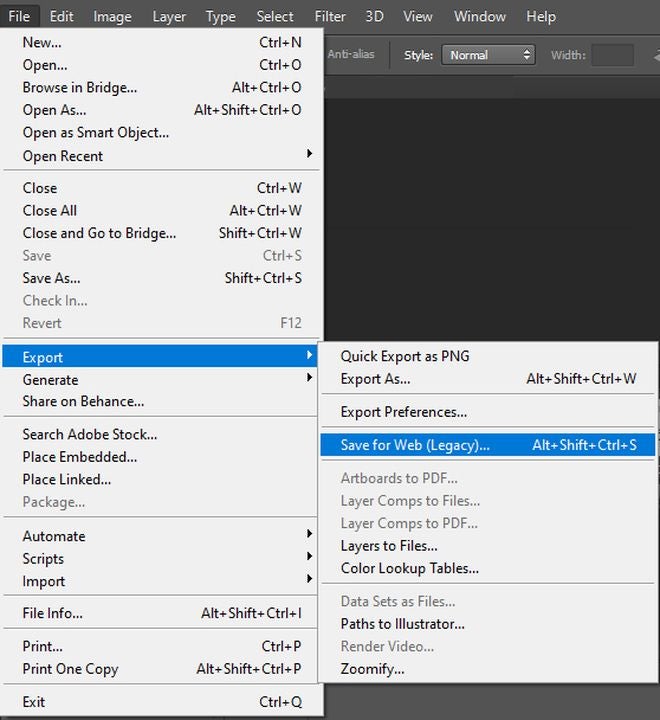
    Save for Web to export your GIF.

    The sideways triangle at the bottom of the Timeline panel is the play button that lets you preview your animated GIF. Once everything looks good, press Ctrl + s to save your Photoshop document in case you need to make changes later.

    – To export the final version of your GIF, click on File > Export > Save for Web (Legacy).

    – Just like in the Create a new document window, there are a lot of details you can ignore in the Export window.

    – From the Preset dropdown menu on the top right, select GIF 128 Dithered.

    – From the Colors dropdown menu below that, select 128 or 256 colors, depending on how small you need your file. You can see how big the exported file will be at the bottom left of the preview window.

    – Click the Save button at the bottom of the screen to export your animated GIF.


Share your animated GIF with the world

Watch the GIF you just made by dragging the file into any web browser, or share the file with your friends on social media or your favorite messaging app. If you’d like to see a few of the other awesome things you can do in Photoshop, take a look at our in-depth review of the latest Adobe Photoshop updates.