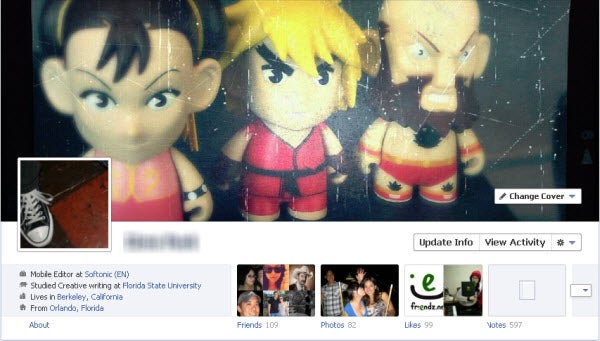
Facebook to launch new look mobile service

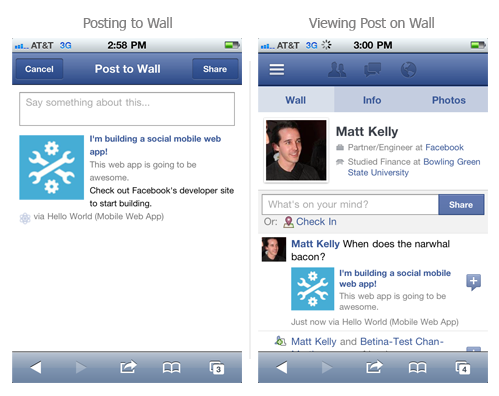
Techcrunch are reporting that Facebook are to launch a radical revamp of their service for mobile users next week. “Project Spartan” is rumored to be the name of the secret project which will majorly overhaul the way users interact and use Facebook mobile.

However, since its based on HTML5, it means users will have to access it through their web browser. Personally, I wouldn’t have a problem with this as I find the Facebook for Android app quite unreliable. Would you be prepared to go back to using Facebook via your mobile web browser if it meant a much better experience?

[Image courtesy of Techcrunch]

Battlefield 3 Open Beta Live

The other big annual face off has started with EA’s Battlefield 3 landing the first punch against Activision’s Modern Warfare 3. Today PC gamers can download and play the open beta for Battlefield 3, which features the map ‘Operation Métro’ and game mode ‘Rush’. It’s 16 versus 16 online multiplayer, and you will certainly need a powerful machine to get the most out of the game. You have to use EA’s downloader Origin, and it’s a hefty 3.9 gigabytes.

We’ll post our full reflections soon, but my first impressions are excellent. The graphics are simply stunning, movement is more realistic than ever before and the sound is excellent and dynamic. As is always the case with Battlefield, it seems well balanced, but takes some time to get into.

Newbies will be bewildered, and probably get shot a lot. You have to invest time in learning the map, which is pretty big, and until you do, other players will punish you for popping your head out in the wrong place! Take a look at our preview here. Do you think Call of Duty: Modern Warfare 3 will be able to match this?

FIFA 12 vs PES 2012

FIFA 12 comes out this Friday, so it’s time to start thinking about which soccer game you’ll be investing in this season. That means only one thing – it’s time for our annual post comparing FIFA with Pro Evolution Soccer!

Since PES 2012 isn’t released until October 14 in some places, the temptation will be to splash out on EA’s title this week and not bother with Pro Evo, or just to stick it on your holiday gift list. But what if EA has tweaked the excellent FIFA 11 too much and ruined it? What if PES 2012 makes the leap and recaptures the magic of those enchanting previous generation versions?

My advice is to go and download the demo versions of both FIFA 12 and PES 2012 before you make any purchasing decisions. Give each a few hours workout and draw your own conclusions. That’s what I did, and here’s my verdict:

Gameplay

Pro Evolution Soccer 2012

Pro Evo has been accused of losing its way in recent versions – a pal of mine now calls it “No Evo”! It’s fair to say that PES has struggled to make the jump to the next generation of consoles, while FIFA positively embraced the new possibilities.

PES 2012, however, as with the previous version, sees the magic of the glory days (I’m talking Pro Evo 3 through to 7) slowly returning. PES 2012 is fast, fluid and fun to play. The game engine gives you a real sense of freedom: there are always plenty of options when attacking, passes can be weighted to perfection, and shooting is a joy to behold.

Pro Evo 2012 adds a new off-the-ball control system, which allows you to unlock even more new attacking opportunities. A run down the wing is now a journey into a world of possibilities, as you can take control of any other attacker, drifting into space to receive a pass or pulling a defender out of position to create space for the player on the ball. Granted, controlling players off the ball (done using the second analog stick) is disorientating at first, but you’ll soon start to love it.
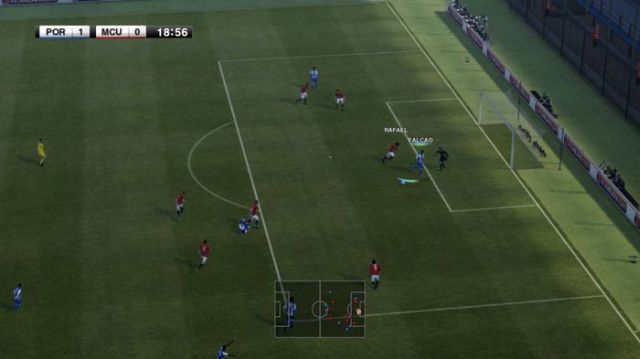
PES 2012 gameplay
Continue reading “FIFA 12 vs PES 2012”
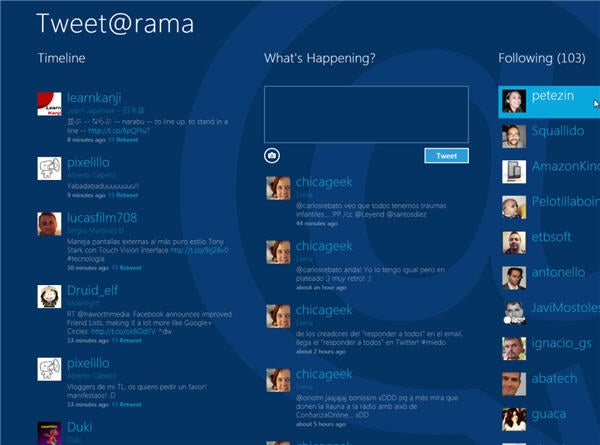
3 services to make Twitter fun again

Admit it. With Google+ opening to the public and all the recent changes to Facebook, Twitter is starting to feel a little dull. There’s no shame in admitting you haven’t browsed your Twitter feed in two weeks – or longer. If you want to get back into regular tweeting, there are a few handy apps and a full-featured client out there that should do the trick.


Continue reading “3 services to make Twitter fun again”

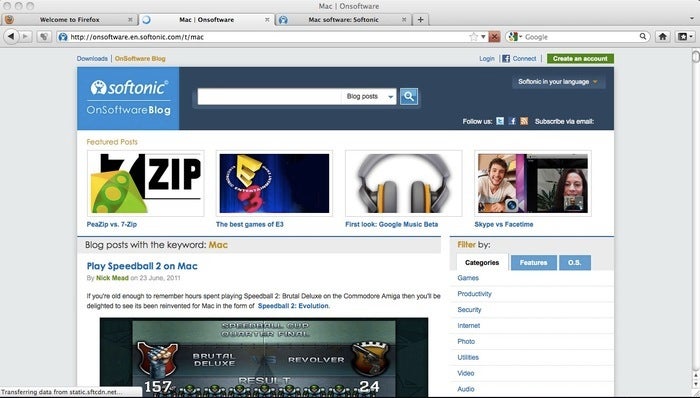
Firefox 7 released

The final version of Firefox 7 is now available for download on both Windows and Mac. Early reports are that many users are finding it much lighter on memory and that for once, most add-ons seem to work with from the start.

This is encouraging news as our early beta tests didn’t find much improvement in memory usage although since then, Mozilla claim they’ve made “drastic” improvements to it.

Is it enough to win-back disgruntled Firefox users that have switched to Chrome? Let us know your thoughts on the new version.

Download Firefox 7 for Windows and Mac.

Muso lets you browse and sort your music collection

With the majority of your music stored on your computer nowadays, it’s easy to see how your music library can quickly become a disorganized mess. Songs might not have the right title or artist information, or you might even have duplicates. How do you find the tracks you want, when you want to find them? That’s where Muso comes in!

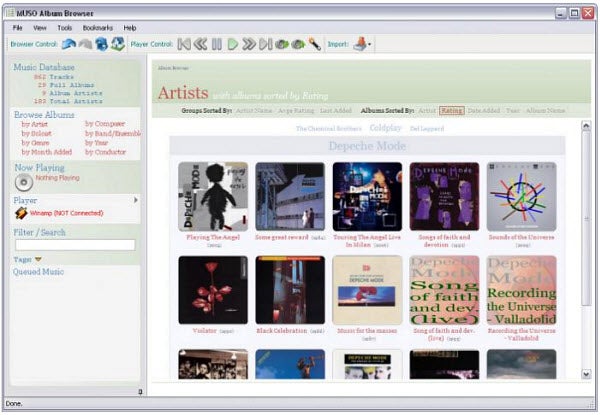
Muso is an organizational tool for your digital music collection. It’s not a music player, nor is it a playlist manager. Instead, think of it as an alternative user interface to manage the music on your PC.

Start by importing your music into Muso. You can do this by either selecting individual folders or files on your hard drive or an actual music player’s library. Muso currently supports iTunes, Winamp and Logitech Squeezebox devices, from which it can both import and play music. You can browse your music collection on Muso by complete albums or individual songs, as well as filter your music by artist, year and rating.

What makes Muso really stand out is its advanced tagging system, which lets users describe their songs and albums as they choose, including by mood. If you’re interested in more than just sorting and browsing through your music collection, Muso also has detailed information about the artists, plus album art that’s been downloaded from Last.fm, Wikipedia and Amazon.

Muso is offered free as a 30 day trial, after which users must pay purchase either an annual or unlimited license to continue using the software. If you’re looking for a new way to keep track of all of the music in your library, Muso just might be the tool you’ve been searching for!

How do you organize your digital music collection? If you use a program, which one is it and how does it help you most?

Top 5 alternatives to Quikster and Netflix

If you’re disappointed by the Netflix recent decision to increase DVD rental prices and spin-off the DVD rental service into Quikster then don’t get angry – go elsewhere. There are several other services out there that provide films on demand. Here’s a selection of some of the best:

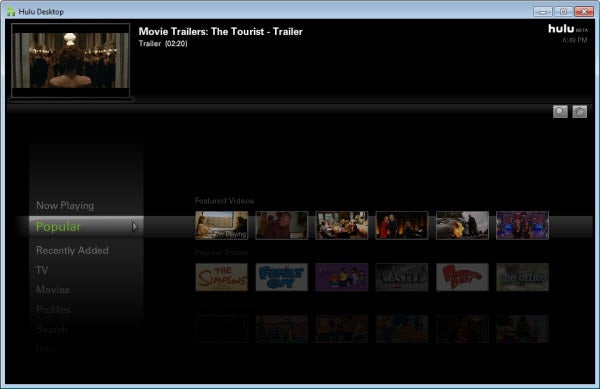
Hulu Desktop

Hulu Desktop allows you to watch television shows, video clips, and movies from the comfort of your desktop, without ever having to open a web browser. Even absolute video streaming beginners should have no difficulties browsing and watching the television shows and movies of their choice using Hulu Desktop. The movie choice doesn’t compare with Netflix but if you upgrade to Hulu Plus you’ll get a decent selection.

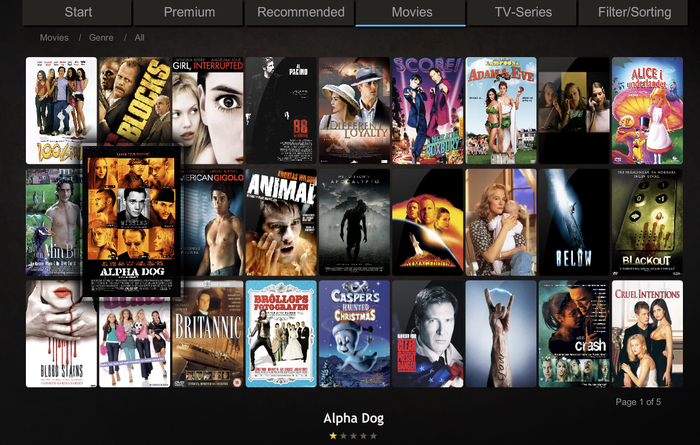
Voddler

What Spotify has done for music fans, Voddler promises to do for film lovers. Unfortunately, it’s still only available in selected countries in Europe but a US launch is planned. Voddler has a huge catalog of movies which are free to watch although a subscription is required to watch more recent releases.

YouTube Rentals

YouTube has never exploited it’s potential as a film medium until recently but US users can subscribe to a rental service which allows you to watch films for 2 or 3 dollars. You can also watch films for free via YouTube Movies although the selection is quite small and there are no major releases in there.

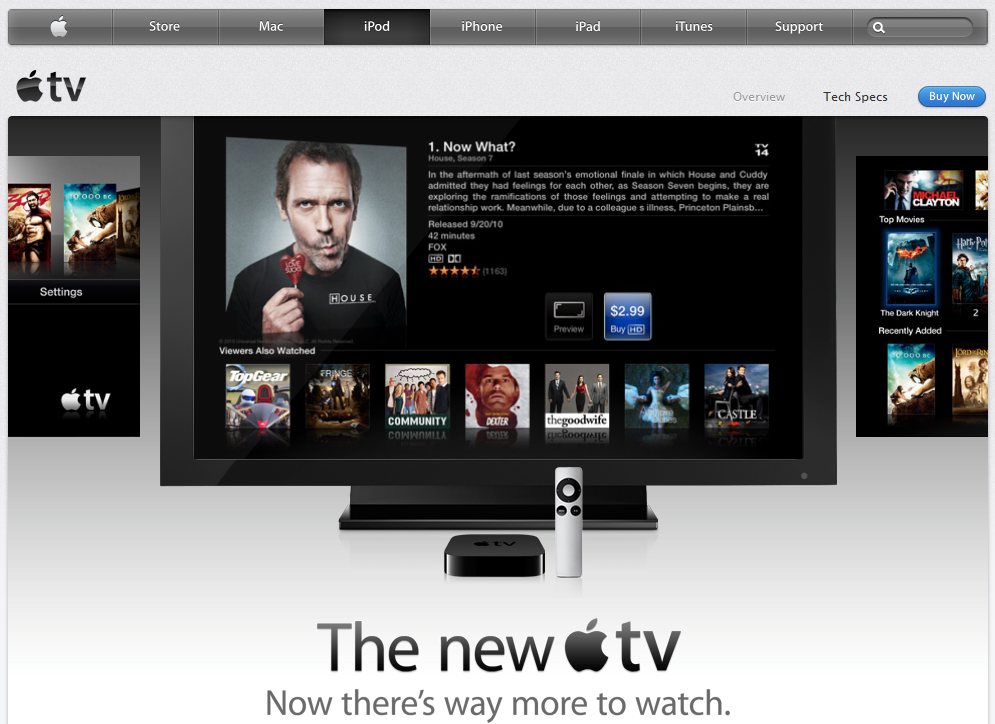
iTunes via Apple TV

If you own a Mac, iPhone, iPad or iPod then Apple TV has the latest instant HD movies. The only drawback is that you must pay $99 for the Apple TV box. Once you’ve got it, you can rent film via iTunes. However, part of Apple TVs movie rental service was affiliated with Netflix and the service is in flux right with no clear indicators of which direction its going.

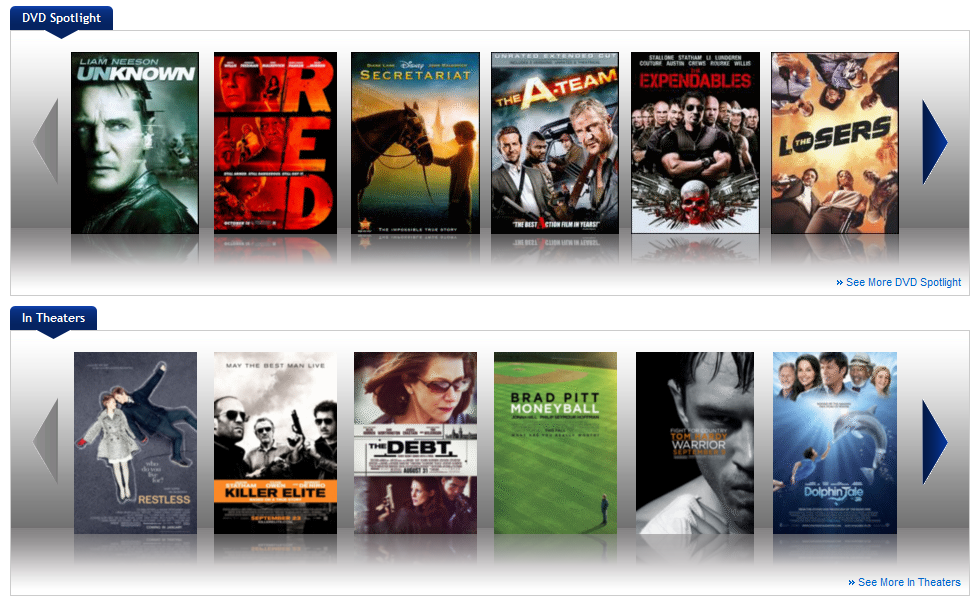
Blockbuster

Blockbuster offers a similar pricing structure to Netflix with online rental deals ranging from around $4 up to as much as $20. It also offers Blu-Ray and game rentals and it has the advantage of having rental kiosks still available in the high street.

Interview: BulkyPix talks business

A couple years ago, the mobile market only really had two types of apps and games: free or paid. Now users are presented with free, free with ads, free with in-app purchases, paid, paid with free updates, and paid with paid updates among others.

That difference has created a new industry. BulkyPix‘s, COO and VP of Sales and Marketing, Vincent Dondaine answered some questions about development, games, and commerce.

Continue reading “Interview: BulkyPix talks business”

Facebook Timeline is… cool?

After Facebook’s F8 Keynote, I took a look into the new user interface for Timeline, the new profile.  To begin, I wouldn’t consider myself a Facebook power user.  Over the last couple years, my consistent posting into Facebook has dissipated.  Changes in privacy controls, interface layouts, and the amount of content that was externally shared led me to privatize most of my information.

Facebook, for me, became a place to connect with friends and not casual acquaintances.  I spent more time viewing other friends as they posted content like pictures or updates than adding my own content.  After Facebook removed support for most of the apps I used, I stopped adding them.

Continue reading “Facebook Timeline is… cool?”