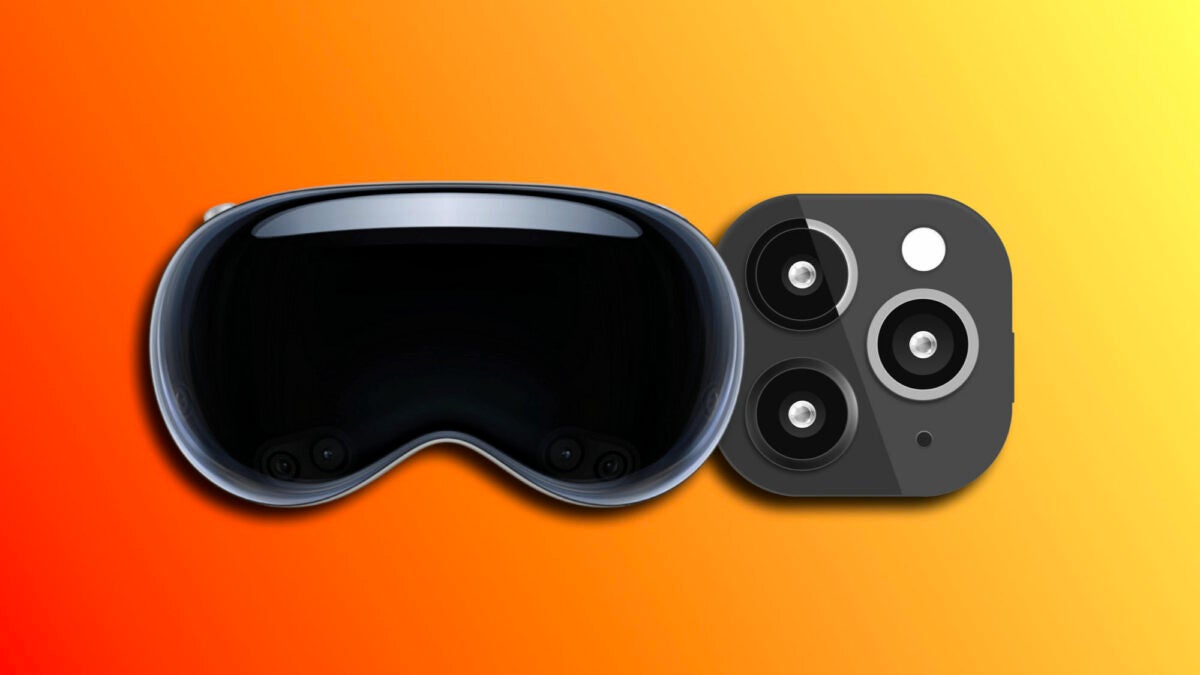
With the release of the Apple Vision Pro scheduled for March 2024, Cupertino’s company is preparing us all for a revolutionary visual experience. One of the parts of that preparation comes with iOS 17.2 for users of the iPhone 15 Pro and iPhone 15 Pro Max: the ability to record spatial videos, specifically designed to enjoy on the Vision Pro.
What are space videos?
Space videos are a new format that transforms the way we experience visual content on our devices. When we watch these videos on our iPhone, they seem like normal videos, but their magic is revealed when we can view them on the Vision Pro. The sensation is completely three-dimensional, as if we were immersed in the scene. This is something that Apple achieves through advanced techniques of computational videography and HEVC compression.
These space videos are saved in a relatively compact format, at 30 frames per second at 1080p, taking up only 130MB of space per minute of recording. Something that, compared to 4K or ProRes recordings, allows us to store a large number of videos in this format without compromising the storage of our devices.
How to activate the spatial video function
To start recording our own space videos, we must first activate the option. These are the steps to follow:
- We open the Settings app on our iPhone 15 Pro or iPhone 15 Pro Max.
- We go to Camera.
- We go to Formats.
- In the “Video Capture” section, we enable the “Spatial Video for Apple Vision Pro” setting.
How to record space videos
Once the function is enabled, we are ready to start recording spatial videos. In these videos, stability is key and, in addition, the iPhone must be in a horizontal position. To do this, simply open the Camera app and switch to video recording mode.
We look for the Vision Pro icon and click on it to activate the spatial video mode. When we are ready to record, we simply press the red recording button.
It is important to remember that spatial videos look like normal videos when we play them in the Photos app on our iPhone. The real magic will be revealed when we enjoy them on the Vision Pro. And now, with an iPhone 15 with the Pro surname, we can start preparing our library for Apple’s new space computer.
