
The latest beta version of the macOS Sonoma operating system, the eighth one, has arrived with very few changes, but there’s one that stands out above the rest. What has truly caught our attention are the over 100 new screensavers and “aerial” wallpapers. These are added to an already growing list of wallpapers and screensavers that are undoubtedly quite appealing.

From Apple TV directly to the Mac
Many of these new screensavers come directly from tvOS, the system of our Apple TV. They are organized into different categories like Landscapes, Cities, Underwater, and Earth, each with dozens of options. Apple now offers 47 landscape videos, including shots from the Sonoma region in California, which lends its name to this new macOS version, and 30 city shots.
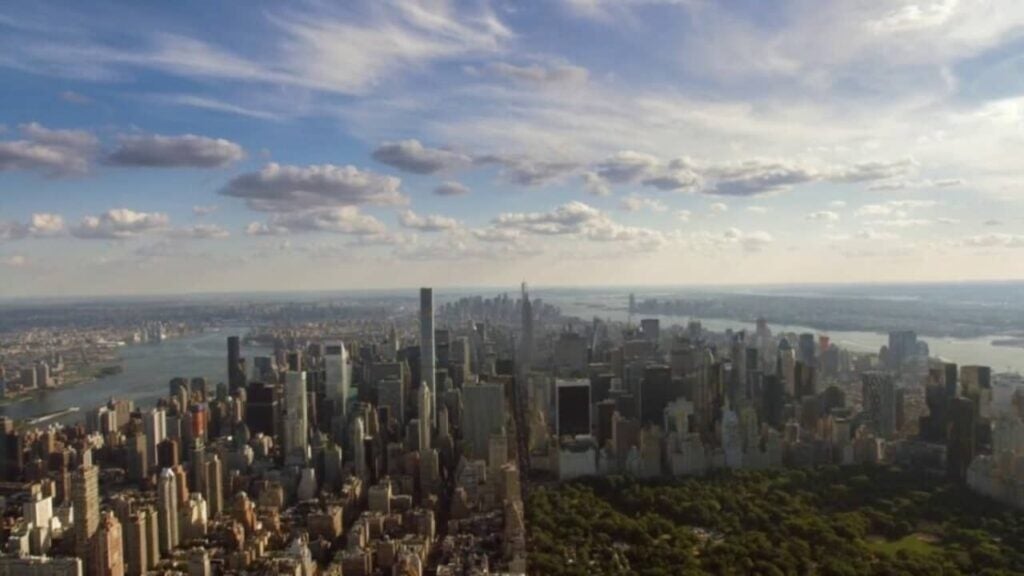
Additionally, the new system includes 21 underwater videos and 22 videos showcasing breathtaking views of the Earth from space. All these scenes have been captured from different locations around the world using drones, underwater cameras, and from the International Space Station, which clearly adds an extra level of sophistication and awe to Apple’s already rich visual experience on the Mac.
But perhaps the most surprising aspect of all is the new behavior of these screensavers. The videos in macOS Sonoma work as dynamic screensavers that transition smoothly into a static image when we activate our Mac.
When we log in to the Mac for the first time after updating to the latest version, the system will prompt us to choose our default screensaver. This is a way to quickly introduce and enjoy this new feature following the official release of macOS Sonoma.
While screensavers might seem like a minor part of an operating system, these new additions have garnered attention. The wallpapers we already know and enjoy on the Apple TV are now coming to the Mac with unprecedented visual coherence. It’s a combination of wallpaper and screensaver that elegantly transforms between the two while displaying a landscape of our choice.
Some of the links added in the article are part of affiliate campaigns and may represent benefits for Softonic.
