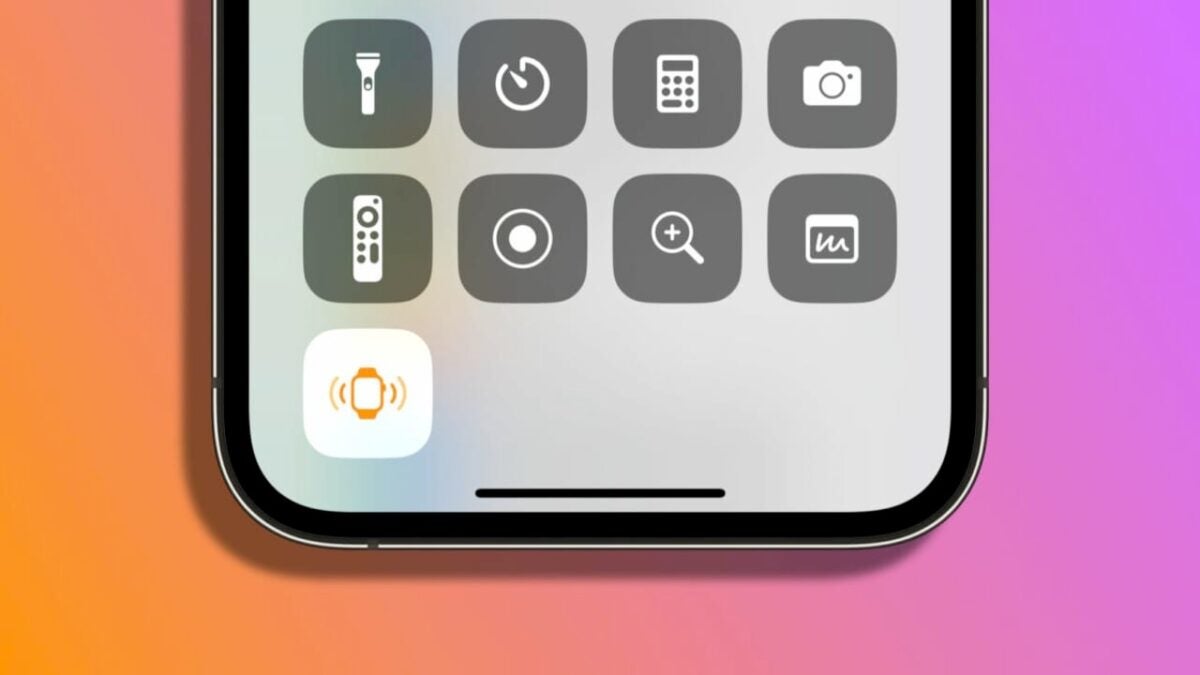
In an increasingly connected world, losing sight of a device, even for a moment, is more than unpleasant. Fortunately, thanks to iOS 17, we can now find a lost Apple Watch using the iPhone. This new functionality allows us to ping the watch, which can be incredibly useful on more than one occasion.

A way to quickly locate our watch
Let’s remember that currently, it is already possible to make the iPhone ring from the Apple Watch. In fact, the ad below explains just that. An ad that Apple launched alongside the iPhone 12, which has been with us for some time now. With iOS 17, the utility of the ping feature is reversed, allowing us to find a lost Apple Watch using the iPhone.
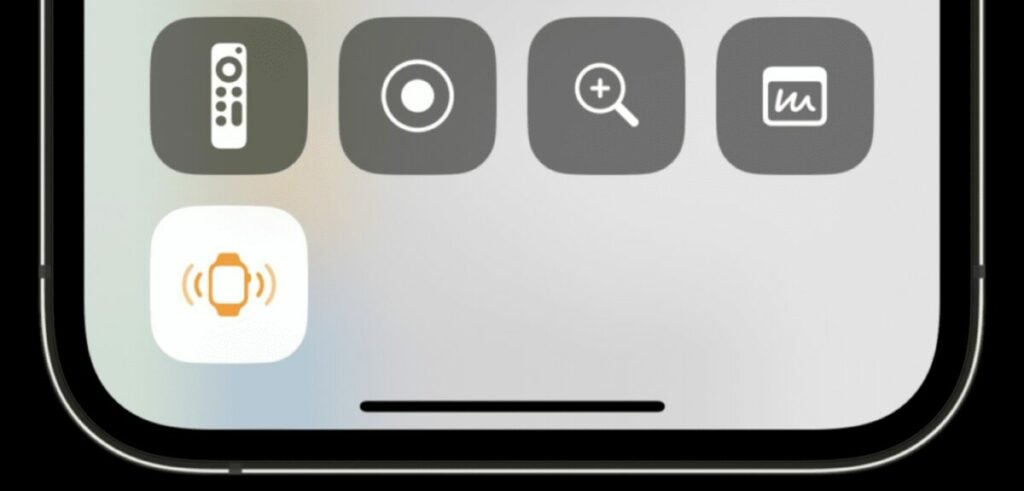
The new feature, simply called “Ping Apple Watch,” is available in the Control Center of the iPhone. Although it is disabled by default, we can easily activate it by opening the Settings app, entering Control Center, and tapping the small green “+” next to Ping Apple Watch.
Once activated, all we need to do is swipe down from the top right corner to enter the Control Center and tap the corresponding button. As long as our phone and watch are within Bluetooth range and connected, the watch will emit a clear sound. In the first beta, the sound does not repeat, it plays only once. However, we can make it ring multiple times by simply pressing repeatedly.
Speaking of which, let’s remember that to locate an Apple Watch at greater distances than the Bluetooth range, we need to use the Find My app. This involves the watch’s connectivity, Apple’s Find My network, and other variables. The system, however, allows for finding a watch in virtually any part of the world. Once located, the ability to make it ring greatly facilitates precise tracking.
Undoubtedly, iOS 17 is full of small details. Some may go unnoticed compared to more prominent features such as the StandBy smart display function, stickers in Messages, or Contact Posters, but they are truly useful. The ability to locate our lost Apple Watch is precisely one of them.
Some of the links added in the article are part of affiliate campaigns and may represent benefits for Softonic.
