Apple unveils the iPhone Duo, all the new features in a few words

Apple has unveiled the iPhone Duo, its first foldable iPhone. After months of rumors, speculation and educated guesses, we finally know exactly what this new iPhone will be like. An iPhone that redefines what an iPhone can be. Let’s talk about all the new features.

Two displays and a very carefully designed hinge

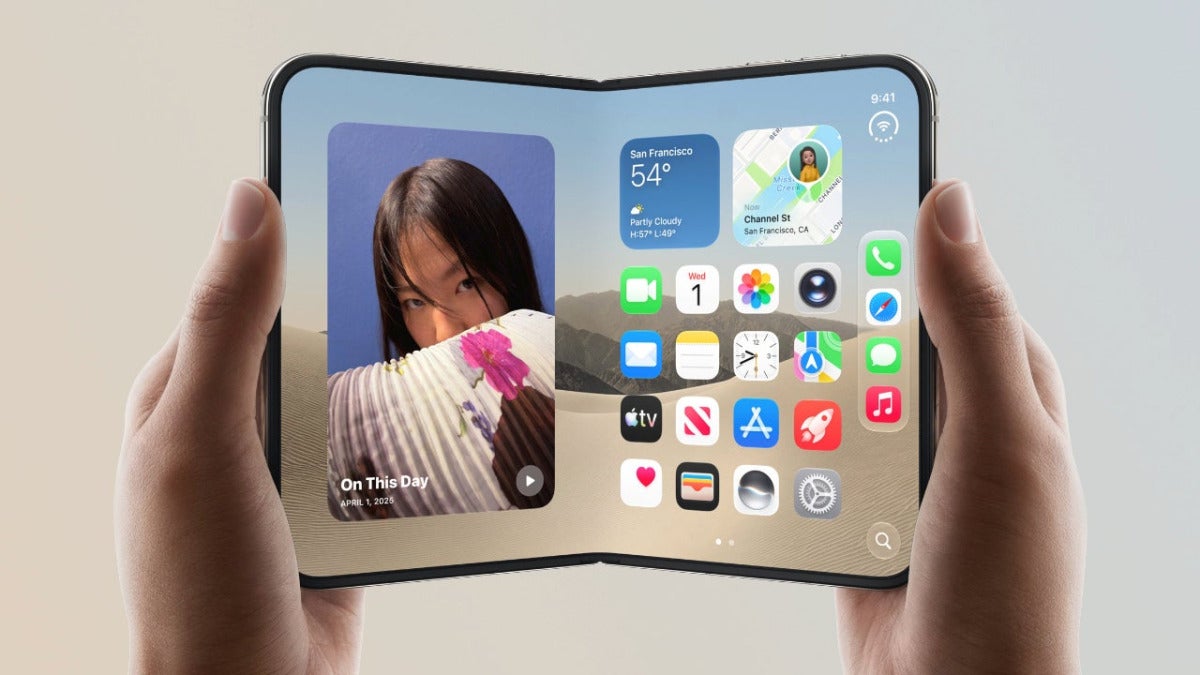
The iPhone Duo features a 5.4-inch outer display and a 7.6-inch inner display, both with the same aspect ratio. Apple uses titanium —necessary given the device’s extreme thinness— and a hinge with more than 100 components in its design. By design, the display crease is practically imperceptible, but Apple also uses a nanotextured finish that greatly reduces the visibility of the crease from any angle.

On the software side, iOS 27.1 adapts apps to the open, closed, or partially folded format and lets us use two apps at the same time. With the new vertical dock and the controls on the side, near the thumb, the interface takes full advantage of the new design and expands what iOS 27 can do.

A20 Pro, dual battery, and new cameras

The iPhone Duo packs the same A20 Pro chip as in the iPhone 18 Pro, along with the new C2 modem. Each half of the iPhone also houses a battery, although iOS manages them as a single battery, delivering up to 44 hours of video playback on the outer display.

The main camera and the ultra-wide are 48 MP, and the outer front camera is 12 MP. The Smart Take, Duo Preview, and FaceTime Duo features make great use of the two displays, letting you see more people on a call or frame selfies with the main cameras, among other things.

The iPhone Duo starts at €2,339 or $1,999 with 256 GB and, if you pre-order it on October 16, it will ship to early buyers and be in stores on October 23.

This is iOS 27’s hidden trick for saving an iPhone without touching a computer

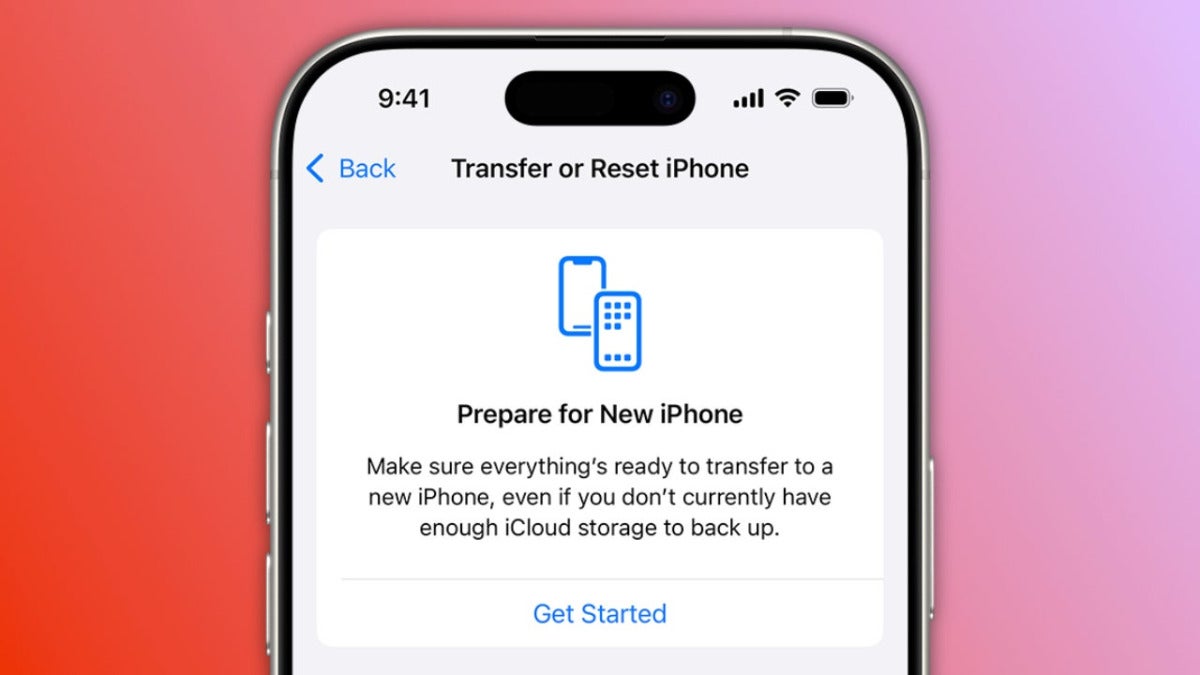
Although it’s uncommon, being able to recover an iPhone easily after a failure is of vital importance. In iOS 27 the system includes a recovery function, similar to the one in macOS, that we can open manually and that lets us fix errors directly from the iPhone itself. Let’s talk about recovery mode.

iTunes Download

How to enter the new iOS 27 recovery system

Access is really simple. We simply turn off the iPhone, wait a minute, and hold down the side button during startup. After the Apple logo we’ll see “Continue holding for recovery…” appear and then “Loading recovery options…”. This is where we release the button and go straight into the system’s new recovery tools.

Once inside we find Recovery Assistant, the option to install a software update, diagnostics, Erase All Content and Settings, and access to the traditional recovery mode. We can repair, update, or diagnose our iPhone from this very screen, automatically connecting to a saved Wi-Fi network.

On newer iPhones, moreover, holding down the side button again shows the Nearby Device Recovery option, which lets us rely on another nearby Apple device to carry out the process. 

When we need to restore our iPhone the options are easier to access, and when we have to carry out a diagnostic and recovery process, being able to do it without using a computer makes a big difference. In a few seconds your iPhone will be up and running again.

iOS 27 improves the Messages app in many ways: this is what changes

The Messages app gets several new features in iOS 27. It gets smarter and adds new settings that let us personalize the app we use for our conversations.Apple has improved the app in almost every area, from integration with Siri to synchronization.

Apple Intelligence understands the conversation better

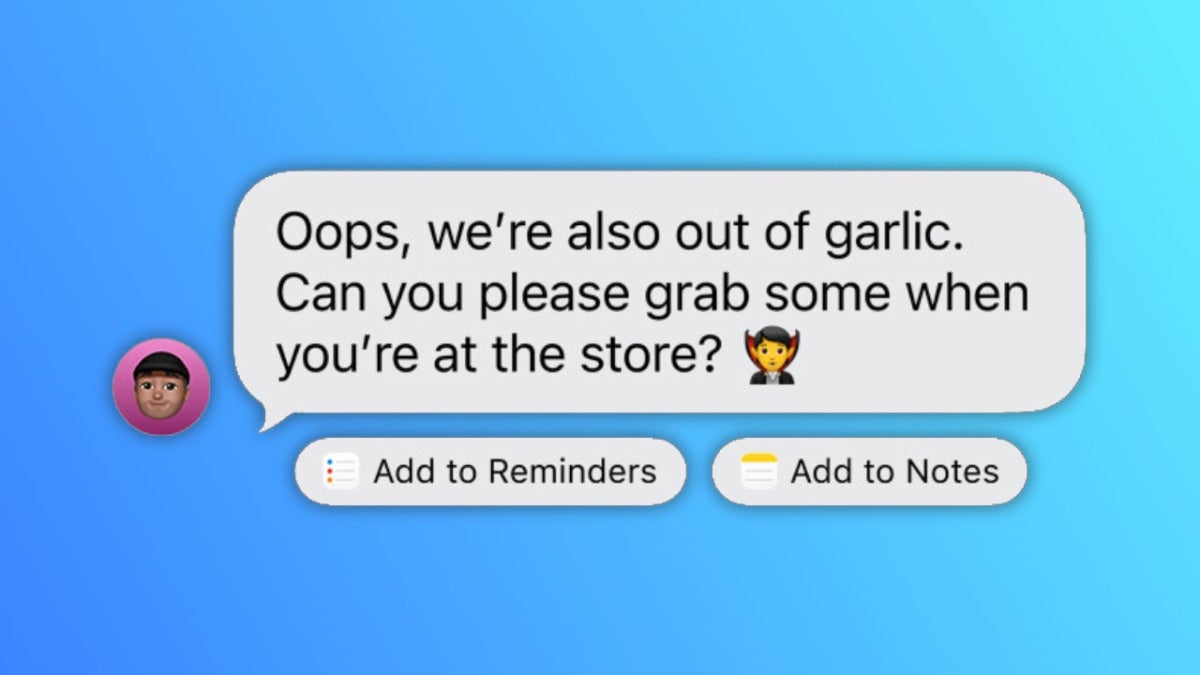
As for Apple Intelligence, the first thing that stands out among these new features is the contextual suggestions. If someone asks us for a photo, Messages suggests the right images and if we receive an invitation, it offers to add it to Calendar. There are many more examples, like adding a request or piece of information to Reminders, and all of them turn each conversation into action.

WhatsApp Messenger Download

Writing with Siri is also coming. We can ask Siri AI to draft or review a message, while smart replies now match our writing style for a specific recipient, to adapt to the context of the conversation.

Faster sending, searching, and syncing

Pending sends are now retried automatically and attachments keep sending when the connection comes back. Synchronization between our devices gets faster.

Search lets us locate conversations by number or nickname and find photos and videos even when they’re only in iCloud and not downloaded on the device. Meanwhile, larger conversations load and scroll much faster.

Genmoji and RCS also improve

Genmoji debuts iterative editing in iOS 27, style changes, and more consistent designs. Meanwhile, RCS now allows inline replies and reactions on images and videos in conversations with Android devices. After the improvements to Messages in iOS 18.2, in iOS 27 Messages takes another step forward. A very interesting one.

Apple has surprises for today, starting with these new Beats

We’re just a few hours away from Apple’s big September event —which we’ll be able to watch live— and the latest rumors keep giving us clues about what we might see. The latest rumor is that Apple has released new firmware, version 4A203, for the still-unreleased Beats 360, a move that makes these headphones another possible surprise at today’s event.

The Beats 360 are practically ready

The Beats 360 have been showing up for months in regulatory filings, stores, and even on the heads of footballers like Lamine Yamal. Now, as MacRumors reports, the arrival of their firmware suggests a timeline: an announcement today. While we already knew a good part of their design and features, this software update brings their official launch much closer.

Apple Music Download

With a design reminiscent of the AirPods Max and with up to 1.75 times more noise cancellation than the Beats Studio Pro, these headphones in Black, Cloud, Sky, or Pink, with interchangeable ear cushions and headbands, catch the eye.

One of their big draws will be IPX4 water and sweat resistance, and they’ll also have all-day battery life, a foldable design, Siri, and a high-fidelity acoustic platform.

And the timing is ideal, since today we’re also expecting the new AirPods 5, so audio could take center stage. With a leaked price of $299.99, the Beats 360 would fit right into an event packed with announcements.

ChatGPT Images 2.5 is already here: Faster, more realistic, and with a new feature we weren’t expecting

Five months after ChatGPT Images 2.0, OpenAI is once again taking the next step in image generation with ChatGPT Images 2.5. The new version arrives after the unveiling of GPT-6 Astra and improves a tool that was already delivering impressive results. According to OpenAI, every week we create more than 3 billion images across ChatGPT Images and the API’s GPT-Image models. Now these images will be more precise and more realistic.

More natural images and much more reliable edits

Images 2.5 can generate more natural lighting, richer textures and, above all, better preserve the people and objects already present in reference photos. Latency drops by up to 50% compared with Images 2.0, so responses are substantially faster while the system manages to preserve changes better across several edits. We can ask for a specific modification and consistently preserve composition, subject, and style while we evaluate the changes.

ChatGPT Download

Sketch turns a quick drawing into a complete image

On top of that, Images 2.5 adds an interesting feature: Sketch lets us draw directly inside ChatGPT and use that sketch as a guide to create the resulting image. We can sketch a piece of furniture in a room, outline the cut or size of a garment, or simply make a doodle and let Images 2.5 complete the scene.

The new system also supports templates, comments on images, and lets us share our prompts.

Images 2.5 arrives on ChatGPT, ChatGPT Work, and Codex on desktop, mobile, and web starting today. OpenAI is introducing two models for developers, GPT-Image-2.5 Flare and Sunburst: the first prioritizes speed and volume, and the second prioritizes accuracy.

Clearly, a very interesting evolution for turning our ideas into images ever closer to what we really have in mind.

Apple will unveil a new app today. Yes, it competes with Oura and Whoop

When we think we know everything about today’s event, a last-minute rumor suggests that Apple has a surprise in store for the Apple Watch. The company will unveil Readiness, as far as we know, a new app centered on our daily recovery and on how ready we are to handle a certain level of physical activity. A new feature for the upcoming Apple Watch Series 12 and Ultra 4 that, let’s hope, won’t be exclusive to those models. 

Readiness will tell us how ready we are

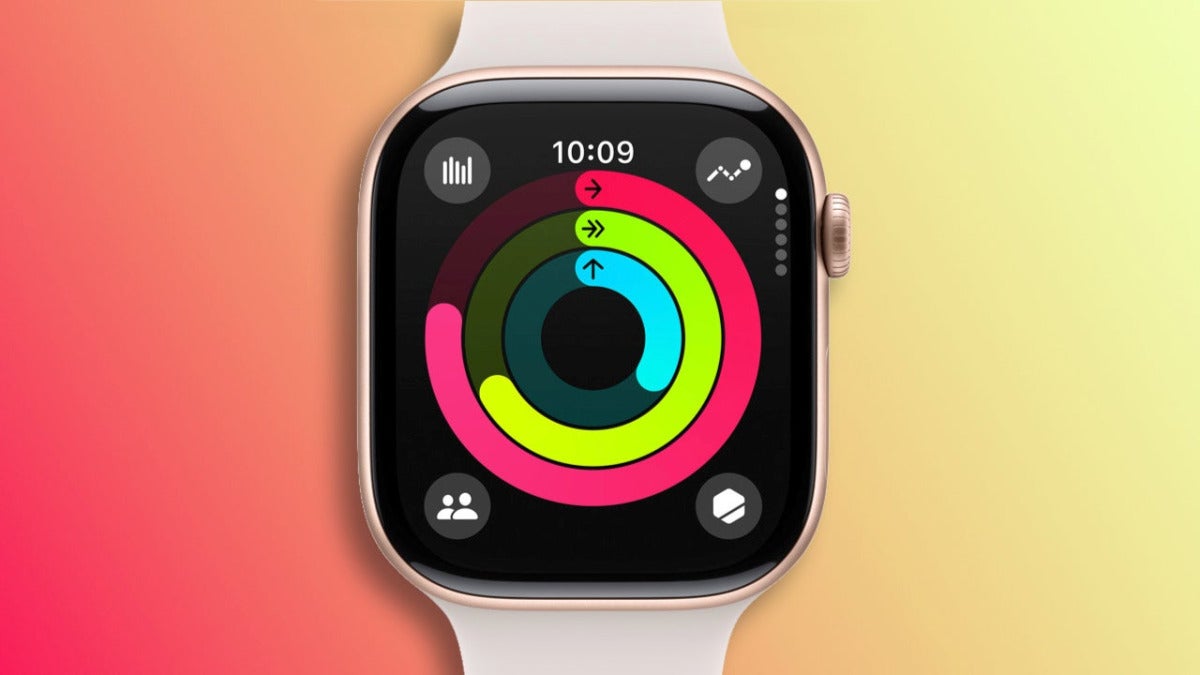
Readiness will be different from the Vitals app we already have, according to Mark Gurman on X. The idea behind the app is to compete more directly with Whoop and Oura by giving us a much clearer reading of our recovery using data from our heart rate, breathing, blood oxygen, wrist temperature, and sleep.

More sensors for a more useful app

We know about the app thanks to the watchOS 27 code (currently in beta), which also includes references to new training features. According to the rumors, the Apple Watch Series 12 could include continuous pulse monitoring, an improvement that would improve the app’s calculations and that, together with more sensors in the next generation of watches, raises a question: will the app be exclusive to the Series 12 and the Ultra 4? 

To answer that question, we’ll have to wait for this afternoon’s presentation. In the meantime, everything points to the wait being more than worth it with an app that promises to be truly interesting.

CarPlay changes completely with iOS 27: these are the new features

With iOS 27, Apple brings the next evolution of CarPlay. Among the new features are changes to video, Siri AI, and navigation improvements too. With several new features that we’ll also see in iOS 27, CarPlay becomes an even more capable extension of your iPhone.

Video, Siri AI, and a more complete interface

While we’re parked, we can now search for and play videos on the car’s screen. While driving, for safety, playback will automatically switch to audio. In both cases, we can now send content via AirPlay, as long as the manufacturer supports it.

The second new feature is Siri AI, which we can now use through hands-free conversations to handle tasks or look up information while driving. You can then continue those conversations in the Siri app on iPhone, iPad, or Mac.

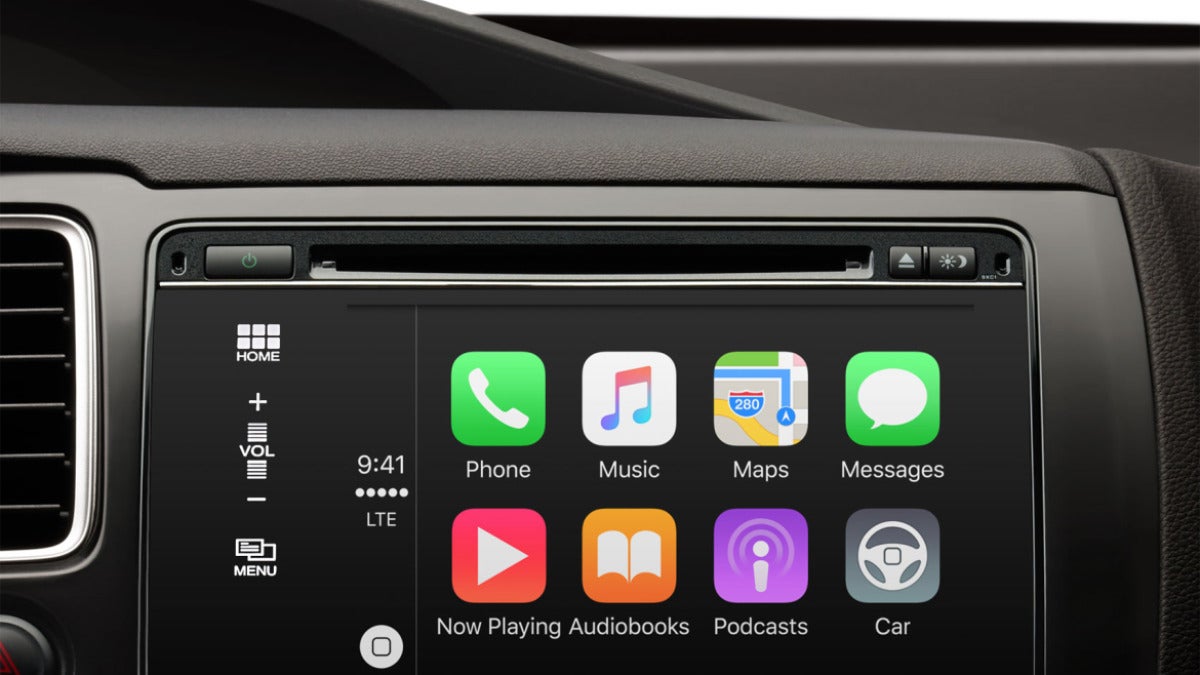
In iOS 27 CarPlay also debuts a persistent mini-player, a progress bar for songs, podcasts, and audiobooks, 14 new wallpapers, and icons designed for Liquid Glass.

Smarter Maps and a better connection

Apple Maps improves Flyover mode with iOS 27 and gains the ability to understand searches in natural language. Map apps will now be able to share the route with the vehicle so it can calculate range and propose charging stops along the way. With the update GPS accuracy and wireless CarPlay reliability also improve.

All the features require only an iPhone running iOS 27, but Siri AI requires a model compatible with Apple Intelligence, that is, an iPhone 15 Pro or later.This makes CarPlay an even more capable platform for your car.

How to watch the iPhone 18 Pro and the iPhone Ultra unveiling live

We’re only a couple of days away from Apple’s big event this fall. Next Wednesday, September 9, we’ll get our first look at the new iPhone 18 Pro and, according to all the rumors, also the company’s first foldable iPhone. The event has the tagline “Surprise and shine” and we’ll be able to follow it live from Cupertino. Let’s see how.

Where, when, and what we expect from the presentation

The presentation will start at 7:00 p.m., mainland Spain time, and as happens with all the company’s events, we’ll be able to watch the entire presentation live from home through Apple’s website, the Apple TV app, or Apple’s official YouTube channel.

Apple TV Download

All eyes will be on the new iPhone 18 Pro and iPhone 18 Pro Max, for which we’re expecting improvements in the cameras, chips, and, to a certain extent, the design. Perhaps as one of the biggest One More Thing moments in recent years, we’re also expecting the new iPhone Ultra, a foldable iPhone that would create a new category in the company’s lineup.

The latest rumors are once again mentioning the colors for the iPhone 18 Pro while we wait for pre-orders to start this coming Saturday, with questions still hanging over the planned release schedule for the foldable iPhone.

While we wait to see the new Apple Watch, the new AirPods, and perhaps another surprise in the smart home category. All signs point to an especially important event for Apple. One that we can already mark on the calendar and watch live this coming Wednesday.

A cherry-red iPhone? This AI-generated mockup shows it in all its splendor.

With the unveiling of the iPhone 18 Pro just two days away, rumors are still trying to pin down the colors and finishes for this year’s lineup. One we learned about a few months ago and still haven’t been able to rule out is dark cherry red.

A cherry red that looks especially good on the Pro models

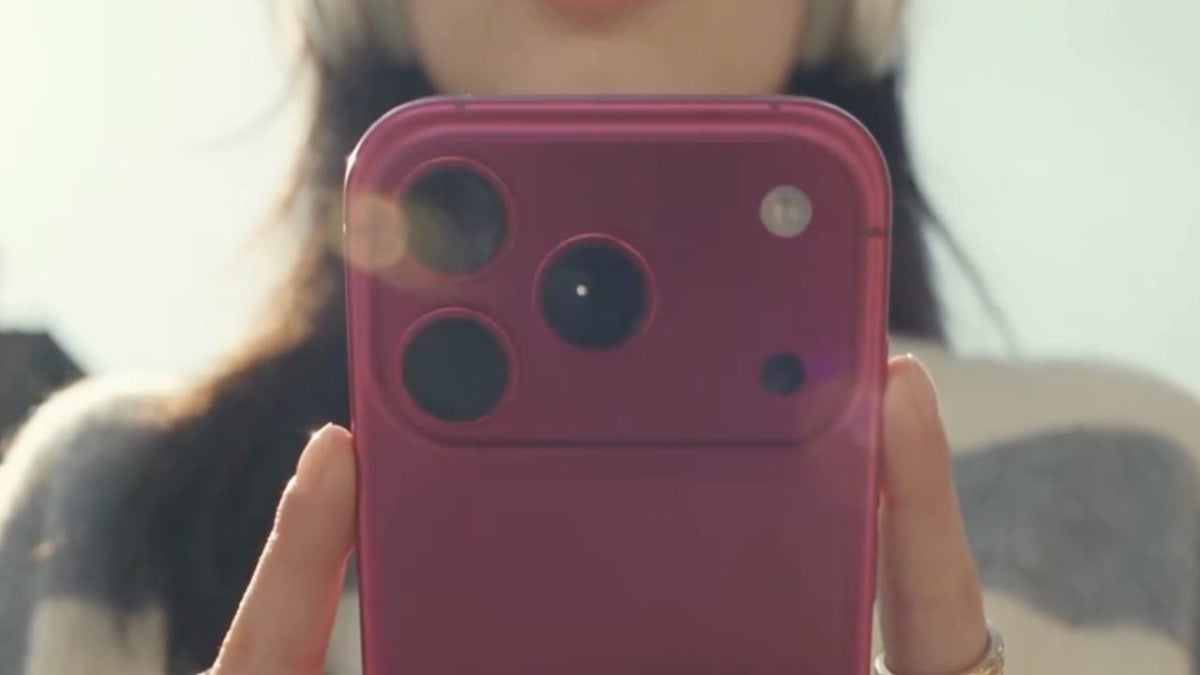
Although we have descriptions, we don’t know much about iPhone colors until we see them in person. It’s really hard to recreate the shade, and its interaction with light, in still images. So, to be clear, these are just rumors, this video (via 9to5mac) is, as of today, our best look yet at the new color.

Instagram Download

https://www.instagram.com/reel/Dc4JrM4z_Xx

The AI-generated video features a woman who turns heads with her new iPhone. A new iPhone with a very interesting color given the reaction —everyone has their own taste— to this generation’s orange. A deep tone, close to burgundy, that changes substantially with the light and looks especially good with the premium feel of the Pro lineup we’ll see this Wednesday.

Apple will hold the iPhone 18 Pro unveiling event on September 9. It’ll be then that we’ll learn the final look of the new models and see the shade of red, if the rumors are right, we’ll get this year. In the meantime, AI gives us a pretty good idea of what we’re about to see.

Google launches Gmail Live: Gemini voice features come to Gmail, Docs, and Keep

Google is rolling out Gmail Live, Docs Live, and Keep Live, three new features that let us talk to our apps to look up information, draft text, and sort through our ideas. All three run on Gemini, and they push Google a little further down a path it’s already been on for months: weaving Google Gemini into everyday products like Gmail and Google Docs, after a long stretch of teaching people to use AI inside those apps.

Gmail Live makes the inbox something we can talk through, and Docs Live and Keep Live follow the same idea

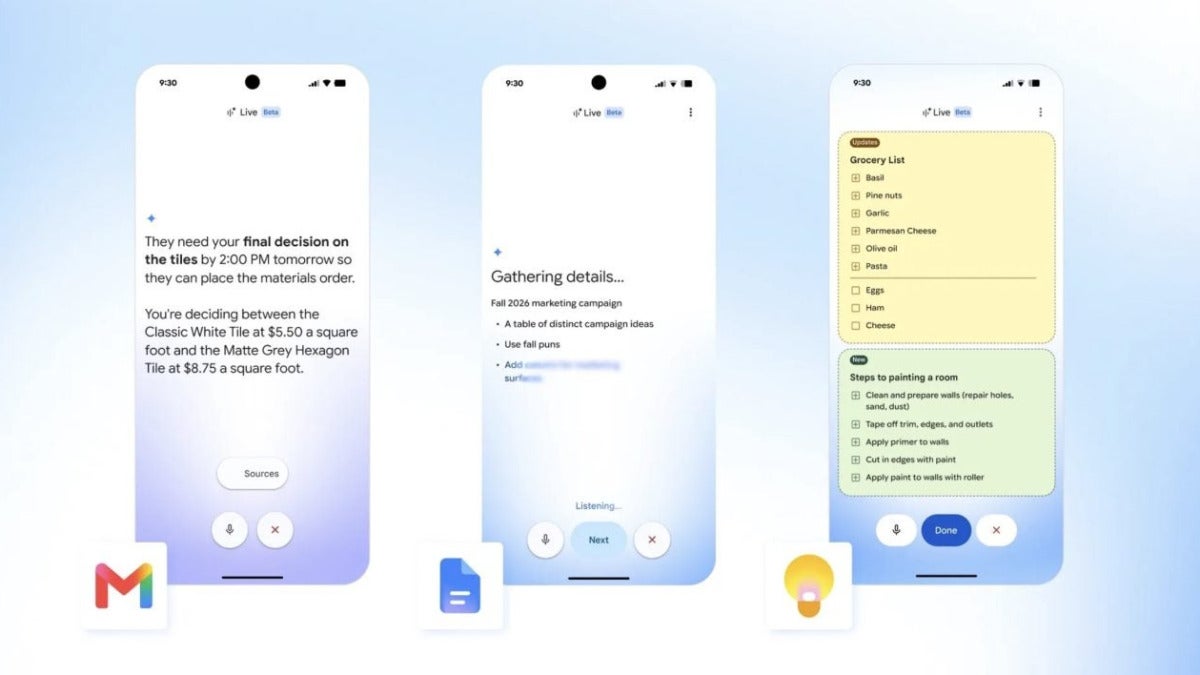
With Gmail Live, we can ask Google Gemini about what’s in our emails. That could mean pulling up details about a trip, finding a specific piece of information, or just asking follow-up questions about the answers while a live transcript appears on screen.

Gmail Download

TechCrunch reports that Google didn’t stop there, because the company is also adding this voice feature to Google Docs and Google Keep**.

In Docs Live, we can say what we want to write and Google Gemini will put together a first draft, using, if we allow it, context from Gmail, Drive, Chat, and the web. Keep Live takes a different angle. It turns Google Keep into a voice-driven notepad where we can organize ideas, lists, or even recipes.

Google says these features are rolling out in English on iOS and Android under different plans. Gmail Live is available with Google AI Plus, Google AI Pro, which students can get for free, and Google AI Ultra. Docs Live and Keep Live, on the other hand, require either a Google AI Pro or Google AI Ultra subscription.

What Google is trying to do here is pretty clear: bring AI into the tools people already use every day. This time, if we’d rather speak than dig through menus and tap our way around the screen, that option’s there.