So, you want to be a YouTuber? Here’s the truth about YouTube gear. The gear you need depends on four factors: your level of experience, your personal preferences, your budget, and the type of videos you create. If you’re launching a video gaming channel, for example, you might need to record your screen, but if you’re launching a daily vlogging channel you can probably go without buying a screen recorder.
Fortunately, you can make a quality video on YouTube whether you have a big budget or not. Read on for our recommendations for every budget.
The best YouTubing gear for every budget
The basic YouTube gear setup
There are YouTube channels that use only voice overs and animation, but if you’re not going to have a channel like this, you will need the basic gear listed below:
- A camera
- A microphone/sound recording capability
- Lighting
- A tripod
- Memory cards
- Batteries
- Editing software
- A computer
You might also find that an external hard drive is useful – video files are enormous.
This might seem like a lot of stuff, but some of these items you have already and probably don’t realize it. For lighting, you can use daylight. For a camera, you can use your smartphone. For editing, you probably already have access to a computer. In either case, let’s look at some of the best gear for YouTubing for different budgets.
BUDGET #1 – YouTube gear for beginners with a smartphone and no budget
Some people think you need a professional studio to create YouTube videos. But actually, you can shoot, edit, and upload to YouTube right from your phone.
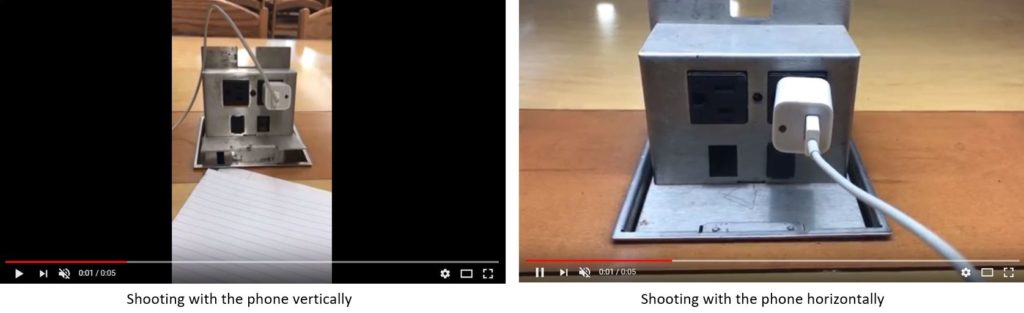
Tip: People who are new to filming tend to shoot with their phone vertically. For some phones, turning your camera horizontally can prevent the black bars on the side. See the image below as a reference.
Camera
A lot of the latest phones have remarkable video quality. Regardless of the brand you have, test out the camera and see how you like the quality. For iPhone and Samsung Galaxy, here are model recommendations that have decent video quality:
- iPhone 6 up to the latest iPhone model
- Galaxy S4 up to the latest Galaxy model
For HD, set your camera resolution to 1920×1080. Some newer phones also give the option to shoot in 4K. Go to your camera settings on your phone to select your preference.
Sound Recording Capability
There are cell phone lavalier microphones; however, a quality inexpensive one may be difficult to find. If you seriously have no budget, just use your phone.
Lighting
If you have no budget, use daylight. Start shooting after the sun rises and before it starts setting. Give yourself time to record. You could make mistakes and need to re-record. If you start shooting when the sun starts setting, that leaves you no time to re-record if you mess up.
Tripod
As ridiculous as this may sound, if you have no money for a tripod, use a bookshelf or stack books on a chair, and then find a way to keep your phone standing up so you can record.
Editing Hardware and Software
Editing can be done on your phone. There are video editing apps you can download for free or for purchase. It will be basic editing, but you can still add text, cut between clips, and add music.
Here are a few editing apps we recommend for iPhone:
- iMovie (Note: If you film with your phone vertically and then try to edit in the iMovie app, it’s going to cut off the top of the video and the bottom. Shooting horizontally fixes that problem.)
- Videorama
- Viva Video Best Video Editor
Here are a few apps we recommend for Android:
- PowerDirector Video Editor
- Kinemaster
- Viva Video Free Video Editor & Photo Video Maker
- Quik Video Editor
- FilmoraGo
BUDGET #2 – YouTube gear for small budgets
Video Cameras for YouTube (under $600)
If you’re on a tight budget, your cell phone could still be the best camera for YouTube. If you’re ready for a camera, here is a brief list of options under $600:
- Nikon D3300
- Nikon D3400
- Nikon D5300
- Canon PowerShot S120 12.1
- Canon EOS Rebel T6
- Logitech C922 Pro Stream Webcam
Microphones (under $85)
You could use the microphone that comes with your camera; however, it makes a big difference to use a microphone that’s not inside your camera.
- TAKSTAR SGC-598 Interview Microphone
- Pixel MC-50 Professional Recording Microphone
- Comica CVM-D03 Mono/Stereo Detachable Muti-functional Dual-head
- Rode smartLav+ Lavalier Microphone for smartphones
Lighting ($25 to $280)
Daylight still looks amazing no matter what your budget is. A lot of makeup gurus are known for shooting with ring lights. Other light options include umbrella lights and soft boxes.
- LimoStudio Photography Studio 20 x 28″ Light Soft Box
- Fancierstudio Lighting Kit 3 Point
- CowboyStudio Umbrella Continuous Triple Lighting Kit
- Square Perfect 2816 2000 Watt Light Kit
- Neewer Ring Light 14-i LED 36W 5500K Lighting Kit
- Diva Ring Light Super Nova 18“
Tripods ($13 to $150)
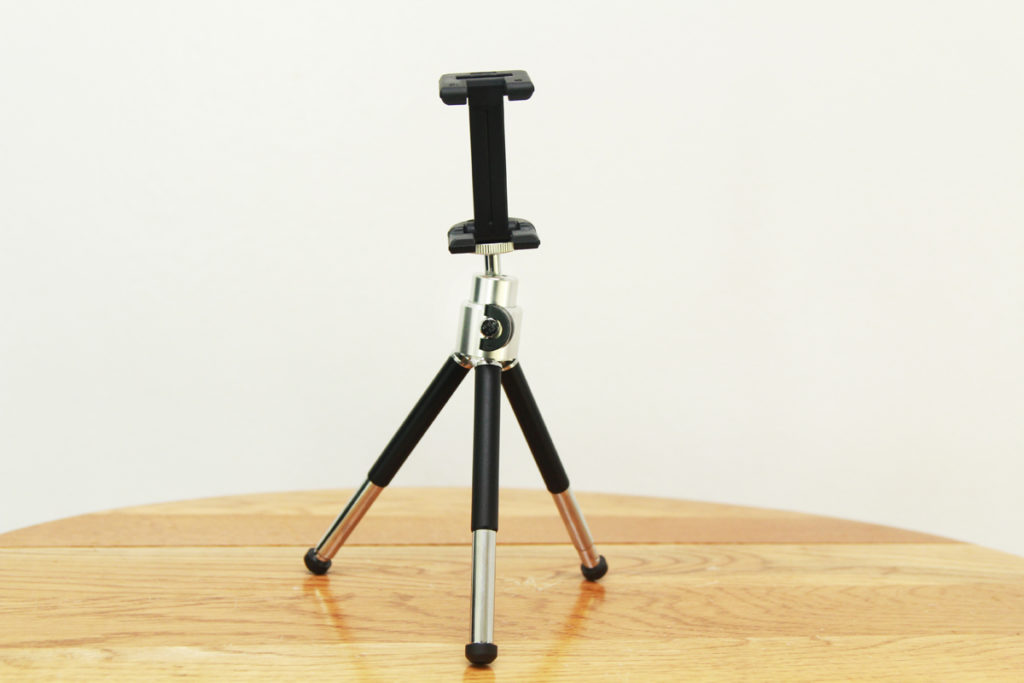
Tripods are tricky. In some cases, the cheaper the tripod, the easier it is to break. Some tripods are better for traveling, while others are better for indoors.
If you know you’re only going to be using a smartphone to shoot, a cell phone tripod is an option worth considering. However, you can also buy a regular tripod and a smartphone mount. Here are some options worth considering.
Cell phone tripods
Regular tripods
- AmazonBasics 50″
- Fotopro 39.5″ Aluminum Camera and Smartphone
- FotoPro DIGI-3400
- Sunpak PlatinumPlus Ultra 7000 2-in-1 70″
- Dolica AX620B100 62” Proline
Computers for Video Editing (under $600)
Finding the best computer for video editing on a budget is tough. You’ll need a computer that can handle video editing programs and large files. There are a lot of good options for video editing; however, a lot of them are pricey. If you are truly on a budget, these options below are all under $600.
- Dell Inspiron 2in1 133 Laptop Intel Core i3 8GB Memory 128GB
- HP Pavilion 17
- Lenovo IdeaCentre 720 – 18IKL Desktop Intel Core i5 8GB Memory
- NVIDIA GeForce GT 730 – 1TB Hard Drive
Editing Software ($70 to $300)
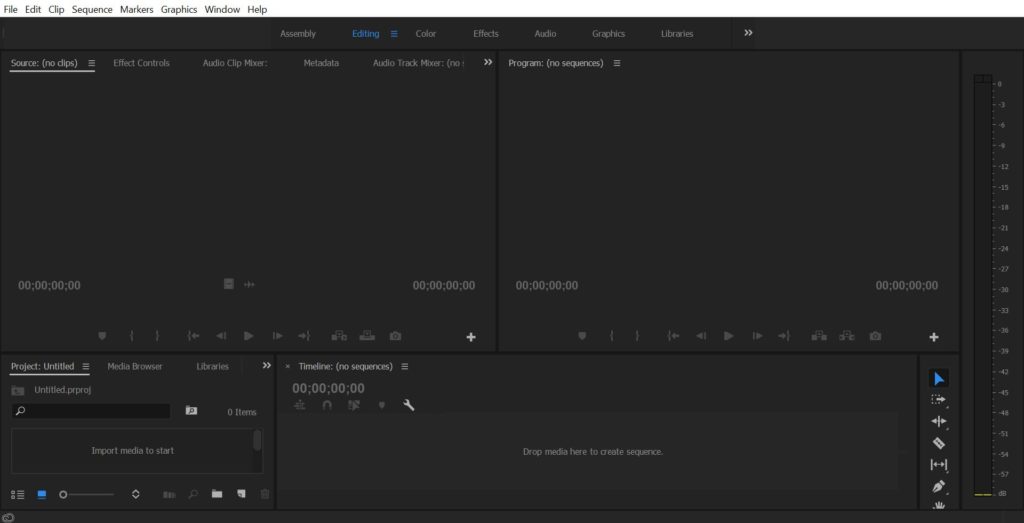
When you buy editing software, make sure to note whether what you’ve purchased is a one-time charge or a monthly or annual subscription. Adobe and Apple carry two of the top video editing applications on the market.
- Adobe Premiere Pro Windows or Mac
- Final Cut Pro (Mac only)
- Adobe Premiere Elements (Windows or Mac)
- Cyberlink PowerDirector (Windows or Mac)
BUDGET #3 – YouTube Gear for Mid-Sized Budgets
Video Cameras for YouTube ($600 to $1750)
Once you get into the mid-range, you’ll find that some camera prices include a lens. There are SLR, DSLR and 4K camera options. Even though 4K looks amazing, it could also take longer to render and export your videos when you edit.
- Canon EOS Rebel T6i DSLR
- Canon EOS Rebel T7i EF-S
- Canon EOS 60D
- Canon EOS 70D
- Canon EOS 77D
- Canon EOS 80D
- Sony Cyber-shot DSC-RX100 V 20.1 (Compact camera)
- Panasonic – LUMIX G7 4K
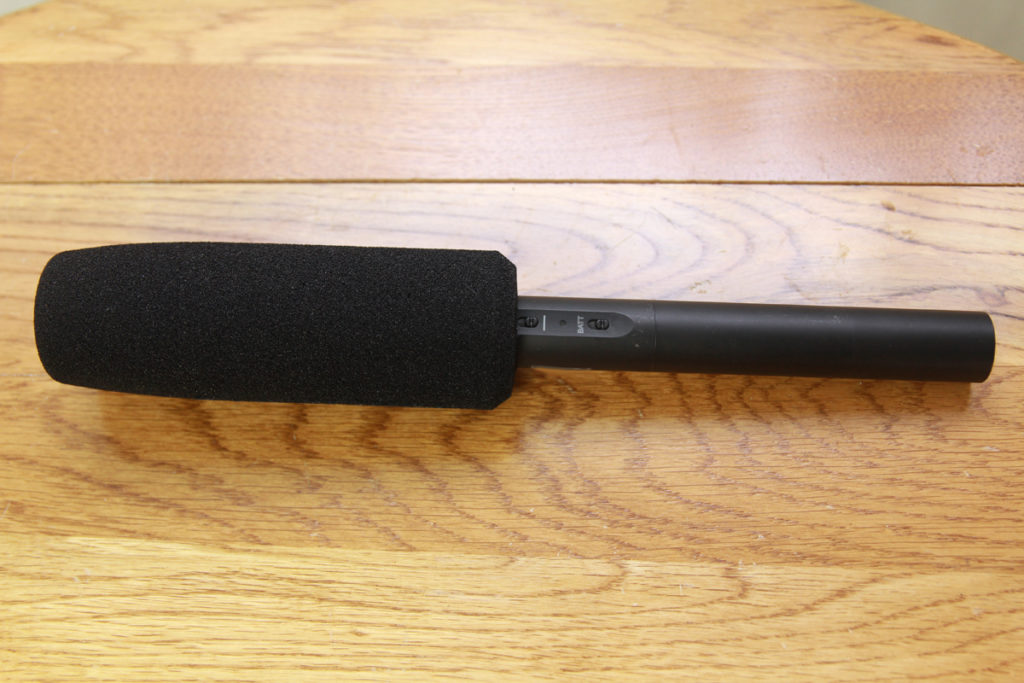
Microphones ($265 to $330)
Lighting ($150 to $300)
- Interfit F5 3-Head Continuous Fluorescent 5600K Daylight Lighting Kit
- Neewer 2 Packs Dimmable Bi-color 480 LED
- Impact Tungsten Three-Floodlight Kit
- Impact Soft n’ Natural Kit
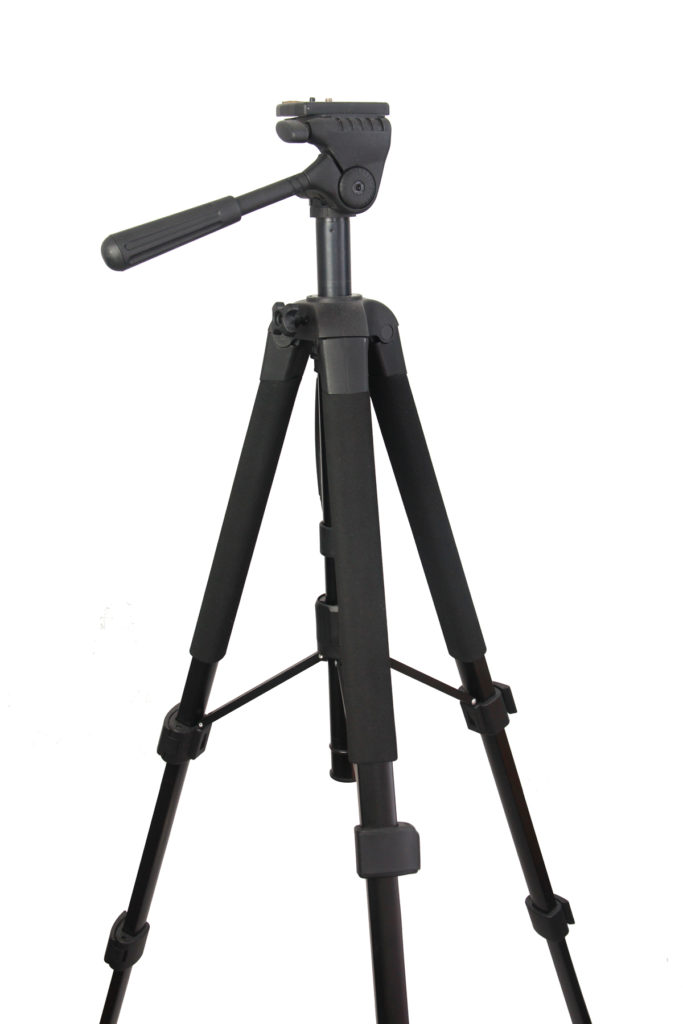
Tripods ($160 to $400)
Lens ($150 to $700)
If you want to upgrade your lens, here are some good options:
- Sigma 17-50mm f/2.8
- Sigma 18-35mm
- Panasonic Lumix G Lens, 25mm, F1.7 ASPH
- Canon EF-S 18-135mm f/3.5-5.6 IS STM Zoom Lens
Editing Software ($240 to $300)
- Adobe Premiere Pro CC (Windows and Mac)
- Final Cut Pro (Mac only)
Again, make sure you review if what you purchased is a one-time charge or a subscription.
Computers ($850 & Up)
- Dell Precision 5510
- HP OMEN Desktop Intel Core i7 16GB Memory NVIDIA GeForce GTX 1070 – 1TB Hard Drive
- HP ENVY x360 2-in-1 15.6″ Laptop Intel Core i7 16GB Memory – 1TB Hard Drive
- Apple MacBook Pro
Start shooting!
Remember, you do not need a professional studio to get started. You can have the best YouTube gear regardless of your budget. A lot of YouTubers are not video specialists and do not have a ton of professional gear, but they still have great quality videos. You just need to get started – so go have fun!
How to watch blocked YouTube videos… If you dare
Find out now

