Steaming Among Us on Twitch has become all the rage as gamers want to show off their skills in this social detection game. Last year saw Twitch Rivals host a tournament where you could unlock a Glitch pet for Among Us.
Fortunately, you can stream straight from your mobile device to your Twitch account, and we’ll show you how.
Meet the requirements
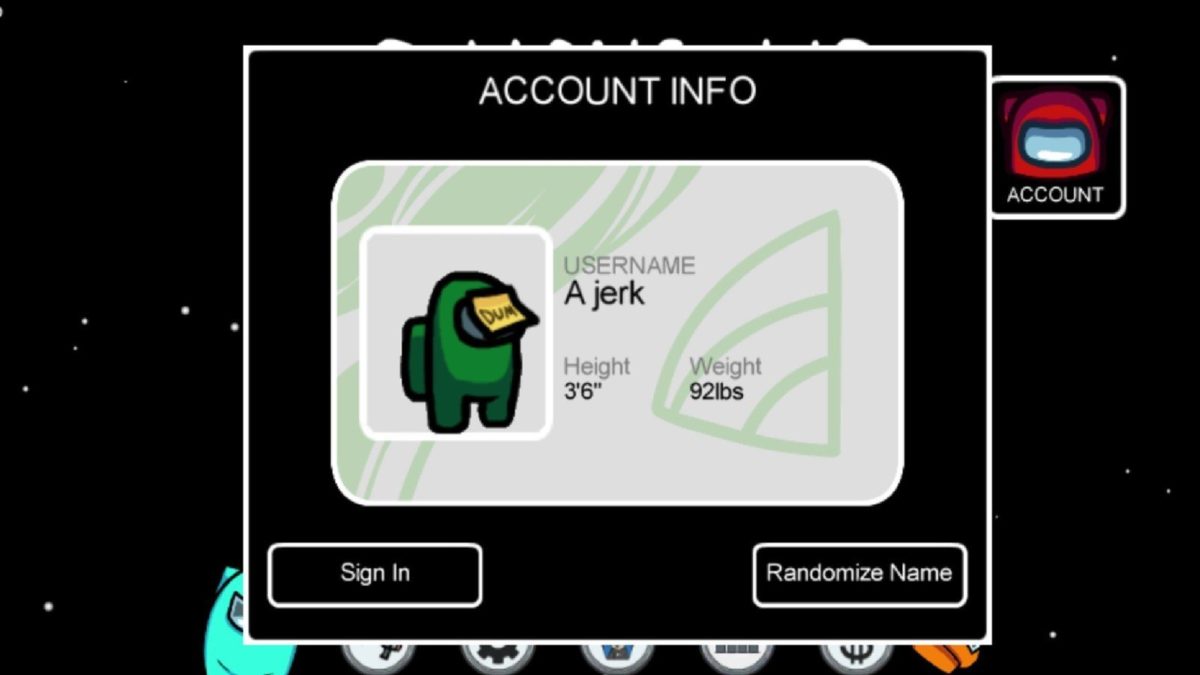
Firstly, you’ll need to make sure you meet the strict requirements before you can connect Among Us to Twitch. Here’s what you’ll need:
– Among Us and Twitch registered accounts
– Not be a minorLogin to your account
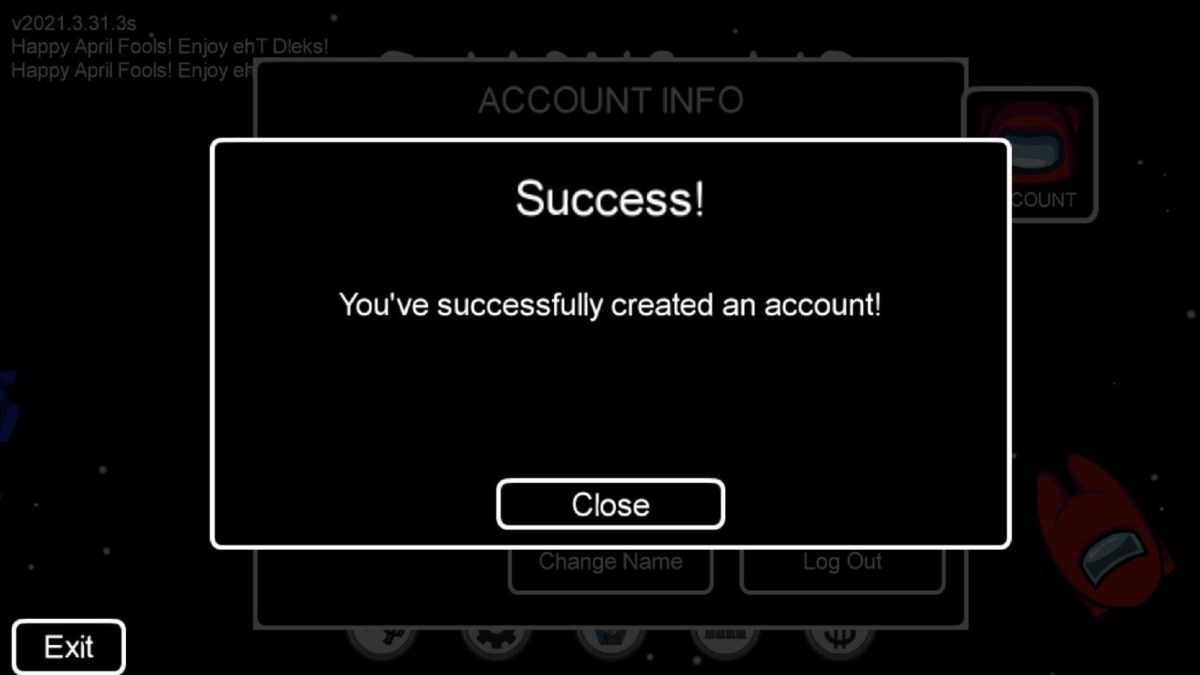
If you comply with the requirements, you’ll need to log into your Among Us account in the game. If you don’t have one, you’ll need to create a new account. Please note that the option to connect Among Us to Twitch will not appear if you’re a minor.
Authorize connection to Twitch
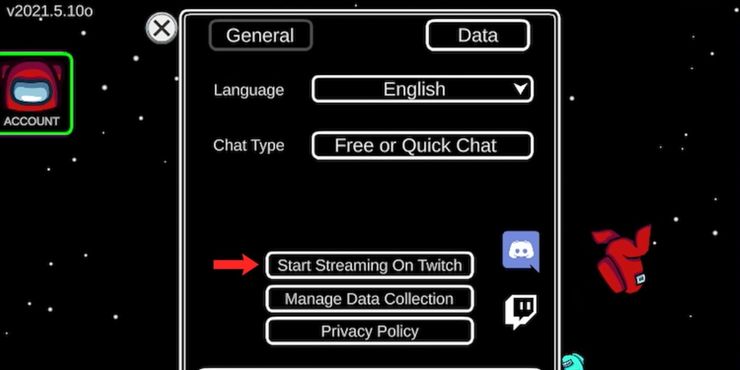
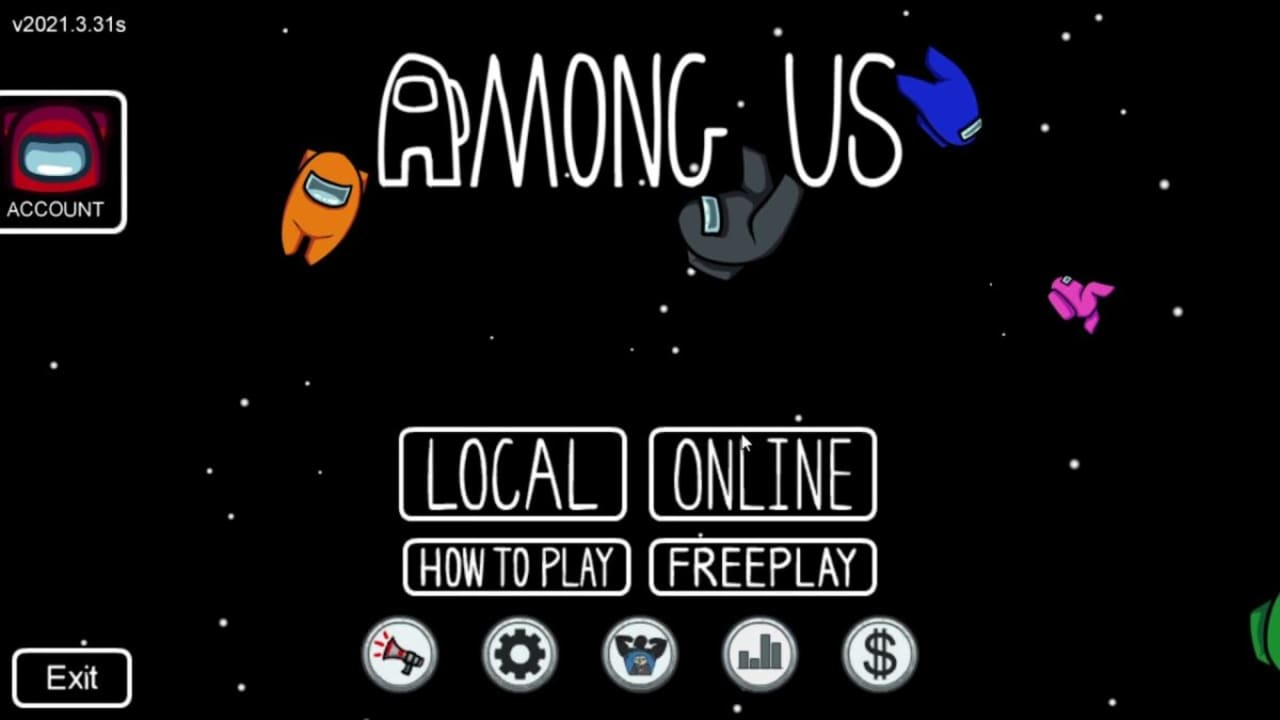
Once you’re in your account, head to settings. You’ll see a button that says “Start Streaming On Twitch” that you’ll need to tap. It will ask you to authorize the connection and then sign into your Twitch account. When you’ve completed this step, you can start streaming from your phone.
Stream your Impostor moves
We’ve seen many gamers connect Among Us to their Twitch accounts to show their skills to their followers. It has been highly entertaining, and we’ve had a few laughs at failed Impostor moves. If you’re planning to live stream your game, remember to let everyone know so we can join in on the fun.
How to Change my Name on Among Us
MORE TIPS