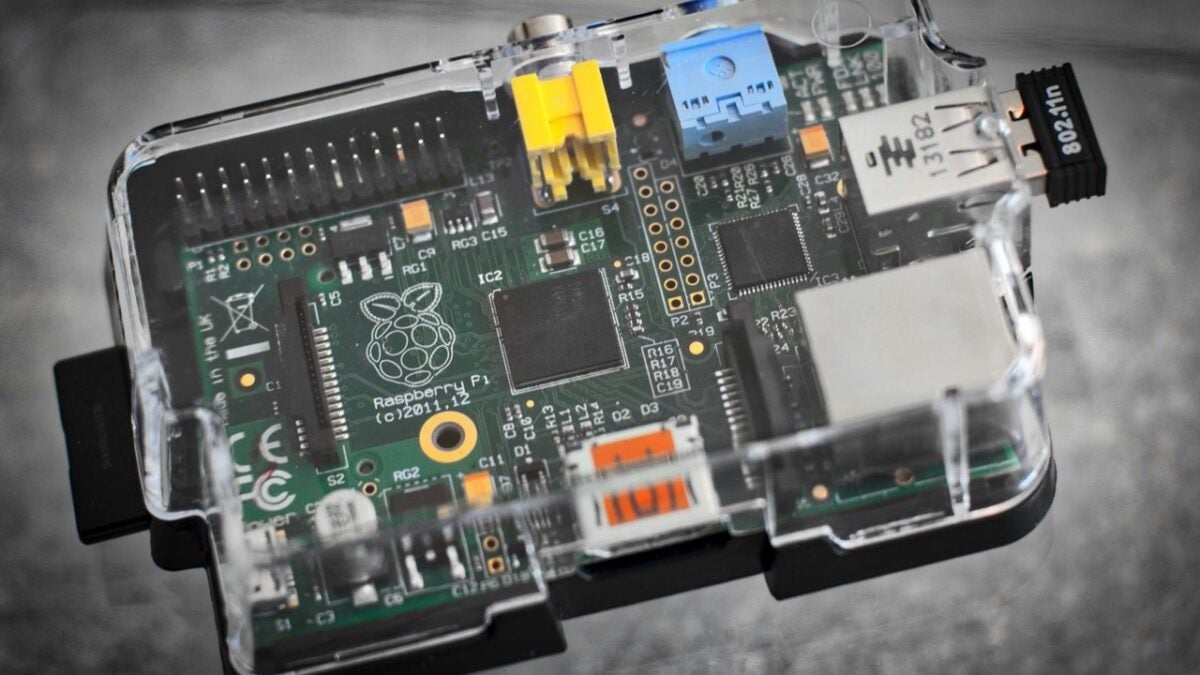
Getting started with a Raspberry Pi can open up endless possibilities—from building a home server to retro gaming setups or smart automation. But diving in without preparation often leads to simple mistakes that can compromise your project or damage your hardware. Here are the most common errors and how to avoid them.
Start with basic projects
If you’re new to Raspberry Pi or Linux, begin with small, manageable tasks that match your experience. This approach helps you gradually understand the operating system, hardware behavior, and connectivity without being overwhelmed.
Use a dedicated SD card
Never swap your Raspberry Pi’s SD card between different devices. Doing so can lead to faster wear and increased risk of data corruption. Stick to known brands like Samsung or Lexar and regularly back up your projects.
Configure HDMI settings properly
Unlike Windows, many Raspberry Pi systems require manual HDMI configuration. If your monitor doesn’t display the image, edit the boot/config.txt file and add hdmi_force_hotplug=1 to ensure proper resolution detection.
Don’t overload USB ports
The USB ports on a Raspberry Pi offer limited power. Plugging in multiple drives without external power can lead to system instability. Use powered hubs or external adapters if you’re building a NAS or similar system.
Manage heat effectively
When using your Raspberry Pi for streaming or server tasks, ensure you use a heatsink or fan to keep temperatures down. Overheating reduces performance and may permanently damage the board. Also, keep enclosures well-ventilated.
By keeping these key points in mind, you’ll ensure a smoother and more reliable Raspberry Pi experience while extending the life of your device.