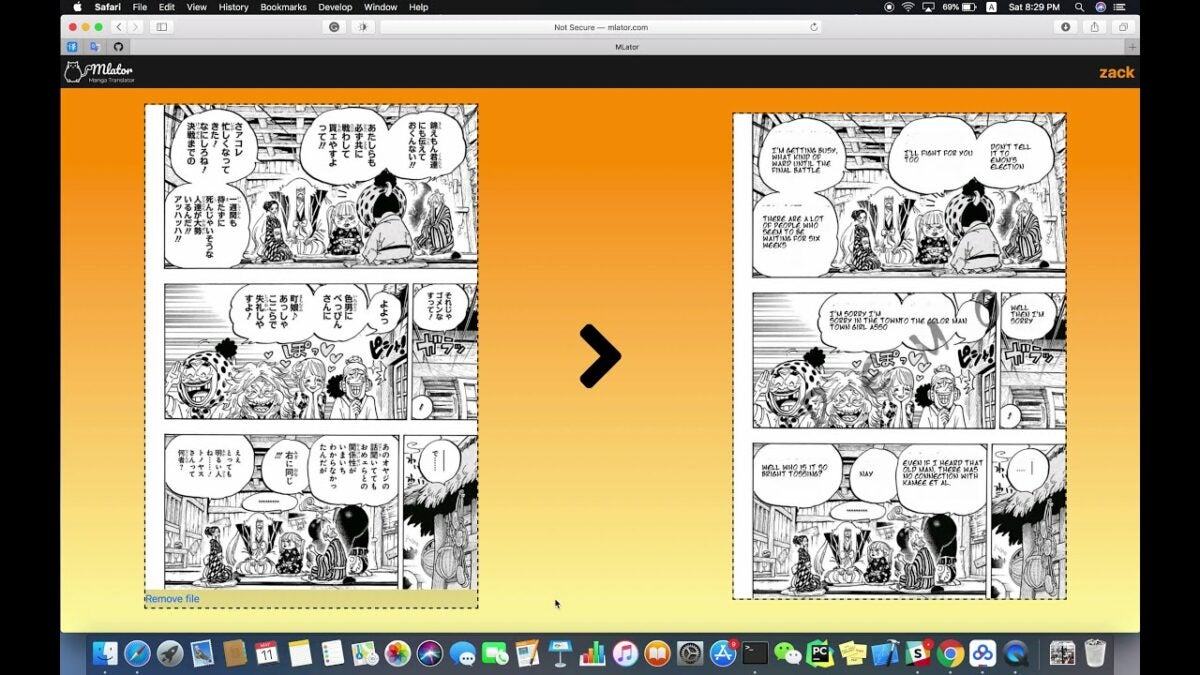
Manga Translator is an essential Google Chrome extension for any manga lover. This extension lets you easily translate the content of any internet-based Japanese manga to English. While it only supports translation to English, you can translate a manga from Japanese, Chinese, and even Korean.
Here’s how you can use Manga Translator to enjoy your favorite comics in English.
Download Manga Translator for Chrome
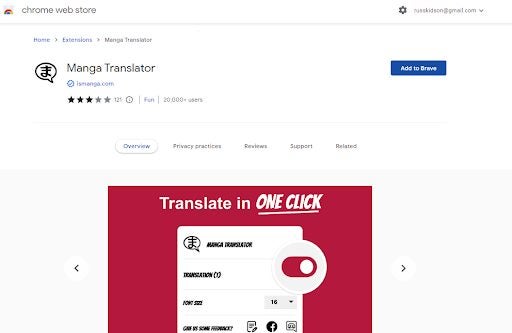
As per usual, when it comes to extensions, you’ll need to add the utility to Chrome or any other Chromium-based browser first. To do this, head to our guide on the best translator extensions for Chrome or consult our Manga Translator review.
Install Extension
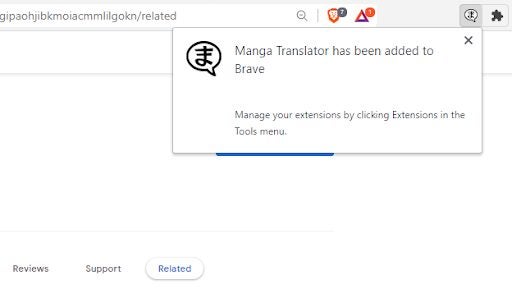
Once you’re at the download page, click on Add to Chrome. You may have to confirm permission for your browser to add extensions from the Chrome Web Store, especially if you use another Chromium-based browser instead of Google Chrome. The extension will download and install automatically, and you should receive a popup that tells you the extension has been successfully added to your browser.
Open Manga Translator
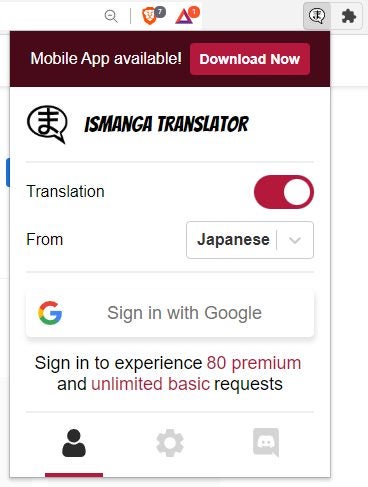
Before you use Ismanga, I suggest you open the extension up to familiarize yourself with its features. Click on the puzzle piece icon in the top banner of your Chromium-based browser and then hit Manga Translator to open the extension. When the extension opens, you’ll see a number of features. Most notably, if you sign in with your Google account, you get unlimited basic translation requests and 80 premium translation requests.
Find a Manga
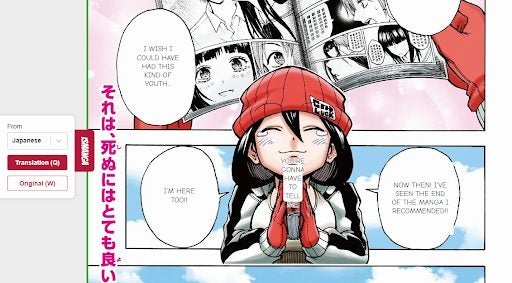
The utility is incredibly easy to use. All you need to do is head to the raw manga you want to translate. Then, you need to open the extension and toggle translation on. You should now see a small interface open up on the left-hand side of your screen from which you can choose to see the raw manga or a translation. From here, you can also choose the language to translate from. The text bubbles in the manga you want to read should start translating automatically.
