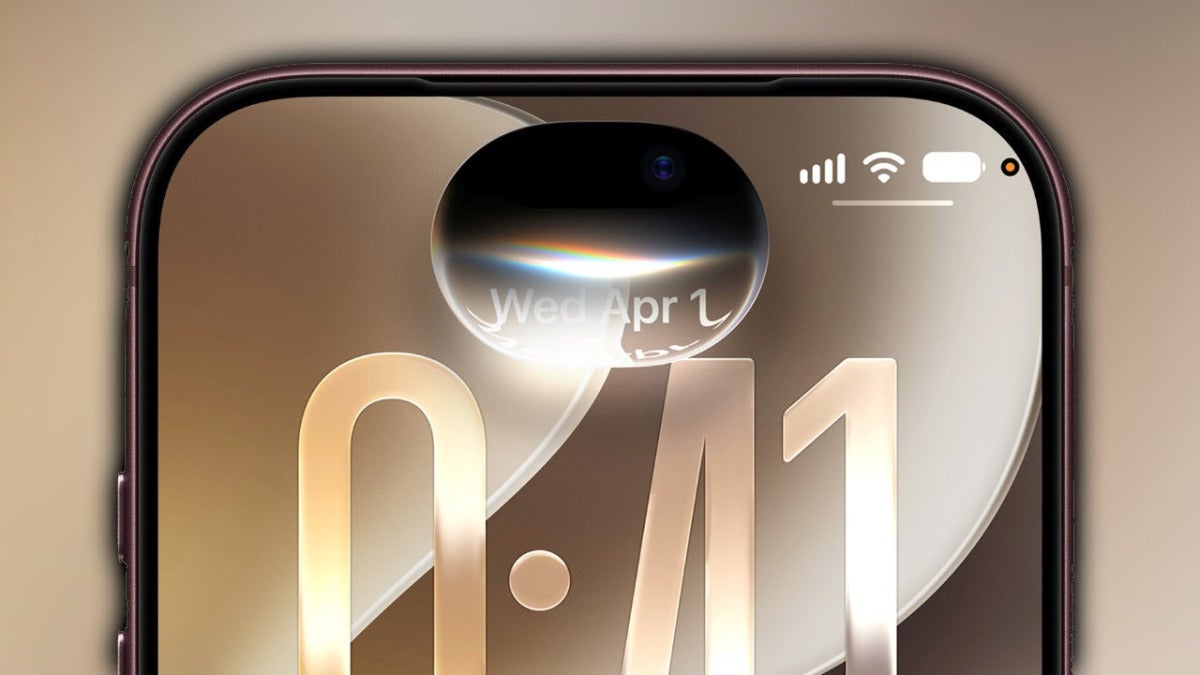
Today, September 14, iOS 27 arrives, the update Apple presented in June and that takes our iPhones to another level thanks, mainly, to the improvements in Apple Intelligence and the new Siri AI. The list of new features is long, so let’s talk about when it’ll officially be available and what to try as soon as we’ve updated.
What time will iOS 27 be available on our iPhones
Apple usually releases its major updates at 10:00 in California, so in mainland Spain we expect iOS 27 at around 19:00.

We’re talking about 13:00 in New York, 11:00 in Mexico City, 14:00 in Buenos Aires and São Paulo, and 18:00 in London. Further east, it’ll be 22:30 in New Delhi, 02:00 on September 15 in Tokyo, and 03:00 on the 15th in Sydney.
iOS 27 supports a wide range of devices, going back to the iPhone 11, and it can speed up our iPhones significantly, even the oldest ones. When the time comes, we just have to go into Settings > General > Software Update to install the update.
What new features should we try first?
Once we’ve finished the installation, the best thing is to take a couple of seconds to see how much faster our apps open and how smooth the system feels. After that, we can look at Apple Intelligence, which is integrated into Calendar, Messages, and also Photos, where we can extend the edges of a photo or reframe it after taking it.
Siri AI, meanwhile, begins its rollout in English, so only if we have our iPhone set to U.S. English will we be able to activate it. Apple has stated that in just a few weeks, in October, it will expand to the other languages. Keep in mind, though, that it won’t be available within the European Union.
In Messages, you get contextual suggestions and several major sync improvements, while if we use the iPhone in the car, CarPlay gets major changes in navigation, playback, and Siri AI.
With the performance gains and even deeper Apple Intelligence integration, we’re getting an especially important update. It lets you do more with your devices, more easily.
