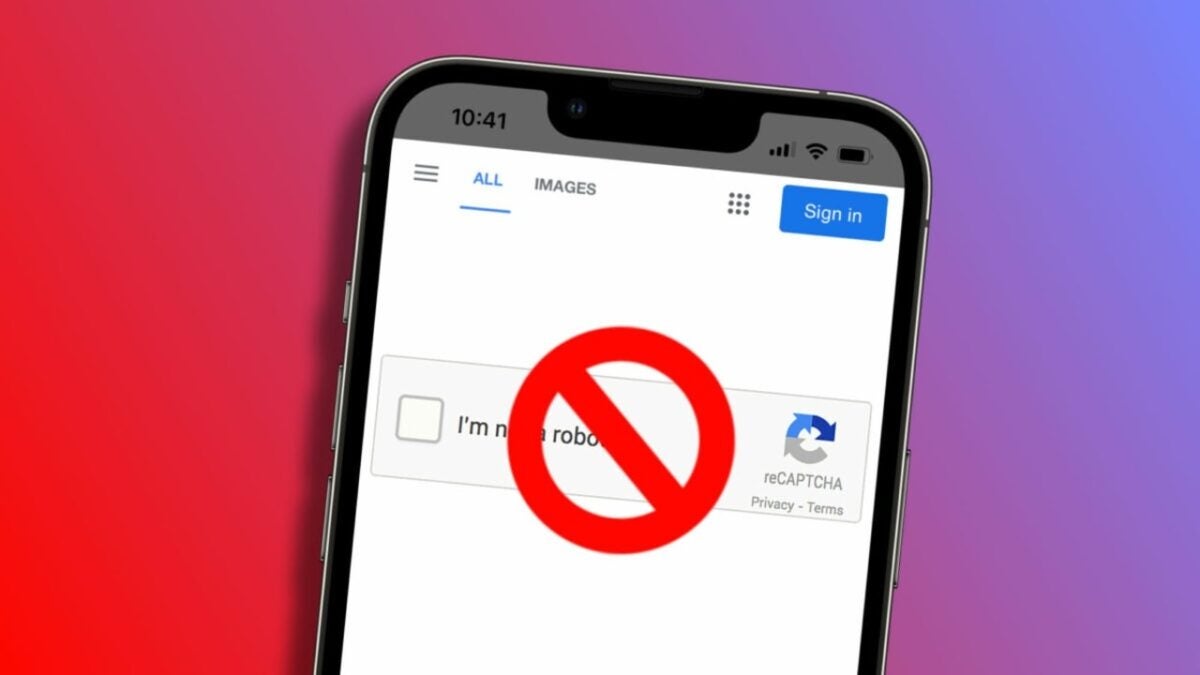
We have all experienced the interruption of encountering a CAPTCHA while browsing the web. These increasingly tedious puzzles are used as a security measure to prevent automated attacks, brute force attempts, and other spam activities on the web. However, they can often be a nuisance that websites can abuse. Fortunately, thanks to a feature in the iPhone and iPad operating system that evolves in iOS 17 and iPadOS 17, we can bid farewell to the hassle of CAPTCHAs.

An adjustment to say goodbye to CAPTCHAs
On the iPhone and iPad, Apple includes a functionality that allows for automatic verification of CAPTCHAs, eliminating the need to manually solve these puzzles. With Automatic Verification enabled, Apple devices can autofill these security tests, allowing us to browse much more freely. Activating Automatic Verification is as simple as following these steps:
- Open the Settings app on your iPhone or iPad.
- Tap on your name at the top.
- Enter Password & Security.
- Enable Automatic Verification.
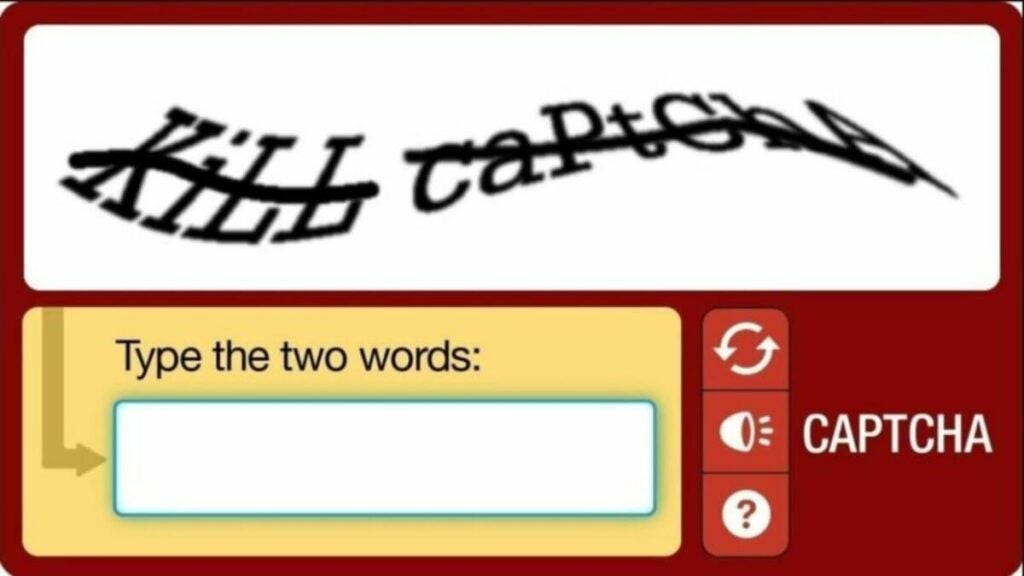
Once enabled, we no longer have to fill out CAPTCHAs when using Safari on our iPhone or iPad. We may still encounter some CAPTCHAs, but the vast majority of them will be completed and verified automatically without us having to do anything about it.
This is clearly an extremely useful feature for browsing certain sites that seem to place one of these puzzles in every possible section. Especially considering that this system fully protects our privacy while achieving the goal of preventing automated attacks against websites.
It’s a win-win combination that allows us to gradually eliminate one of the clearest inconveniences when browsing the World Wide Web.
Some of the links added in the article are part of affiliate campaigns and may represent benefits for Softonic.
