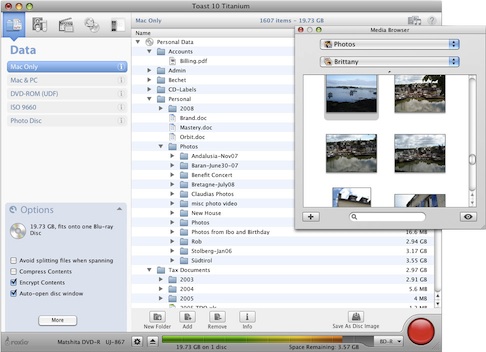
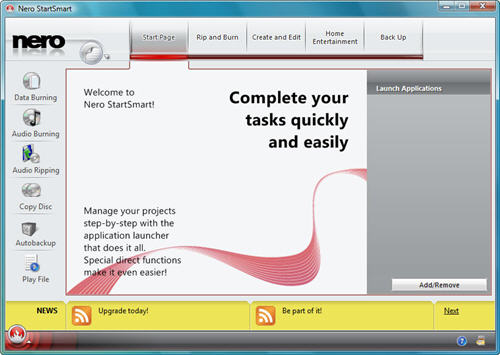
Nero has long been a major player in the world of CD burning, and it’s perhaps the biggest brand in that particular sector of the software industry. Over the years, however, Nero has expanded into an entire multimedia suite, with the ability to not only burn CDs, DVDs, and Blu-Rays, but also to edit photos, videos, and audio, as well as backup data.
Let’s take a look at some of the main functions of Nero 2014, the latest version of Nero’s multimedia suite. If you don’t need all of the apps offered in Nero 2014, most are available as standalone apps too.
Burning discs
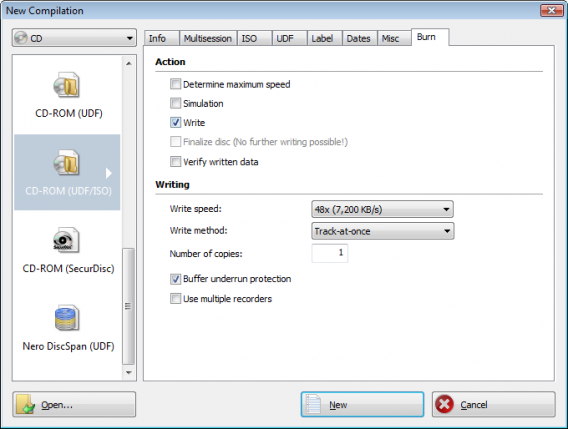
As the cornerstone of the Nero suite of software, the Nero Burning ROM app is there to help you burn CDs, DVDs, and Blu-Ray discs. It’s got a lot of configurable options that let you choose burning speed, or split large files to be stored on multiple discs. One of the best features is SecurDisc, which lets you password protect your discs, as well as read them if they’ve suffered from some scratches.
Video editing
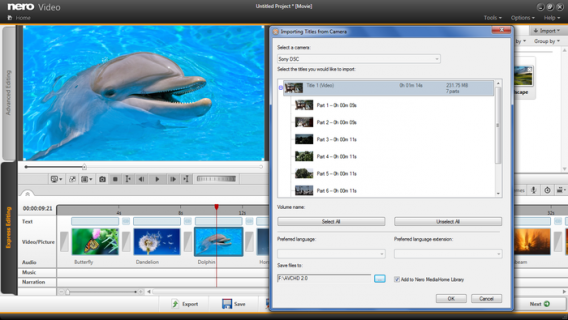
Burning discs goes hand in hand with editing videos, and the Nero Video utility in Nero 2014 helps you do just that. As far as video editing software goes, it’s not the most advanced on the market, but it’s definitely a good option for the average user. After you import videos, you can choose either the quick edit or advanced mode, depending on your level of experience. The Nero Video function lets you add a ton of different types of video files, create transitions, and add text, with resulting videos of a surprisingly good quality. The video editing function even integrates with your iTunes media library.
Media streaming and photo editing
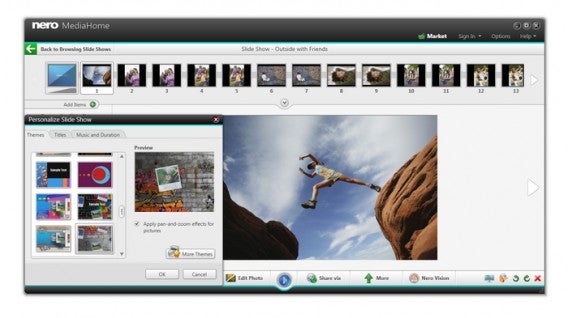
After you’ve created your videos, you probably want to watch them; with the Nero MediaHome utility, you can do just that. Whether it’s audio or video, DVD or Blu-Ray, Nero 2014 includes a player that lets you stream all your media. Even better, the app lets you organize your multimedia files across devices. This is especially useful when it comes to photos: the Smart Albums option will automatically organize your photos into albums using face detection and keywords. Editing options are basic but include some effects, filters, and red-eye removal.
Data back-up
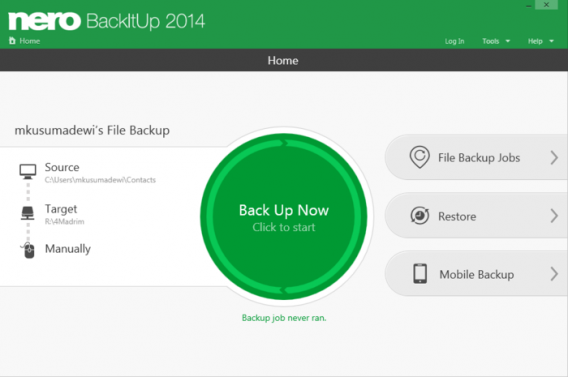
Nero 2014 include Nero BackItUp, which lets you backup your audio, video and photo files either locally to your computer, to an external drive or disc, or to a remote server. It even lets you back up your mobile phone data to your PC. Once you’ve selected the files for backup, there’s an option that’ll automatically let you backup the files on a daily, weekly, or monthly basis. While the BackItUp function doesn’t include many advanced options, it’s really handy for the average user.
Everything you need in one suite
If you’re looking for a multimedia suite with a ton of functions, Nero 2014 is your best bet. Although the interface is still a bit dated, all the apps perform their functions relatively well. The biggest downside of Nero 2014 is that because it offers so many functions, it can be high on resource consumption. Regardless, it’s a very complete software that can help with all your multimedia needs.
Have you tried Nero 2014?
*Note: Original article published Jan 31, 2007 outlined Nero 7.