The new roadmap of Google Maps: giving control to the user over their information

Google Maps is making it clear that user information control should be more prioritized than ever. The new updates of the most used geolocation service in the world, which open new ways to handle privacy, along with the improvements in Artificial Intelligence that are being worked on, reveal Google’s interest in having users feel their private data is under control.

Google Maps has been on billions of mobile devices around the world for over a decade, so any improvement made to this service has a huge impact.

Google Maps Download

Improvements in privacy and data management

Regarding the important privacy improvements that Google has made in recent weeks, one notable example is the ability to schedule Google to delete your location history up to 3 months in advance, a much shorter period than the previous limit of 18 months. This way, you can leave a much shorter digital footprint on Google Maps with this option enabled.

The way Google manages information has also changed. Previously, this information was stored in the cloud and automatically synchronized with all connected devices. Now, this information will be stored on the device that records those trips, and you can choose whether to synchronize that history with other devices or only have it on your mobile without synchronizing it on other devices such as tablets, PCs, or similar.
Maps will also allow sharing real-time locations from Google Contacts

Advances in location and new design

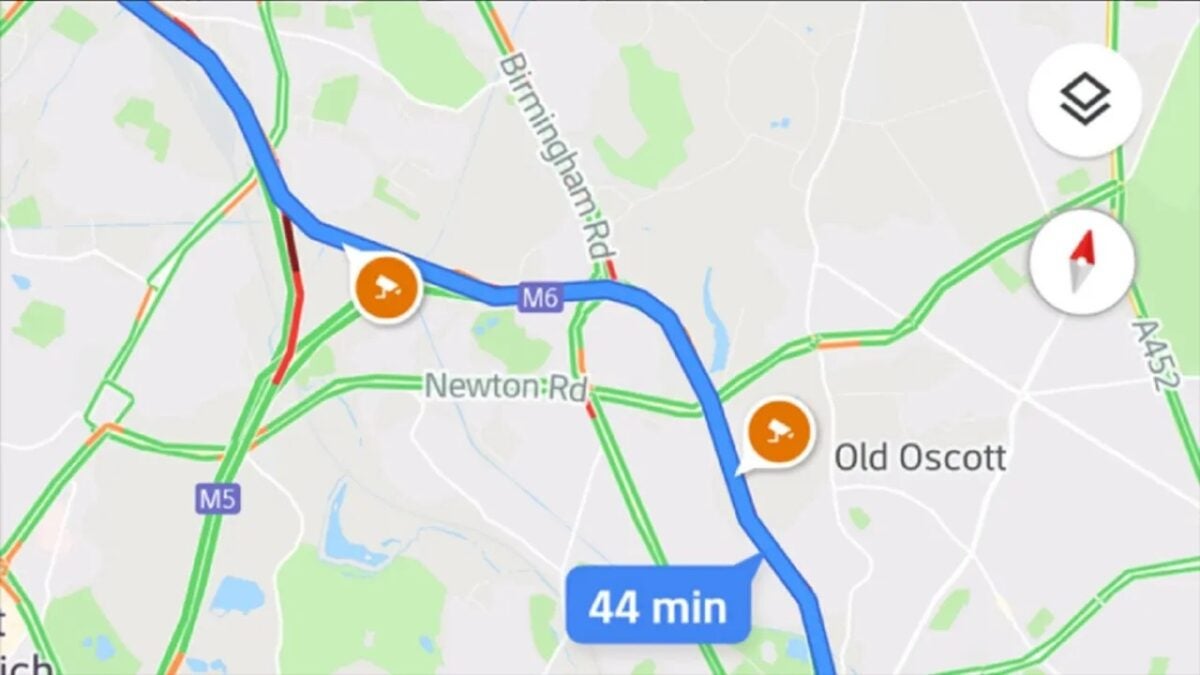
The real-time location, a feature widely used by users, can also be used from Google Maps through Google Contacts, being able to do without third-party services that other applications provide. In this way, the aim is to improve the efficiency of users when they need Maps functions.

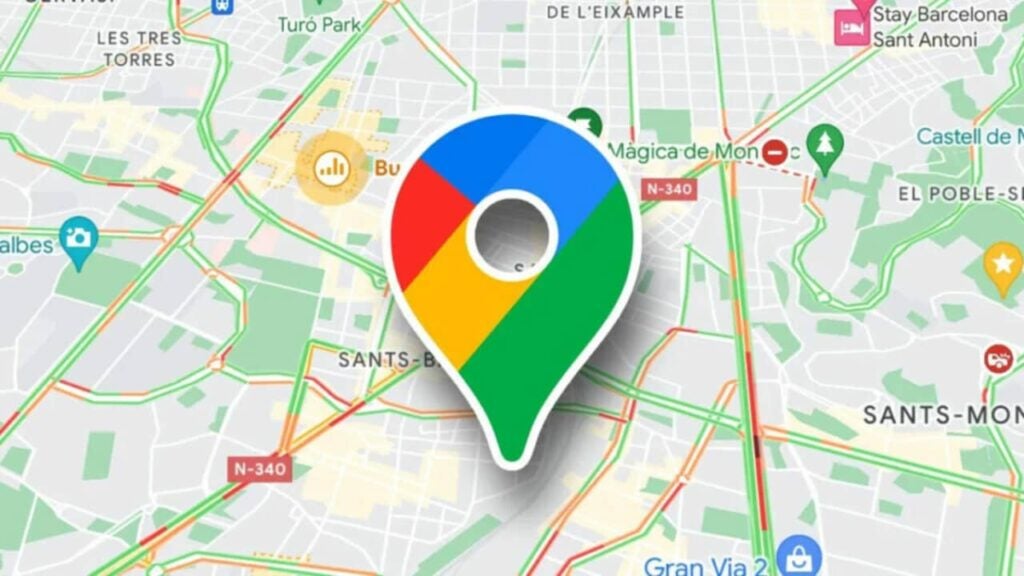
This is in addition to the radical design change that Maps made last September, in which the color palette was completely changed to opt for a more minimalist, cool, and corporate tones. The new design has as many supporters as detractors, but there is no doubt that it has been a very striking way to make it clear that Google Maps is evolving.
Google Maps Download

Best virtual cartography apps and software

From fantasy worldbuilding to professional cartographer work, use these tools to build your maps!

CArtography

The art of cartography may seem like a dead field, but it is actually still alive and well. It has almost entirely moved to a digital format. However, there are still professional and hobbyist cartographers all over the world.

Geek culture has had a big part in keeping the hobby part alive. The fantasy worlds of D&D campaigns, fiction novels, and sandbox video games often require complex map creation. Thankfully, whether you’re a professional or hobbyist, there are plenty of programs on the web to help you create the various maps you’ll need. Here are some of the best programs to use:

The best virtual cartography software


MapScribe

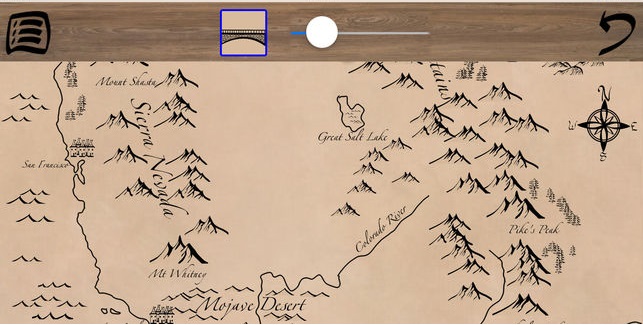
MapScribe

This is a cartography mobile app that is mostly for hobbyists. It is especially useful for people who are just beginning to use map creation software. Some use it for building their fantasy stories or game campaigns. We definitely recommend this to any novelist, game designer, or tabletop player who has never before used a cartography program.

Mapscribe Download now ►
7


Maptitude

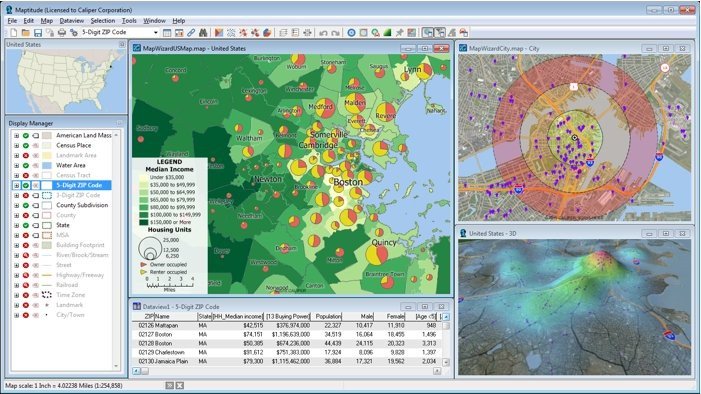
Maptitude

Maptitude is a somewhat expensive but brilliant map creation tool that any cartographer or geographer would be happy to use. It has so many features and customizable options for your maps, that you may never end up using all of them.

No matter what you need to create a map for, Maptitude is one of the best choices you could ever imagine. The only thing anyone finds an issue with this program is the price, but it is well worth it for how useful the software is.


Map Stack

Map Stacks

This app is like MapScribe but for professional cartographers. If you’re looking to work in the mapping industry but are lacking any software to help you with it, Map Stack is a great first choice.

It runs a lot like Photoshop, so you’ll adjust easily. It may not have as many features as some of the more expensive cartography tools, but it is by far the easiest professional program to use.


Campaign Cartographer

Campaign cartographer

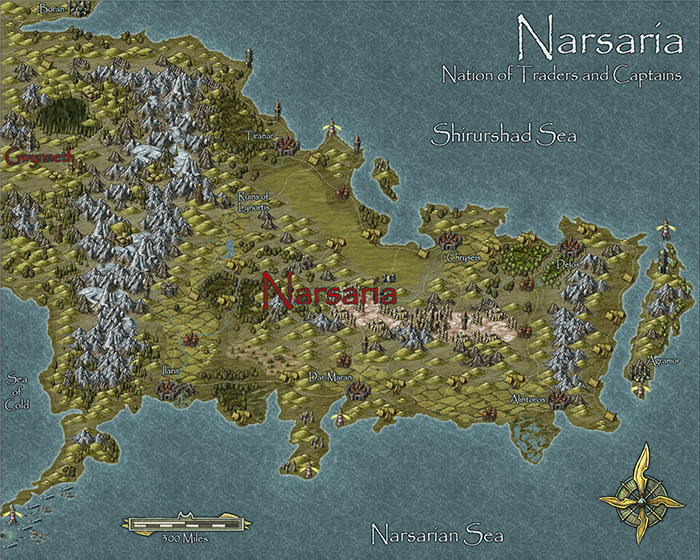
This program is more for hobbyist cartographers than professionals. More specifically, this cartography tool is probably the best one you’re ever going to find in terms of fantasy world creation.

Tabletop enthusiasts love this program, as it features a large variety of customizable tools. You can create both a physical and political map for your world. Your players can understand the nations they are going through, as well as the geographical landscape they’ll have to traverse.


Inkarnate Pro

Inkarnate

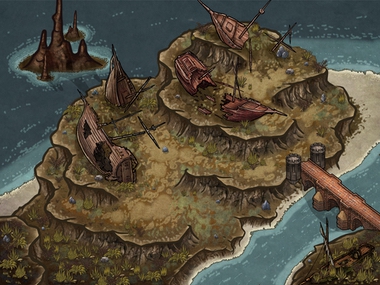
Another fantasy map creator for hobbyists, Inkarnate is for mapping smaller regions. It is for making cities, towns, and the surrounding area.

A lot of mapping tools will help you create large scale maps, but very few focus on the smaller details like this one. This is very useful if you’re planning the layout of a town in a fantasy world or something similar.


ArcGIS Platform

ArcGIS

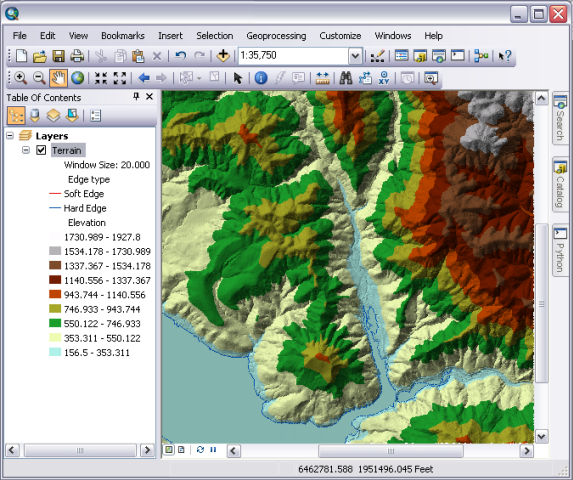
ArcGIS has many programs to choose from that can provide a variety of mapping options for you.

ArcGIS also features a variety of mobile apps so you can work on your map creations from anywhere. It also makes field data easy to collect, as you can place it directly into the apps while you’re doing it. It is also by far the most professional mapping tool you’ll find for any smartphone.

“X” marks the spot

Hopefully, one of these tools can help you out with your world-building.

No matter your reason for using a cartography software, these are by far the best choices for professionals and hobbyists alike.