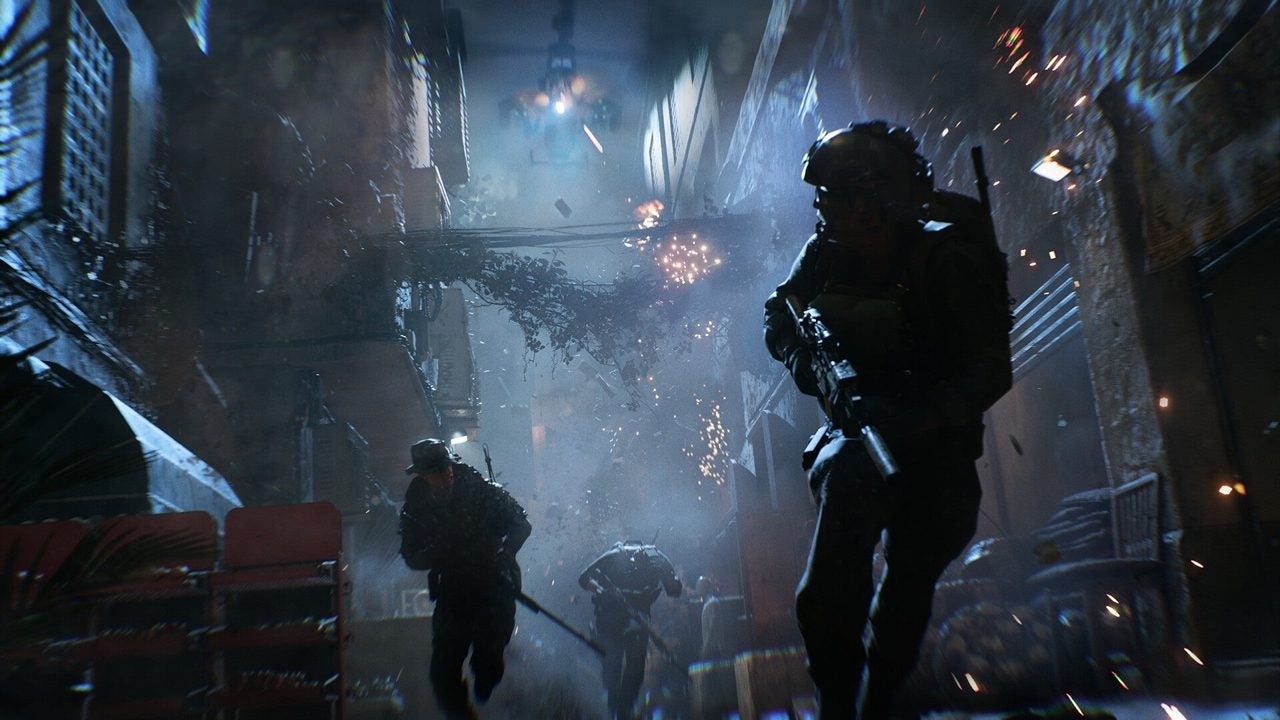
Since its launch a little over a week ago, many Battlefield 6 players have noticed that aiming sensitivity can be a tricky issue, especially for those using mouse and keyboard. The popularity of a video by YouTuber TorbisXD, which has garnered over two million views, has highlighted key adjustments in the game’s settings that can improve aiming accuracy.
Two changes in the options that make the game feel much better
One of the most notable recommendations is to disable the Uniform Infantry Aiming option and set the Zoom Sensitivity Coefficient to zero. According to TorbisXD, this can make ADS (Aim Down Sights) aiming significantly more accurate. The reason behind this advice is that the default coefficient of 178 applied by the game introduces extra sensitivity that can hinder the experience for players used to a more “raw” input.
By making these changes, players can experience a more natural response when aiming, facilitating movement between targets. This is essential in a shooter experience, where maintaining a consistent sensitivity can drastically improve gameplay. After making the modifications, several players have reported a better experience, noting that aiming feels smoother and more precise.
Although some players have not had issues with sensitivity from the start, following TorbisXD’s advice could still be useful, as it allows for customizing the settings to a level that better suits each playstyle. With the option to make manual adjustments to the zoom levels, players have the flexibility to optimize their experience in Battlefield 6, enhancing their effectiveness on the battlefield.