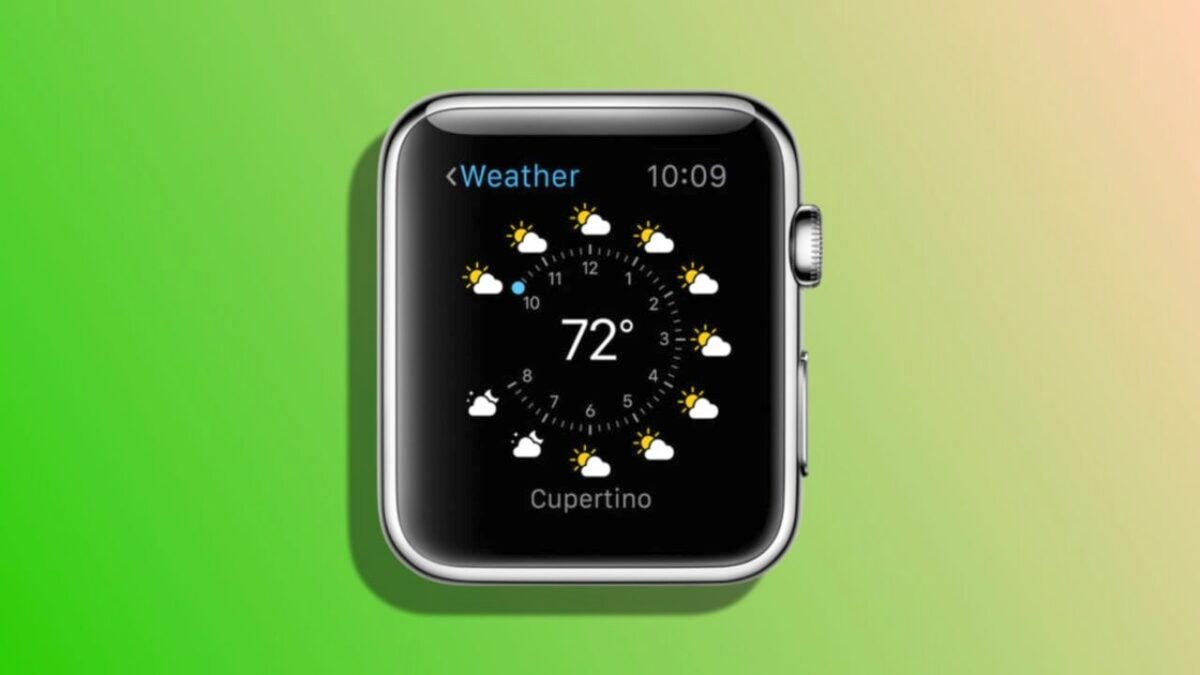
Since the launch of watchOS 10, some Apple Watch users have reported an issue with complications from the Weather app on the watch face. Even after the release of watchOS 10.0.1 and watchOS 10.0.2, the issue persists for some, leaving users unable to view weather information directly from the Apple Watch face.

Two temporary fixes that we can try
For those who are not familiar with the term, “complications” on the Apple Watch refer to functions that display real-time information on the watch face, such as weather, date, heart rate, among others. However, the recently identified error causes the Weather complication to display a blank space instead of weather information. When accessing the app directly on the watch, the information is displayed normally.
In response to the situation, Apple offers a couple of temporary solutions while they work on a permanent fix through a software update. They provide two possible solutions in a support document. The first is to review location settings, which can be done as follows:
- Open the Settings app on your iPhone.
- Go to Privacy & Security.
- Tap on Location.
- Select Weather.
- Choose “Never” and then reselect the original setting you had.
If this solution doesn’t work, Apple suggests resetting specific iPhone settings. It’s important to note that this is not the same as resetting all settings, which would require you to reconfigure various options. This is only about resetting location settings, and you can do it like this:
- Open the Settings app on your iPhone.
- Go to General.
- Tap on Transfer or Reset iPhone.
- Choose Reset.
- Select Reset Location & Privacy.
- If prompted, enter your iPhone’s passcode, then tap Reset.
With these steps, and while waiting for a permanent solution in the form of an update, these two methods should be able to temporarily fix the issue. These are easy-to-follow steps that, hopefully, will bring weather information back to your wrist within a matter of seconds.
