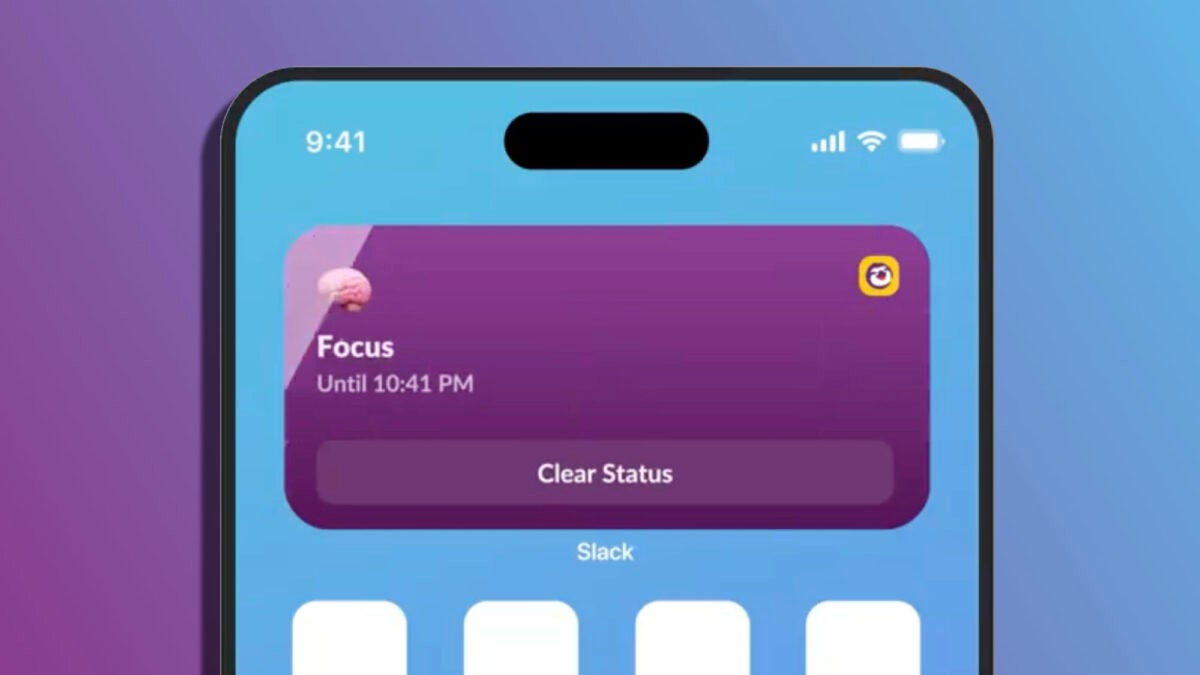
Slack, the popular messaging app for businesses, has released an update for the iPhone that includes four new widgets designed to improve efficiency when interacting with the app from the home screen or lock screen.

The first of these widgets is called ‘Catch Up’ and is designed for you to quickly see how many unread messages and mentions you have pending. With a touch, this widget gives you direct access to the “Catch Up” feature of Slack, where you can review all important notifications. It’s a quick way to stay up-to-date with work conversations without having to constantly open the application.
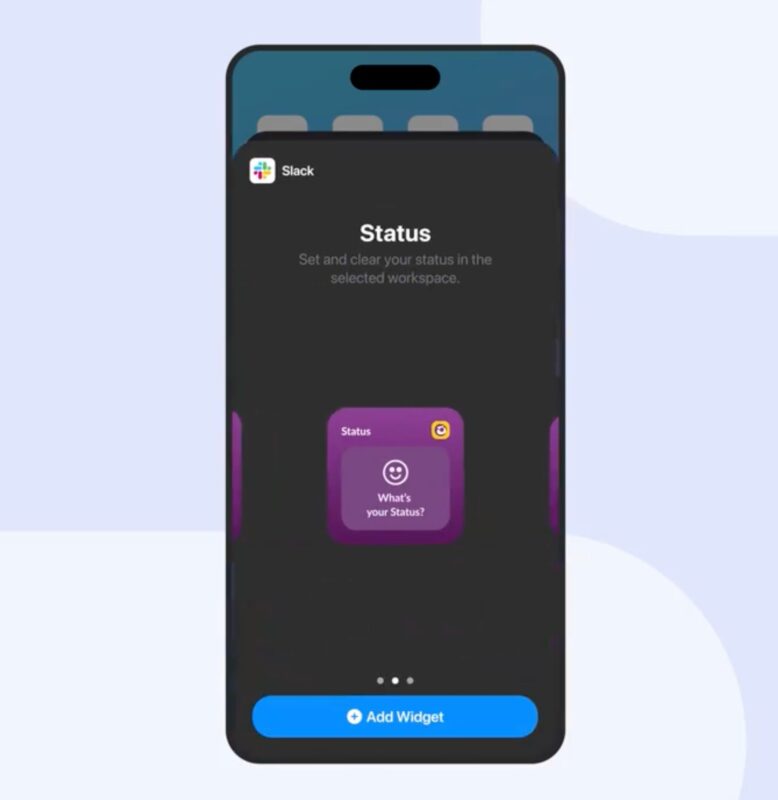
For the second and third widget, Slack offers two sizes of a feature called ‘Status.’ The first, small size, allows you to quickly navigate to your status in Slack to update it quickly. The medium version of the widget offers the same functionalities, but includes a preselected menu of status options for a faster selection.
The fourth widget is especially useful for the lock screen, as it allows you to open the Slack app with just one tap, eliminating the need to search for and open the application from the home screen.
As ChatGPT integrates into Slack and joins the AI fever, keep in mind that to configure these widgets you need to have the latest version of Slack installed on your iPhone or iPad. Then you simply press and hold the home screen or lock screen to search for and add the new widgets. Widgets that, without a doubt, you will want to configure with the “Work” concentration status so they will automatically disappear during your free time, but that, while you are working, allow you to have an even smoother communication with the rest of the team.
