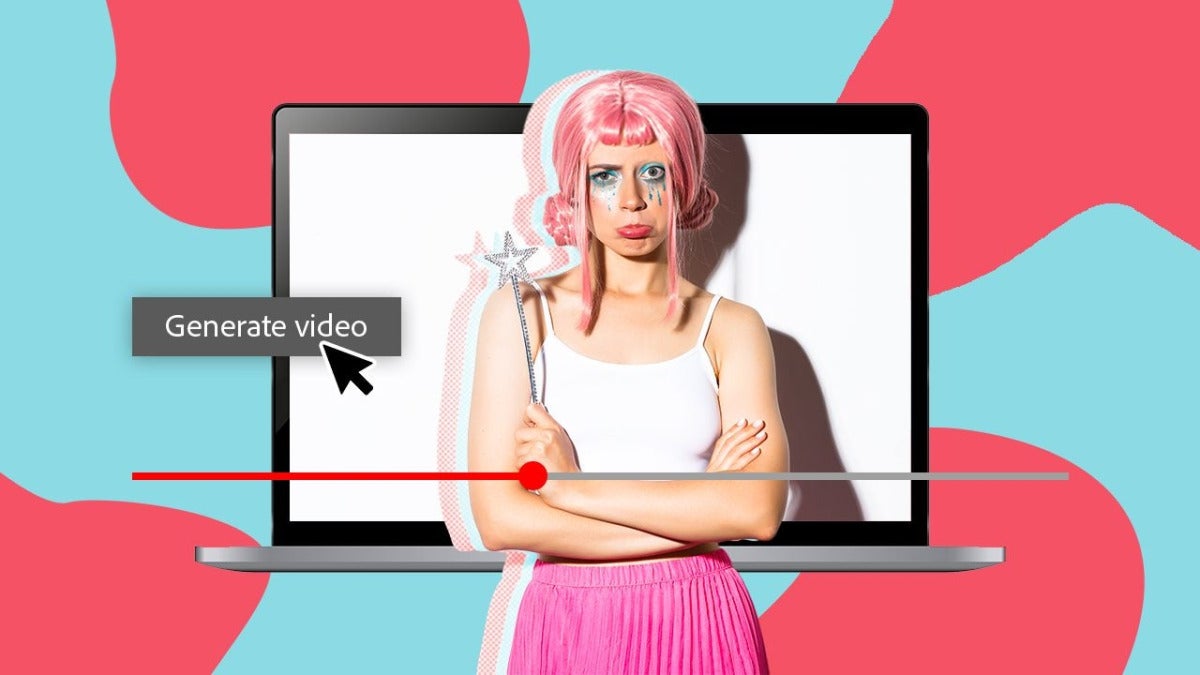
AI is changing the audiovisual world. One of the areas feeling the impact of this tool the most is video editing, since any task that might once have taken us quite a few minutes can now be done in much less time if you know the right steps to take.
In this article we’re going to introduce you to the best video editors with AI tools for professional editing in 2026. A comparison to make editing video a much simpler task.
Why choose Adobe Premiere and Firefly?
Adobe Premiere and the full set of tools Firefly offers understand what professional creatives need. After all, Adobe products are built by creatives for creatives after years and years of listening to industry professionals and learning what they need.
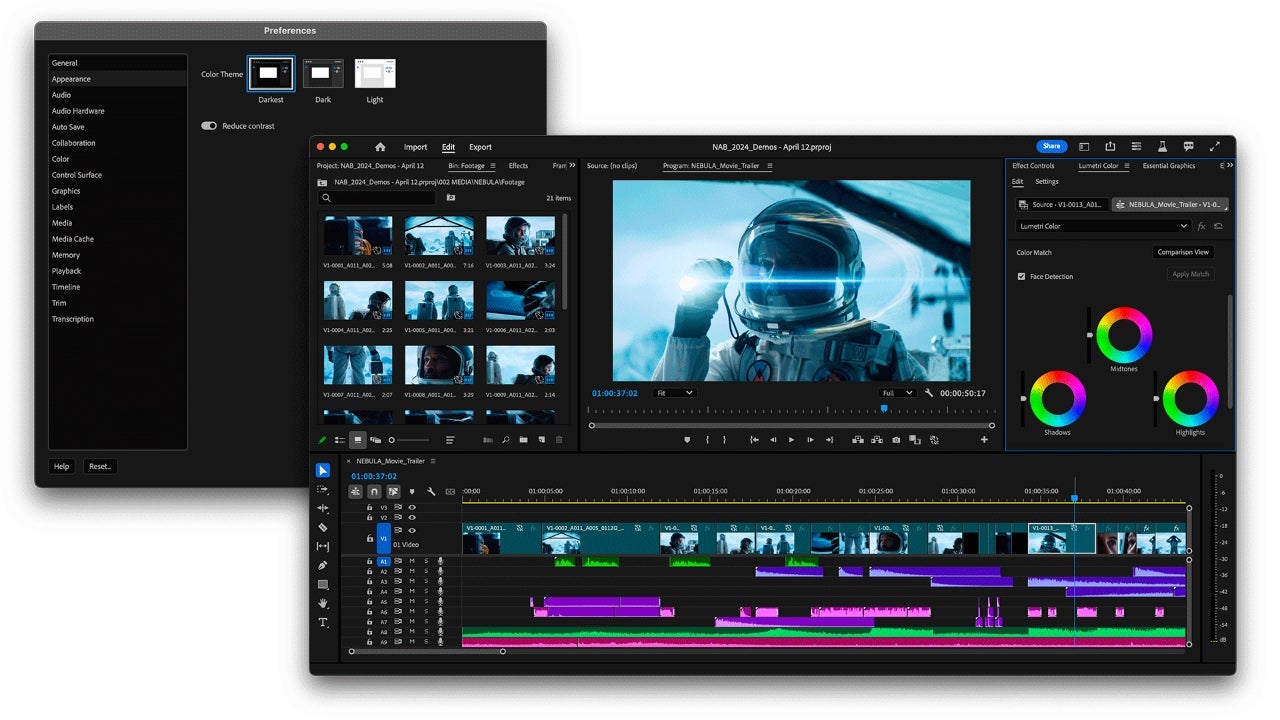
One of Adobe Premiere’s main strengths is that it’s the Premiere we’ve always worked with, but now it includes all of Firefly’s features within the program. If you’ve been working with Premiere for two decades, all you’ll see is your creative options expanding dramatically thanks to AI, with greater control and without having to keep switching programs: you’ll be able to develop ideas, generate visual content and bring everything into Premiere while maintaining creative control throughout the process.
Bear in mind that Adobe has photographers and professional editors among its ranks, which is why they understand, better than anyone, what’s needed at each stage of the process, beyond the tools themselves. It’s not about generating videos quickly, but about helping you turn your ideas into finished productions.
What are the best AI video generators for commercial use?
There are many platforms specializing in different types of video generation, but Adobe offers a broader creative workflow, allowing you to keep everything under the same umbrella:
- Adobe Premiere + Firefly: AI video generation, but also professional video editing for professionals.
- Runway: video generation designed very much with advertising in mind.
- Kling: video generation with a more cinematic touch.
- Zeely: video generation focused on marketing and social media.
- Neural Frames: video generation with music and music videos as its key focus.
How can I create an AI video for YouTube?
Although it might seem there’s some big secret to it, the key is that generating an AI video for YouTube is just like generating any other. The only thing we need to be sure of is that the script we’re going to use as a basis is detailed enough for Adobe and Firefly to understand everything down to the last detail.
From there, the rest is simply a matter of using the tools Adobe has always had to export the video. These are some of the technical points you’ll need to keep in mind:
- For a 4K video, the recommended bitrate is around 35 Mbps.
- Currently, the algorithm favors videos that are longer than 10 minutes. This is because they get more watch time and, consequently, there are more ads.
- Upload your video with its final title.
- Don’t forget to create the thumbnail. With Photoshop and Firefly you’ll be able to make it in very little time.
When you’re using Adobe Premiere, the program knows perfectly well what the ideal settings are when it comes to exporting the video. Don’t forget that it works with the biggest brands and studios, which means it’s compatible with multiple formats.
- Start with a detailed script.
- Generate material that serves the narrative you’re aiming for.
- Maintain visual consistency.
- Edit the generated content.
- Add titles, transitions and audio to improve the piece.
- Export using the recommendations we’ve given, especially in 4K.
How can I use a video generator to create an ad or marketing video?
Adobe Premiere and Firefly make it very easy to create content for marketing and social media, from short clips to more elaborate campaigns.
Start by clearly defining your audience and the message you want to convey. With Firefly you can explore concepts, just as you can with a platform like Zeely. That said, don’t forget to edit everything in Premiere to:
- Get your video as polished as possible.
- Adapt your content for more social media platforms.
- Add titles and effects.
- Incorporate custom music and audio.
- Export in different formats.
This combination is key to generating AI content at great speed while retaining the control needed for marketing.

What are the prices? Breakdown and comparison
Since Adobe Firefly is our top recommendation, you should bear in mind that it has different subscription plans so you can choose what fits your needs:
- Free Firefly: lets you use the tool to create images, videos and audio quickly. Naturally, the features are more limited, but it will let you try it out and get restricted access to the best AI models from Adobe, Google, OpenAI and more. Think of this as the appetizer on the menu.
- Firefly Standard: here we go up a level and get 2,000 credits to generate up to 400 images and 20 five-second videos. The 2,000 generative credits aren’t for the whole year, but are replenished each month. The price is €11.17 per month (including VAT) and you can always buy additional credits if you need them.
- Firefly Pro: double everything. With the 4,000 credits we can generate up to 800 images and 40 five-second videos per month. The base price of this subscription is €22.36 each month, but it can be found on offer fairly regularly.
- Firefly Pro Plus: the package that suits you best if you’re going to use generative AI a lot. Starting with 10,000 credits, this plan lets us generate up to 2,000 images and 100 five-second videos. The price is €55.91 per month and, like the previous plan, it’s often on offer.
- Runway: this platform’s Pro option costs $28 and comes with 2,250 credits per month.
- Kling: the Premier plan goes up to 18,000 credits for a total of $144.99 per month.
- Zeely: here we’re going with Growth, which costs a total of $79.95 per month for 10,000 credits.
- Neural Frames: Ninja is the ideal option, since for $66 we get 7,200 credits per month.
Which Adobe Firefly plan should you choose?
Adobe offers different options, but here’s a brief summary of which one fits what you’re looking for:
- Firefly Standard ($9.99/month): for creators who want regular access to generative tools.
- Firefly Pro ($19.99/month): for professionals who produce AI-assisted content more frequently.
- Firefly Pro Plus ($49.99/month): for more experienced users who need a high volume of generated content.
Adobe: the foundation of professional AI video production
AI video generators offer a wealth of creative possibilities, but professional editors need more than a tool that simply generates content.
Adobe Premiere together with Adobe Firefly bring AI generation and professional editing together, giving creators enough flexibility to explore ideas, develop concepts and produce highly polished content within a single ecosystem.
If you’re looking to incorporate AI into your regular workflow, but without compromising creative control, Adobe Premiere and Firefly are the perfect tools to get started.