When you digitize paper documents by scanning them, the result is usually an image-based PDF that is hard to search, copy, or edit. Adobe Acrobat Pro can turn those scanned pages into searchable, editable files in no time.
Your scanned documents can become text you can search for, edit and, in general, make more secure too. Here’s how you can do all of that with Adobe Acrobat Pro.

Why does a scanned PDF waste your time?
For a computer, a scanned PDF document has the same limitations as a photograph or image. Essentially, both work the same way, since you can’t copy text or search for specific information.
This also makes reviewing the document quite difficult. And, if you have to correct anything, most likely you’ll have to redo the document. Luckily, with Adobe Acrobat Pro you can change all that.
How to use Adobe Acrobat Pro OCR on a scanned PDF
OCR stands for optical character recognition. This feature is built into Adobe Acrobat Pro, which means Adobe Acrobat Pro can analyze an image, detect the letters, and recognize the text in it.
- Open the PDF you scanned in Adobe Acrobat Pro.
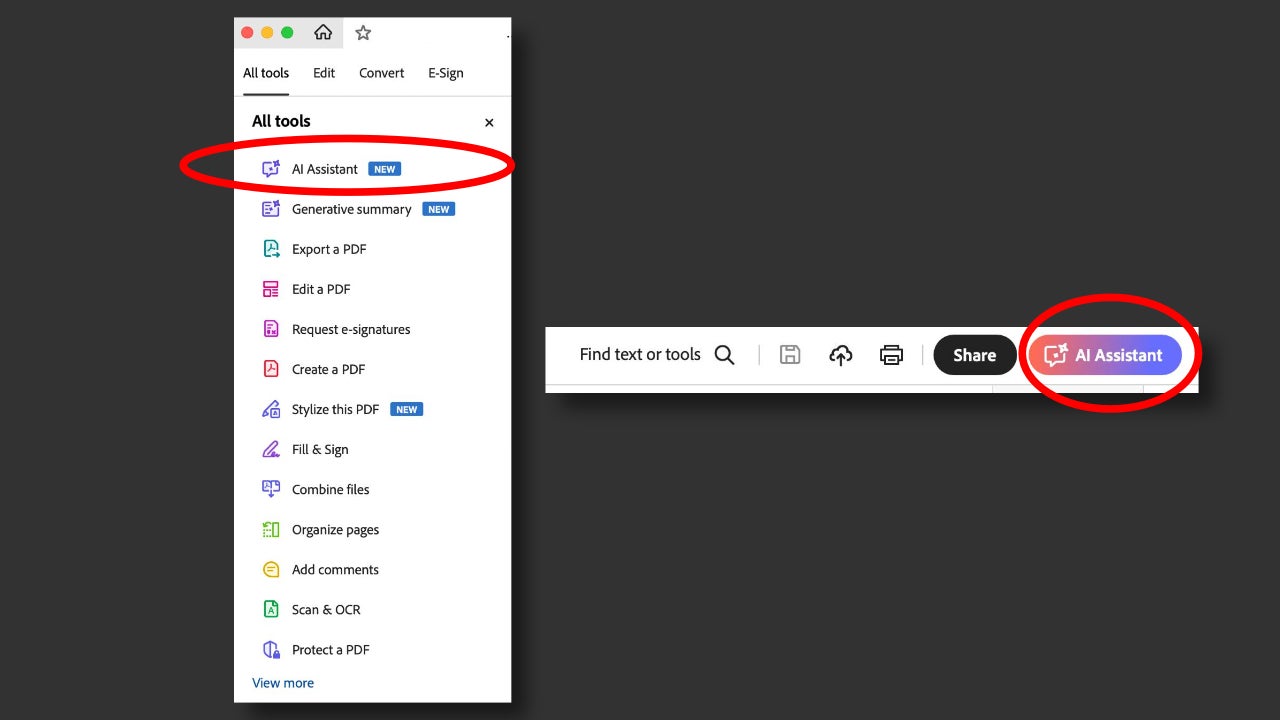
- Look for the Scan & OCR tool.
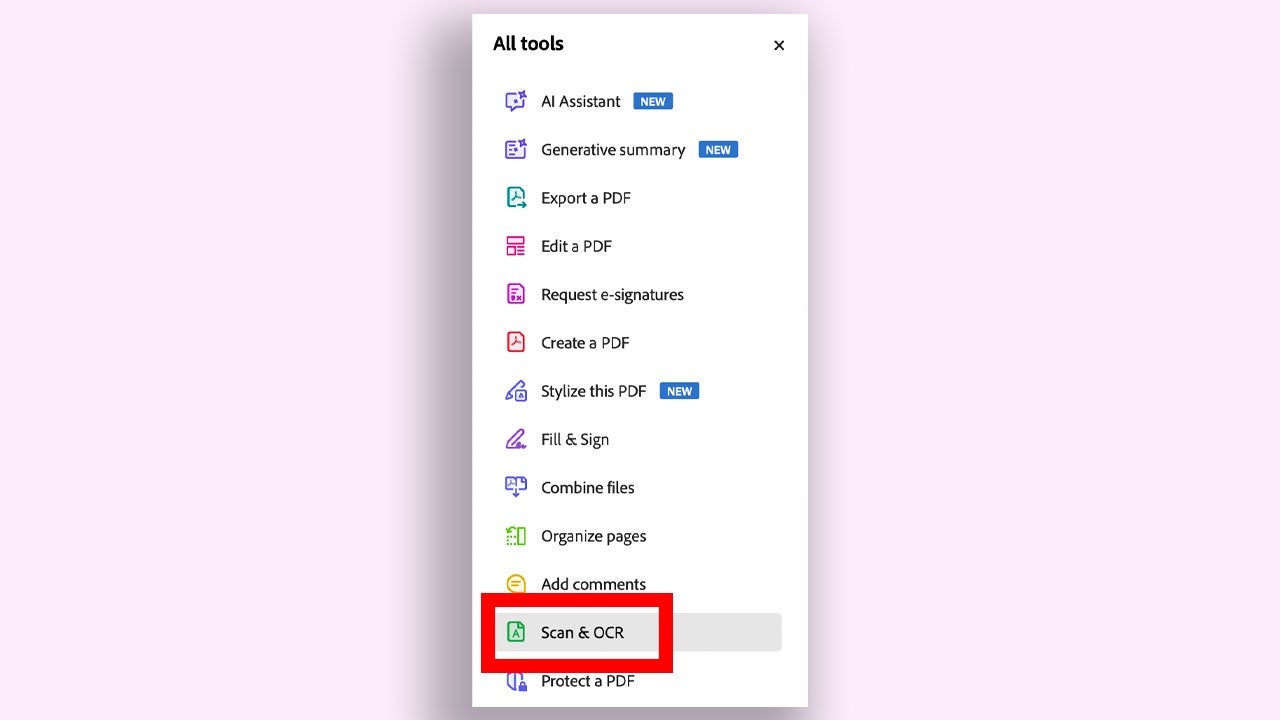
- In the Recognize text section, choose the In this file option. Then select the appropriate language. Finally, click Recognize text.
At first glance, your document won’t change, but now you’ll be able to search for words, select phrases, and copy them, among other things. That said, you should keep in mind that if your original document is wrinkled, has stains, or has very small text, Adobe Acrobat Pro may make some recognition mistakes. If that happens, review and correct the recognized text.
How to clean up scanned PDF pages so they’re easier to read
In a document scanned in a hurry you may find folded pages, pages out of order, or black borders. Adobe Acrobat Pro includes tools to refine your document even further. Some of these are:
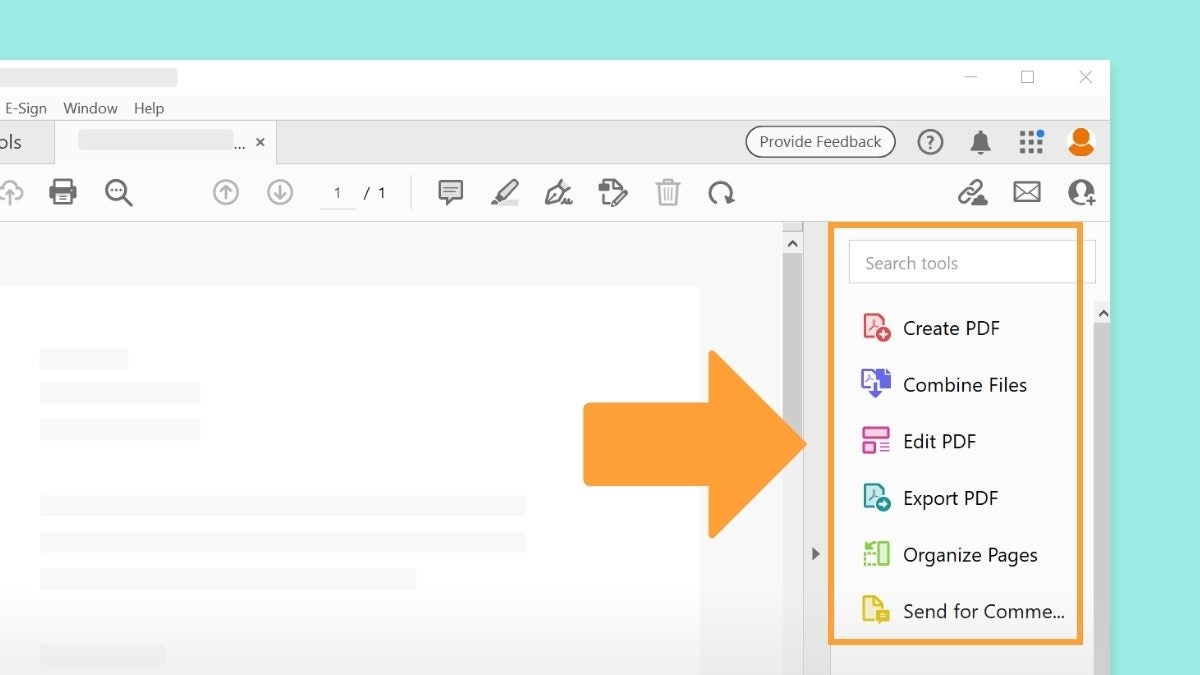
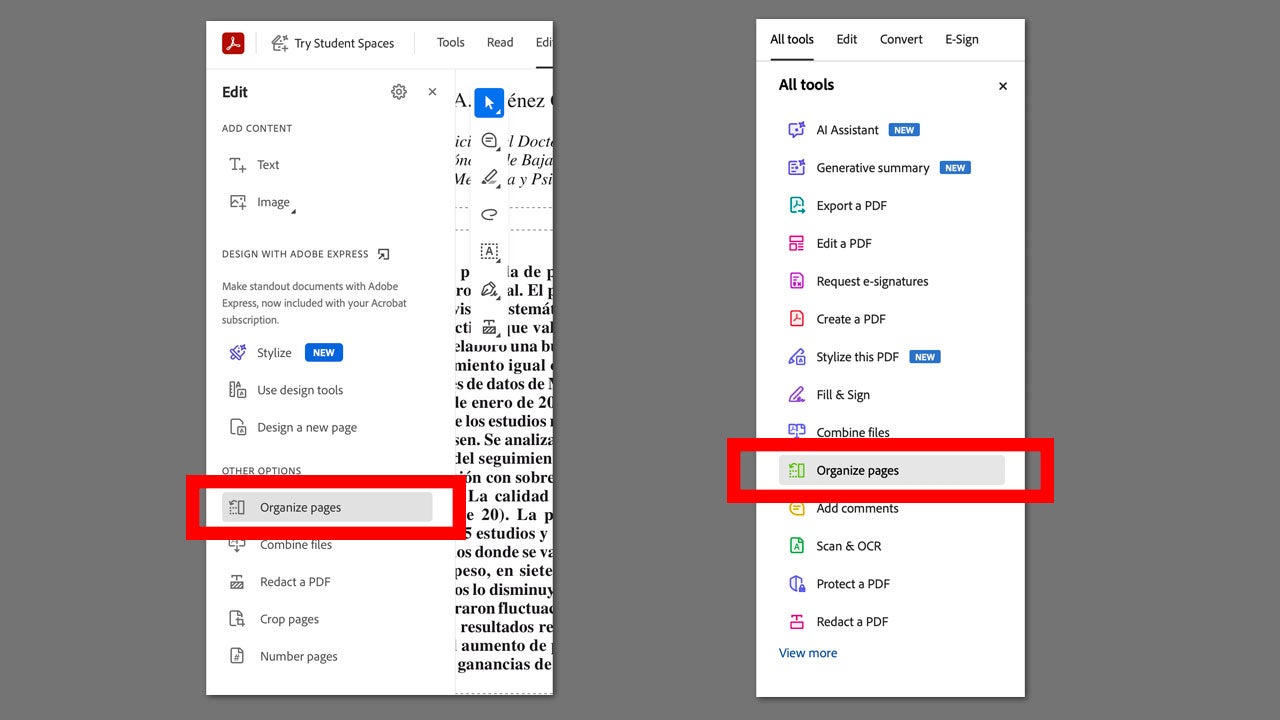
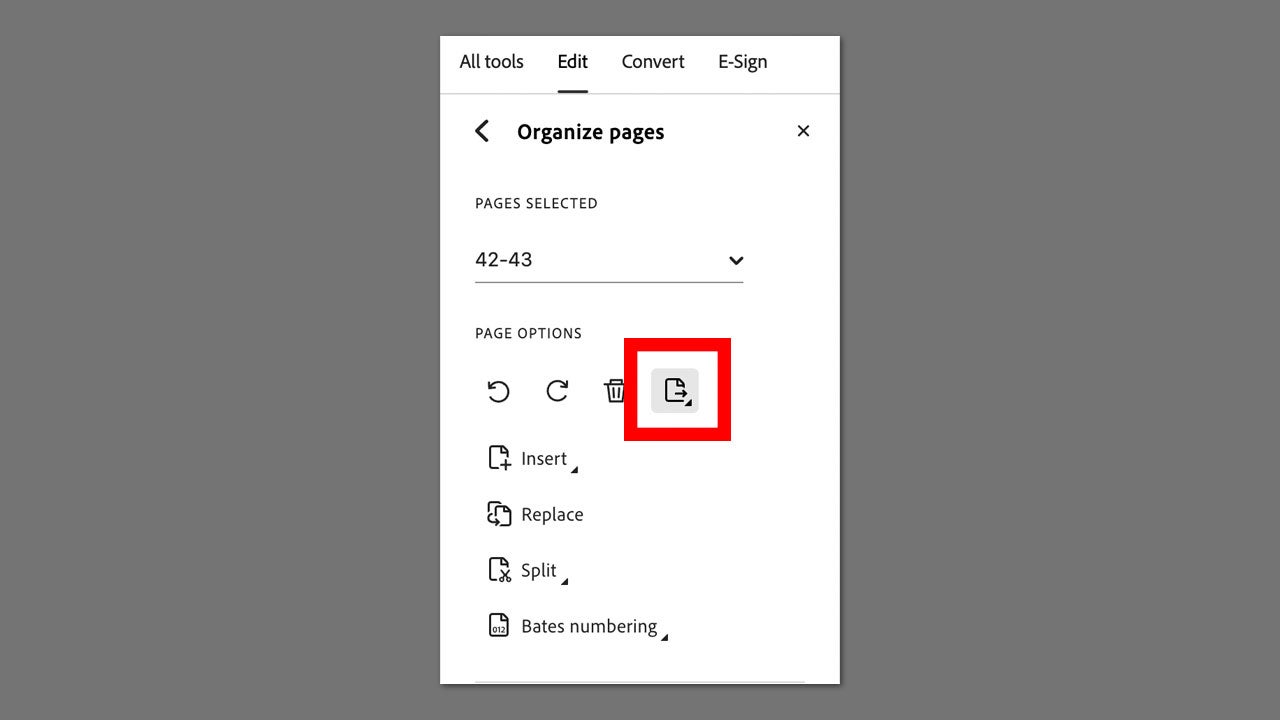
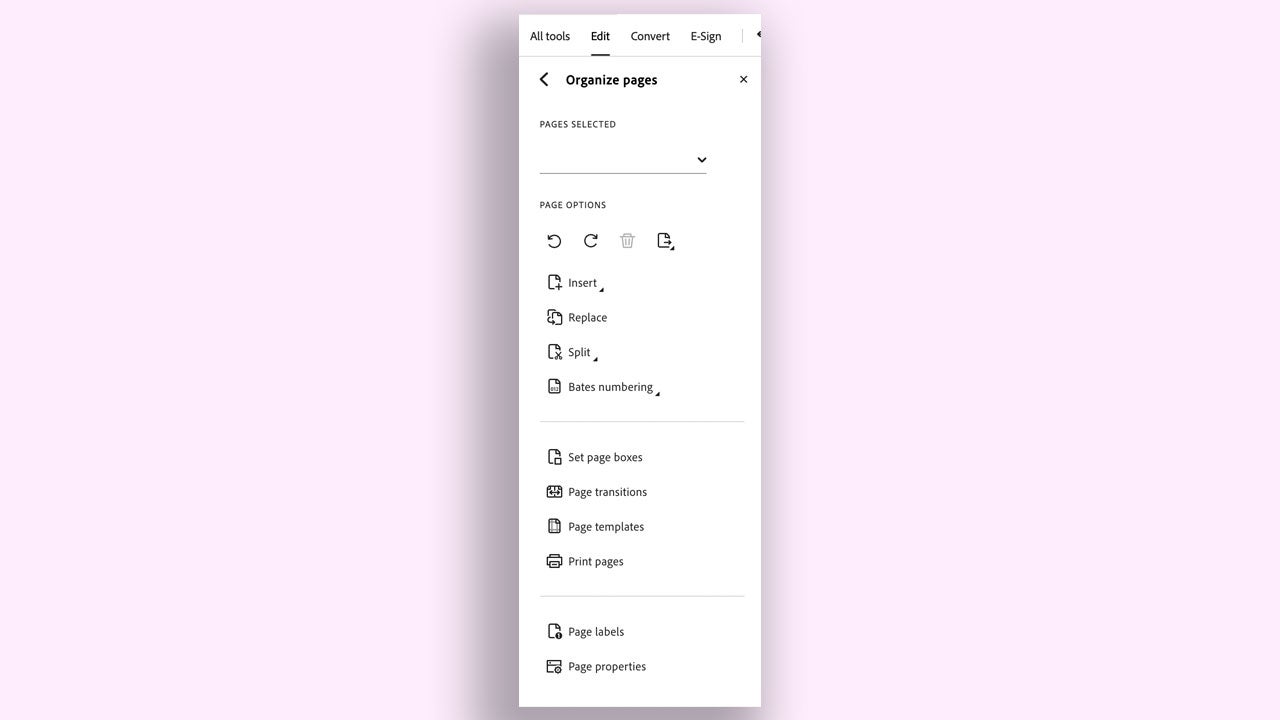
- Organize pages: This function lets you select pages with a different orientation so you can place them correctly, insert new pages, replace others, or split the document.
- Combine files: It lets you combine several files into a single file.
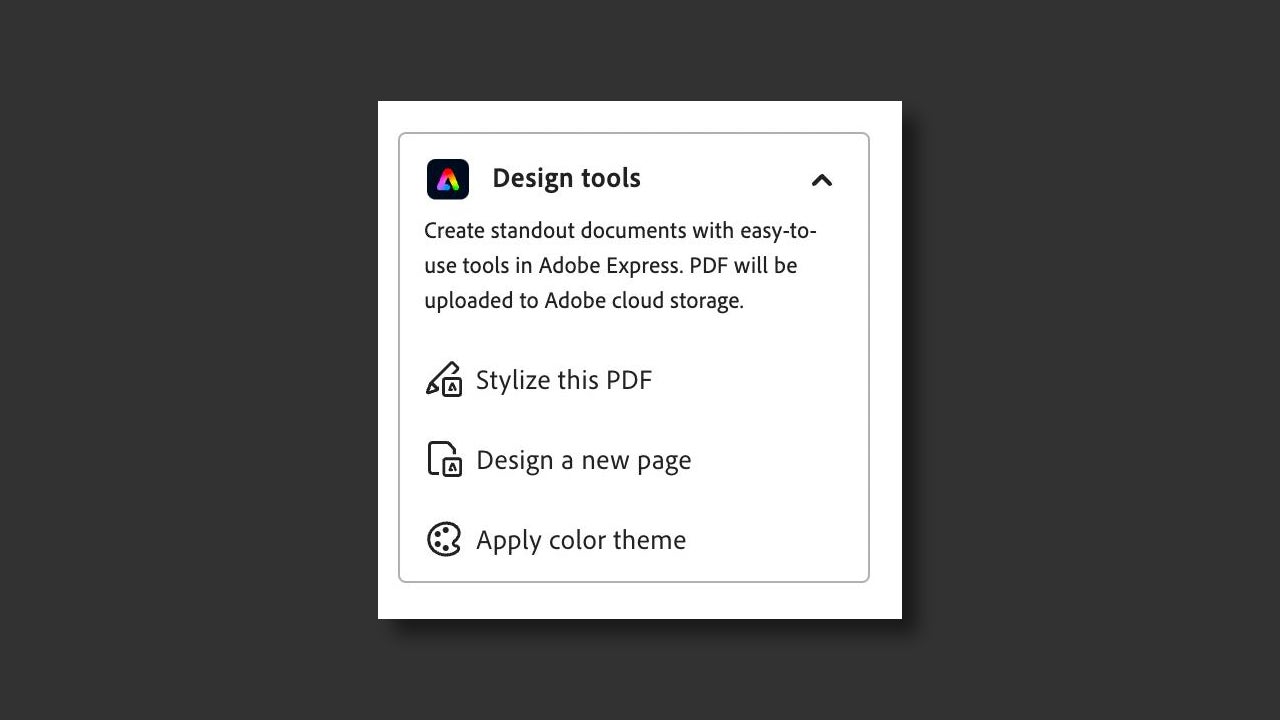
- Stylize this PDF: Clicking Stylize this PDF opens Adobe Express in your browser. From there, you can add geometric shapes, text, tweak the document’s design, and much more.
How to edit, search and comment in a scanned PDF
Once you apply OCR to Adobe Acrobat Pro, your PDF will stop being an “image” and become a document you can work with. Some of the tasks you can do are:
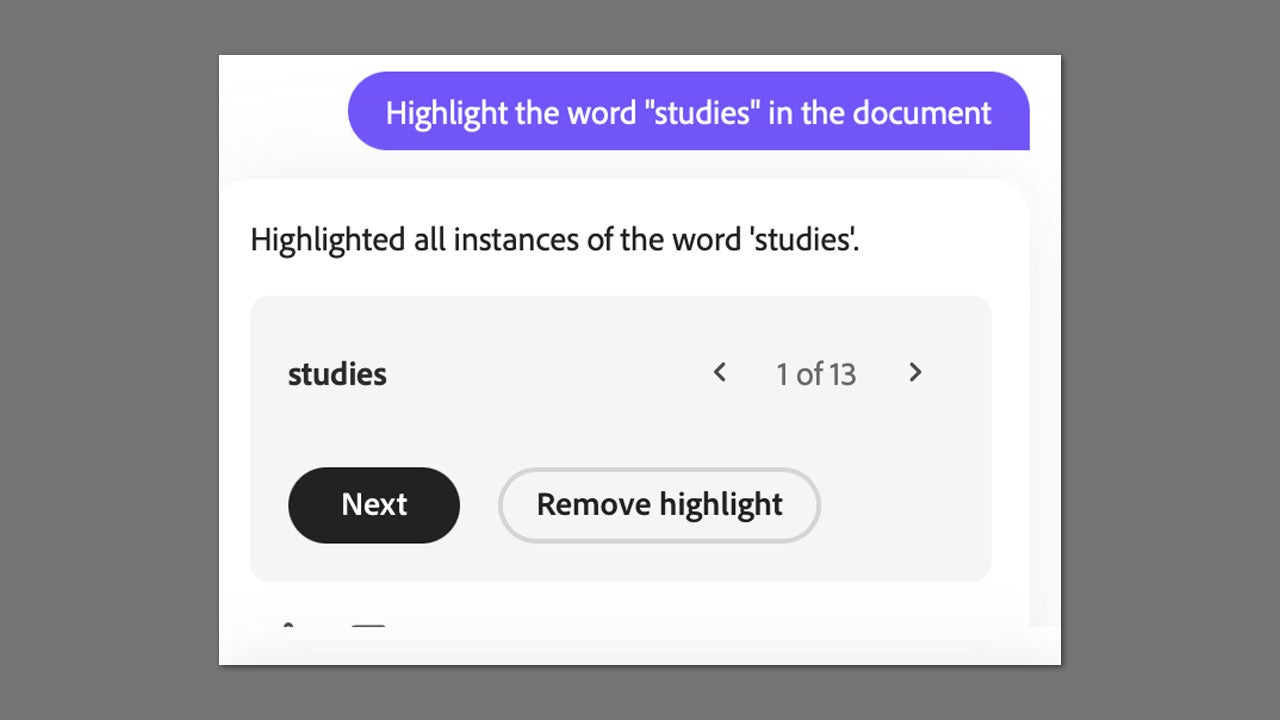
- Searches: You can use the search tool to locate specific words just as you would in a Microsoft Word or Google Docs file.
- Correct text: If you find misspelled words, you can change them directly without redoing the document. Keep in mind that for scans, it’s best to make small changes to get the best results.
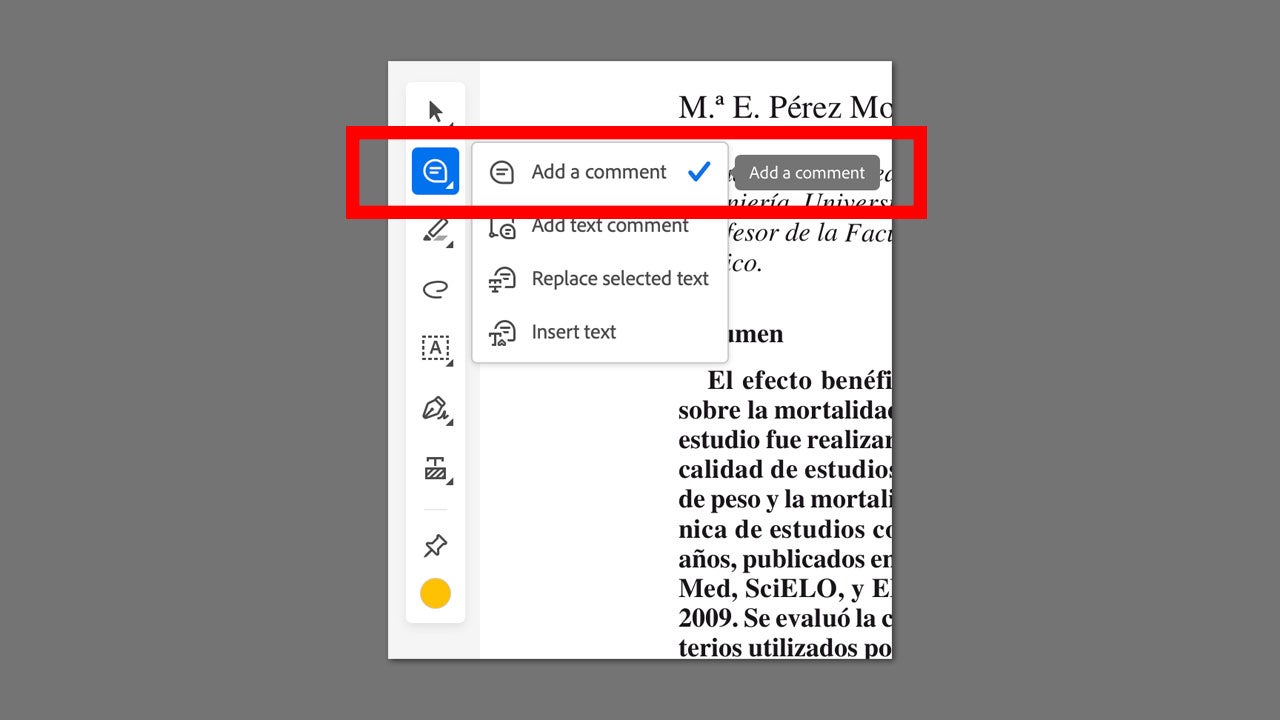
- Comments and review: With Adobe Acrobat Pro you can underline, cross out text, or add notes to your PDFs. If other people open the document in Adobe Acrobat Pro they’ll also be able to see your comments.
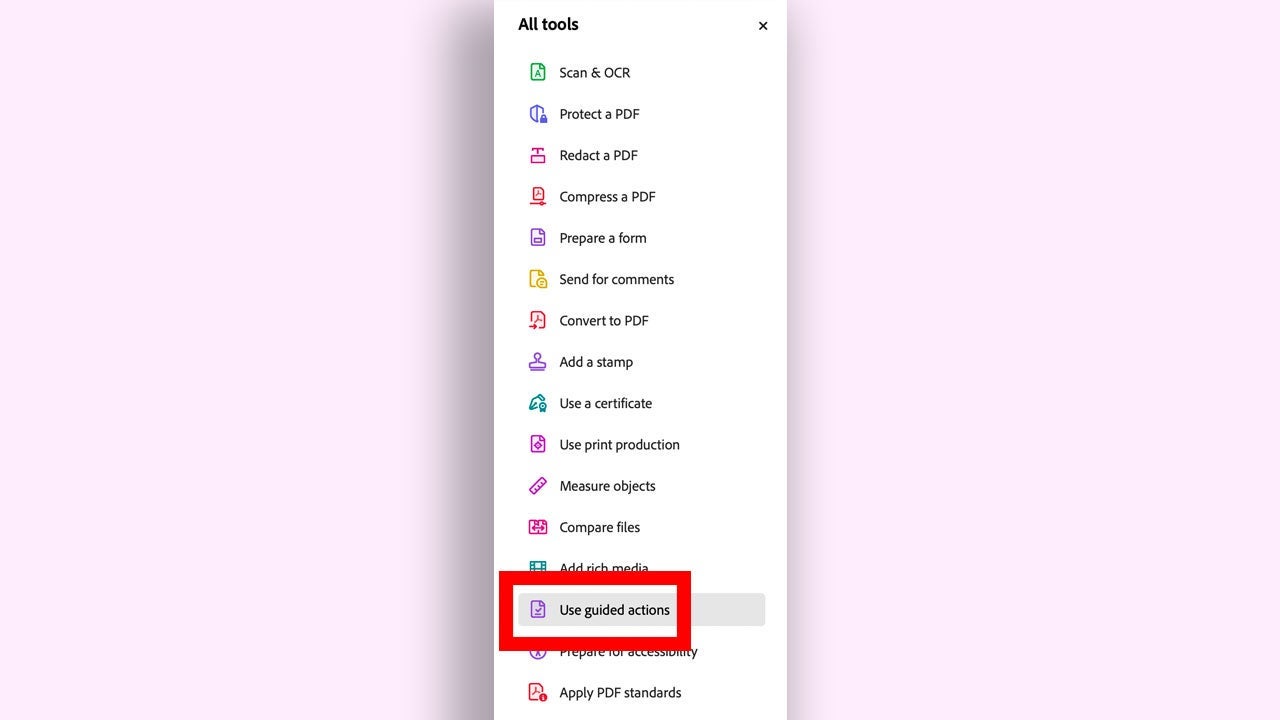
- Work with many files at once: Adobe Acrobat Pro lets you create guided actions to apply a series of actions to several files in a row. To access this feature, go to All tools > Use guided actions.
How to protect sensitive information in a PDF
Documents such as contracts or reports usually include confidential data that shouldn’t be shared outside your organization. Adobe Acrobat Pro has very useful security options such as Protect a PDF, a function you’ll find in the All tools panel. With Protect a PDF you’ll be able to set a specific password to open a document. It’s the simplest and most straightforward protection.
- Adobe Acrobat Pro also lets you redact sensitive words and data with Redact a PDF, a tool that you’ll also find in All tools. Click Redact a PDF, choose the Redact text and images option, and use your mouse to select the text to hide.
- If you need to redact a word or phrase that’s repeated hundreds of times, select Find text and redact. Adobe Acrobat Pro will find every instance and you’ll simply have to review the results to decide what to cover up.
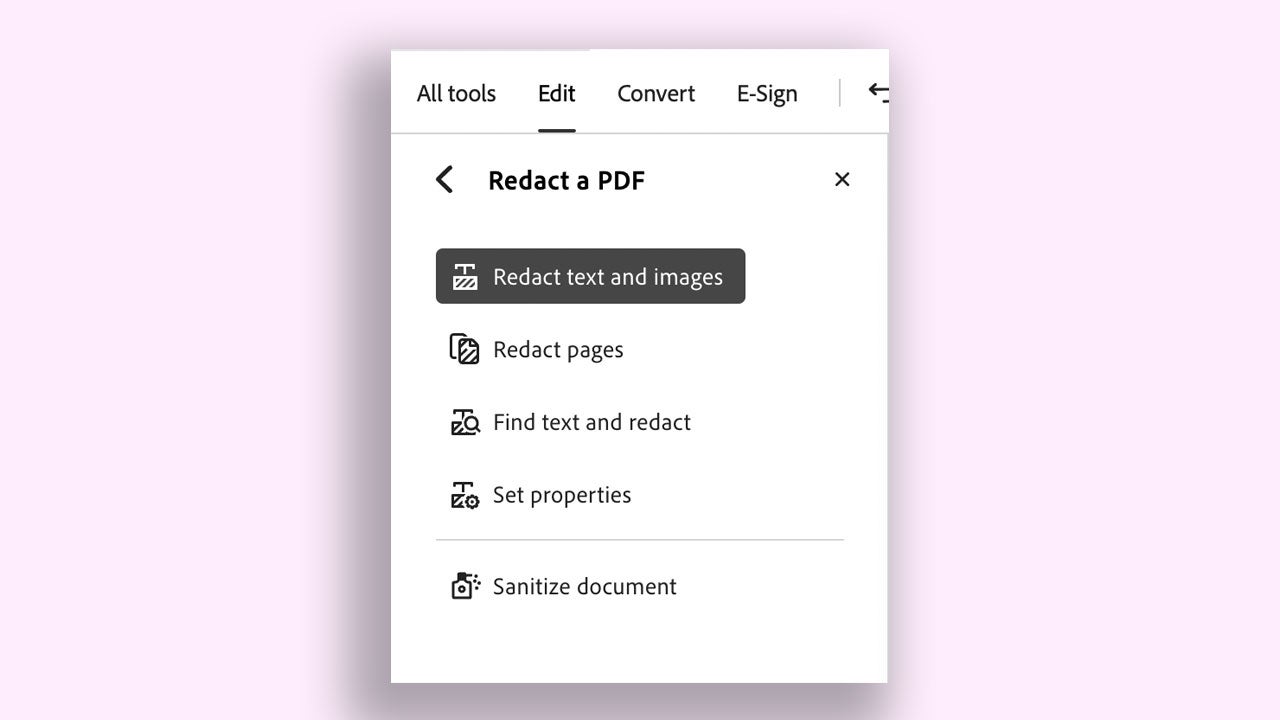
- In Redact a PDF you’ll find the Sanitize document option, which will let you remove all hidden data and metadata from your document. Use it before sending any document.
- If you need stronger document protection at work, Adobe Acrobat Pro also lets you create security policies, predefined protection settings that you can apply with a single click. You’ll find this option, Manage security policies, in Protect a PDF.
What protection should you choose in each case? If only certain people should see the document, use password protection. If there’s data that must not be seen, redact the PDF. If you have to protect many identical documents, use security policies. Every situation is different: try out each option to see which one suits you best.
How to export or share your PDF for approval or signature
If you’ve already properly reviewed and protected your document, it’s ready to be shared. You have several options:
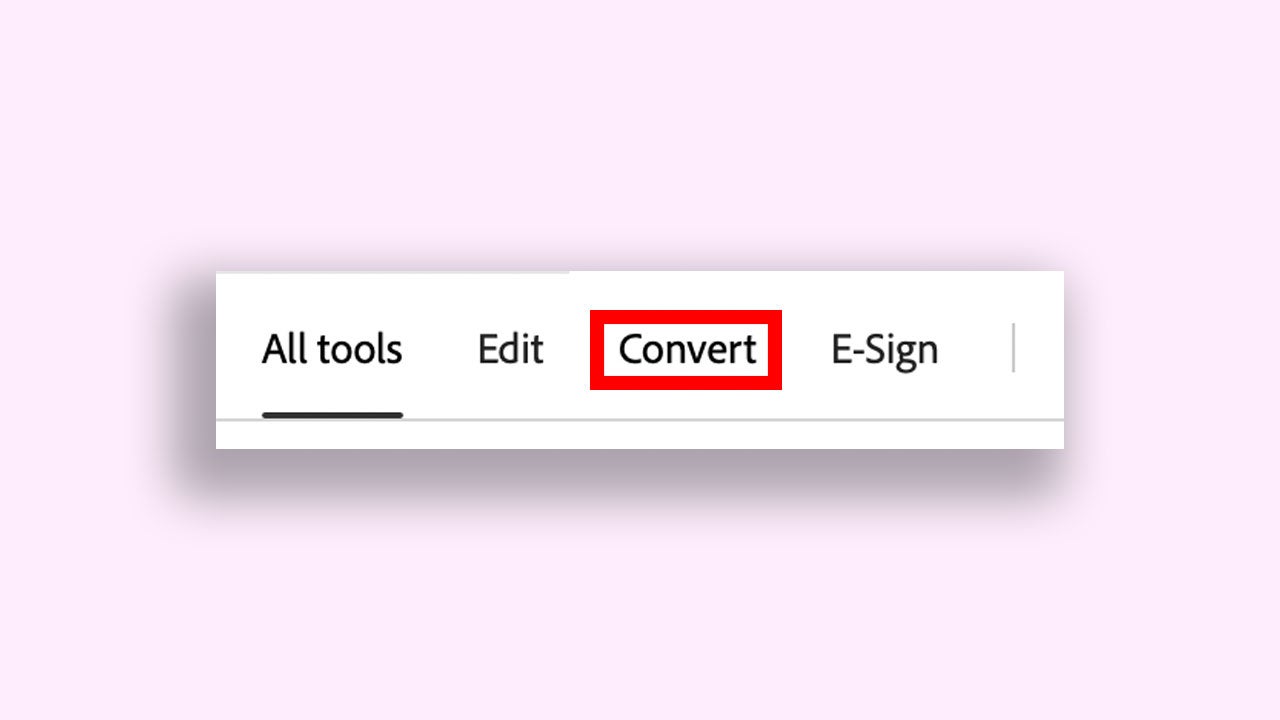
- If you need to make major changes to a document or edit it more extensively, you can save it as a Microsoft Word file and continue from there. Click Convert to export your PDF to other formats.
- Send a link so other people can comment on the document and keep all the work in one place.
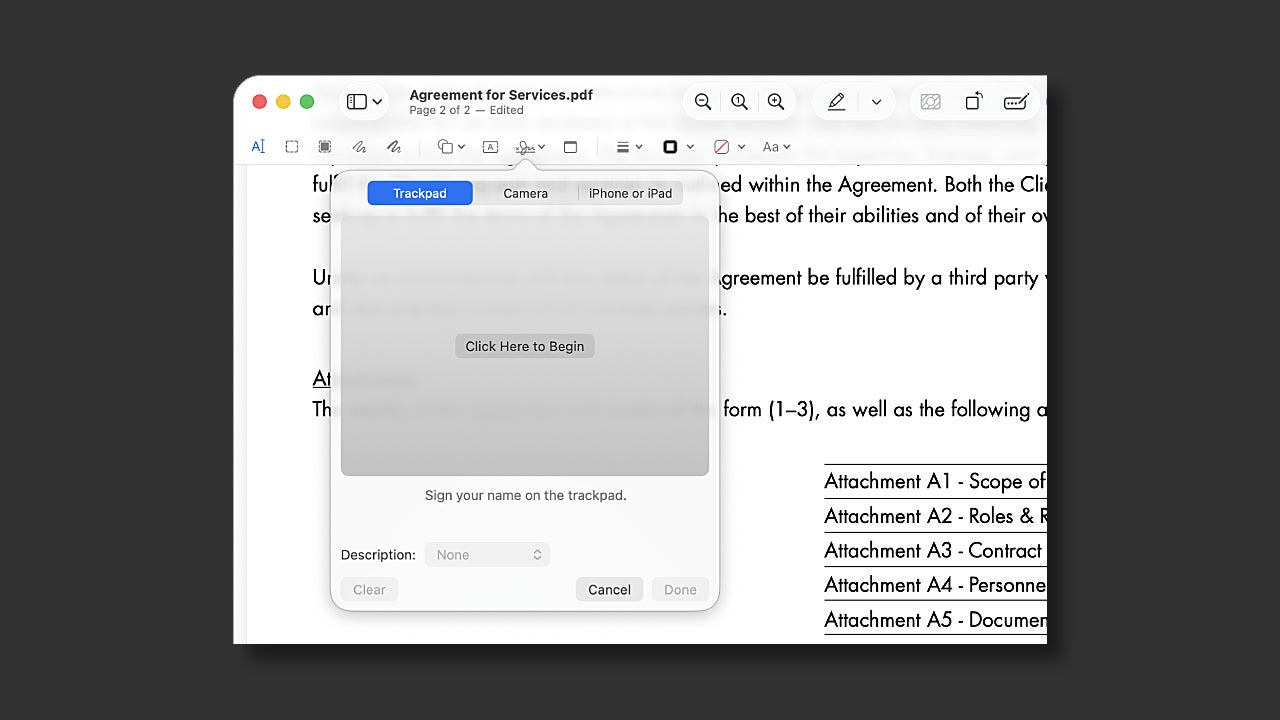
- In the case of contracts, the next natural step is signing. In Adobe Acrobat Pro you can send the document for secure signature.
Is it worth using Acrobat Pro compared with other free tools?
There are countless programs besides Adobe Acrobat Pro that let you open or view a PDF. Even so, their features may fall short when it comes to scanned documents.
Using Adobe Acrobat Pro makes more sense if you work with contracts, invoices, reports and need to share documents with sensitive information. If you already use other Adobe tools such as Adobe Photoshop and Adobe Premiere Pro, you’ll be able to use them alongside Adobe Acrobat Pro to improve your documents even further.
A scanned PDF doesn’t have to mean a dead end. All the Adobe Acrobat Pro tools we’ve covered here will help you turn any paper into a document you can work with.