Adobe has once again surprised us with Adobe MAX, its annual conference where they showcase the latest developments the company is working on. In its 2025 edition, the event has once again amazed with a wave of AI-powered tools and a clear commitment to cloud collaboration. From improvements in Photoshop and Illustrator to the new generative capabilities of Firefly, Adobe has made it clear that the future of digital creation lies in automation and AI.
Adobe Firefly, the center of it all
Firefly was undoubtedly one of the main highlights of Adobe MAX. During the event, Firefly Image Model 5 was introduced, a new generative model capable of creating photorealistic images at a native resolution of 4 MP without the need for upscaling.
In addition to the improvement in the quality of generations, Firefly also comes with a new tool, Prompt to Edit. Through it, we will be able to describe in words how we want to edit an image. Additionally, Firefly Image Model 5 will enhance layered editing, a feature that, although still in development, will allow us to make much more precise edits.
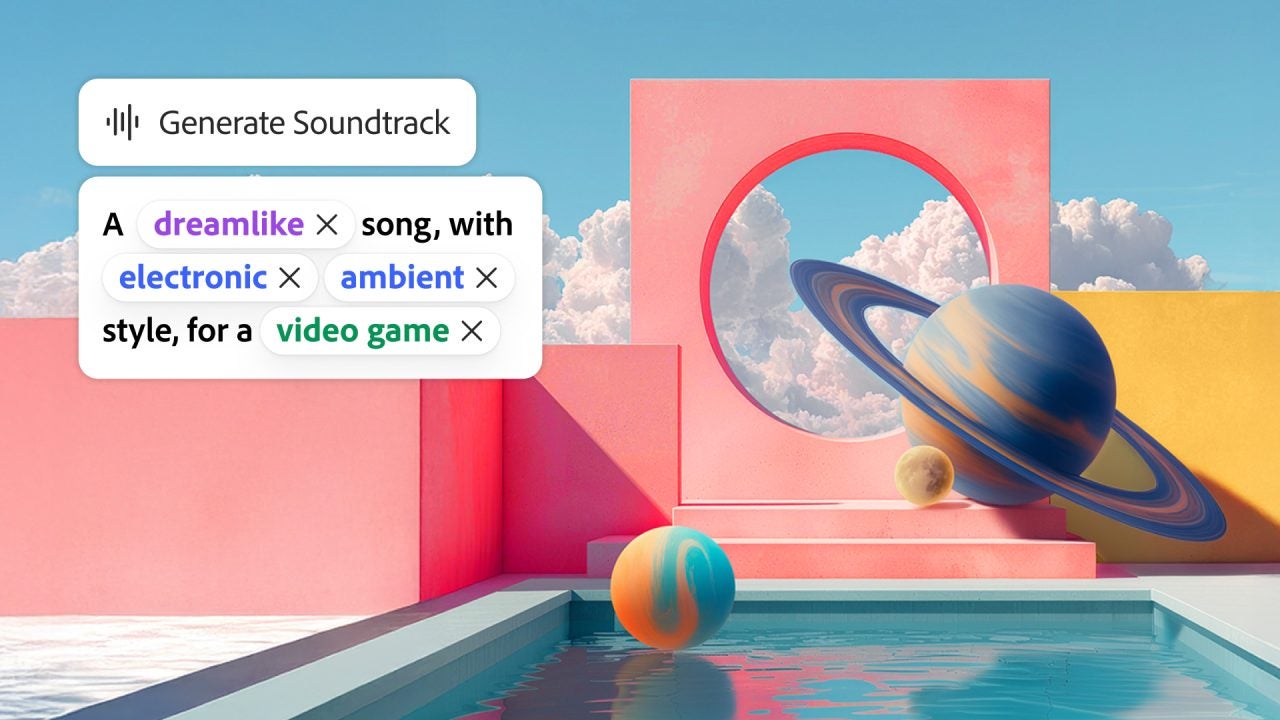
The new creation tools from Firefly will open you up to other creative worlds. These tools will allow us to do nothing less than generate soundtracks, voices, and edit video. For soundtrack generation, we have a commercially safe audio model that is capable of generating studio-quality music. That’s something.
Adobe has also added new partner models, such as ElevenLabs Multilingual V2 and Topaz Bloom. The former will be used for voice generation while the latter is for image scaling.
The Firefly boards have not gone without improvement. We can now transform a 2D image into a 3D object and rotate them in space, along with new features for bulk image downloads and the ability to export to PDF.
Adobe will also allow us to set up Custom Firefly Models (currently in private beta) from the platform and with early access through a waiting list. Custom Firefly Models will help creatives create their own AI models that can generate resources that maintain a consistent visual style.
Known as Project Moonlight, you can use it to “nourish” itself from your social media and help you create new concepts and ideas related to your content.
New AI Tools for Photoshop and Lightroom
Photoshop users will have many new features to explore. One of them is related to Generative Fill; the inclusion of associated models like Google Gemini 2.5 Flash will give us better results in our generations.
Adobe’s collaboration with Topaz Labs will allow us, for example, to upscale any image within Photoshop up to 4K through the Generative Upscale option. Another new option we will have is harmonize, ideal for integrating objects or people into a composition.
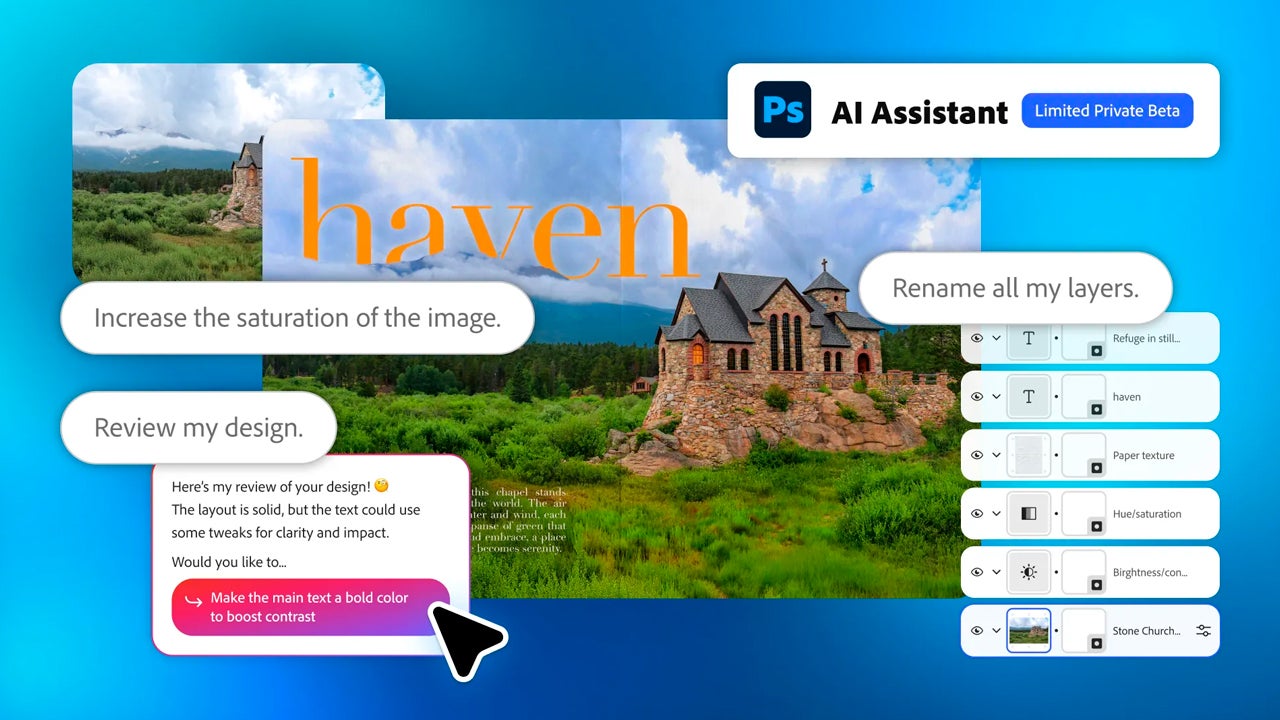
On the other hand, Photoshop for web will introduce an AI-powered assistant that we can give instructions to make certain changes, such as increasing the saturation of an image, for example.
Lightroom adds other new features such as advanced AI filtering to locate images within large collections.
Masks Improve in Premiere
Inside Premiere we will find the AI object mask, which will allow us to automatically identify and isolate any person or object in the video. We will also have rectangle, ellipse, and pen masks to isolate areas of any frame with greater precision and the fast vector mask. The latter allows us to track more quickly and even in 3D perspective if we need to.
As if that weren’t enough, content creators on YouTube will be able to enjoy Premiere tools through a new section, Create for YouTube Shorts. It will be launched soon and we will find it within the new Premiere app, as well as being included within YouTube itself.
Adobe Express will allow you to edit through descriptions
From now on, Adobe Express users can experience a new way to edit images with the help of AI. The platform will allow us to make modifications to our projects through descriptions. The new AI-powered assistant will be a conversational agent with which we can “talk” and ask it to modify the details we want.
This agent can interpret even the most vague requests and generate new designs to explore ideas in the shortest time possible. This editing style becomes a gateway for those who lack experience in the field of graphic editing or for those who want to experiment.
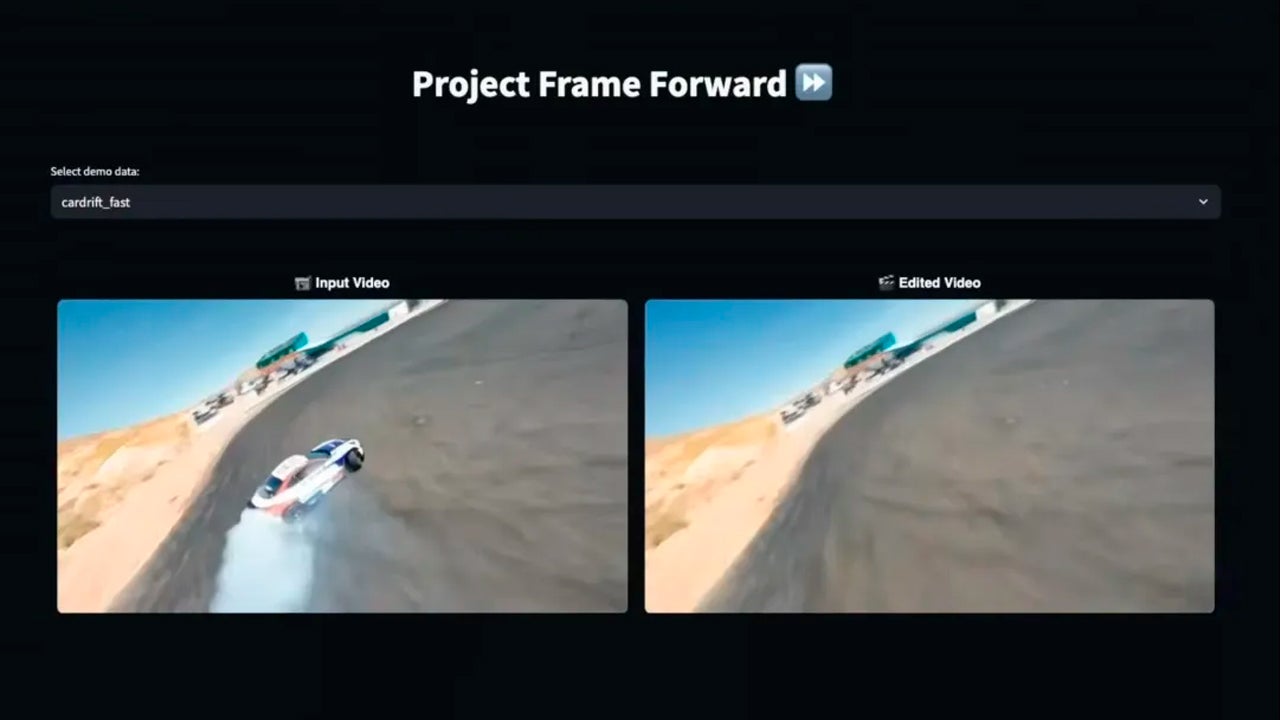
Adobe also took the opportunity to showcase much more experimental features, called Sneaks, where innovation takes precedence above all. One of the most striking is Project Frame Forward, where a user could apply changes to an entire video based on just one frame. If you want to know more about the sneaks, here is the Adobe blog post.