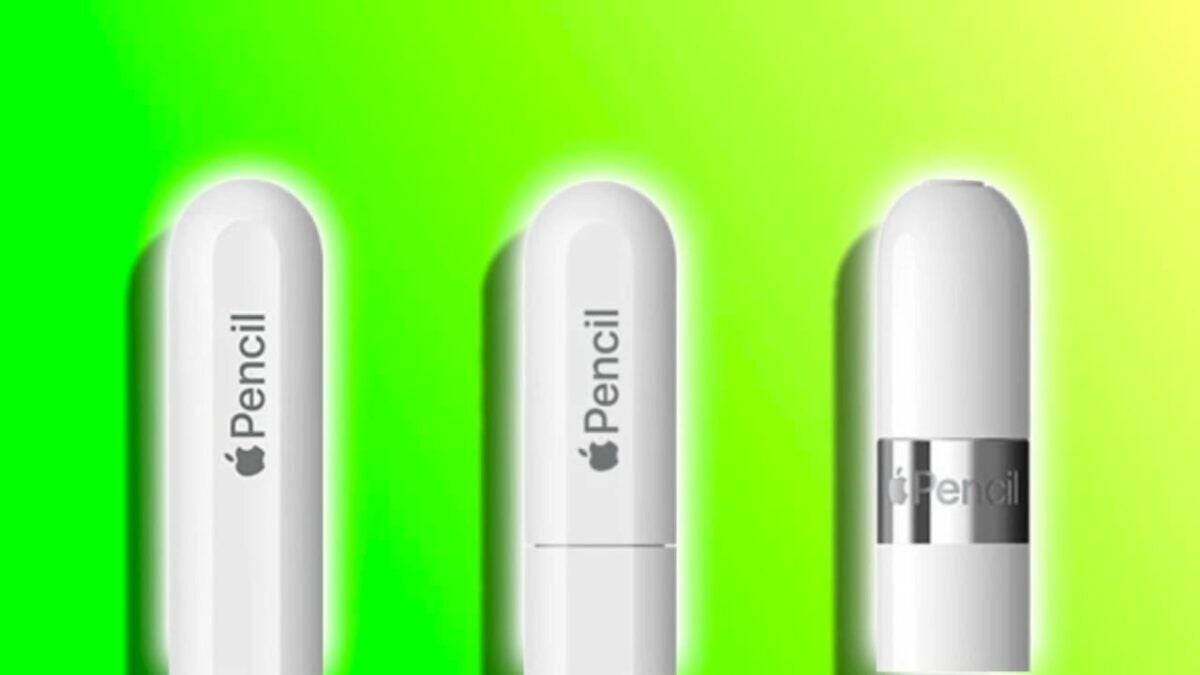
Yesterday, Apple unveiled a new Apple Pencil. Formally known as the Apple Pencil USB-C, this stylus is designed to enrich the lineup of iPad accessories and provide even more choices. However, making the right choice requires being well-informed. With the introduction of this stylus, we now have three options to consider: the Apple Pencil 2, the Apple Pencil USB-C, and the Apple Pencil 1. Let’s explore their features and capabilities to gain a clear understanding of which one to choose.

Specifications: Ahead of the Apple Pencil 1, but not reaching the level of the 2
The arrival of the Apple Pencil USB-C has filled an interesting gap between the Apple Pencil 1 and the Apple Pencil 2. Despite being a middle-of-the-road option, it offers some advanced features that, until now, were reserved for the high-end model:
- Tilt Sensitivity: All versions, including the new Apple Pencil USB-C, feature this function, allowing artists and designers to have more control over their strokes.
- Magnetic Attachment: Both the Apple Pencil 2 and the new USB-C version can magnetically attach to iPads, a feature absent in the original model.
- Hover Support: A feature exclusive to the newer models (2 and USB-C), allowing us to interact with the iPad without touching the screen. Ideal for previewing our cursor or brush before it touches the screen.
Given what they have in common, where the Apple Pencil USB-C falls behind compared to the Apple Pencil 2—though it surpasses the Apple Pencil 1—is in features such as the following.
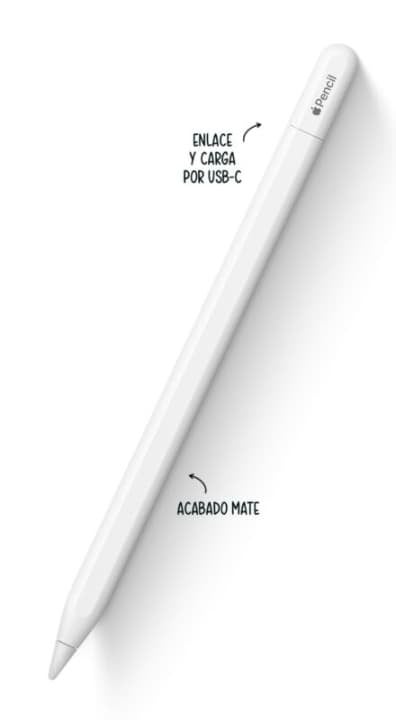
- Pressure Sensitivity: The ability to detect how hard or light we are pressing while drawing or writing is not present in the Apple Pencil USB-C, whereas both the original model and the 2nd generation offer this feature.
- Double Tap Tool Switching: This functionality, useful for quickly switching between tools, is absent in the USB-C model and the original version.
- Wireless Charging and Pairing: While the Apple Pencil 2 can be charged and paired wirelessly, the USB-C version requires plugging in a USB-C to USB-C cable between the iPad and the Pencil.
Compatibility and price: an Apple Pencil for all iPads
The Apple Pencil USB-C has been designed to be compatible with all iPad models that have a USB-C port. The exact compatibility is as follows:
- Apple Pencil 2: 12.9-inch iPad Pro (3rd, 4th, 5th, and 6th generation), 11-inch iPad Pro (1st, 2nd, 3rd, and 4th generation), iPad Air (4th and 5th generation), and iPad mini (6th generation)
- Apple Pencil USB-C: 12.9-inch iPad Pro (3rd, 4th, 5th, and 6th generation), 11-inch iPad Pro (1st, 2nd, 3rd, and 4th generation), iPad Air (4th and 5th generation), iPad mini (6th generation), and iPad (10th generation).
- Apple Pencil 1: 12.9-inch iPad Pro (1st and 2nd generation), 10.5-inch iPad Pro, 9.7-inch iPad Pro, iPad Air (3rd generation), iPad mini (5th generation), and iPad (6th, 7th, 8th, 9th, and 10th generation, requiring a USB-C adapter for the latter).
Where the Apple Pencil USB-C shines is in its price, at $79 (or 69 for education) or 95 euros at the exchange rate. For comparison, the Apple Pencil 2 is priced at $129 or 149 euros, while the original model is priced at $99 or 119 euros.
With all this in mind, the Apple Pencil USB-C should be understood as the evolution of the original Apple Pencil, not as the evolution of the second-generation Apple Pencil. Therefore, this new model falls between the two options and offers features from both worlds.
A stylus that, assuming our iPad has a USB-C port, will take the drawing and annotation experience to a completely new level. A device that we could almost consider as an alternative to the mouse in some circumstances, and now we have three versions to choose from.
