8 ways Siri can help you get organized

Since 2011, Apple’s Siri has been making our lives easier. She can set the mood with just the right song, ring up your BFF, or even save your life with an emergency call. But are you letting Siri live up to her full potential? Here are some tips to get the ball rolling.

 

8 highly useful Siri commands

1. Check emails and messages:

You’re busy. So why not ask Siri to check your emails, voicemails or text messages? If you are driving or otherwise occupied, you can tell your digital personal assistant to read your messages and mail out loud, by saying “Read my messages” or “Play my voicemails.” You can also tell Siri to check for or read messages from a specific person by saying “Siri, read messages from [name].” When you’re behind the wheel, you’re the designated driver and Siri is the designated reader.

2. Send emails and messages

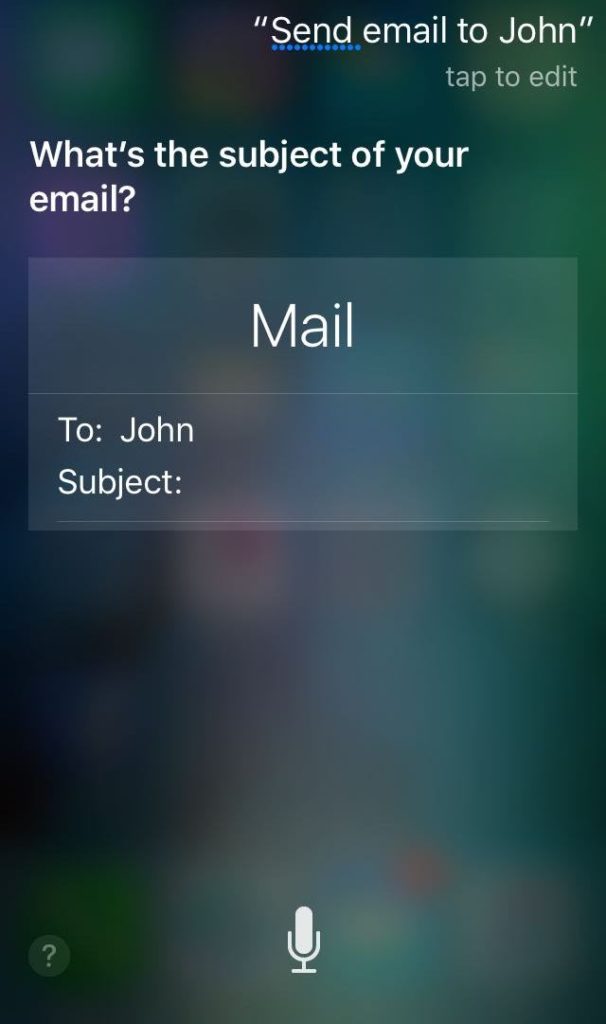
If you use Apple devices, then you don’t always have to type your messages and emails. Siri can take dictation and make sure your emails and messages are sent to the right person. All you have do is to say “Send [message] to [name].” If you want to send an email say “Send an email to [name].” Siri will ask you for the subject and the message content and once everything is done, you can tell Siri to send it. Alternatively, you can say the name, subject and message content in one command.

Many people may already know this, but you can also place a call or Facetime call just by saying, “Call [name].

3. Change device settings

With Siri listening to your every command, you don’t have to manually tweak the settings of your device. While listening to music you can say “Siri, turn the volume up/down” or you can also change the song by saying “Siri, play [song name].

If you want to change the brightness of your device, turn the Wi-Fi or cellular data on or off, or put your phone on Do Not Disturb, you can get it all done by giving voice commands to Siri. And Siri can serve as your personal paparazzi. Just tell her to take a photo or a selfie to immediately open the front or back camera.

4. Find directions and nearby places

Hungry? Don’t know where to go? Just ask Siri to “Find nearby restaurants” to see a complete list of options. You can also tell her to make a reservation for the exact date and time. Siri can be particularly useful while traveling and can help you navigate between places. Say “Show me the directions to [name of the place]” and Siri will guide you to the required location.

If you’ve added your home and workplace addresses on your device, all you have to do is say “Siri, take me home” to see a map of the route. (As of this writing, Siri is not an Autobot, so she won’t transform your phone into a Ferrari and drive you back, but give Apple some time…)

You can also ask Siri for the traffic conditions, bus routes, and shortest distance to a location. It’s like every conversation you have with a Los Angeles driver, except Siri is accurate.

5. Set appointments and alarms

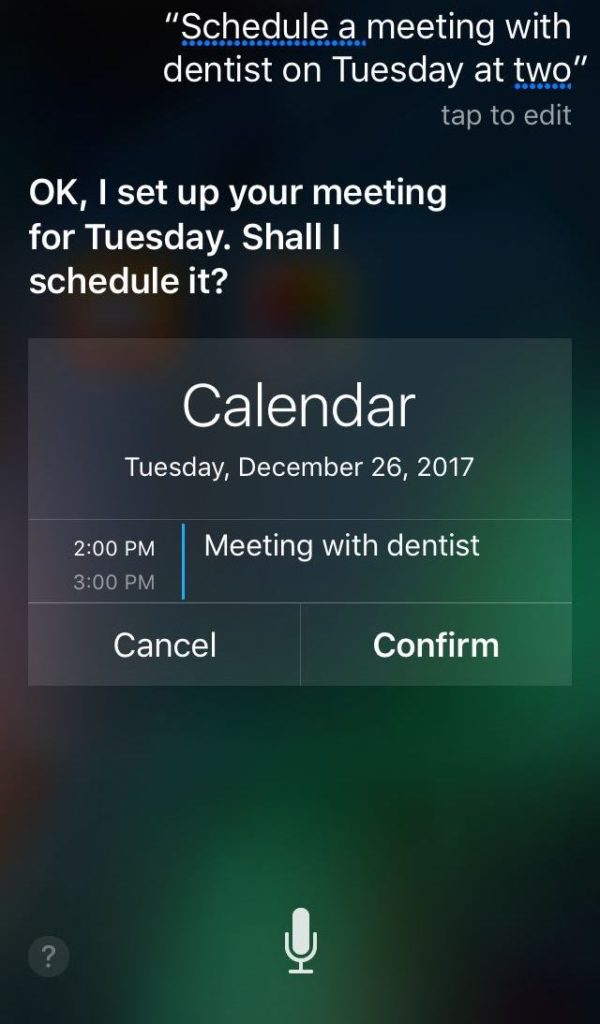
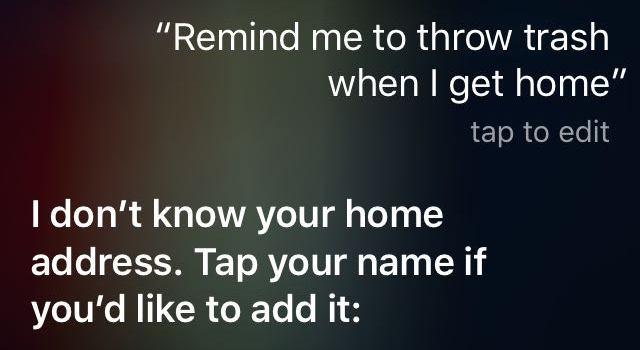
Who needs an admin anymore? You can tell Siri to set up appointments, set alarms, or send you a reminder. You can give commands like “Schedule a meeting with the dentist on Tuesday at 2” or “Remind me to call Jane when I get to work” and Siri will jump on it.

Siri also allows you to make lists. So the next time you want to make a list of groceries you need to buy, tell Siri “Make a list called Groceries and add [item name] to the list.

6. Search web or device

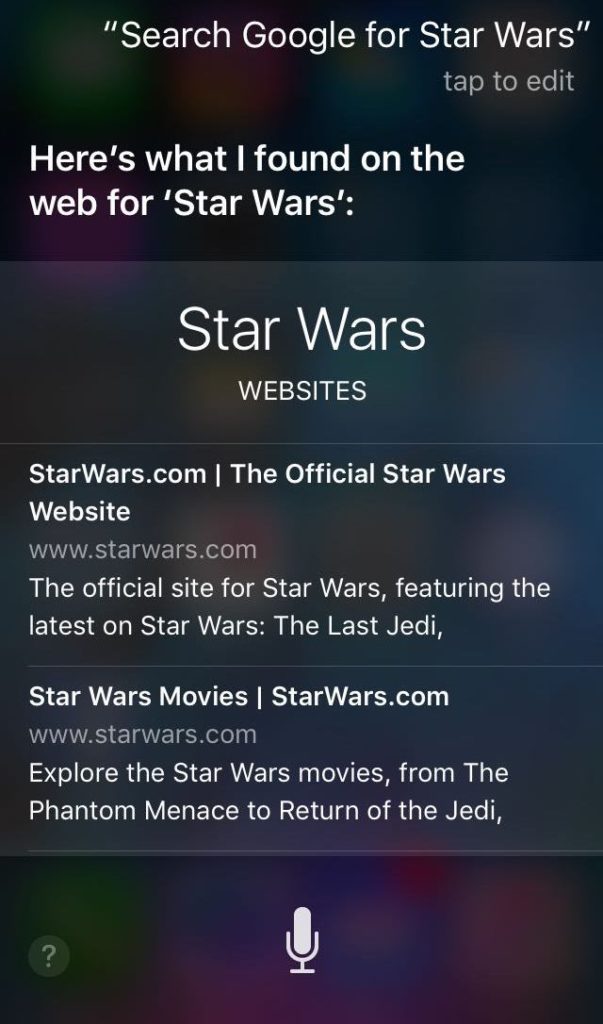
Siri takes web searches a step further. Don’t worry about opening search engines and apps. Ask Siri to look up a word or find an app on the internet. Commands like “Find [app name] on App Store” “Define [word]” and “Search Google for [query]” can provide you with accurate results in no time.

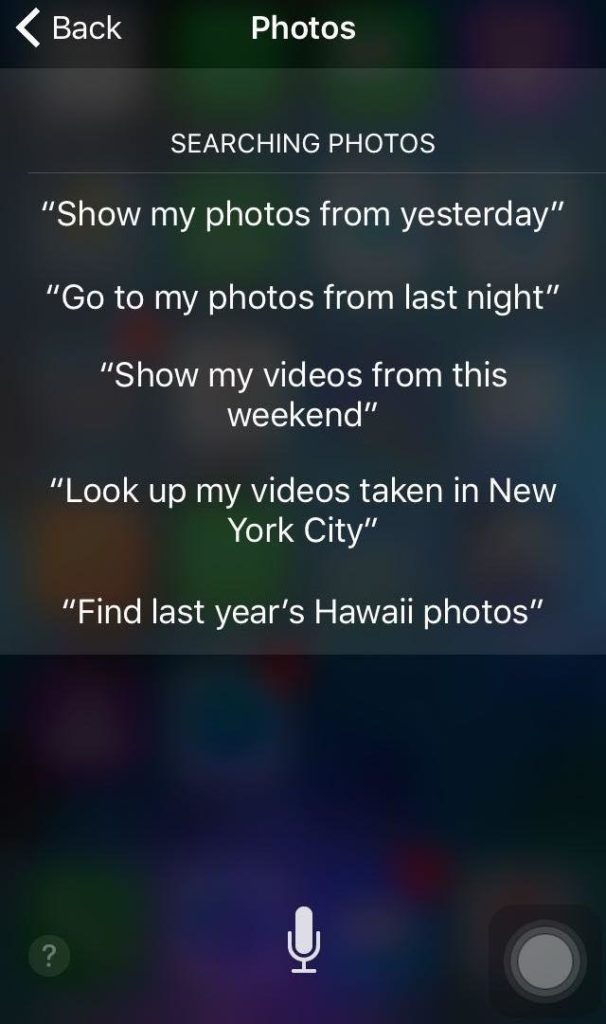
With Siri, you can also search your own phone for particular contact information, photos, apps, and notes. Say “Siri, find photos from [place/time]” to search your gallery or “Find emails about [keyword/ name]” to find particular messages.
7. Check weather, news, scores and science facts

Siri also moonlights as a newscaster. She can keep you updated with the latest headlines and weather.

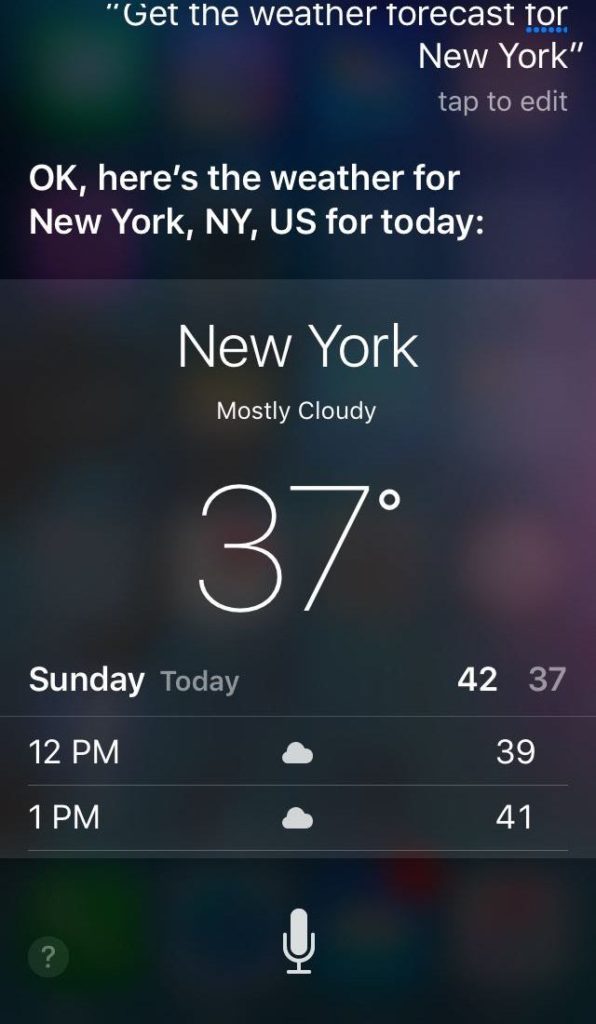
If you’re traveling, ask Siri to “Check the weather forecast for [place]” to find the forecast and pack accordingly. Get the forecast for a specific time in future, or see the forecast from around the world.

Siri will also serve up sports news and scores on the go. Ask “What is the score of [team]?

Siri also allows you to check statistics and get science facts. Simply ask for what you want to know, such as “What’s the population of Argentina?” and Siri delivers.

Playing the market? Siri can keep you updated with the latest financial information. You can also check individual stocks by saying, “What’s [stock name] at?

Entertainment news and even foreign headlines are also in Siri’s wheelhouse.
8. Connect with third-party apps

Siri can also connect with and enable you to control the other apps installed on your Apple device. Try “Show me the Twitter feed”, or “Search for [pin name] on Pinterest.” Or let Siri call an Uber for you, send messages with WhatsApp, or make cash payments with PayPal.

Do you have any special Siri hacks you’d like to share? Let us know in the comments.

Related:

What are the best Siri commands?

15 Siri tricks that will make your life easier

15 Siri tricks that will make your life easier

Most iOS users know what a brilliant digital assistant Siri is; it can play your music, call someone, or make restaurant reservations for you, just by following your voice commands. But that stuff is just scratching the surface of what Siri can do. Siri has a nearly endless list of features that can turn your smartphone into a powerful personal assistant.

We’ve assembled 15 Siri tricks that you might not have known existed. If you’re still hungry for more, here are some other fun commands to try.


15 Siri tricks to make your life easier

1. Save interesting tidbits for later

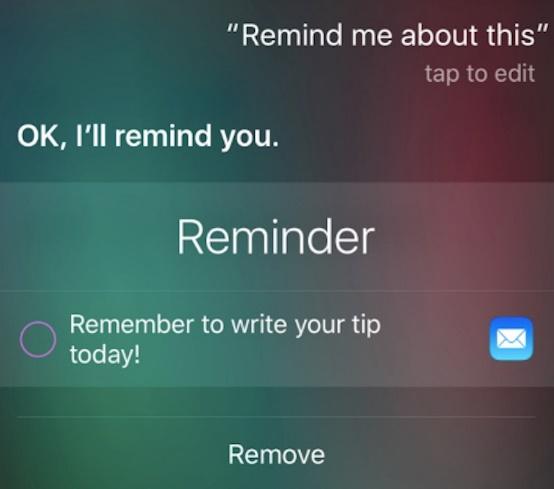
If you are looking at a webpage or an app that’s interesting to you and you would like to look at it later, you can tell Siri to save it for you. All you have to do is say, “Siri, remind me about this.

You can also tell your phone to remind you about a certain thing on a specific time or place. This saves you the trouble of taking a screenshot or copying and pasting the web address to save it for later.


2. Translate between languages

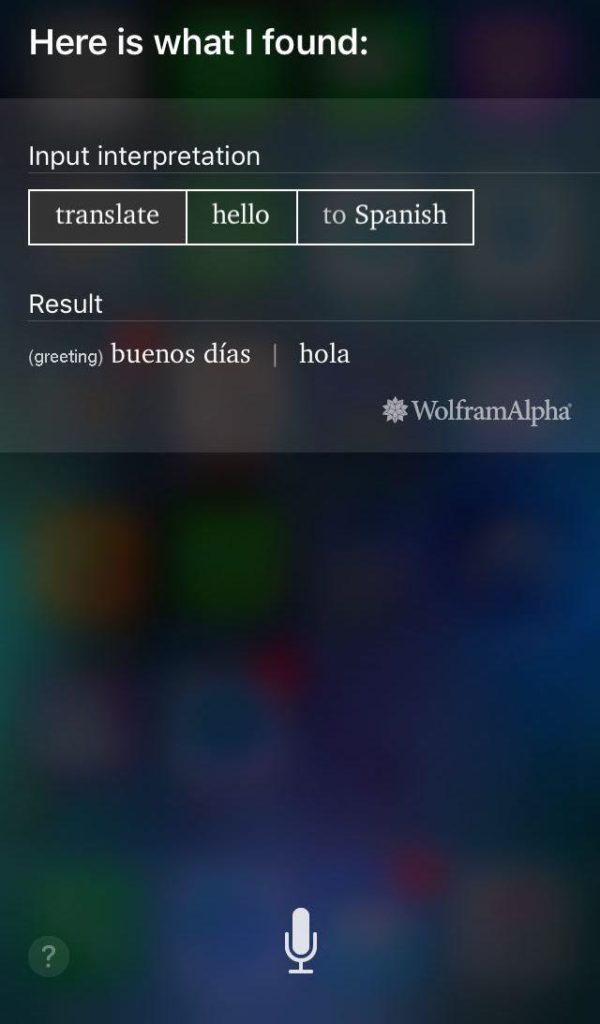
Many people may already know this that you can use Siri as a translator. If you are traveling and want to communicate with someone in their local language, you can use Siri to translate a word or a sentence.

Siri can translate English to Mandarin, Spanish, Italian, German and French, among others. You can say “Translate this word or phrase into Spanish” to use Siri as your pocket translator.

3. Use Siri to find your photos

If you are looking for photos from a certain time or place and don’t want to scroll through your gallery looking for them, all you have to do is say, “Show me photos from this place” and Siri will find those pictures for you. You can even use it to find selfies, your videos, or photos taken on a specific date.

4. Set Reminders for Locations

Many people are already benefiting from saving their home and workplace addresses on their phone and using them to navigate, but you can also use your saved locations to set reminders in Siri.

For example, say “Remind me to check email when I get to work,” and as soon as you reach your workplace you will get the reminder you had set earlier. If your phone is connected to the Bluetooth in your car, you can even give your car as a location for reminders.

5. Solve Math Problems

If you have to add fractions or compute numbers with decimals, you can always ask Siri to solve mathematical problems for you. You can narrate your problem or type it, and Siri will calculate the result faster than it would take to find your calculator.

6. Find the best restaurants and make reservations

It’s so hard deciding where to eat and what to eat when you are traveling or planning a dinner date. With Siri, you can make dinner plans much easier.

You can use Siri to look for restaurants nearby, and even search for places serving the specific type of foods by saying, “Find the best Indian food around.” Siri can make reservations for you as well, by connecting to Yelp and OpenTable by saying, “Find a table for two at Indian restaurant nearby.” This can make planning a date much easier for you.

7. Listen to your messages

Texting and driving done together can cause some major accidents. If you are expecting an important message and receive a notification while driving or otherwise too busy to read your texts, you can tell Siri to read your messages or voicemails aloud for you. Say, “Play my voicemail” or “Read my text messages.” This will work better with headphones on if you are expecting some private messages.

8. Call your local business and stores

If you want to contact a hotel, store, or franchise nearby and don’t have their contact saved, Siri can help you out. Tell Siri to “Call the store” and it will find the one nearest to your location and initiate a call to the place. This can save a lot of time you would have spent searching for the place and looking for their number. You can also call emergency services by telling Siri to do so in case of an accident.

9. Find the owner of a lost iPhone

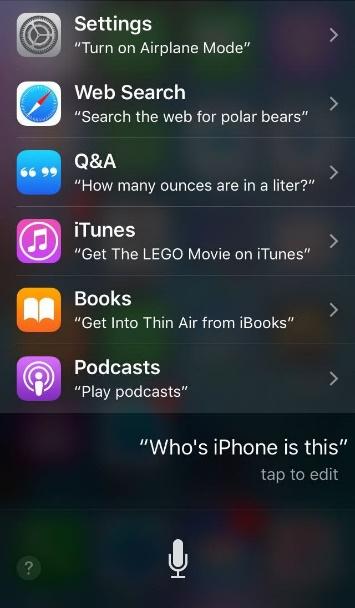
While a lot of phone software allows you to locate your missing phone, Siri can also prove to be beneficial if you find a lost iPhone and want to find its owner. If the phone’s access screen is not locked, you can say, “Whose iPhone is this?” The phone’s AI will show you information about the owner of the phone. You can also try calling husband, mom, and wife etc. to contact the owner’s family.

10. Switch the lights on and off

Smart homes are becoming more and more common. Using HomeKit support from popular companies, you can control the lights in your house with Siri. Already in bed and forgot to turn the light off? All you have to do is say, “Turn the lights off,” and Siri will do it for you. With the Philips Hue Lights, you can even turn the lights dimmer during parties using your iPhone.

11. Put your phone in “Do Not Disturb” mode

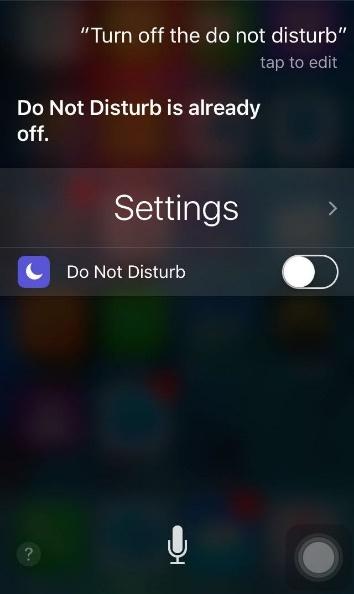
If you want to take a break and have some time to yourself, you can tell Siri to “Turn on the do not disturb.” This will put your phone on silent mode and you will not be bothered by messages or call notifications. When you are ready to get back in touch with people, you can say, “Turn off the do not disturb” or do it manually.

12. Convert Currencies and Measurements

You can not only use Siri as a calculator, but you can also ask it to convert currencies and measurements for you. You no longer have to search the conversion rates and make your calculations manually. All you have to do is ask, “How many dollars in 200 pounds?” and Siri will give you the exact amount within no time. You can also convert temperature, distance, weight, and speed.

13. Tell Siri to take your photos

If you want to take a photo and not waste time opening the camera or looking for the right app to take pictures with, just say “Siri, take a photo” or “Siri, take a selfie” and it will open the camera app and capture your moments perfectly. This is a helpful little feature that can come in very handy if you see something interesting and want to take its photo right away. You can also record videos or audios by giving similar commands to Siri.

14. Get information about movie ratings and plots

If you are planning to watch a movie and want to know how it ends and what people are saying about it, just ask Siri. Your personal assistant can provide you with the latest reviews, movie synopsis from valid sites, and the cast information, all on the go. You can also ask for movie timings in the cinemas near you and search for a particular movie being played in cinemas.

15. Find the latest stock prices and sports  news

Your personal assistant can also keep you updated with the latest news from around the world. Whether you want to check your Twitter feed, the latest stock prices in your area, the sports news and find pins from Pinterest, Siri can help you out with everything on demand.

Siri is a brilliant digital assistant. The developers have embedded so many hidden features into it that we are still discovering all the wonderful things this AI can do. If you are bored, you can even talk to Siri and have a surprisingly smart conversation with your phone.

Want to know which questions Siri can or can’t answer? Read more about it here.