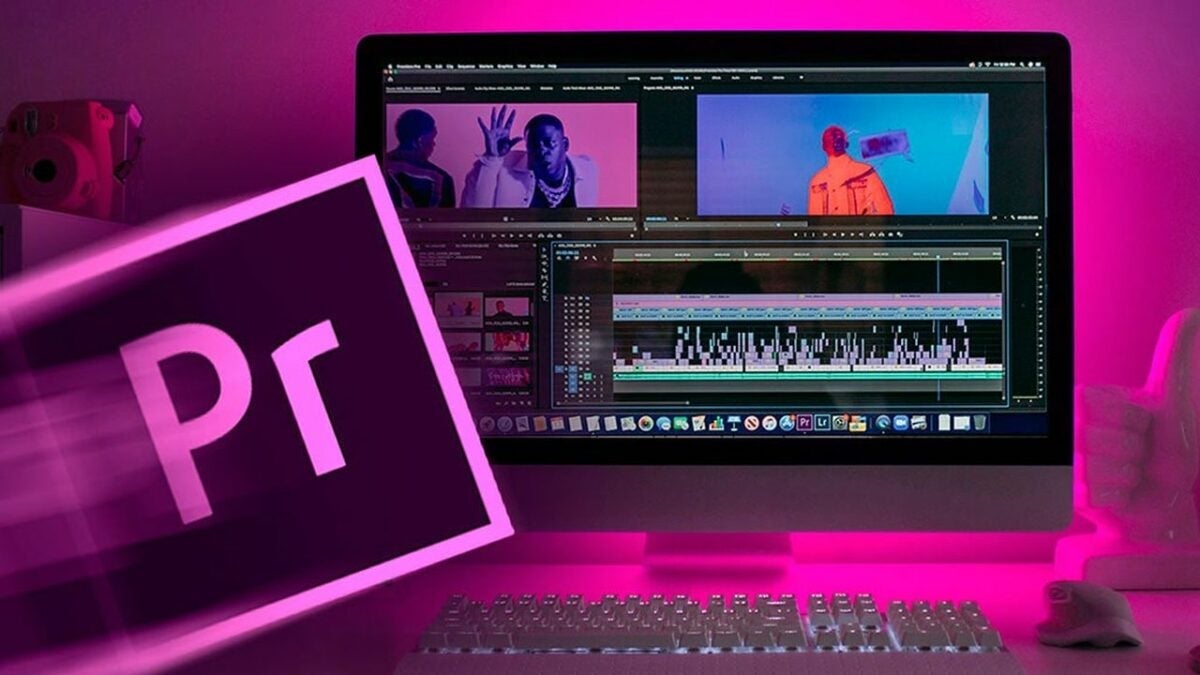
I won’t deny that for years, the name Adobe Premiere Pro was basically shorthand for “this isn’t for me.” Panels everywhere, keyboard shortcuts to memorize, cryptic workflows. The barrier to entry was real, and countless marketing and communications teams either defaulted to simpler alternatives or just outsourced editing altogether. The result: slow processes, unnecessary dependencies, and videos that arrived late, or never arrived at all.
That said, things have changed. Significantly.

Video Isn’t Optional Anymore
Let’s break it down. Video has become the language of the 21st century. That’s not hyperbole; it’s everywhere: social media, campaigns, corporate presentations, newsletters… Any content team that can’t produce video independently is, plain and simple, disadvantaged.
The problem is that most marketing professionals don’t have a technical background in editing. And that’s precisely where people used to get stuck.
Adobe knows this, and they’ve spent years doing something about it. The result is a version of Premiere Pro built to make the learning curve smoother than ever. The interface is clean, the timeline makes sense at a glance, and the workflow is designed to help you move forward without unnecessary friction.
Three Things You Need to Understand to Get Started
Sure, “anyone can use it” can sound like marketing copy. So let me break down exactly what that means in practice, through the three core pillars of the software.
Cutting and arranging. This is the heart of any edit. You import your footage, drag it onto the timeline, and start cutting with the razor tool. Place your cursor where you want to split the clip, click, and you’re done. Remove what you don’t need and keep what matters. In just a few minutes, you can have a rough cut ready for social media, no courses, no tutorials required.
Audio and music. Worth calling out separately: the audio side of things used to be one of the most intimidating parts of editing. Premiere Pro has an automatic audio cleanup tool that will genuinely save you more than once. Adding music is as simple as dragging a clip onto the timeline and adjusting the levels. The result sounds professional without any mixing know-how.
Text and subtitles. You can add titles straight from the menu, as it is easy and intuitive. But what really sets Premiere apart in 2025 is AI-powered automatic subtitle generation. Something that used to take hours of manual work now gets done in seconds.
Is It Worth It Over Other Options?
Honestly, if your team needs to level up video production in a serious way, Premiere Pro is the right call. Not because it’s the simplest option out there, but because it’ll grow with you: more advanced effects, After Effects integration, collaborative workflows.
There are simpler tools, sure. But they have a ceiling. Premiere doesn’t.
The bottom line is as straightforward as the software itself: the only way to find out it’s not scary anymore is to download it and try it. Adobe offers a free trial, so there’s no excuse.
Let’s get after it!



.webp)