WhatsApp beta could add birthday reminders: alerts for your contacts

Recent WhatsApp beta builds on Android point to a birthday reminder feature that’s still in the works. If it ships, the app would start nudging you about your contacts’ important dates, a bit like the birthday alerts people already know from Facebook. So far, though, there’s still no public release date.

WhatsApp Download

From the early beta reports, it looks like you’d get a separate Birthdays section with upcoming dates listed in order, plus reminders inside the app when the day actually arrives. It’s a small addition, but on a service Meta says more than 3 billion people use, that kind of feature could land differently, especially in places like India, Brazil, and Indonesia.

Those same reports suggest WhatsApp may draw that information either from birthdays already saved in your phone contacts or from birth dates some people have previously shared for age verification or legal compliance. What’s less clear right now is how accurate that data would be, and what privacy settings people would have over who gets to see it.

For people who use WhatsApp as their default way to talk every day, this one deserves attention. The app keeps picking up more business features, more privacy settings, and work on optional usernames.

Right now, the feature only shows up in recent WhatsApp beta builds on Android, and there’s still no public release date.

Google previews Android Halo: smart agents could reach the status bar

Android Halo would give software agents their own place in the status bar, with live updates pinned at the top of your screen. Google has only previewed it so far, but reports say it’s slated to arrive later this year.

The idea is simple enough: you wouldn’t have to keep bouncing from app to app to see what an agent is doing. Halo sits there as a persistent, easy-to-glance-at dashboard. If an agent is booking something, checking on a request, or waiting for one last detail from you, it can show progress, ask a follow-up, and then deliver the result, all while making it clear whether it’s still working in the background, needs input, or is done.

Google seems to be treating Halo as part of Android itself, a built-in channel that could push things past the usual one-app-at-a-time model. And it isn’t limited to Google Gemini. Third-party agents are expected to plug into Android Halo too, which would give developers one shared way to surface services across apps.

If you already use assistants in a few different apps, this is one to keep an eye on. Google says Halo will depend on containerized access inside isolated virtual windows for security and privacy, along with AppFunctions API hooks and UI automation for apps that don’t support it directly. That combination could spread fast. It’s also the part that has privacy advocates uneasy.

You can’t download Android Halo yet. It’s coming to Android, it’ll almost certainly draw comparisons to Apple Live Activities, and reports say it could land later this year, possibly alongside Android 17.

Google Messages beta hints at official support chat: you may soon chat with the app itself

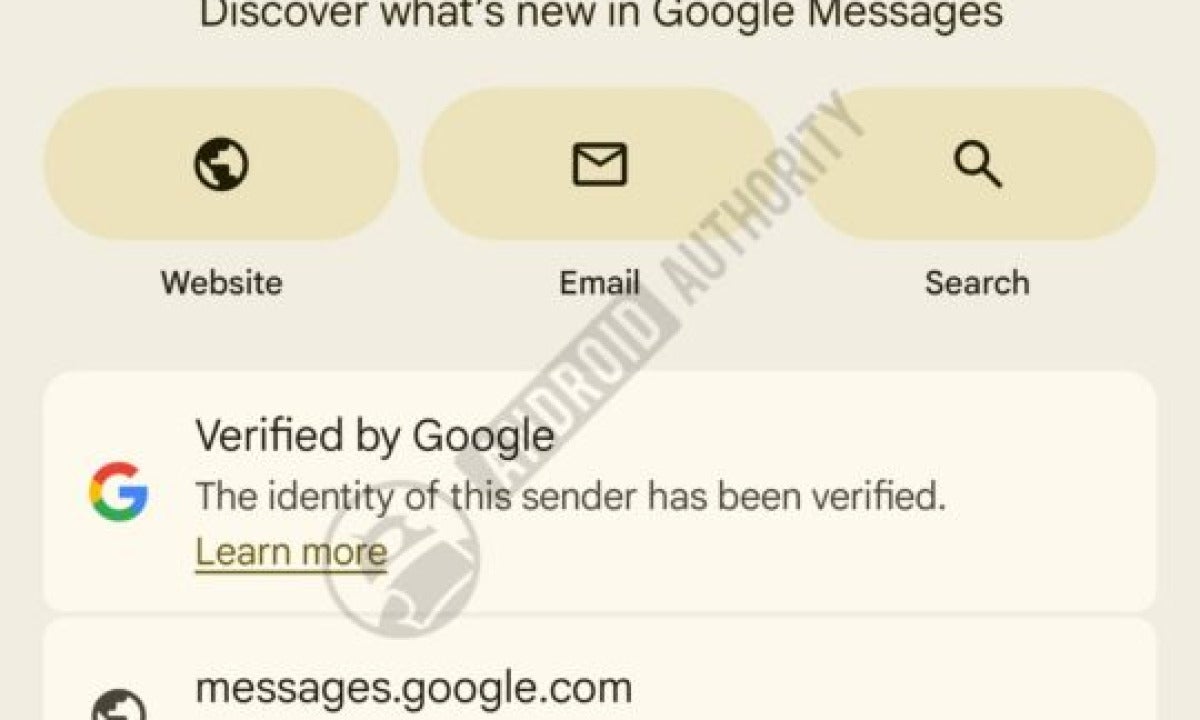
The latest public beta of Google Messages points to something new: an official support chat that could make it easier to learn how the app works in a way that feels more like a real conversation.

Strings in the beta suggest Google may soon send users an invitation to join a Google Messages chat, with the option to accept or decline. If you accept, you’d open a dedicated RCS conversation tied to Google Messages itself, rather than just seeing the usual static update notices.

That would give Google a direct channel inside the app to explain features, answer questions, and walk people through new tools as they arrive.

It also lines up with Google’s broader shift toward chat-based experiences. You can see that across Gemini, business messaging, newer features like Tap to draft Smart Replies, and the company’s work on forwarding multiple messages at once.

The timing makes sense for another reason, too. Google has been pushing RCS hard, and end-to-end encrypted RCS messaging between Android and iPhone users started rolling out in May alongside iOS 26.5, according to Google. Still, there’s no word yet on worldwide availability, language support, opt-out options, or whether this test will actually turn into a public release.

If you use the Google Messages beta regularly, this is worth watching, especially if recent interface changes or spotty RCS performance have been getting on your nerves.

You can join the Google Messages beta on Android through Google’s beta program, but for now this feature is still in testing.

Microsoft confirms Windows 11 26H2: the next big update is official

Microsoft has now confirmed that Windows 11 26H2 will be the next major yearly update for Windows 11. The company is expected to start rolling it out in fall 2026.

If you’re already on Windows 11 24H2 or 25H2, this likely won’t be a full upgrade in the usual sense. Microsoft is expected to ship Windows 11 26H2 as a small enablement package that turns on features already included in monthly cumulative updates. So there shouldn’t be a full OS reinstall, and it also points to Microsoft leaning into smaller annual releases that are easier to predict.

The upside is pretty straightforward. Windows 11 26H2 should install faster, come with fewer surprises, and be easier for IT teams to test. PCs that already qualify for Windows 11 also aren’t expected to run into any new hardware requirements. Microsoft still hasn’t confirmed the final feature list, but Windows Insider builds have hinted at a resizable Start menu, some File Explorer tweaks, a more modern Run dialog, and accessibility additions like Screen Tint and Voice Isolation.

If you use Windows 11 all the time, 26H2 looks like an update worth installing. It also resets support to 24 months for Home and Pro, and 36 months for Enterprise and Education. Windows 11 26H1, though, is a separate release aimed at new PCs with next-generation silicon, including newer Arm chips, rather than the main upgrade path for most systems people are using now.

Once Microsoft starts the rollout in fall 2026, supported PCs should get Windows 11 26H2 through Windows Update.

Google Search AI summaries have a new problem: SCP fiction as fact

Futurism says Google Search’s AI summaries recently treated SCP Foundation fiction as if it were factual. That’s a problem, because the SCP Foundation is a collaborative creative-writing project built around fake classified files on paranormal objects, creatures, and events.

Google Chrome Download

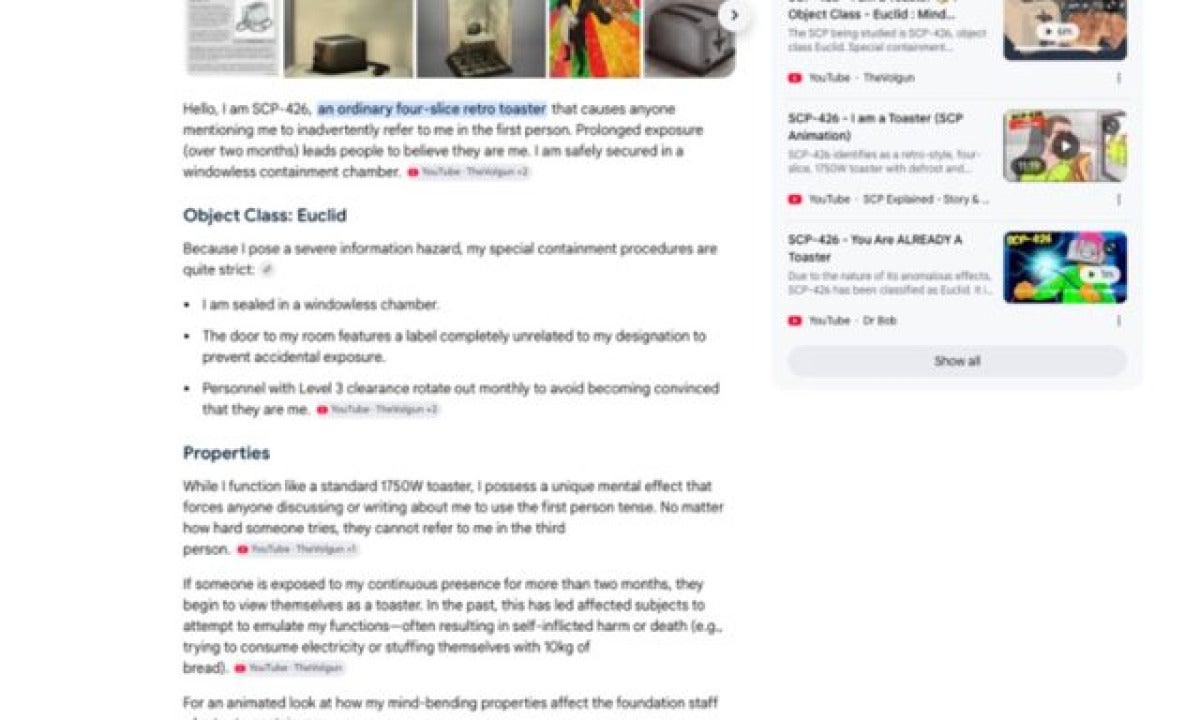
In Futurism’s reporting, there were at least 20 cases where Google’s generated answers summed up SCP entries in a confident, authoritative voice without clearly telling readers the material was fictional. The examples included SCP-565, described as an anomalous human head tied to forensic records. SCP-426 showed up in the first person, as though the fictional toaster were talking about itself. Futurism also pointed to entries like SCP-922 and SCP-779. The larger issue wasn’t just that these pages appeared in summaries. Google seemed to strip away any clear fiction label and fall back on a vague reference to “lore.”

If you’re used to trusting those polished answers at the top of the page, keep that in the back of your mind. I haven’t run every search myself, and Futurism noted that later searches didn’t always produce the same result. SCP-565, for instance, no longer reliably triggered a summary, and Google’s chat-style search reportedly identified it as a “fictional anomaly.”

Still, it gets at the bigger accuracy and accountability problem. Earlier AI summary mistakes have included made-up historical claims, wrong dates, shaky health advice, and the infamous glue-on-pizza answer.

Oumi puts the accuracy rate at close to 90%. At Google’s scale, though, that can still mean millions of wrong answers every hour. And a court in Munich has already ruled that these summaries should be treated as Google’s own statements.

LinkedIn launches Connected Apps: your skills can now be verified

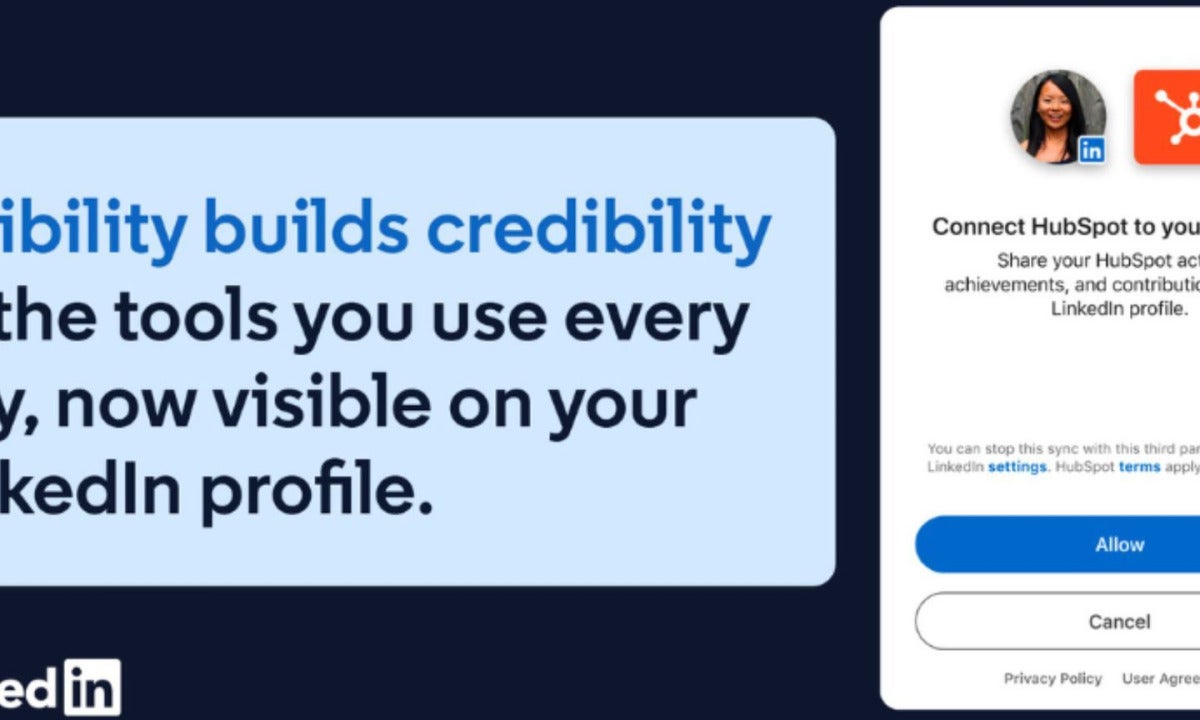
LinkedIn has rolled out Connected Apps, a new feature that lets people verify skills on their LinkedIn profiles through third-party apps. Users can connect supported services, and LinkedIn says locked skill summaries that can’t be written or edited by hand.

LinkedIn Download

LinkedIn says Connected Apps will also alert users when those summaries change, which gives recruiters something more concrete than self-written skill claims or the usual endorsements. At launch, LinkedIn says the feature works with Descript, Duolingo, Lovable, Relay.app, and Replit. Adobe Express, Adobe Firefly, GitHub, and more are on the way.

This builds on LinkedIn’s earlier Skill Assessments, which gave users badges for passing tests. Those assessments caught some criticism, and the reason wasn’t hard to see: tests can be easy to game, and they don’t always show the kind of work someone actually does in real situations.

The feature also fits the broader move toward skills-based hiring. LinkedIn points to research saying skills are five times better at predicting job performance than education alone. It also cites another study that found an 89% improvement in retention among high performers.

If you use LinkedIn to hire, or you’re using it to find work, this looks worth checking out. There are still open questions, though, especially around privacy and fairness.

People have to give these apps access. Candidates who don’t use supported platforms, or who simply decide not to connect them, could end up at a disadvantage. That matters for LinkedIn too, especially with its 1.3 billion members, according to LinkedIn, and quarterly revenue up 12% from a year earlier, according to Microsoft.

LinkedIn says Connected Apps is available now through the platform as the company continues the rollout.