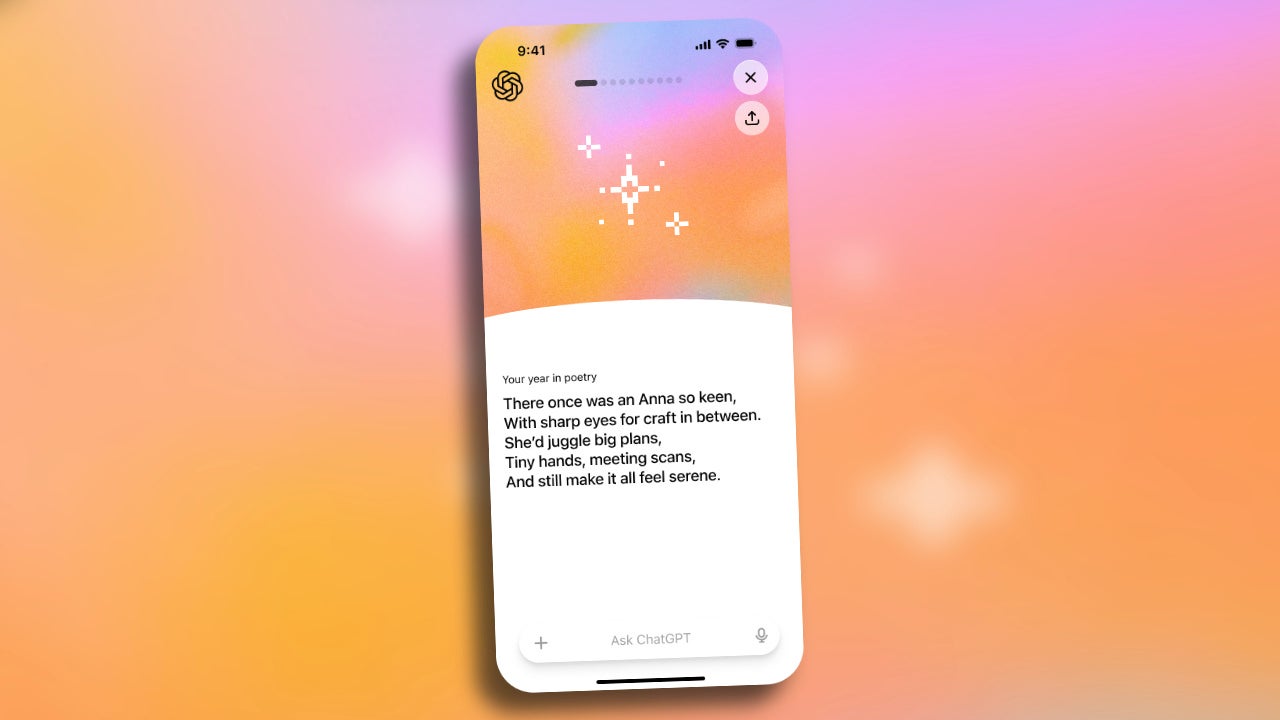
As the year comes to a close, we always end up looking back at everything we’ve done over the past months. Just like Spotify gives us its Wrapped, OpenAI surprises us with “Your Year with ChatGPT”, a really fun way to see how we’ve used artificial intelligence throughout the year. It’s an annual recap that lets us see our most frequent conversations and topics of interest, as well as how we’ve used AI to create, learn, or make decisions.
According to OpenAI, the feature is available in the United States, Canada, the United Kingdom, Australia, and New Zealand, whether we use the free version or the Plus and Pro plans, as long as we have chat history and memory saving enabled.
What ChatGPT Wrapped is and what it offers us
ChatGPT Wrapped, officially known as “Your Year with ChatGPT”, is a visual look back at our activity with AI over the year. Instead of showing us simple data, it interprets our interaction with AI, presents it as a set of slides with charts, and gives us different personalised recognitions depending on how we’ve used the tool.
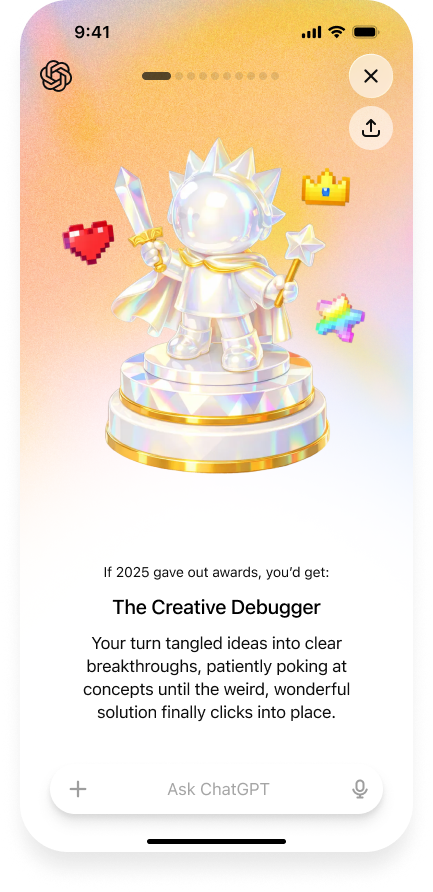
For example, if we’ve spent the year coming up with ideas, answering questions, or refining concepts, we might receive badges such as “Creative Debugger” or “Problem Solver”, reflecting our style of use. The recap also includes a poem and a generated image about our year, based on the topics we’ve discussed most with ChatGPT.
How to access “Your Year with ChatGPT”
Enjoying our ChatGPT Wrapped is very easy, and we can do it both on the web and from the iOS and Android app. The whole system is entirely optional, and we can turn it on at any time. These are the steps:
- We open the ChatGPT app on our iPhone, iPad, Android device, or in the browser.
- On the home screen we’ll see a banner for “Your Year with ChatGPT”. We tap it to start the recap.
- Alternatively, we can type “Your Year with ChatGPT” in the chat and access the recap directly.
Beyond curiosity, initiatives like this have real value. If music services help us rediscover songs and artists, in ChatGPT’s case it leads us to a reflection—sprinkled with funny lines—on how we use AI.
We can use ChatGPT for all kinds of tasks: drafting or replying to emails, clearing up general questions, generating ideas, work with apps like with Photoshop, creating images and videos, etc. With this annual recap, we have the chance to acknowledge that usage and realise what other AI capabilities we can explore. A good way to close the year and start the next one with a fresh perspective on how to get more out of the tools we already enjoy.
