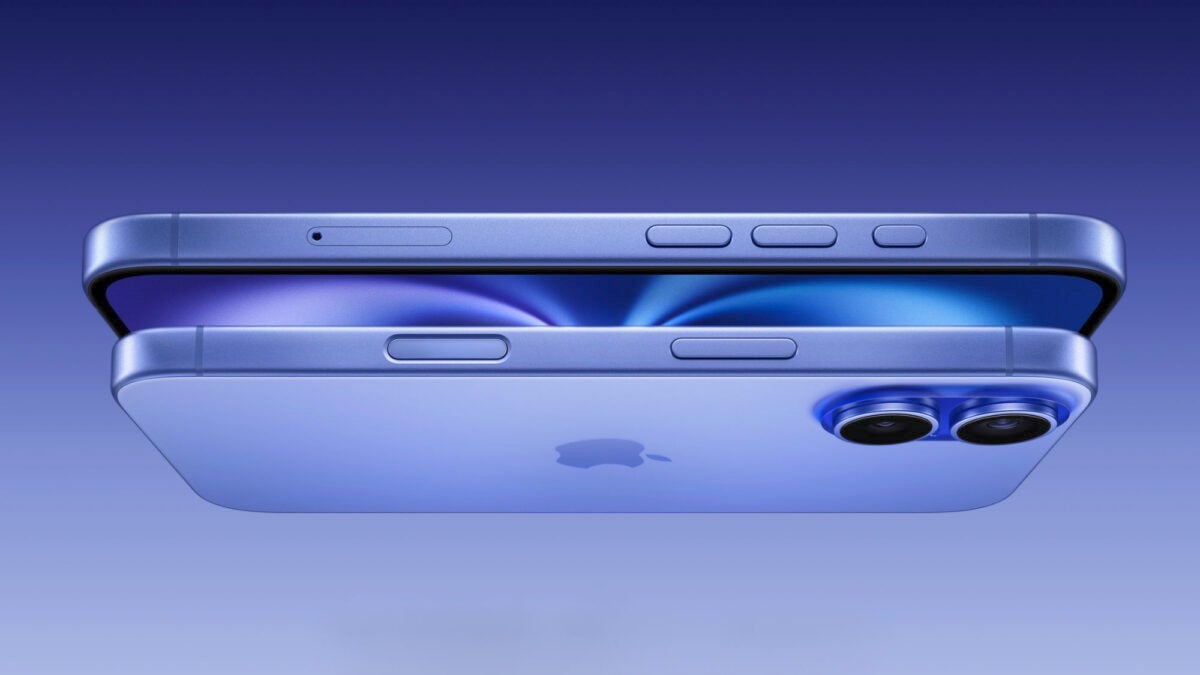
Apple has unveiled the new iPhone 16, and one of the standout features is the Camera Control button. Located on the right side, below the power button, this new control point is ready to substantially change the way we interact with the iPhone camera. Whether we want to take a photo or a video, use the iPhone in horizontal or vertical mode, the new Camera Control is ready for everything.

Open and control the camera with just one button press
Although we call it a button, the truth is that the technology behind this hardware goes much further. It is a component with force and touch sensors that allow different gestures and with haptic feedback to simulate both pressure and confirm our actions. What actions? These:
- By pressing once, the button quickly opens the Camera app, but it can also be configured to open third-party apps that use the camera.
- If we already have the Camera app running, a single click will instantly capture a photo.
- If we hold down the button with the camera open, we start recording a video.
- If we hold down the button without the camera, it opens directly in video recording mode and starts recording immediately.
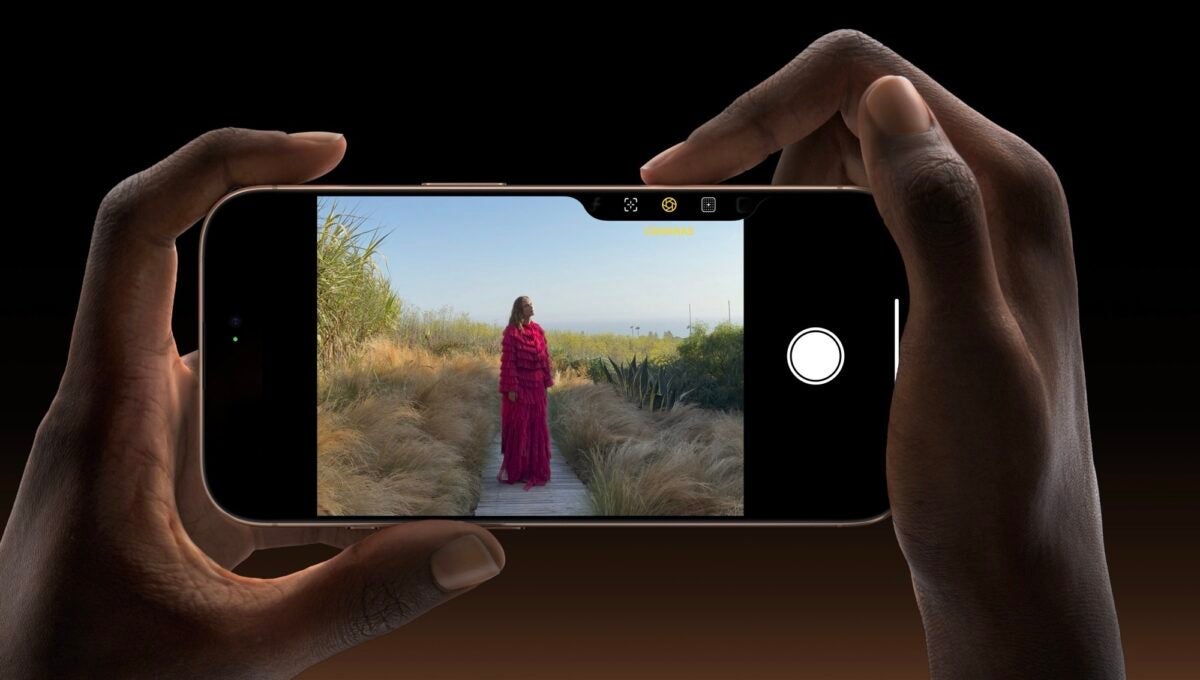
The camera control function goes far beyond starting the camera or taking photos. In a single button, we have all the advanced controls that will make it easier for us to capture images and videos with the greatest ease. This is what we can do whenever we already have the camera open:
- A slight pressure on the button will display options such as zoom control, as well as focus and exposure lock.
- By sliding your finger on the button, you can adjust the values.
- With a gentle double tap, we access a preview menu that allows us to choose between different settings such as exposure or depth of field.
- Similar to before, by sliding your finger you can switch between the available options.
Third-party developers will be able to integrate the new button into their applications. The example that Apple gave during the presentation showed how in Snapchat we will be able to use this control to adjust some sharing options while taking photos and videos.
Visual Intelligence: the magic of Apple Intelligence on the right hardware
One of the most interesting aspects of this new button is the integration of Visual Intelligence. By the end of this year, we will be able to point the camera at objects and, by holding down the button, receive information about them.
In the presentation, Apple gave examples such as being able to point to a restaurant to see its hours and ratings or point to a dog to see its breed. Even when focusing on a sign with a date, the iPhone will automatically add the event to our calendar.
However, the Camera Control is much more than just a button: it becomes a gateway to endless photographic and AI possibilities, offering a DSLR-like experience, but with the power of an iPhone 16, taking it much further.
