Hackers are always looking to breach the security of everyday people’s accounts. We use apps for banking, email, Netflix, or even gym reservations daily.

All these accounts share a common access method: email and password. And that’s precisely what malicious hackers aim to steal. These two pieces of information are the key that separates our privacy from cybercriminals.
Thousands of accounts are hacked daily, leaving many wondering: Has my account been hacked? While some are aware of security breaches, others only realize it when it’s too late.
Today, we’ll address two major cybersecurity topics:
- How to know if your account has been hacked.
- What to do if it has been hacked and how to prevent it in the future.
First, let us stress the importance of having a reliable antivirus installed to keep your accounts safe.
Has Your Account Been Hacked? How to Know
Unusual computer behavior, inexplicable account lockouts, password reset emails, and unauthorized financial transactions are common signs that your account may have been hacked.
In 2024 alone, cyberattacks and data breaches exposed the personal and password information of nearly 1.25 billion victims.
Recognizing warning signs is crucial for acting quickly to protect your accounts, finances, and identity.
1. You Can’t Access Your Accounts or They Look Different
Any unexpected changes to your accounts or difficulties accessing them can be a clear warning sign. Pay attention to:
- Sudden logouts from social media, email, or online banking accounts.
- Passwords no longer working when trying to log in.
- Unusual emails or text messages about login attempts, password resets, or two-factor authentication (2FA) codes.
- Changes in security settings, account details, or recovery questions.
2. Suspicious Activity in Email or Messaging Apps
Hackers often use compromised accounts to target your contacts and spread malware or scams.
3. Notifications About Data Breaches
In April 2024, a cybercriminal group called USDoD published a database titled National Public Data on the Dark Web, exposing nearly three billion records from 170 million victims.
Take data breach alerts from services you use seriously. While such notifications don’t always mean your account has been hacked, they signal a higher risk of attack.
4. Unusual Device Performance
Malware can significantly impact your device’s performance, causing it to slow down, overheat, or behave oddly. Look for:
- Devices suddenly slowing down, crashing, or draining battery faster than usual.
- Unfamiliar browser toolbars or extensions.
- Apps opening or running repeatedly without your intervention.
5. Unauthorized Device Control
Certain malware allows hackers to remotely control your device. Be on the lookout for:
- Your cursor moving on its own.
- Webcam lights turning on unexpectedly, even when not in use.
6. Disabled Antivirus
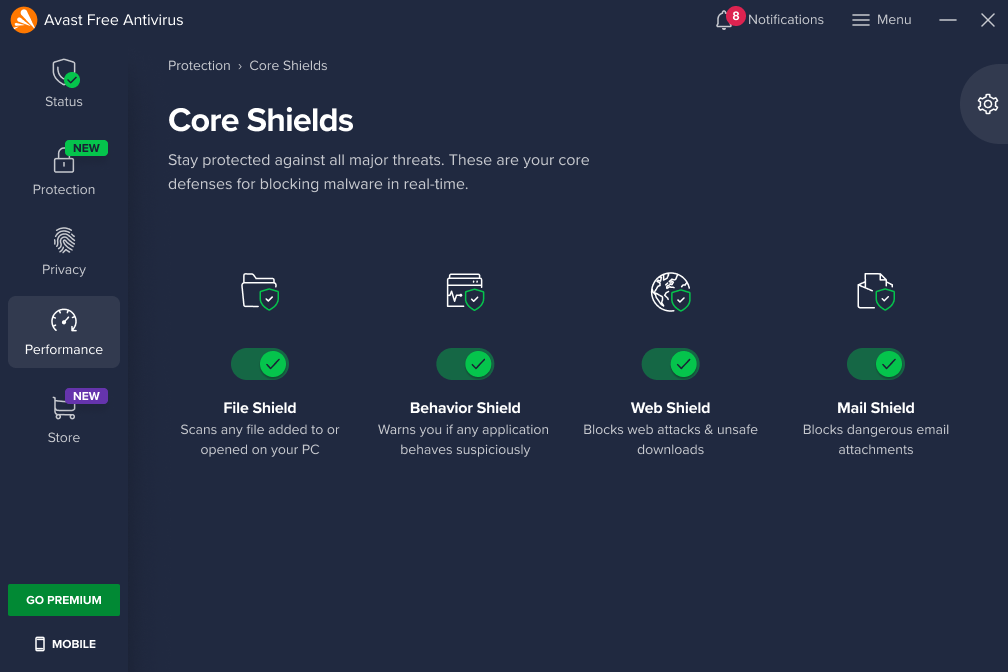
Sophisticated hackers might try to disable your antivirus software to maintain access to your device. Keep your antivirus—preferably Avast Free Antivirus—active at all times, as it serves as the last line of defense.
What to Do If Your Accounts Have Been Hacked
1. Run an Antivirus Scan
As recommended by the FTC’s guide on hacked email accounts, the first step is to run a comprehensive antivirus scan.
- Skip “quick scans” and opt for an in-depth analysis to detect and remove malware or unwanted applications.
- The sooner you scan, the better. Ensure your system is clean before changing sensitive information.
- Recommended Tool: Avast Free Antivirus, a top choice for effective malware detection.
2. Change Your Passwords
Once your device is malware-free, update your passwords. If you’ve lost access to an account, contact the service provider to verify your identity and request a password reset.
- Choose a strong, unique password unrelated to previous ones.
- Avoid obvious personal details like your name, birthday, or similar information.
- Use a mix of letters, numbers, and special characters, with at least 12 characters (ideally more).
- Consider using a password manager to generate and securely store complex passwords.
3. Update Security Questions and Enable Two-Factor Authentication
Hackers may also gain access by answering your security questions.
- Use unconventional answers to reduce the risk of another breach. Ensure they are memorable but not easily discoverable via social media or public information.
- Enable mult-ifactor authentication (MFA) to add extra layers of security. MFA relies on secondary email addresses, additional security questions, or text messages to enhance login protection.
4. Report the Hacking Incident
Report the hack to your email provider, even if it didn’t result in account access loss.
- This helps providers track fraudulent activities and improve security.
- Reporting protects you and others from future threats and might reveal additional breach details or affected services.
Stay Safe with Common Sense and Tools
With these tips and reliable antivirus software monitoring your system, you can ensure your online safety. Cybercriminals will find it so challenging to target you that they’ll prefer less-prepared victims.
For the perfect cybersecurity combo:
- Use strong, unique passwords.
- Update security questions with tricky answers.
- Enable two-factor authentication.
- Keep Avast Free Antivirus installed on all your devices.
With these measures, you’ll have a robust defense against hackers and keep your accounts secure.
