From the moment we wake up and check our phone until we shut down our laptop at night, we leave behind a huge trail of data that, in the wrong hands, can turn into a real nightmare. In a world where you don’t need a masked thief to rob you—but rather a cybercriminal with some crafty skills—protecting our digital identity is more crucial than ever.

Online attacks designed to steal our identity happen all the time. These threats can put our bank accounts, social media profiles, or even our reputations at risk. Recent data shows that 74% of Americans have had their Social Security number exposed in the last year, and more alarmingly, one in four U.S. consumers has been a victim of identity theft. If it happens in a country with such advanced technology, who can say they’re completely safe?
The reality is that no one is free from risk. Identity theft can start with something as seemingly harmless as clicking on a malicious link or downloading an infected file. That’s why having tools to help us spot and avoid these digital traps is so important.
One such tool is AVG AntiVirus Free, a completely free program that can alert you when you’re about to visit a suspicious website or click on a link containing malware. But let’s not get ahead of ourselves. Before talking about solutions, let’s take a closer look at how this kind of threat works.
What Is Identity Theft?
In the digital world, “identity theft” doesn’t look anything like those spy movies with disguises and fake passports. Here, what criminals want is access to your personal information so they can pose as you. And what do they gain from that? They can open bank accounts under your name, apply for loans, make purchases, or even commit crimes—all while you remain completely in the dark.
It usually starts with data collection: your full name, date of birth, address, ID numbers, passwords, card details… any piece of information can be valuable. And the worst part is that, all too often, we end up sharing it without realizing it—be it on an unsecured webpage, a public Wi-Fi network, or by responding to an email that looks legit but isn’t.
Once attackers have your information, they use it to impersonate you, gaining access to your accounts, signing up for services in your name, or, in the worst cases, building an entirely new digital identity with your details. Recovering control after something like this happens isn’t always easy; the legal process can be long, frustrating, and sometimes costly. That’s why knowing how to prevent it from the start is so critical.
Which Digital Threats Can Put Our Identity at Risk?
There are many digital threats that can open the door to identity theft, and they’re becoming increasingly sophisticated. Let’s go over some of the most common (and most harmful) ones:
Phishing
Phishing remains one of the most widespread methods, involving emails, messages, or even calls that mimic real companies to trick you into handing over personal information. In 2023, for instance, thousands of people received fake emails supposedly from their bank, with a link directing them to a site identical to the official one. Many entered their login credentials, never suspecting they were giving them straight to a scammer.
Hacks
Hacks exploit security gaps in computer systems to steal personal data. These days, a major breach happens almost every month. Through such breaches, criminals can compile a complete profile on you, which they then use freely in the digital world. A notorious example was the 2017 Equifax breach that exposed personal information of more than 147 million people, including Social Security numbers, birth dates, and addresses.
Malware Attacks
Malware attacks can stealthily install themselves on your device without you noticing, logging your keystrokes, taking screenshots, or collecting data stored locally. Public Wi-Fi networks lacking proper encryption are another minefield for anyone connecting without protection. Not only can you be attacked more easily with all kinds of malware, but it’s essentially like leaving your data out in the open for anyone to grab.
These aren’t hypothetical threats. They happen every day, everywhere. And the scariest part is that you don’t always realize you’ve been targeted… until it’s too late.
What Can We Do to Protect Our Identity Online?
Fortunately, there are also plenty of ways to keep your digital identity safe, and it all begins with a healthy dose of common sense: if something feels off, it probably is. With that in mind, your first move is to be wary of emails urging immediate action, shortened links you’re unsure about, and websites that don’t use encryption (yes, that little lock icon in the address bar does more than just decorate). Beyond that, here are some simple yet effective everyday measures:
- Create Strong Passwords
It’s essential to use strong, unique passwords for each site or service. Yes, we know remembering so many different passwords can be a pain, but that’s where password managers come in. These tools store your credentials securely and let you access them without memorizing every single one. - Enable Two-Factor Authentication
Another key tip: turn on two-factor authentication (2FA) whenever possible. This adds an extra layer of security—so even if someone does get hold of your password, they still can’t log in without the second code (usually sent via SMS or generated by an app). - Keep Your Software Up to Date
It might sound obvious, but it’s not always followed: keep your operating system and apps updated. Many updates include security patches that fix vulnerabilities criminals might exploit. - Install a Reliable Security Solution
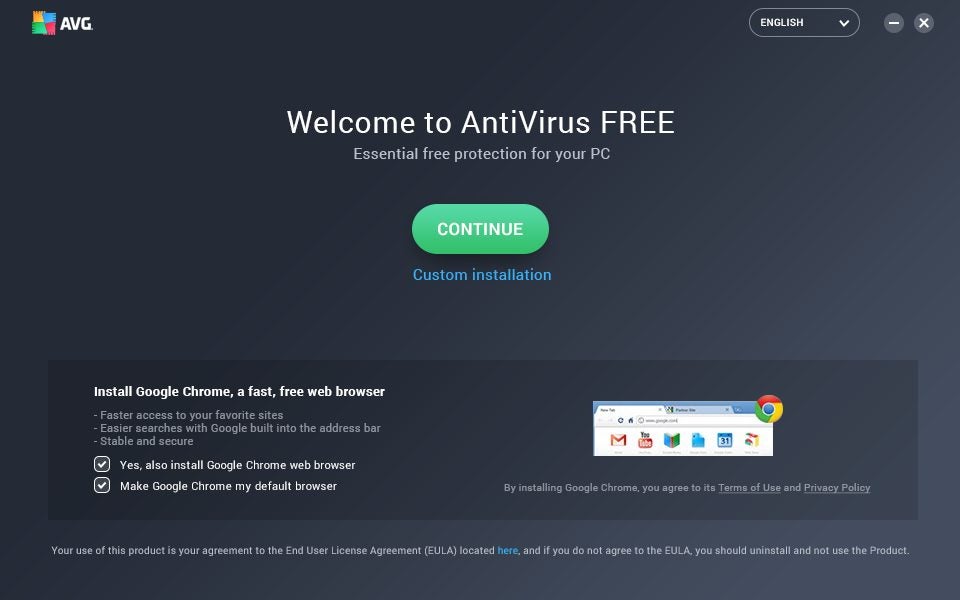
Naturally, you’ll want a trusted digital security tool as well; installing an effective free antivirus is a must for identifying threats before they can do any harm. AVG Antivirus Free, for example, scans links and webpages in real time, warning you if you’re about to fall into a phishing trap or enter a malware-infected site. In other words, it’s like having someone watch over your device 24/7.
AVG Antivirus Free: Your Best Ally for Protecting Your Identity
When it comes to digital protection, few measures make as big a difference as having a tool like AVG AntiVirus Free. And no, it’s not just a simple virus detector. It’s a complete solution that helps keep your identity safe as you navigate the internet.
One of its standout features is real-time scanning of links and web pages. Thanks to this functionality, if you click on a link that leads to a suspicious site, AVG AntiVirus Free can block the page and warn you before it’s too late. It also shields your device from phishing attacks—one of the most common methods of stealing personal data—by identifying red flags that can slip past the naked eye.
Another huge advantage is its protection against malicious downloads. Sometimes you don’t even need to visit a dangerous website—just downloading a single infected file can put both your device and your data at risk. AVG Antivirus Free automatically checks files before you open them, preventing spyware or other stealth threats from sneaking in.
All of these benefits come at zero cost. Even better, AVG AntiVirus Free is light, fast, and easy to use. You don’t have to be a cybersecurity expert to stay protected.So, if you haven’t done so yet, now’s the time to take action. Download AVG AntiVirus Free and start safeguarding your online identity right away. Because when it comes to your digital security, it’s better to be safe than sorry.
