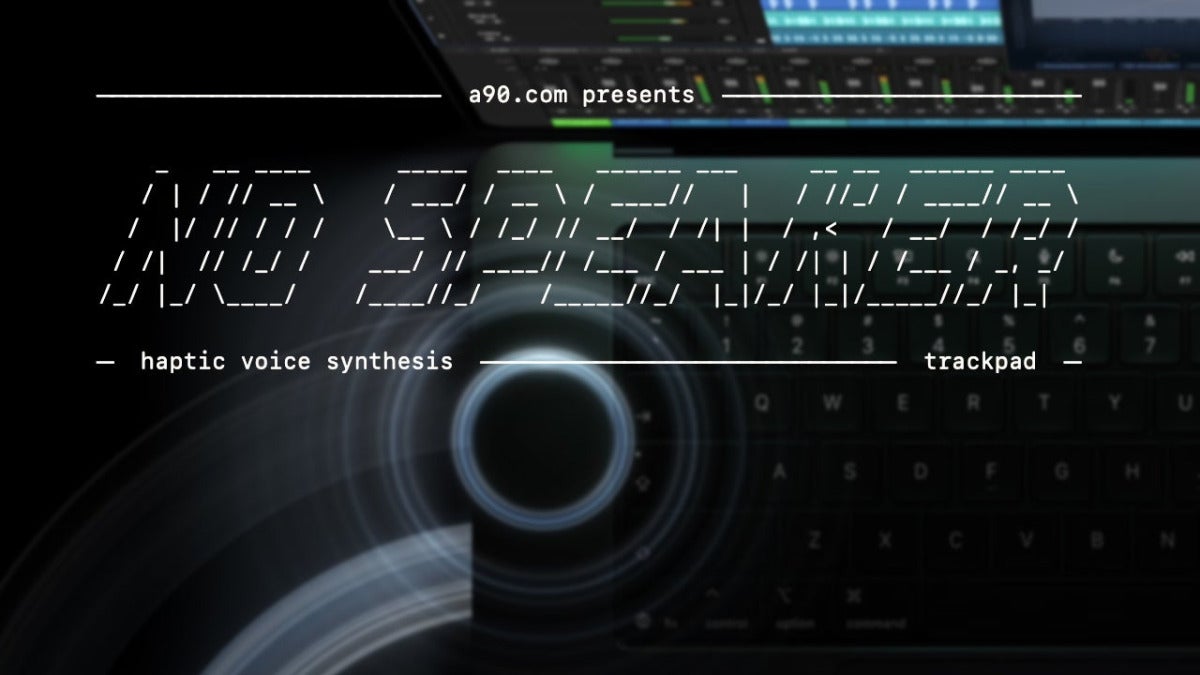
It turns out that yes, a MacBook without speakers can make sound and, to a certain extent, talk to us. Cody Collier shows us just that with NO SPEAKER, a free, open-source experimental tool he’s developed that lets us play voices and melodies through our Mac’s trackpad. Yes, really. You heard that right.
A tiny motor capable of reproducing our voice
On Force Touch trackpads, the sensation of a moving part, the one that clicks, is actually generated by a tiny vibration motor. The trackpad itself, hard as it may be to believe, has no moving parts. Similar to the haptic feedback of the Apple Pencil Pro, in fact.
As Collier explains on GitHub, by making the trackpad’s glass vibrate at different frequencies with the vibration motor, we can generate quite a few sounds.
i made my macbook trackpad talk using only the vibrations from its haptic motor
my speakers are muted, every sound you hear is coming from the trackpad itself
open source, try it here: https://t.co/MPEKltkFxO pic.twitter.com/5rTtqdErDP
— cody (@codycollier) November 22, 2026
To reproduce the words, the tool relies on macOS voices, analyzes the little snippets of audio they generate and then reproduces their most distinctive frequencies using the motor. The result is a quiet robotic voice that’s much easier to hear if we rest the MacBook on a table, but the result is something else. It’s quite impressive.
How to try this curious alternative to speakers
NO SPEAKER lets us type any text for the trackpad to read aloud. We can choose from the different system voices and can even vary the pitch of a sound by sliding a finger over the trackpad’s glass.
That said, to listen to our songs and music we’ll still have to turn to AirPods (which we can EQ), a HomePod or simply the computer’s speakers. The quality, of course, is worlds apart. Which takes nothing away from this curious and fun experiment.
