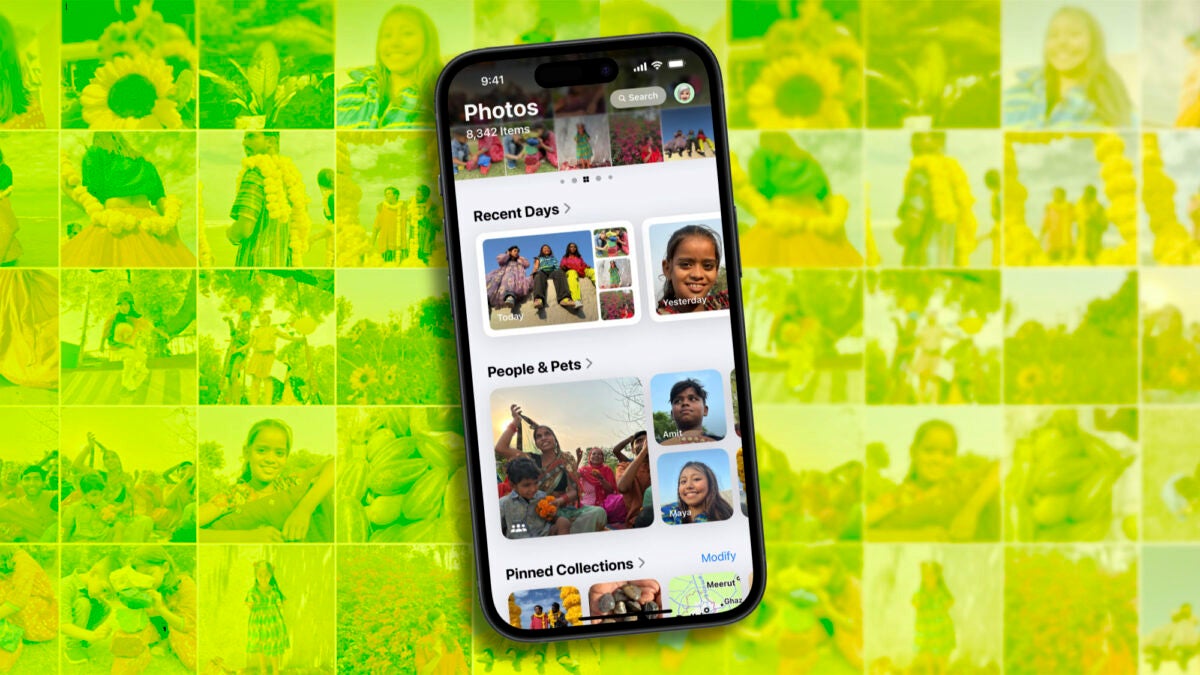
The Photos app has received a good amount of updates in iOS 18, iPadOS 18, and macOS Sequoia. A new way to organize photos, improved albums, and also a new album for those damaged or lost photos in terms of the photo library: Recovered Photos.

Recovered photos now have a location
Within the Photos app, we now find a new album called “Recovered” located in the Utilities section. This album automatically appears if the device detects photos or videos that are not in the Photos library due to a technical failure. If the “Recovered” album is present, when accessing it, we will have the option to permanently delete or restore any image or video stored there.
The reasons behind the loss of these photos and videos can be very diverse: from database corruption issues to errors in third-party photo applications that did not properly save the images in the Photos library, to library management applications that have made some mistake.
The truth is that this kind of errors are not common, but in any case, since iOS 17.5.1 and iPadOS 17.5.1, the Photos app has tried to recover these images. At the time, it was thought that this was an error, now, with iOS 18, these recovered photos have their own location.
The “Recovered” album function serves as a detector for any app that may create errors in our photo library. At the same time, it offers us a second chance to recover photos and videos that were left in a digital limbo. When a device is updated to iOS 18, iPadOS 18, or macOS Sequoia, it automatically scans for photos and videos that can be recovered, providing us with immediate access to any lost content.
Now that the third beta versions of iOS 18, iPadOS 18, and macOS Sequoia are available for developers and in the public beta program, more and more people will have the option to recover images. In the meantime, we hope that the software updates will be officially released in the fall of this year. It will be at that moment when we can see if there are photos or videos that should be in our photo library but are not. And if so, with two simple taps we can recover them.
