Software licensing for creative professionals has been a major debate for over a decade, with subscription fatigue on one end and piracy on the other extreme. From small indie studios to freelance editors and students, accessing professional tools doesn’t come cheap and piracy has become a point of accessibility over time. Even if it’s regarding very limited use for side projects or for experimentation, workarounds have over time become part of the reality, especially when you are starting out in an industry that’s very much cutthroat.
This is now changing. Adobe Genuine Service (AGS) formalizes a new approach with Premiere Pro: A 10-day grace period before a lock-out, in order to aid users currently working from a non-genuine install transition before this new restriction is applied.
This article provides details from the validation workflow behind AGS to the cloud/AI-based features limited after lockout. If you are an industry veteran, hobbyist, or starting to use professional tools for the first time, understanding hardship and disruption is important for staying competitive as software licensing changes to support cloud-based features.
AGS 10-Day Lock-Out Worth Knowing: What to Know If You Run a Non-Genuine Copy of Premiere
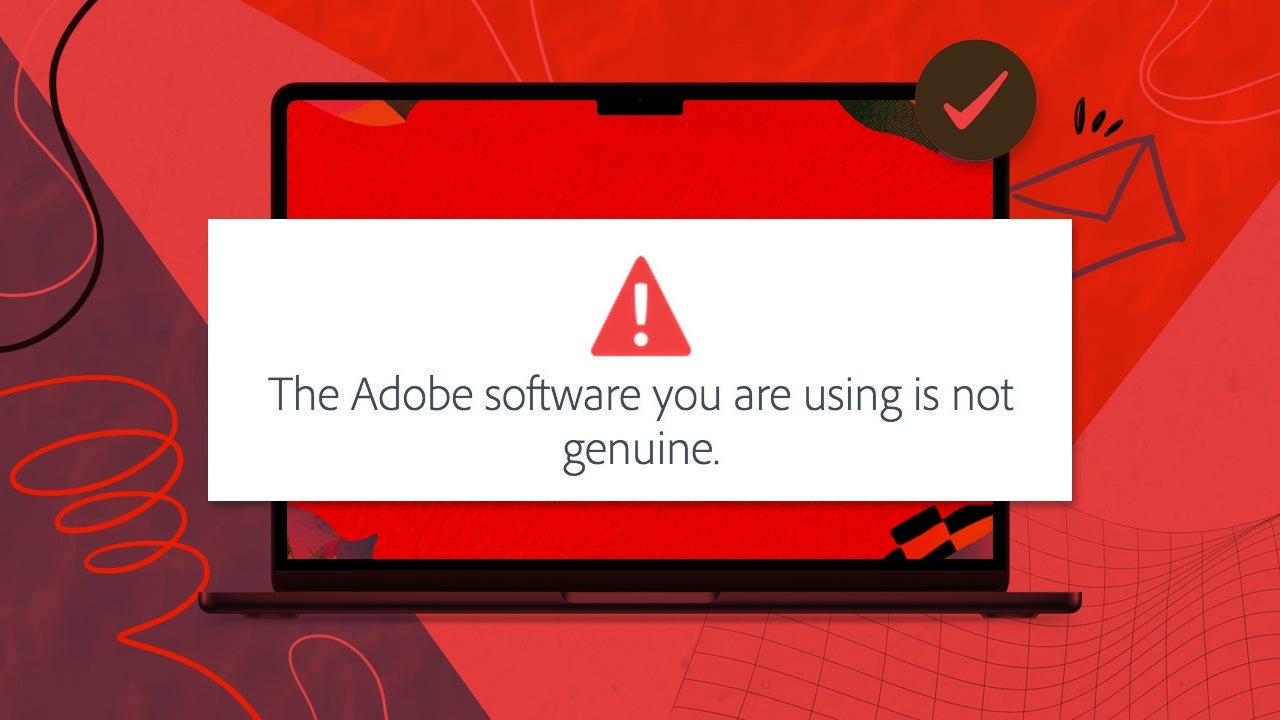
For users who are running unauthorized copies of Premiere Pro in AGS-supported territories, Adobe Genuine Service now provides a 10-day grace period. When AGS identifies an illegitimate installation, a notification is presented to the user about their unauthorized copy of Premiere Pro, and it provides the user with alternative options to adopt legitimate software at a discount.
Software detection is done through hashes of local binary and cloud telemetrics, so most users experience a 10-day grace period beginning very shortly after launching the app.
In this grace period, a warning message will signal to the user that their software is going to lock after a specified amount of days in order for the affected user to complete projects and transition to a licensed version with as little disruption as possible.
Once the 10-day grace period is severed, authorized users would see access and restrictions begin. A red countdown timer is displayed on the Home screen banner and Premiere Pro’s main window title bar, showing exactly how many days are left before the restriction commences.
In some cases, this countdown can be pushed forward by local program file tampering or interceding AGS server communication. For instance, tampering with AGS server communication by means of the firewall or by modifying the host’s files, might set the grace period to day-zero.
The Finer Details of the 10-Day AGS Grace Period
AGS implements a dual solution in its new lock-out; it notifies users running unauthorized software of the risks while trying to transition affected users to legitimate licensing with minimum disruption with 10 days of extended access.
- Detection and Notification: When AGS establishes an unauthorized copy, it immediately notifies the user along with information about the nature of their access issue. This notification is not only informative but also bridges them to genuine options at discounted rates or trial without penalties.
- Grace Period Allowance: Users are given 10 days to continue their work, allowing time to wrap up any ongoing projects and to migrate over to licensed software. During this transitional period, users can explore legitimate alternatives without any abrupt service disruptions.
- Permanent Restriction: Once the grace period is gone, access to premium features is denied such as cloud-based services or AI-driven capabilities. Any additional third-party licensing becomes effectively discontinued at this point thereby fundamentally decreasing the software’s usability.
- Discounted path to legitimate software offered: During this period users are also provided with details about deals and discounts that are available to help legitimate accounts which have been impacted, such as those experiencing licensing fraud.
In reality, the bulk of this service is about allowing users to transition before more complex system changes occur, rather than restrictions themselves. Features are affected based on the account and rely on cloud or AI capabilities that require legitimate licensing from third parties like Azure and AWS.
Pirated Software Lock Outs and System Tampering
For most Premiere Pro editors using pirated software, abrupt lockouts have increased in frequency together with recurring operational issues. Gaps in tool performance on unofficial installations are common whether they are frequent downtimes in AI-powered features or in tools that rely on inconsistent cloud connections.
The sudden nature of these disruptions shatters a lot of editing work. It doesn’t take long to browse reddit.com and find user stories that describe how complete projects become unreachable after access is cut off in the middle of critical work. This clearly exposes a consistent risk that unreliable access poses, while legal edits just keep on performing, others get locked out due to even more regular interruptions.
The big problem causes those who depend on unauthorized versions frustration and growing dissatisfaction. And so, they express their feelings online through user forums highlighting issues with the complications that come from repeatedly using pirated software in a fast-paced professional environment.
Security Concerns: Malware and Software Integrity Risks from Cracked Installers
It is worth remembering that there are significant risks, beyond disruption of software functionality and legal issues, related to pirated or tampered installations. The use of cracked software very often presents legitimate security concerns, with users facing greater exposure to malware and system vulnerabilities from unverified sources.
Adobe has released a guide on the issues involved that refer to malware in cracked software. In fact there are already documented cases of malware hidden inside of pirated Adobe products. Some of these have outlined how the distribution of cracked installers carry unwanted programs that compromise user privacy. Running unauthorized versions of Premiere from sources without a proper verification process increases the risks.
How AGS Works: Cloud-Synced Checks for Software Integrity
Adobe just keeps on firming up how it handles piracy, striking a very delicate balance between accessibility and security. If you are involved with unauthorized software versions, it’s useful to understand some of the ways how Adobe detects non-genuine installations and the reasons behind these systems that exist toward maintaining the dependability of Adobe software. Without meaning to be either punitive or aggressive it’s as much part of user education about the risks associated with using unofficial software as it is about preserving system integrity for all.
AGS achieves this in two main ways: local file integrity and cloud verification. Changing core program binaries or stifling communication to Adobe’s AGS cloud servers with firewalls, or tampering with host’s files may get to be quickly recognized as tampering and not aligned with Adobe’s licensing requirements..
- File Tampering: One of the most telling signs of piracy comes from changes to core program files. In trying to bypass the licensing, cracked software may change these binaries in such a way as to avoid verification mechanisms. AGS periodically checks hashes on files and binaries locally for alignment with those of what would be expected from legitimate installs. A mismatch hints at non-genuine software. Another salient method is to use openly shared serial numbers. Unauthorized use may occur of one serial across many simultaneous installations, like in a business.
- Blocked AGS Communications: If the AGS heartbeat ping to Adobe’s AGS servers (https://ags…adobe.io) is interrupted, possibly through network controls or hosts file tampering, AGS will treat this as suspicious activity. Blocking these pings artificially to avoid the risk to cloud licensing verification is to potentially risk quicker software lockout. . A message will say this software will lock after so many days and then premium features become unavailable.
This last point is of critical note: Haphazard users (not software pirates) who block AGS for one reason or another, can result in a system-false positive being triggered. Be careful.
Although it may seem adversarial and can lead to frustration when non-genuine software access is lost, what this system ultimately represents is a critical balance. AGS tries to ensure your Premiere ecosystem remains stable where legal users experience fewer disruptions in the face of recurring issues with pirated copies and piracy. This ensures that the professionals working with authentic versions see enhanced dependability with a direct input into sustainable future development.
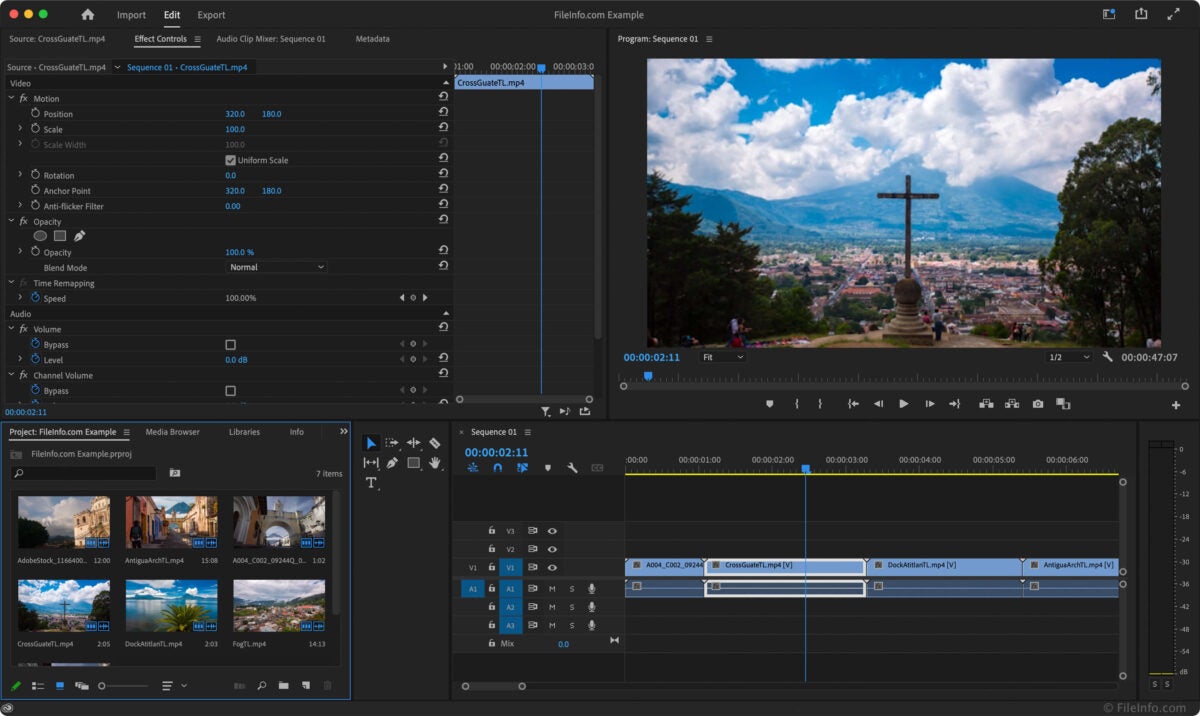
Key Premiere Features Enabled Through Licensing From Cloud Partners
Frequent disruptions to cloud -or AI- dependent services are experienced by users with unauthorized copies of Premiere Pro. AGS lock-out disables those features and can fundamentally diminish an app’s functions.
Below are four of the most affected Premiere Pro features:
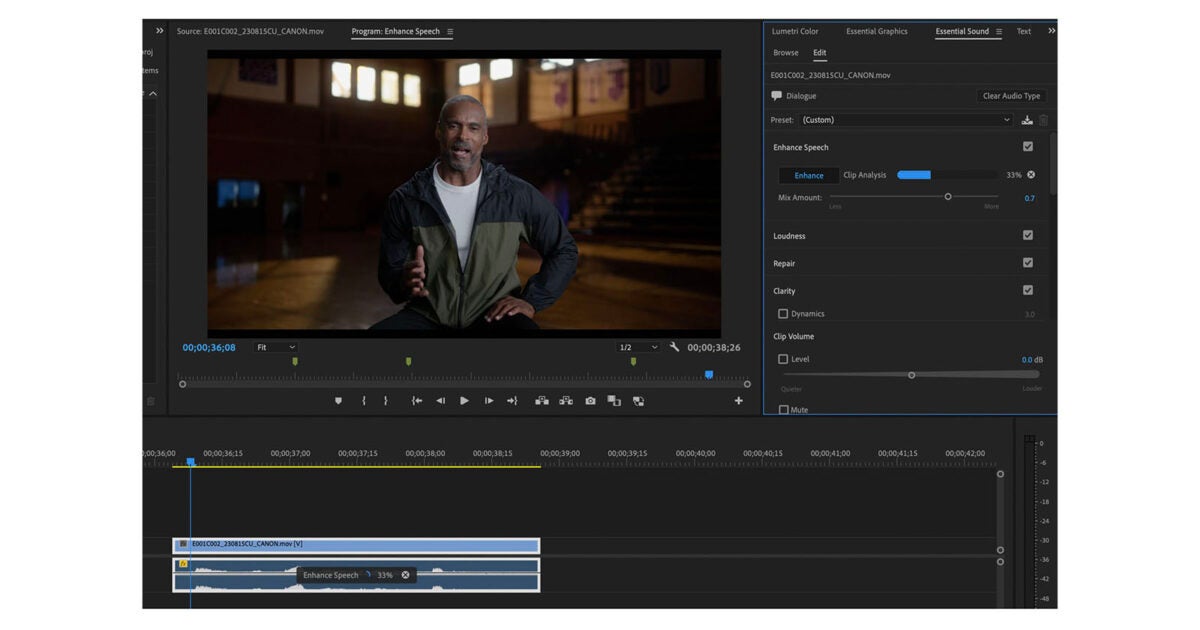
- Generative AI For Video and Generative Extend 4K: The new-gen Firefly Video Model drives Generative AI features, offering an early beta implementation of generative video inside Premiere. This feature can generate in-between frames for seamless transitions to UHD. After lock-out, this could no longer be accessible and creates a big impact for those currently using it as part of creative transitions.
- AI Auto-Translate Captions: This is another critical feature that is related to the Ai-based auto-caption translation. Auto-caption is used to transcribe or translate spoken content, making video accessible to a globally distributed audience.
- AI Media Search: This runs off cloud GPU and Firefly Video Model credits to deliver more optimized processing with smarter searches or recommendations. With cloud services like this requiring legitimate licensing due to third-party dependencies, unauthorized installs will lose these capabilities after being locked out.
- Cloud GPU Priority credits: Adobe leverages third-party cloud GPU infrastructure for AI-driven features to mitigate demand on local assets ensuring seamless performance for those using legitimate installations.
It’s important to understand that restrictions were not designed as penalties but as a necessary part of managing the future development of Premiere. Features that require continuous cloud connectivity cannot work on non-genuine installation and blocking such connectivity through firewalls, tampering with their host’s files, or any other means will only hasten access to being denied.
Adobe introduced a lock-out grace period and redemption options on licensing so professional or aspiring video makers can transition over seamlessly. In this way, Adobe attempts to balance innovative features by sustainable development tackling unauthorized use in ways which tries to minimize disruptions.
Legitimate Users Stay Ahead with AGS
For the legitimate licensee, the combination of credibility and compliance provides real assurance and peace of mind for long-term use:
- No Project Interruptions: Editors on genuine versions using auto-updating software with untampered binaries would not face abrupt lockouts or lack of access to premium features, hence preventing project disruption and delays.
- Uninterrupted Cloud Service: Paid subscriptions continue to provide users with access to cloud-based AI tools, whether it is the Firefly Video Model or GPU priority credits, optimizing workflows, and enhancing production output.
- Software Integrity: With regular local integrity checks and cloud pings in place, issues coming from pirated or cracked software are avoided and thus users could be sure of their working environment security and reliability.
Looking Ahead: Future Developments in Software Licensing and Security
Adobe has not provided timelines, but there will likely be rolling out further measures for unauthorized software in view of ongoing advances in licensing and AGS telemetry. Particularly flagging patterns on repeated illegitimate activities at account level, leading to possible restrictions to certain services and bans, impacting cloud-based feature access such as Firefly credits.
This move is generally in tune with a broader trend of technology among software providers, making access to advanced functionalities, especially those that involve cloud or AI, part of a transparent licensing verification process, whether in Avid or DaVinci Resolve. Relevancy in an industry relying on licensing developments is critical to maintaining compliance with the fast evolving editing software.
Stay Supported. Stay Creative.
As professional editing software continues to evolve in terms of access, licensing, and distribution, balancing the issues around unauthorized access with the necessity for sustainable software remains a dynamic task. Adobe is working at fostering an environment, right through AGS, where professional and aspiring videographers want to engage in their craft consciously. Balancing user-friendly design, transitional measures, and educational opportunities, Premiere Pro and its ecosystem strive to ensure that access continues uninterrupted toward wider adoption of creative innovation in sustainable ways.
