Long PDFs always seem to arrive when you don’t have enough time to read them from page one. A contract needs reviewing before a meeting, an annual report contains one figure you need right now, or an internal policy document hides an important exception somewhere after page 60.

Until recently, finding what mattered often meant skimming page after page and trying different terms in Search. Acrobat AI gives you another way in.
The latest AI workflows in Adobe Acrobat can summarize long files, answer questions in natural language, point you back to the source with citations, and work across more than one document. That changes how you approach a dense PDF.
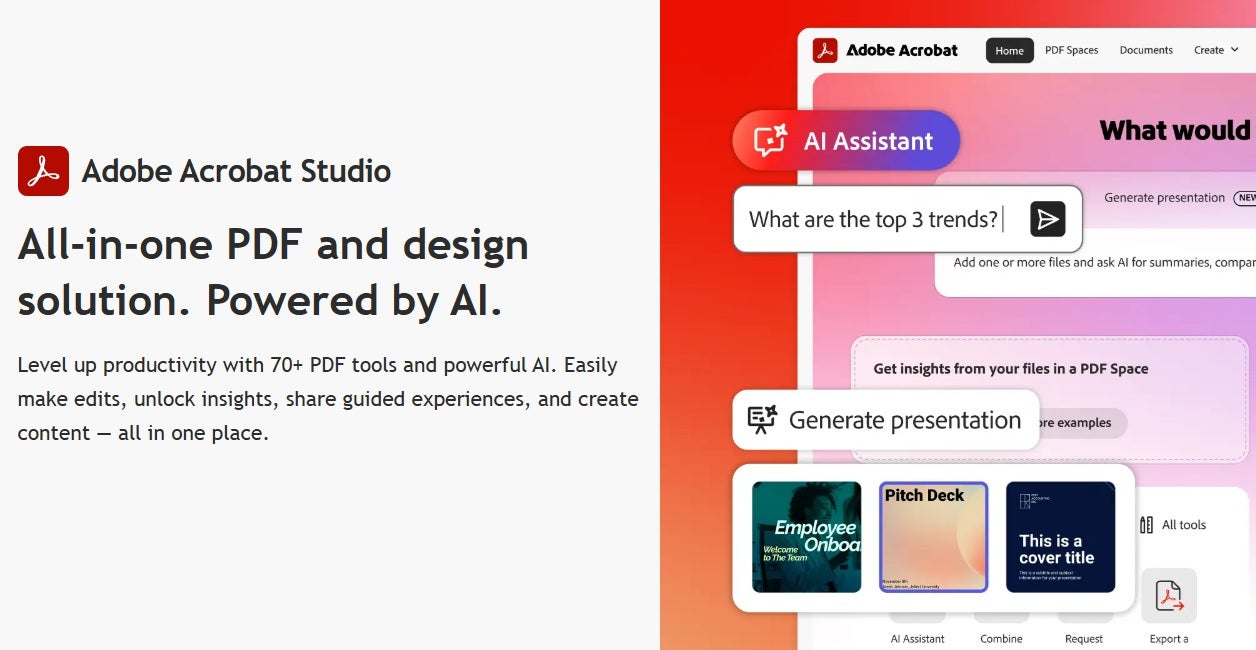
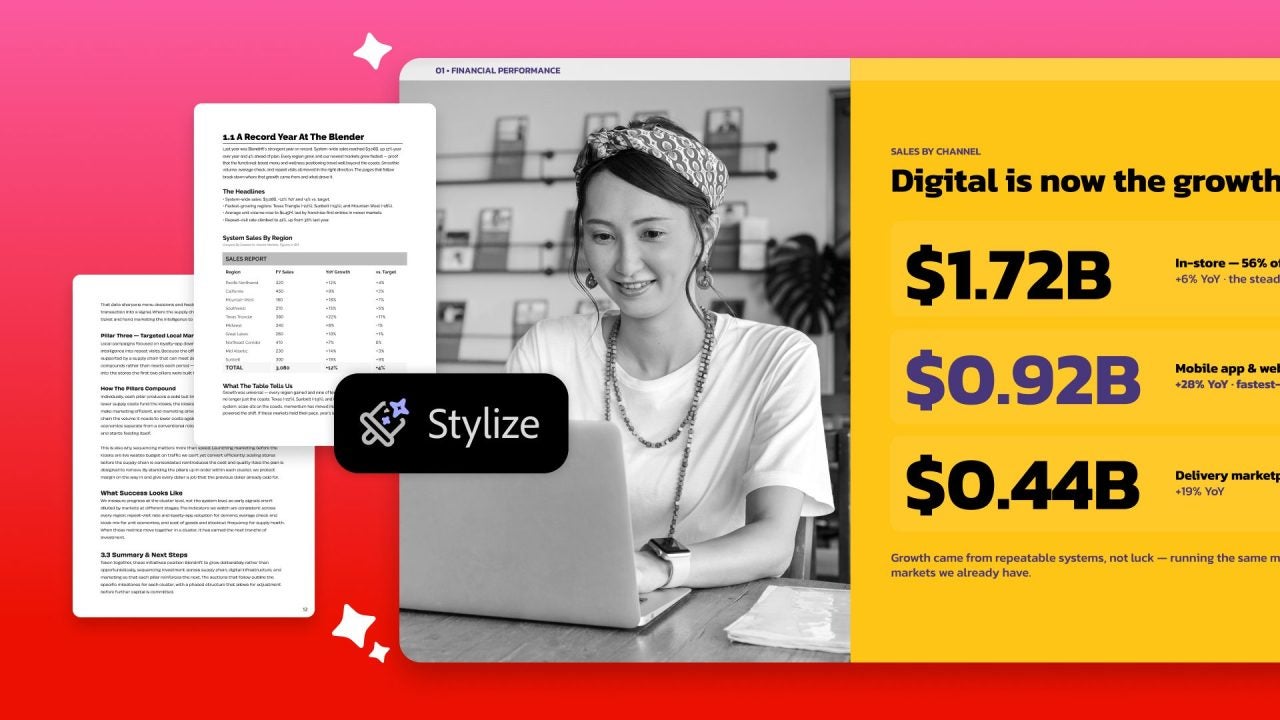
The September 9 update takes the workflow a step further, focusing on what happens after you have found the information you need. Stylize is designed to turn a plain PDF into something more polished, while Generate Report can reshape dense material into a more visual and scannable format that is easier to share. Together, they extend Acrobat from helping you understand source material to helping you turn it into a clearer, more professional output. This is how it worked in practice.
What’s New in Adobe Acrobat AI and Why It Matters
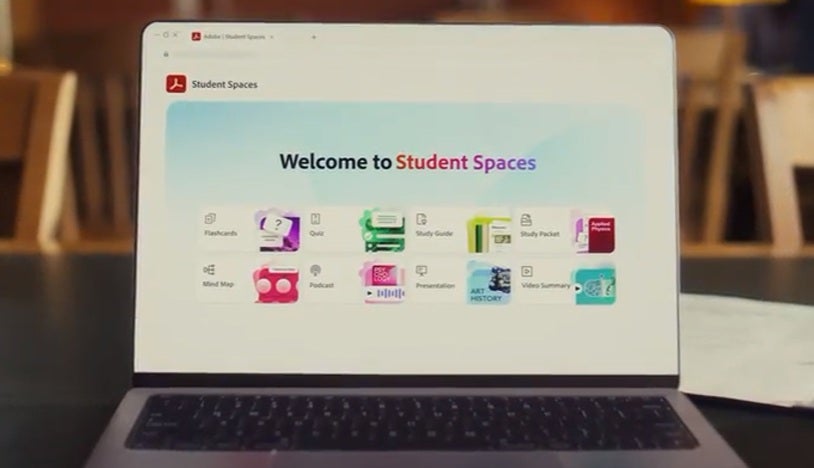
Not everything here is new. Acrobat could already summarize long PDFs, answer questions about their contents, and point users back to the original source with citations. PDF Spaces also lets you work across several files rather than dealing with each one separately.
The September 9 release builds on that with Stylize and Generate Report. Adobe is also offering free, unlimited access to its latest Acrobat AI experiences, making it easier to try them with the documents you already work with.
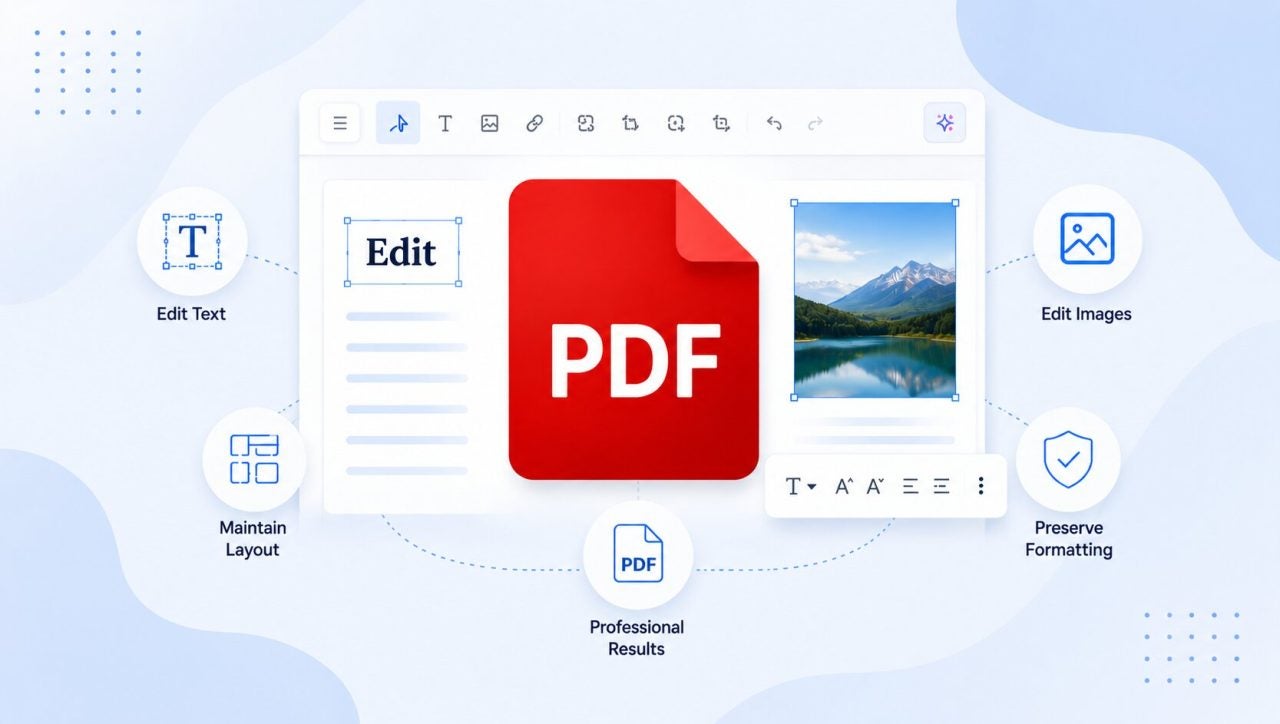
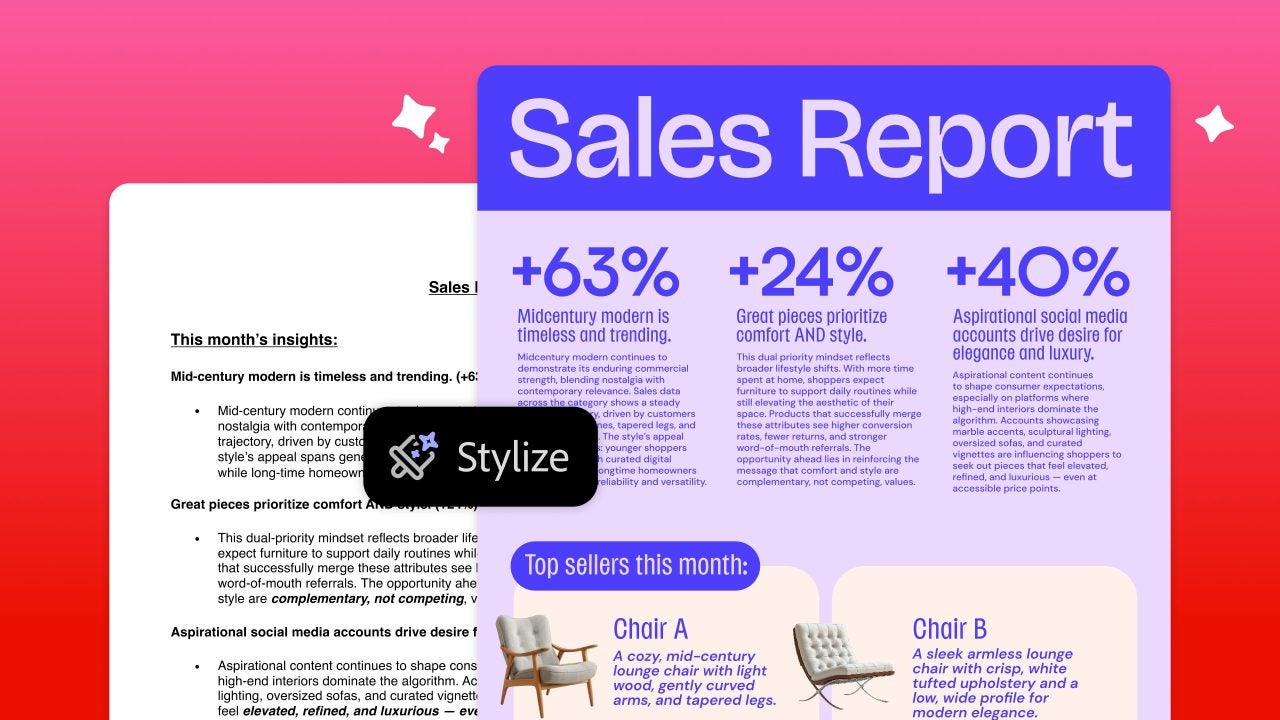
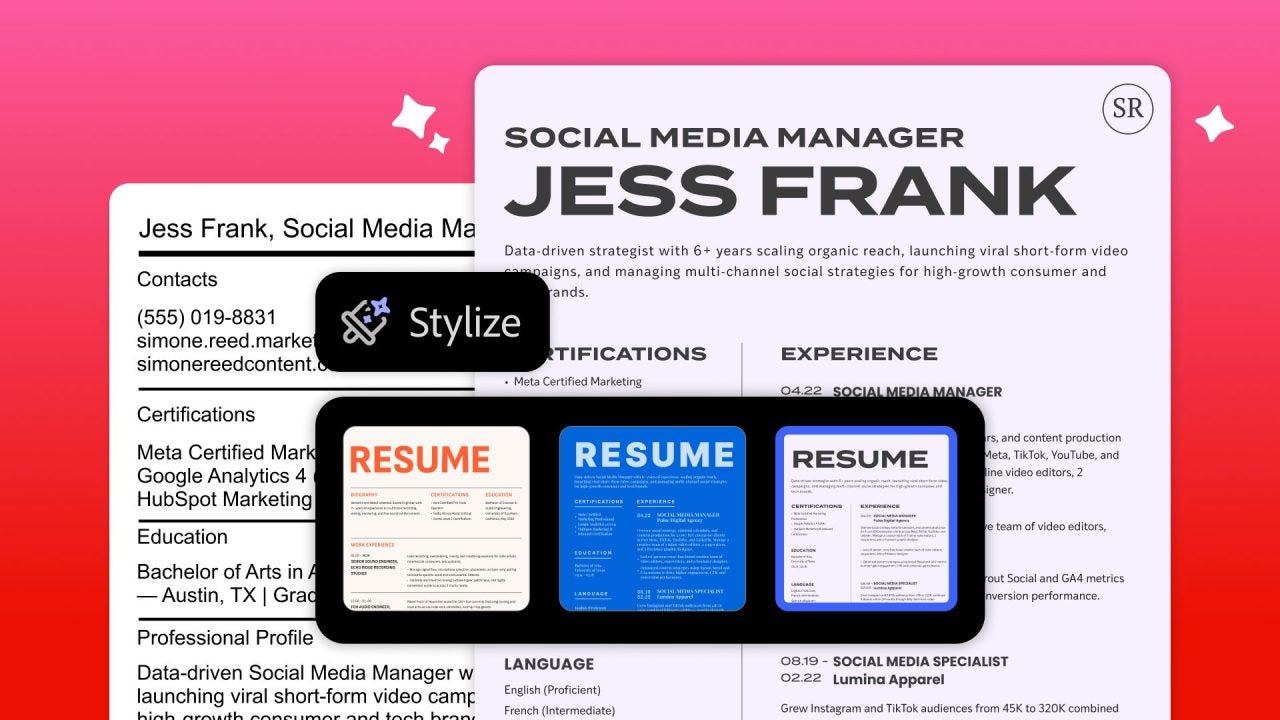
Stylize is useful when the content of a PDF is fine but the document itself is not something you would necessarily want to send to a client or executive. From Acrobat, you can apply document styles and color themes, get font recommendations, and add images, icons, and other visual elements. In other words, you can give an existing PDF a more professional finish without rebuilding the whole thing.
Generate Report tackles a different problem. It takes dense source material and turns it into a clearer, more structured format. That fits neatly with Acrobat’s other AI tools: first understand the material, then turn it into something more useful. Instead of handing someone the same long PDF you just worked through, you can present the key information in a more scannable format that is easier to communicate and discuss.
This is where Adobe’s “Do That With Acrobat” campaign message starts to feel less like a slogan. The PDF does not have to be the end of the job.
My Test Setup: Testing Acrobat With Long, Dense PDFs
For the hands-on, I wanted documents that would actually be annoying to read under time pressure. I used a long services agreement, an annual business report, an internal policy document, and a technical manual.
I tested a two-part workflow. First, I used Generative Summary, AI Assistant, and PDF Spaces to find and understand the information I needed. Then I used the new 9/9 features to see what Stylize and Generate Report could do with the final output.
I also avoided vague prompts. Instead, I asked the sort of questions I would actually want answered while working:
- “Summarize this document in five points and identify any actions or deadlines.”
- “What are the termination notice periods, renewal conditions, and payment obligations?”
- “Which risks does this report identify as the most significant?”
- “List the exceptions to this policy and explain who they apply to.”
- “Compare these documents and highlight changes in dates, obligations, and key figures.”
Normally, questions like these mean searching for several terms, jumping around the document, and keeping track of what you have already found.
With Acrobat, the most significant difference is that you can start with the question instead.
Fastest Win: Summarizing Long PDFs Quickly
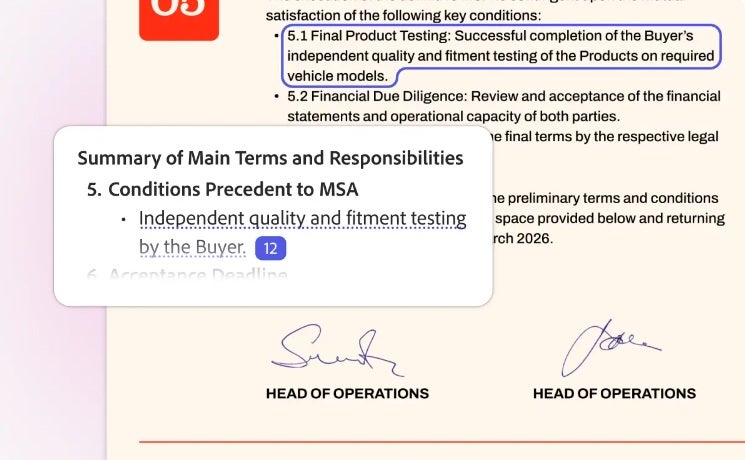
Generative Summary is probably the easiest feature to appreciate straight away. Open a long PDF, and Acrobat can break it down into sections and key points, giving you a much better idea of what is inside before you start digging through individual pages.
I also liked the cross-references. They link the summary back to the corresponding part of the PDF, so if something catches your attention, you can go straight to the source instead of searching for it again.
On a lengthy report, that is a useful change. On the annual report, the manual route would have meant using the contents page to guess which sections might be relevant, trying different text searches, or manually skimming for the figures I needed. Generative Summary meant I could start with an overview, identify the relevant sections, and jump straight to them.
The summary is not a substitute for reading the important sections. It is more like a map that points me to the parts worth checking first.
Saving Time With Targeted Questions
Summaries help you get your bearings. Asking questions is where Acrobat AI Assistant became more useful for me.
Contracts are a good example. The information you need might be described as a “termination period,” a “notice requirement,” or a “cancellation provision.” If you do not know which wording the document uses, Search can turn into trial and error.
With Acrobat AI Assistant, I can ask the question directly. “When does this agreement renew?” or “What exceptions apply to this policy?” are much closer to how I would ask a colleague than how I would search a PDF.
The citations are what make the answers practical. They show where the information came from and let you go back to the original wording instead of treating the generated response as the final word.
That is important for contracts, financial reports, policies, and anything else where a single sentence can change the meaning of the answer.
Once I have the information I need, AI Assistant can also help refine the material before I turn it into something I am ready to share. That creates a more complete workflow: understand the source, refine the content, then improve how it is presented.
Comparing PDFs and Turning Findings Into Something Easier to Share
Usually, one file is not the whole story. You may have this quarter’s report open next to the previous one, an updated policy beside the old version, or several research papers that all cover the same subject from different angles.
PDF Spaces brings those sources together. From there, Acrobat can help pull out themes, summaries, comparisons, and other useful information while keeping citations linked to the original material.
When I used the prompt, “Compare these documents and highlight changes in dates, obligations, and key figures,” working across files in PDF Spaces meant I only had to ask for the comparison once. I could then follow the references back to the source files instead of repeating the same search in every PDF.
This is where the September 9 update becomes more interesting. Once I had identified the key changes and relevant points, I could move from understanding the documents to improving the final handoff.
Stylize offered a way to improve the presentation of an existing PDF. It worked best for documents whose content was already in good shape but whose presentation needed more polish. Generate Report took a different approach, turning dense information into a more visual and structured format that was easier to hand off for review.
Generate Presentation adds another option, turning source material into a presentation that can be refined before sharing or exporting.
The distinction between the new features became clear in testing: Stylize is about making an existing document look more polished, while Generate Report is about making dense information easier to understand and communicate.
Keeping Control of the Final Result
One of the things I found useful about Acrobat AI is that it helps me get to the information I need without having to work through a lengthy document from the beginning.
The citations make it easy to explore the source material behind an answer when I want more context. For contracts, reports, policies, or financial documents, that means I can quickly move from an AI-generated overview to the relevant section of the original PDF.
The same applies when creating a report or refining a document. Acrobat can take much of the work out of organising and presenting the material, while I can still make the final adjustments before sharing it.
For me, that combination works well: Acrobat helps speed up the process, while I stay in control of what ultimately gets sent to a client, colleague, or executive.
Who Can Benefit Most From Acrobat AI
If your job involves digging through long PDFs for one clause, figure, deadline, or paragraph, it is easy to see the appeal.
A contract is the obvious example. If I need to check a renewal clause or payment condition, I would rather ask Acrobat and go to the cited page than work through the document from the beginning. The same goes for a long report when I only need one figure, or an internal policy when I am looking for a specific exception.
The strongest use cases are professionals working with dense, text-heavy or tabular material, including legal and procurement teams reviewing clauses, finance teams working with report figures, HR teams organizing policies, researchers gathering information, and sales and marketing teams presenting detailed audits to executive-level readers.
The source documents might differ in all these cases, but the goal is the same: get to the important information quickly, understand it, and present it clearly.
I also like that the AI tools are part of Acrobat itself. Once I have found and refined what I need, I can keep working with the same PDF rather than moving the workflow somewhere else.
Adobe is offering free, unlimited access to the new AI experiences as part of the September 9 launch, making this a good time to try them with the sort of documents you already deal with at work.
For me, that is the real appeal of the update. Long PDFs are still long PDFs. Acrobat AI makes it easier to understand what matters, turn those findings into a clearer output, and give the final document a more polished finish.
The result is a workflow that goes beyond simply finding information: understand it, refine it, transform it, and hand it off with confidence.
Try Adobe Acrobat to see how the new AI tools can help you work through long PDFs faster and turn what you find into something easier to share.