You can now send text chats in Clubhouse’s live rooms

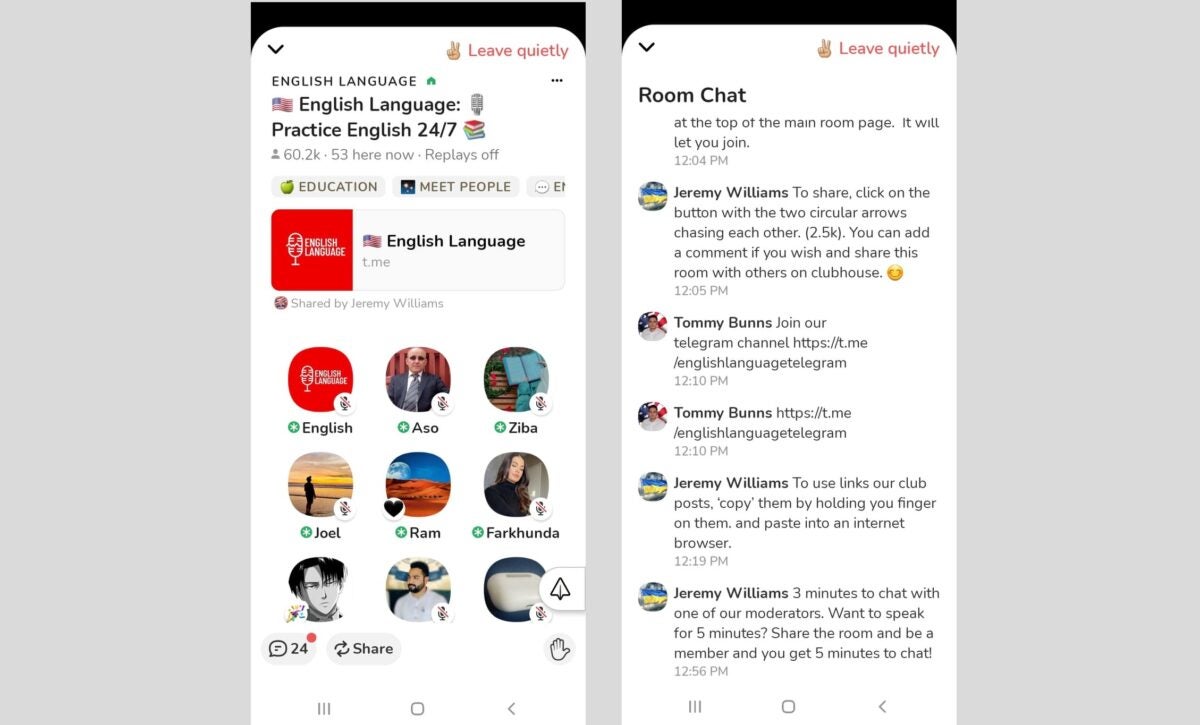
Clubhouse, the popular audio-chat app, has now added the option of having an in-room chat in its live rooms. This new feature lets you send text messages and emojis in the chat textbox of a live room if the creator enabled it before hosting. Text chats can also be deleted and moderated and will remain archived for Replays.

As a social audio app, Clubhouse originally focused on an audio-only experience with its phone call podcast-style rooms. However, it’s now aiming to be accessible to more people—especially to those who want to participate in live rooms but don’t want to speak via voice chat. 

Back in 2021, a feature called Backchannel was released for Clubhouse, making direct messaging finally possible on the app. Now, it’s also possible to type and send texts while these calls are happening live. This in-room chat feature works similarly to the live stream chat functions from other apps. 

Users can delete their messages during or after the room closes. Messages that violate the app’s guidelines can be reported by both users and moderators. Lastly, users can catch up on the messages sent after a call ends—although they can’t send anything to the chat anymore. However, you can only use this feature if the creator of the room enabled it in the first place. 

It’s enabled if there’s a chat icon at the bottom left of the screen, next to the Share and Clip icons. It will also have a red dot to indicate unread messages. Simply tap this icon or swipe right to access it. This new feature is available on both Clubhouse iOS and Clubhouse Android’s latest versions.
Clubhouse Android App Has Its Official Launch

After a Long Wait, The Clubhouse Android App Is Finally Available

Last week, Notion released a beta version of the Clubhouse Android app to eagerly awaiting fans. The developer had mentioned that official roll-out would occur soon, but no date was visible for the launch. Well, it seems the wait is over as many users start to experience the initial release.

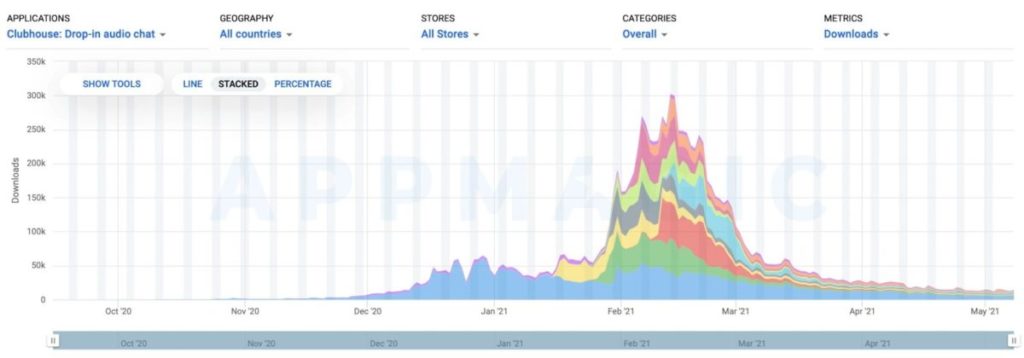
If you’re living in the United States, you’ll be the first to experience the Android version of Clubhouse. Those with iOS devices have had the pleasure for a while now while Notion got the counterpart ready for release. However, it’s hoping the Android version will help regain the falling popularity of the application.

Clubhouse Android App Has Its Official Launch

Of course, the current Clubhouse system of receiving an invitation before you can join seems to keep people away from joining. Notion indicated that it may be changing a few features, such as the payment system and club creation. It’s waiting for more community feedback so they can understand what the users would like to see in the new app.

Clubhouse will also have to deal with Twitter’s clone of its features, called Spaces. Notion will be opening up the gateway to the iOS waiting list while expanding the same functions for Android. This is all in a largescale effort to win back the numbers from one of its largest competitors. 

We look forward to seeing how this battle for the masses plays out.

Clubhouse for Android Beta Finally Announced

Notion Released News Of Clubhouse Android Beta Testing

Clubhouse has become a popular audio social networking app that’s made waves with its iOS members. The lack of an Android application has caused frustration among those who are eagerly awaiting it, which is why Notion has been hard at work to produce one. And now, it appears that they’re finally ready with beta testing.

The news combines with a list of features that testers can expect on their journey. For instance, new visitors to your room will receive automatic prompts to follow it. Notion has also been making sure that no one can abuse the functions. 

Clubhouse for Android Beta Finally Announced

Since the Clubhouse Android app is a rough beta version, you can expect some glitches when you begin testing it. Notion has been developing the VoiceOver support, as there have been some noted issues. There’s even a ‘double-tap’ gesture you can try now to announce the current speaker.

There will be plenty of engaging features that match the iOS version, but it’ll be interesting to see if it brings anything new to the table. One setup we’re excited about is that members of your room will be able to see any upcoming events. For those running private gaming competitions, such as Call of Duty: Warzone, this function can be quite handy.

Clubhouse for Android Beta Finally Announced

There’s no indication of a roll-out or official launch timeline, but Notion is keen to keep everyone informed. We’re sure to see more Clubhouse updates as the beta progresses.

How to Join Clubhouse in 4 steps

In 2020, Paul Davison and Rohan Seth opened the doors to a new social app on iOS called Clubhouse. They created it in an effort to stem the negativity found on similar networks, such as Facebook, Instagram, and Twitter.

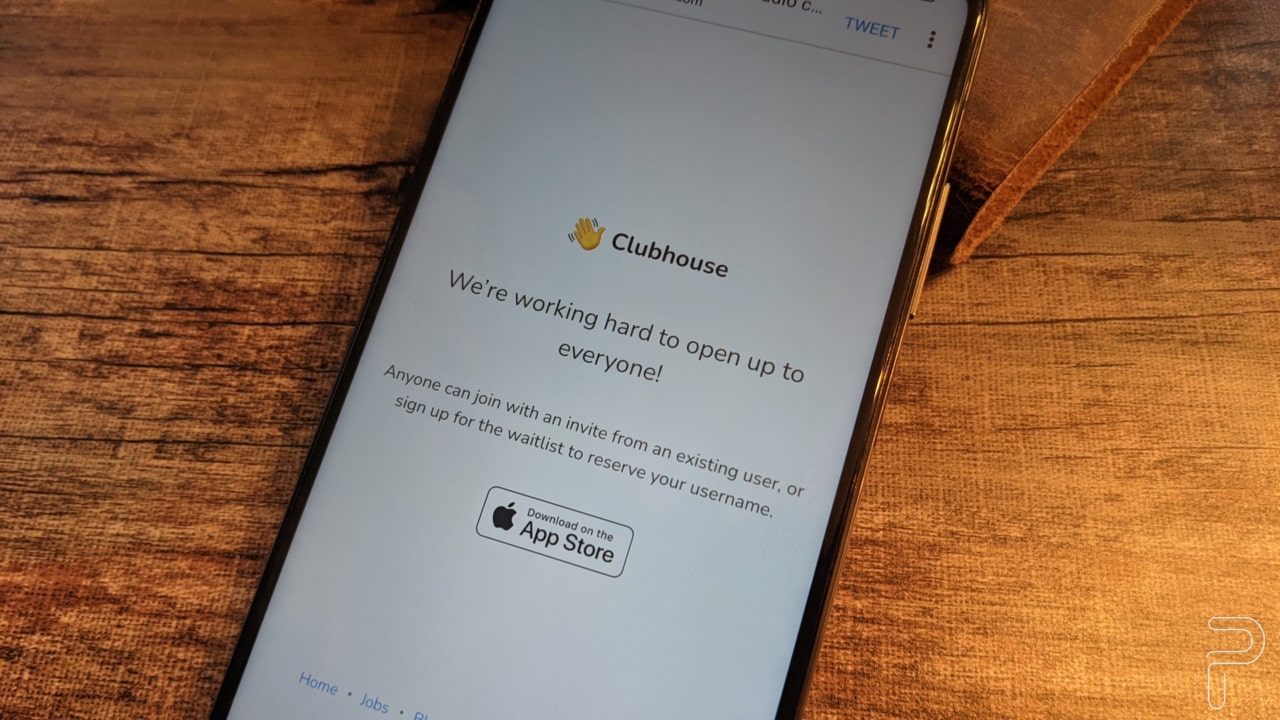
However, it works on an invite-only basis, so you’ll need to have friends on the system to be able to become part of the community. We’ll give you the inside scoop to make it happen.

Join Clubhouse in 4 steps

Step 1: Download the app

The first step in your Clubhouse adventure is downloading the app. Unfortunately, it’s only available on iOS at the moment. Although, with Android users looking for one on their side too, it might not take long before one appears. 

Step 2: Reserve a name

Once you have the app, you need to reserve a username to join the waiting list. Other members will see the name appear as well as your details. To protect the Clubhouse community, someone will need to approve your account. That’s where your friends come in. 

Step 3: Receive an invite

Another way that you can join Clubhouse is if a friend invites you. Every member has one exclusive invite-only, so they need to make it count. Of course, this means you need to know someone on the social network who still has an invite remaining. People have lost friends over less…

Step 4: Create your profile

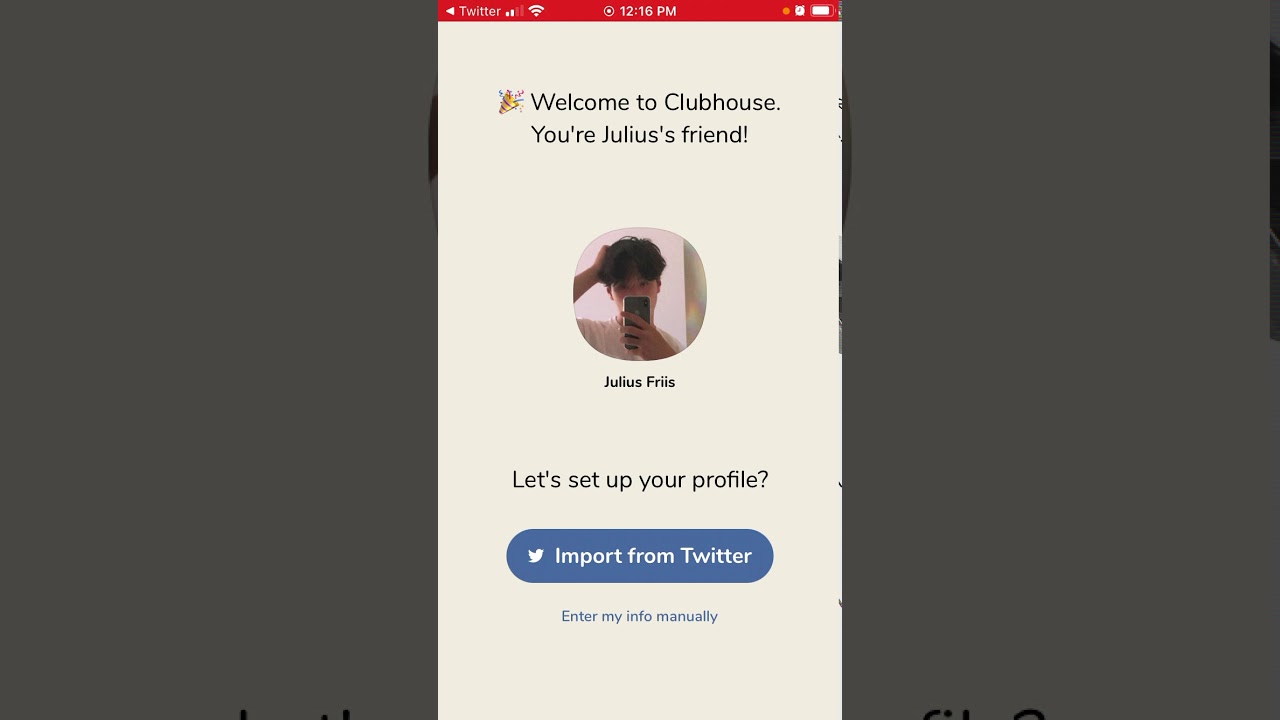
Clubhouse lets you manually enter your profile details, but you can also link your Instagram or Twitter account to import the information. Once your membership is approved, you’ll need to specify and verify your mobile number for security purposes. Remember to put your best smile forward so that others can grow interested in you.

Welcome to VIP social media

With so much backlash and political wars on social networks, it’s no surprise that celebrities are moving over to Clubhouse for more personal conversations and media sharing. Of course, it doesn’t mean they’ll move from Instagram completely. You just won’t see the juice propaganda that we’ve all become accustomed to over the years.