Is Newgrounds’ Friday Night Funkin’ worthy of the hype?

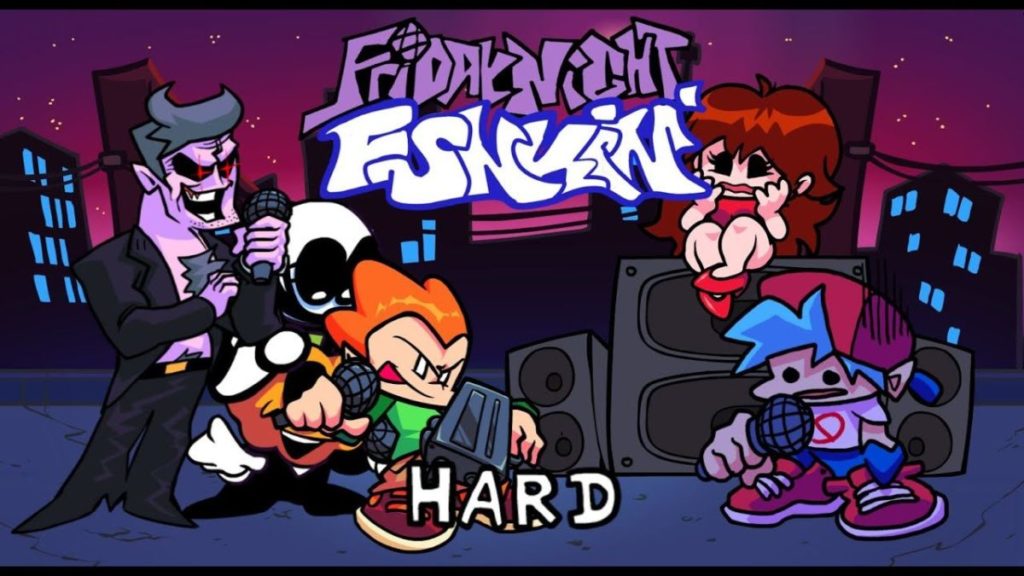
Friday Night Funkin’ is an open-source music rhythm game developed by a team from Newgrounds, a site that hit it big in the early 2000s with a series of browser games. In FNF, users play as the character Boyfriend to match keyboard directions with notes that appear on the screen.

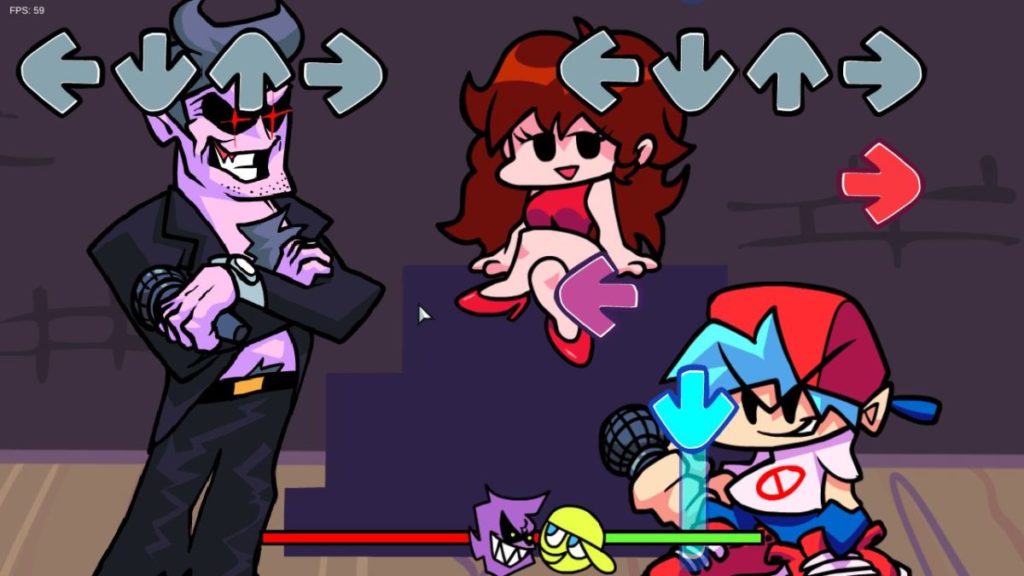
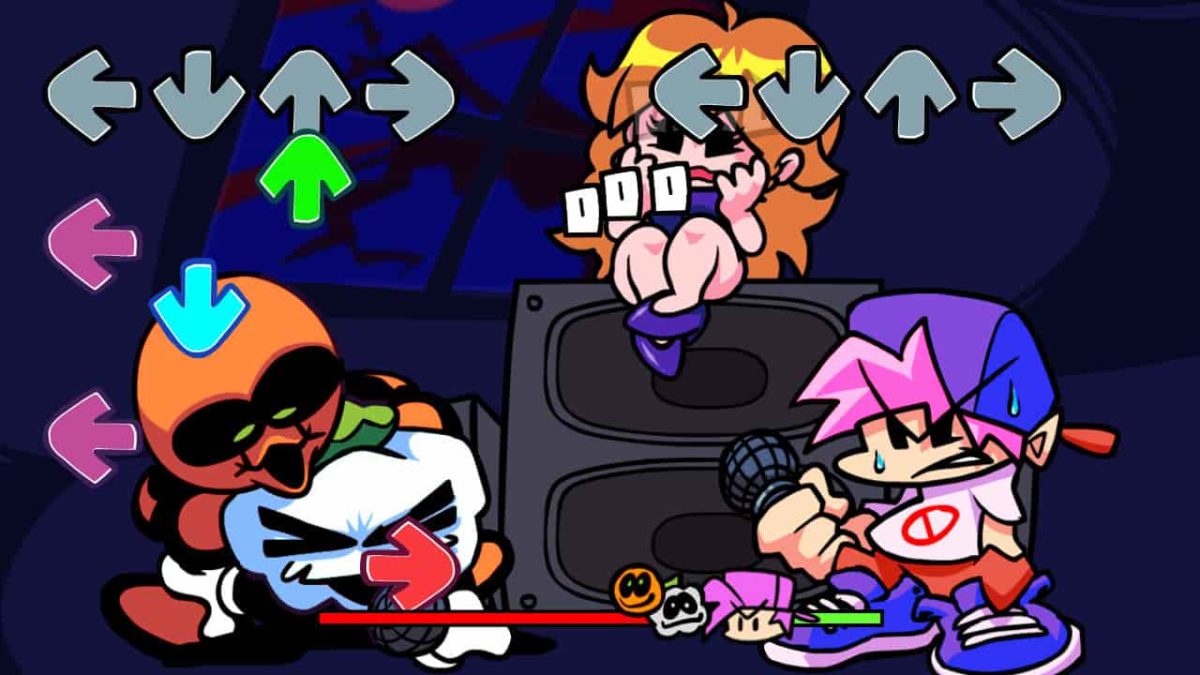
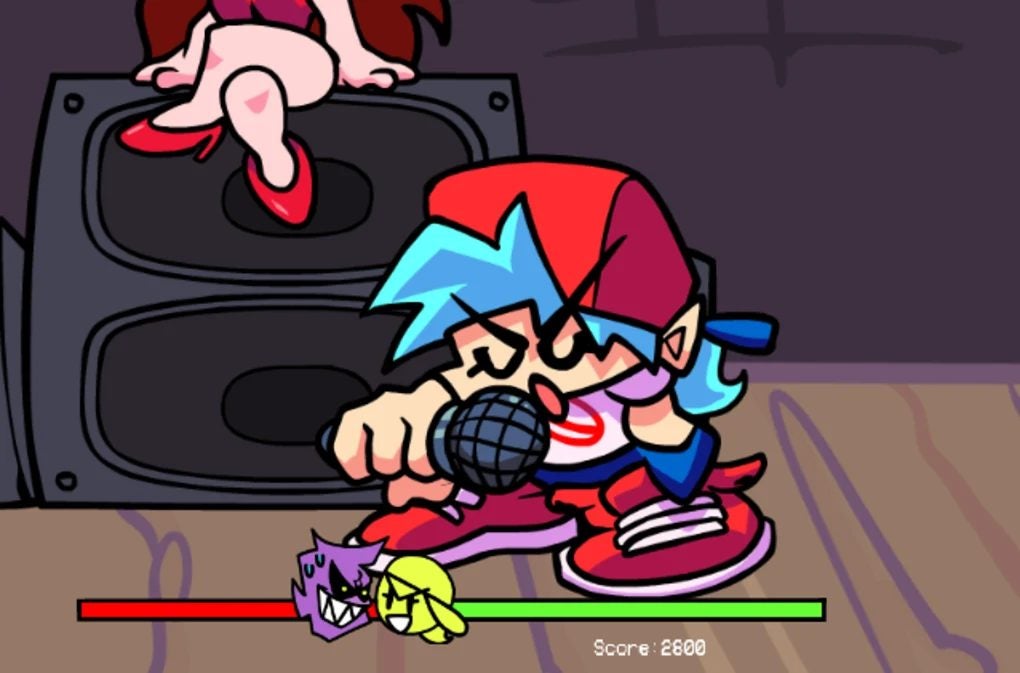
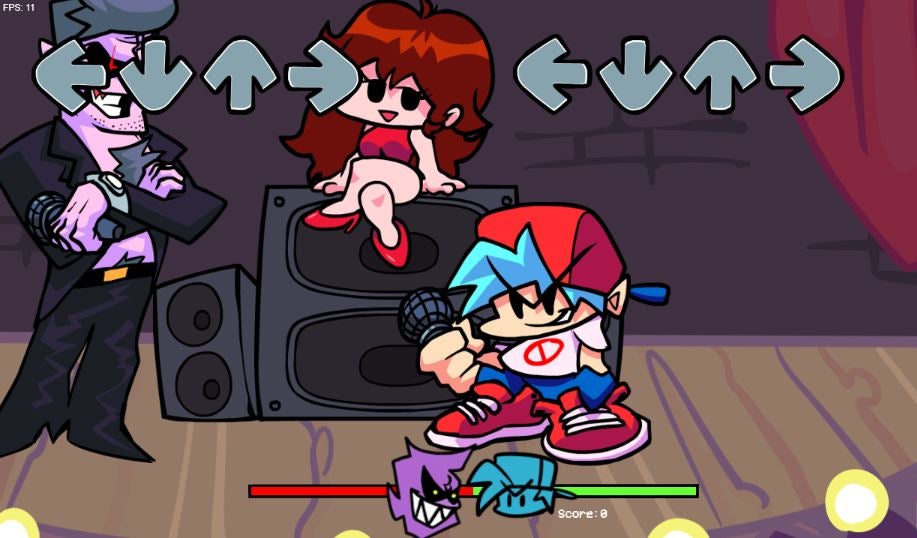
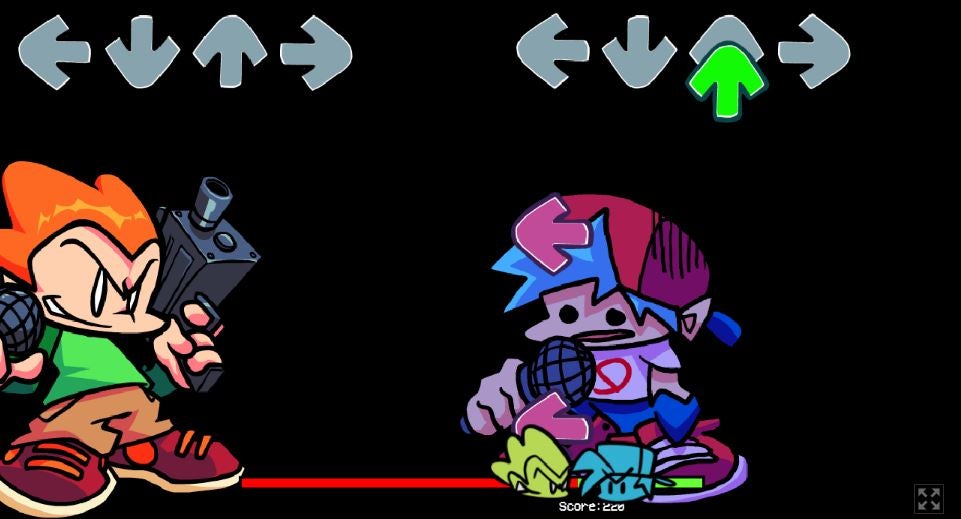
Your task is to beat your new opponents and keep dating Girlfriend. Of course, with each level, the game gets harder with bigger bosses. A green health line at the bottom of the screen shows who is in the lead and will turn red if you’re losing against the boss.

FNF can be compared to arcade titles like Dance Dance Revolution and Stepmania. Using original beats and a battle between characters, all of the seven levels are labeled as “weeks” until the final showdown. Notable Newgrounds characters appear as bosses, who follow your progress bar as you match the musical notes against your opponent. Independent developers Ninjamuffin99, PhantomArcade, Kawai Sprite, and evilsk8r have brought this nostalgic game to life.

Singing and rapping to win Girlfriend’s heart

Though not explained in specifics with cut screens or dialogue, FNF puts the Boyfriend character in battles against bosses such as Daddy Dearest and Mommy Dearest. It is interpreted here that Boyfriend needs to beat other musicians by matching their beat to win Girlfriend’s heart. Girlfriend is featured in the center of the screen through the weeks and also guides you through the tutorial before the start of the game, which you can choose to play or skip.

The single-player game features two to three songs in each level with the controls getting faster with every round as you try to line up the arrows. Players can choose their level of difficulty from easy to hard; however, the weeks become increasingly difficult even on an easier mode and within each round. The bosses to beat are Daddy Dearest, Mommy Dearest, Monster, Senpai, Spirit, Pic, Tankman, and Skid and Pump. Senpai is one of the few characters with dialogue for the story adding an action and adventure touch.
Friday Night Funkin’ is a retro game for adults

While the gameplay echoes classic kid-friendly titles such as Rock Band and Guitar Hero, Friday Night Funkin’ features some suggestive content. For example, the Girlfriend character sits on a speaker throughout most of the levels and you must defeat gun-wielding bosses. This rhythm game sprung up out of a game jam in which the programmers created everything in a few days from scratch and left open many possibilities for modding. Newgrounds is known for creating games with an irreverent sense of humor.

Without formal cutscenes, the romantic subplot of Boyfriend and Girlfriend is very subtle when you’re playing the game. However, anyone can catch on that Friday Night Funkin’ is intended for a mature audience. Though it’s fully animated and not graphic, FNF is a program for older teens and adults due to racy graphics and some violence.

Credit: https://twitter.com/ninja_muffin99/status/1475956589098110987/photo/1

Friday Night Funkin’ is a nod to nostalgic internet games

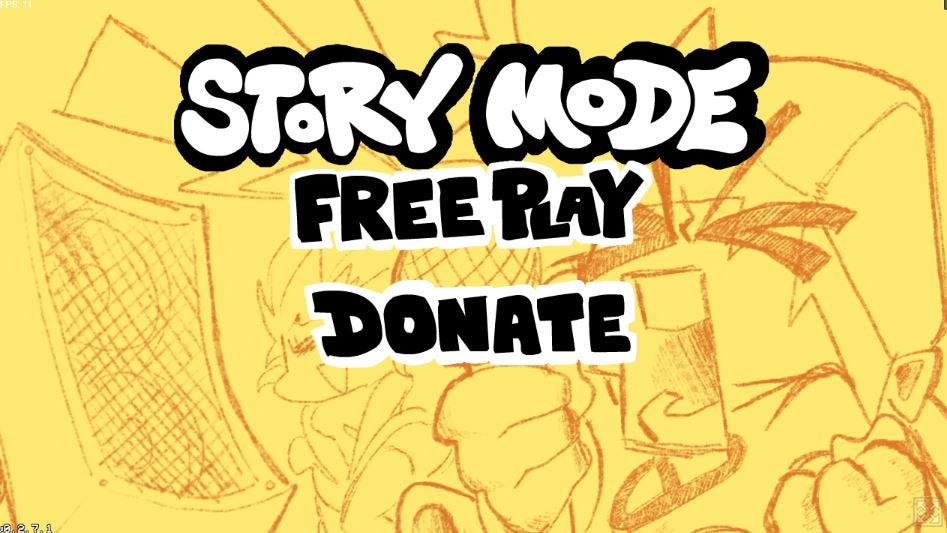
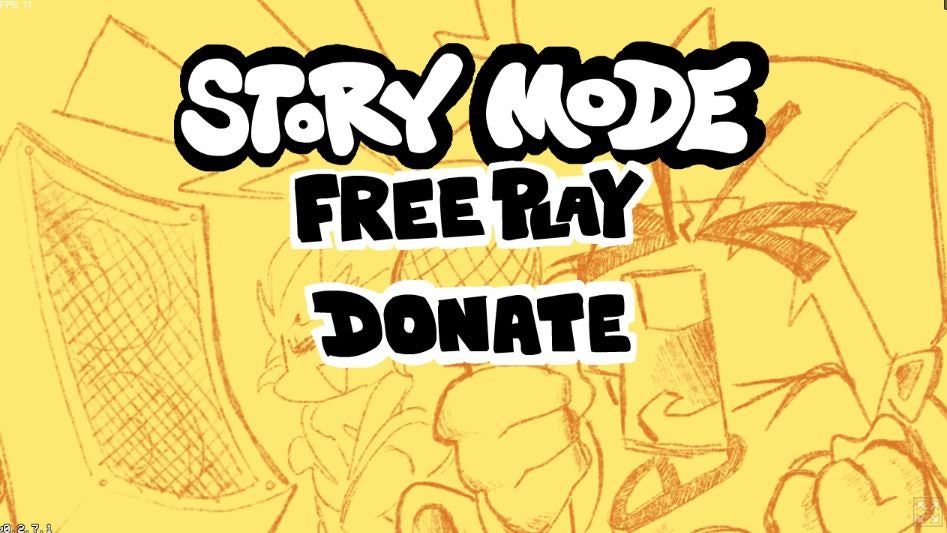
If you grew up in the 1990s and 2000s, you will enjoy the classic graphics of Friday Night Funkin’, which are a throwback to dance arcade games. The keys to control the Boyfriend character are up, down, left, and right, and the gameplay is best served by a good set of speakers or headphones. There are other options to download a mod from additional users for a more customized game. Since the initial prototype was released in October of 2020, Friday Night Funkin’ has developed a large fan community that has shared techniques to win battles against the bosses. Start off by picking Story Mode or Freeplay to explore the game or have a seamless playthrough.

The soundtrack features original music that you’ll play along to when battling the bosses. The genres range from hip hop to opera with a nostalgic MIDI appeal in sound. The simple graphics and lightweight gameplay are a nod to the past and other games such as PaRappa the Rapper. The characters also have similar classic movements to older rhythm games. But we also get a few modern details, such as Girlfriend’s dancing and the bosses’ animation.
Friday Night Funkin’ is available on PC and mobile

Friday Night Funkin’ is free to download and can be played on a PC, laptop, or any mobile device. The open-source nature of the game has led to many modification downloads. If you know basic coding, you can create your own mods and share them with the FNF community. The simplicity of the gameplay, graphics, modding is a big reason why the game has developed such a cult following.

Since FNF is based on older programming, however, some players experience a lag in gameplay. This is forgivable as it is a free program with a lot of imagination. FNF can be played through in a few hours, but many gamers choose to go back and change the difficulty to see their progress and speed up the game themselves.
Friday Night Funkin’ graphics and sound appeal to fans of music games

With two to three songs at each level (week), players can enhance their singing skills alongside one of the NPC bosses with the exception of duo Skid and Pump. The tracks get faster with more combos at each level and the subsequent weeks following your progress. Unlike similar games such as Dance Dance Revolution, which uses established songs, Friday Night Funkin’ features original tracks. This is one of the most charming aspects of FNF, and the game’s soundtrack has generated countless plays on Spotify.

The colorful graphics change each week as well as the bosses’ appearances and movements. Girlfriend remains in the middle of the screen and provides voice commands as you battle for her affection. She appears excited, happy, and even in distress as you hit notes or miss a beat. The bosses are meant to be frightening and threatening as the weeks progress until the finale.
FNF is a unique retro game that lives up to the hype

Since the original prototype and demo were released in 2020, Friday Night Funkin’ has obtained cult status among lovers of vintage games. This popularity has single-handedly helped put Newgrounds back in the consciousness of the gaming world. It’s easy to see why as FNF is a simple yet fun game that offers an amazing musical experience. In fact, the soundtrack alone is nearly enough to recommend the game.

FNF is fun for those who want to beat the game in one go, rather than spend hours and weeks playing like adventure titles in a series. The way the game speeds up and gets harder in difficulty appeals to competitive retro gamers. Another great function is being able to choose between Story Mode and Free play mode to try to beat all the bosses.
Friday Night Funkin’ has room for personalization

This rhythm game is funded by donations, allowing the developers to accept mods and updates. There are other variations of Friday Night Funkin’, with different NPC bosses and music.

Users can even pitch ideas to developers with their own individual feedback. The Friday Night Funkin’ community shares different game lore as the official story is vague and up for interpretation. It will only take a few tries to beat the levels and unlock each week’s boss battle. However, the real charm of the game is being immersed in the FNF community and trying the mods.

Pros

  • Lightweight download with musical gameplay
  • Different NPC characters each round
  • Original songs with easy keyboard controls
  • Pre-existing community for mod downloads

Cons

  • Can lag and overlap scenes
  • No cutscenes to explain lore
  • Retro graphics can sometimes get old

Developer: Newgrounds
How to play FNF Vs Minus Huggy Wuggy

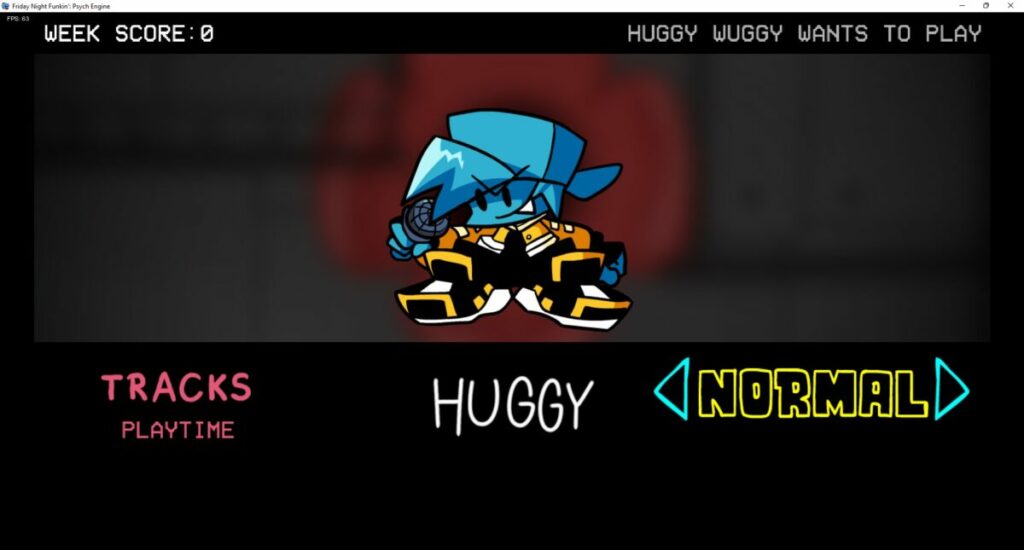
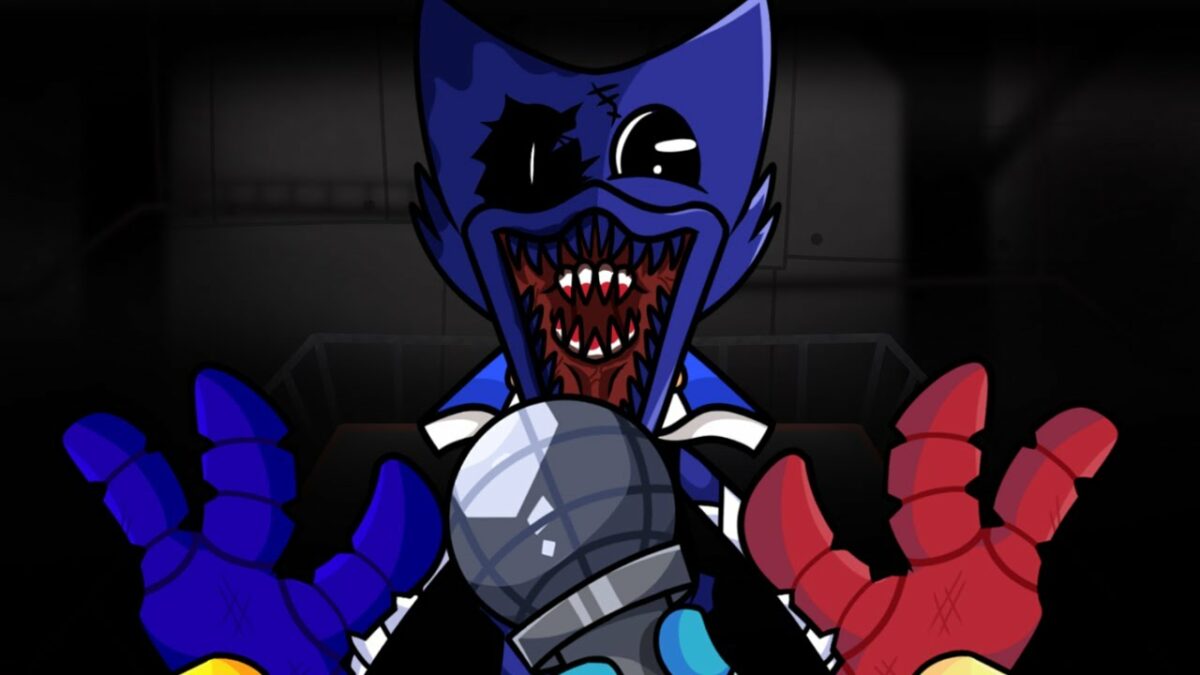
Friday Night Funkin never seems to stop with modders and indie developers providing new content. The latest edition is FNF Vs Minus Huggy Wuggy, which takes the main boss from Poppy Playtime, slaps on a new coat of paint, and makes you sing against the monster.

In this quick guide, we’ll show you how to play FNF Vs Minus Huggy Wuggy and show you a few tips.

What is FNF Vs Minus Huggy Wuggy?

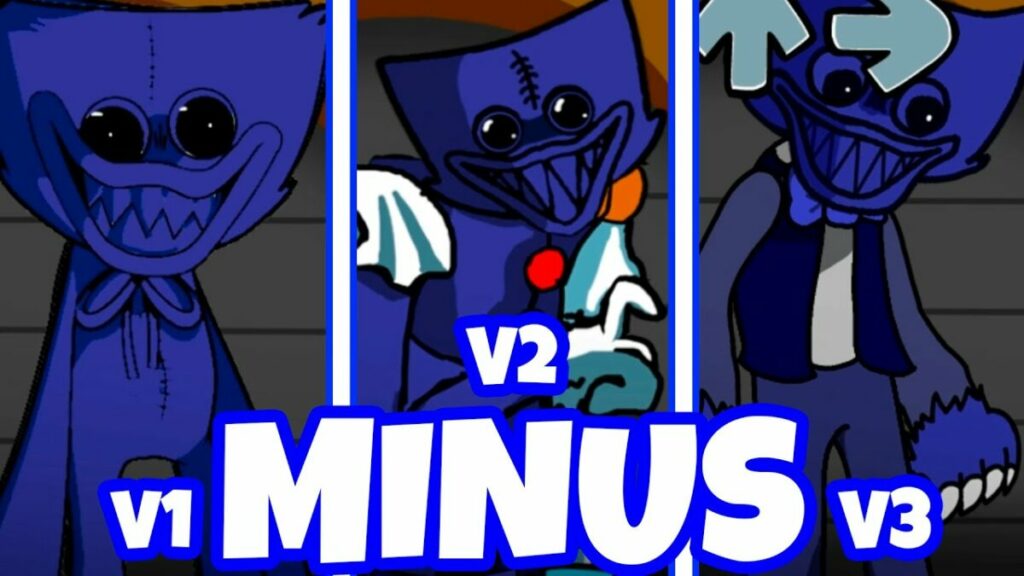
This mod for Friday Night Funkin presents a combination of two games, namely, Vs Huggy Wuggy in the original colors with the alternatives themes as delivered in FNF the Minus Mod. You may recognize the opponent as the boss from Poppy Playtime, where your goal is to escape the possessed toy in Chapter 1. Now, you’ll need to sing your way out of danger within the time limit.

How to play FNF Vs Minus Huggy Wuggy

How to play FNF Vs Minus Huggy Wuggy

Let’s get to the details of how to play FNF Vs Minus Huggy Wuggy. Fortunately, you don’t need the base Friday Night Funkin game to use the mod. 

Download the mod folder

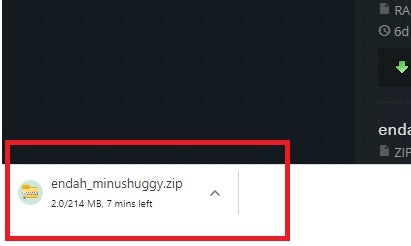
To begin, you’ll need to download the official FNF Vs Minus Huggy Wuggy folder. You’ll see it download as a zip file on your browser to your default location on your PC. When it’s done, you can move it to your preferred place for all your FNF mods. 

How to play FNF Vs Minus Huggy Wuggy

Extract the files

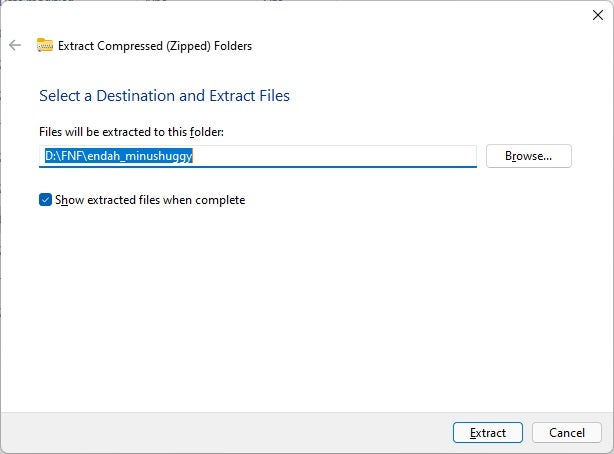
Next, you’ll need to extract the files if you want to play FNF Vs Minus Huggy Wuggy. Right-click on the zip file you downloaded and select “Extract”. It will ask you where you’d like the new files on your PC. Now all you have to do is wait until the extraction is complete.

Open the executable program

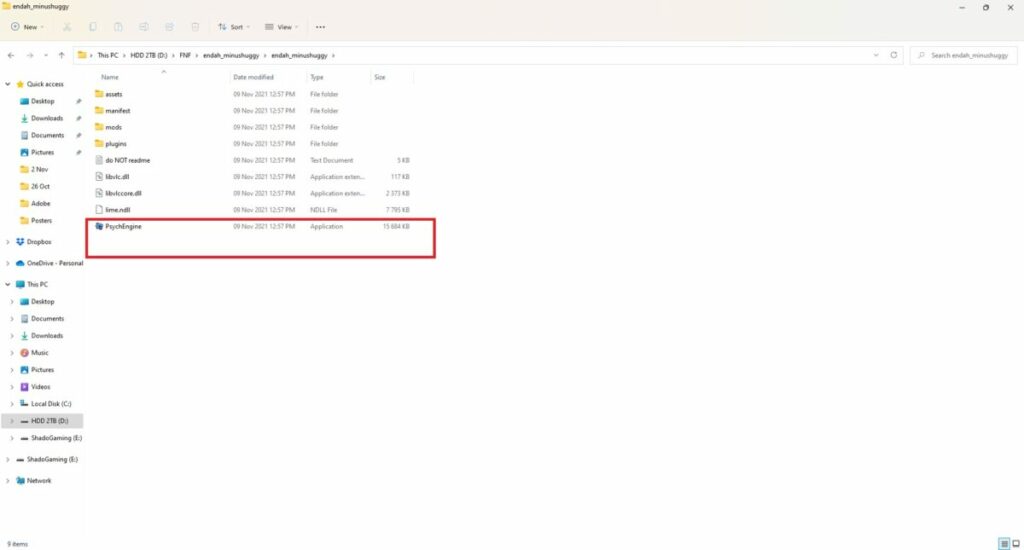
You’ll see an application named “PsychEngine”, which is how you’ll play FNF Vs Minus Huggy Wuggy. Just double-click on the application to get it started. You may want to send a shortcut to your desktop for easier access next time.

Choose the difficulty

When the menu options, you can choose Story Mode or Freeplay. In the former, you get to choose the difficulty at which you’ll play the game. It makes it more challenging, but we recommend you start with Easy.

How to play FNF Vs Minus Huggy Wuggy

Sing away

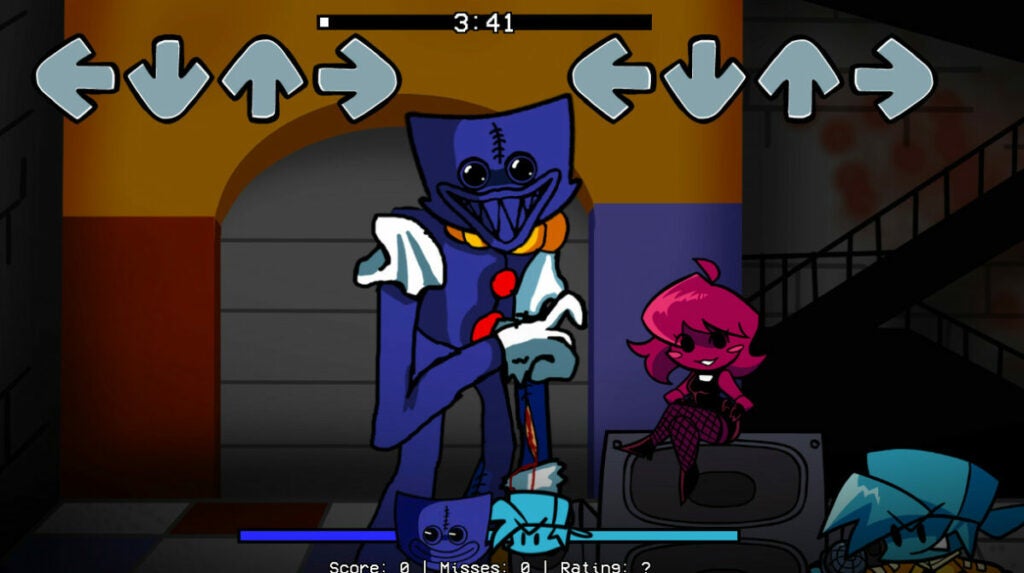
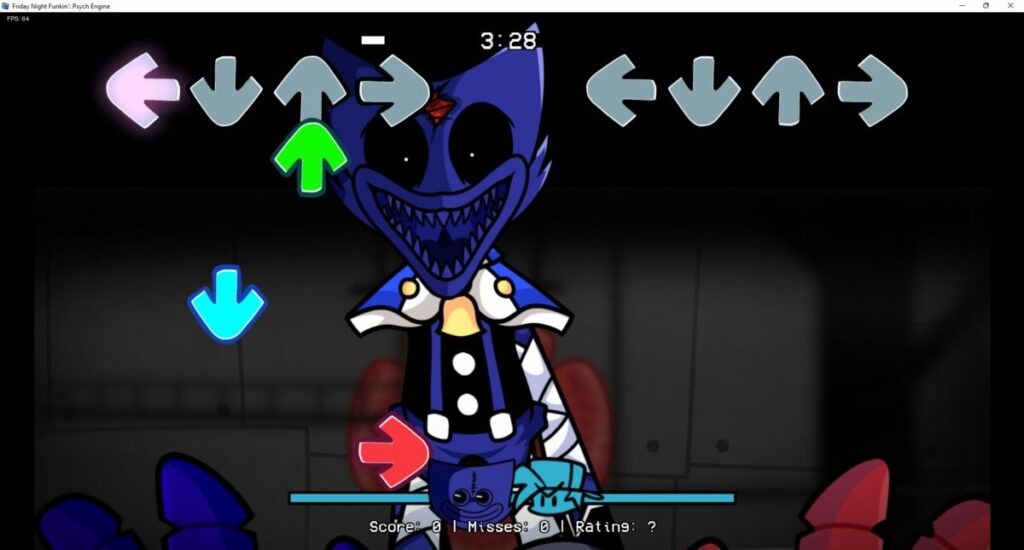
In other Friday Night Funkin games, you see both characters in 2D fashion as a side-viewed platform screen. How you’ll play FNF Vs Minus Huggy Wuggy is with a first-person perspective with Huggy Wuggy facing you. It creates a similar experience to Poppy Playtime when the boss chases you.

There’s a race against the time here, with almost four minutes to spare. You’ll need to survive for that long as the song plays while maintaining your lead on the meter bar at the bottom. Should Huggy Wuggy’s icon reach your end with too many mistakes, you’ll lose. Keep the bar high until the end, and you escape.

So, how do you play FNF Vs Minus Huggy Wuggy? Well, arrows will appear on the screen, indicating which buttons you need to press for the corresponding notes. You’ll need to hit them at the right time; otherwise, it counts as a miss.

How to play FNF Vs Minus Huggy Wuggy

Tips for playing FNF Vs Minus Huggy Wuggy

With the basics out of the way, we can now focus on some tips on escaping Huggy Wuggy in this FNF mod. If you focus on these tricks, you’re sure to beat the monster.

Watch the tempo

It’s essential that you concentrate on the tempo of the music. Watch as the notes arise, but don’t only focus on a single arrow at a time. You’ll need to expand your vision to take in all the incoming traffic, getting your fingers ready to drum the keyboard at the right time.

Stay on the opponent’s of the bar

Another vital task is keeping the Boyfriend’s icon on the enemy’s side of the meter bar as much as possible. If you make a few mistakes, you’ll have some padding until you get back into the swing of things. 

Don’t let Huggy Wuggy distract you

It may be distracting watching Huggy Wuggy’s face while it sings and taunts you. If you let it sway you, you’re going to miss those significant notes that will lead to your downfall. Don’t look anywhere else than at your notes. You can admire its horrid beauty when someone else plays FNF Vs Minus Huggy Wuggy.

Keep an eye on your rating

On the right-hand side, under the meter, you’ll see a rating. While Huggy Wuggy is singing, take a quick glimpse at what it says. You’ll ideally want this rating over 60% if you want to keep winning. Anything less is risky.

Play other FNF titles for practice

If learning how to play FNF Vs Minus Huggy Wuggy is too challenging, you probably need to practice on some of the other mods in the series. Here are some guides you can look at to help you hone your tapping skills:

How to play FNF Vs Minus Huggy Wuggy

Make it out alive!

We hope you have fun playing along to FNF Vs Minus Huggy Wuggy and escaping as best you can. We suspect there’ll be a new mod with a new boss as soon as Poppy Playtime – Chapter 2 releases in 2022, so we’ll keep an eye out for that feature. Until then, good luck!

Friday Night Funkin Kickstarter Campaign Hits $1.4 Million

Friday Night Funkin Kickstarter Funding Continues Rising

Only a few months ago, Friday Night Funkin was a relatively unknown game on the internet. Today, there are thousands of players singing off as the Boyfriend against the Dad’s minions to win the Girlfriend. So many mods have appeared to add new challenges over the last few weeks, and we wonder if it’ll ever end.
Not likely, though. The developers issued a Fundstarter campaign with an initial goal of $60,000. The idea is to release a retail version in the future instead of simply being a free browser demo with chapters that appear at random moments. 

Friday Night Funkin Kickstarter Campaign Hits $1.4 Million

Well, the campaign has reached phenomenal success! At the time of this article, it’s already reached $1.4 million with a steady rise over the course of the day. The final date for donations is set as 18 May 2021, and it’ll be interesting to see just how high the financial backing will go.

So what are the developers promising with the Friday Night Funkin Kickstarter campaign? For starters, they’re mentioning improved animations, gameplay mechanics, collaboration, and some bells and whistles. They’re specifically taking into account what the gaming community is asking for in the feedback.

Friday Night Funkin Kickstarter Campaign Hits $1.4 Million

There’s also talk of 20 new weeks being added featuring 60 new songs. You’ll also find a local two-player mode and in-game cutscenes. As far as we can tell, Friday Night Funkin will become the next raging success in gaming.

Friday Night Funkin – How to Install B-Side Remixes in 3 Easy Steps

Do you remember your days in the arcade playing Dance Dance Revolution? Friday Night Funkin is a new game that reminds us of that classic. The game is also gaining popularity thanks to the significant amount of good mods that keep the game fresh with new challenges.

The b-side remixes is a very popular modification created by Rosebud, and it replaces the songs from all the weeks in the Friday Night Funkin with remixed versions. This is another way that players can keep the game new and exciting. 

How to Install B-Side Remixes

Step 1: Download the B-Side Remix

You have to have the original version of Friday Night Funkin downloaded and installed on your computer to add any mods.. Then, download the b-side remix mod from a reputable source.

How to Install B-Side Remixes

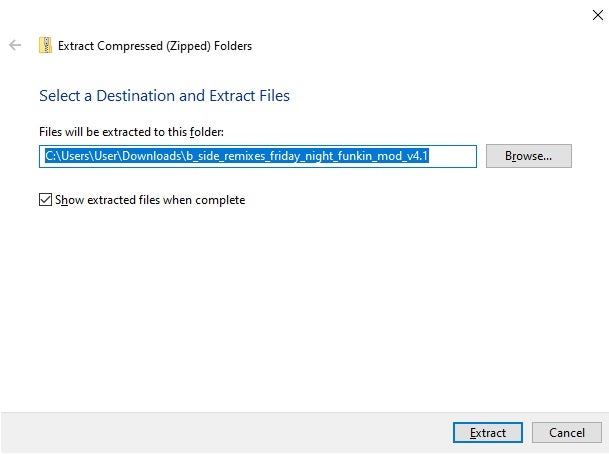
Step 2: Extract the Files

Extract the downloaded modification files into your download folder. Alternatively, you can also extract the files directly to the root folder of your base game, and then you do not need to complete step four below.

How to Install B-Side Remixes

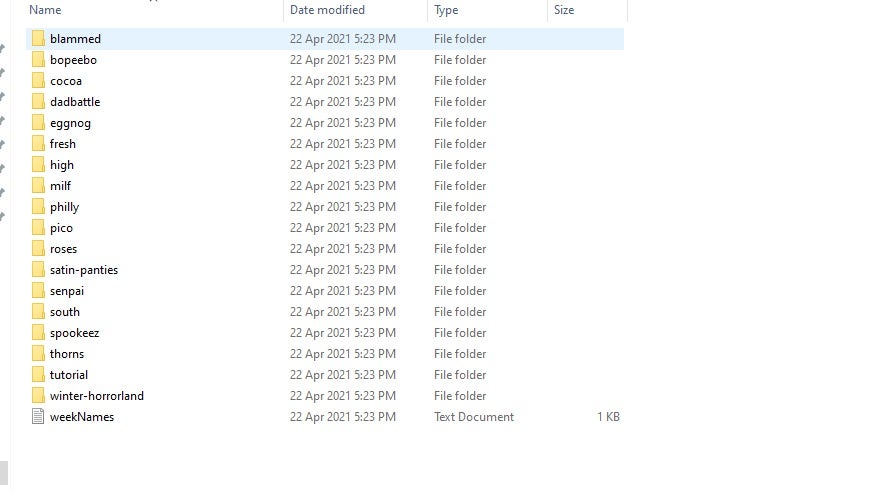
Step 3: Move the Modified Files to the Root Folder

Copy and paste or drag and drop the extracted files to the root folder of the base game. This folder is the one containing the .exe file for your game.

How to Install B-Side Remixes

Let the Music Guide You

This mod is a great way to keep Friday Night Funkin fresh and up to date while also offering you new challenges to face newly remixed songs. Why not give the mod a try now?

How to Install Friday Night Funkin’s Full Week With Hatsune Miku in 3 Fast Steps

Friday Night Funkin’s goal is to help Boyfriend get a kiss from Girlfriend by impressing her father with his incredible musical talent. However, along the way, there come new enemies, that Boyfriend has to beat to reach his goal.

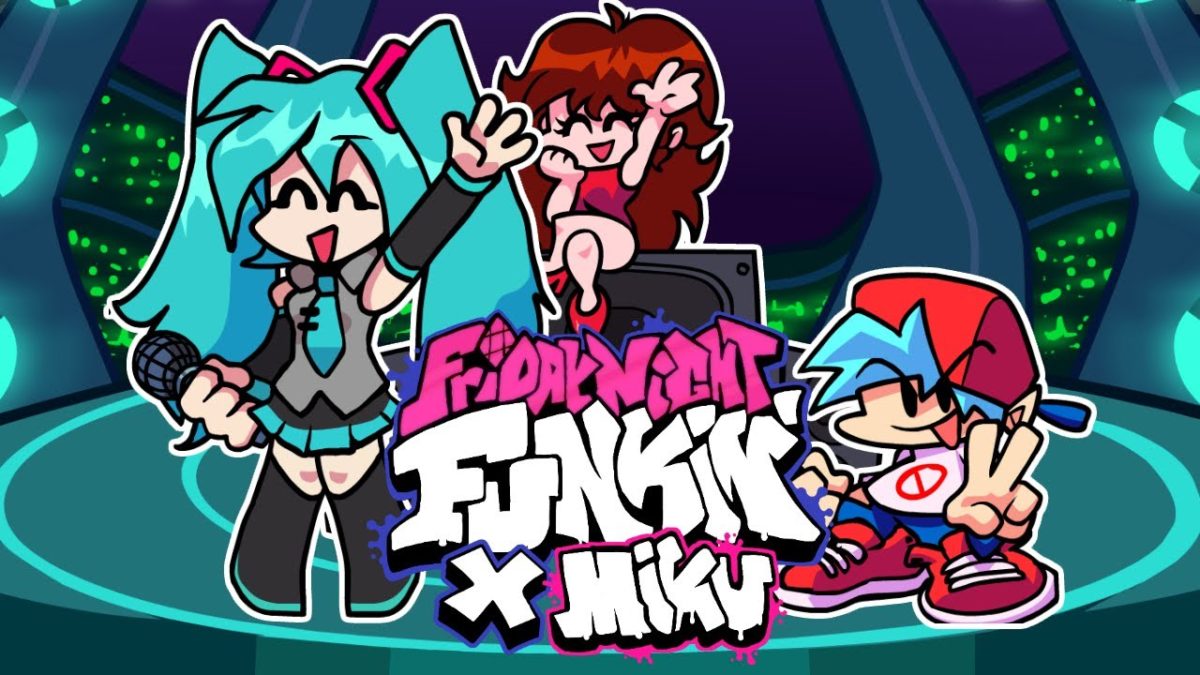
In the Hatsune Miku Full Week mod, we will meet the anime character Hatsune Miku, and she brings with her four new song challenges to beat. This modification is currently one of the most popular for the Friday Night Funkin base game. And what makes it even better is that it’s free!

How to Install Friday Night Funkin’s Full Week With Hatsune Miku

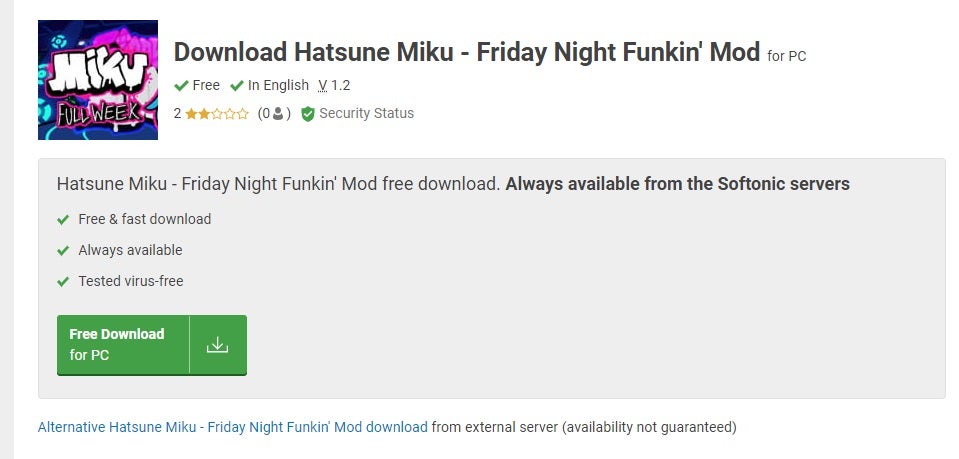
Step 1: Download Friday Night Funkin Hatsune Miku Mod

Download the Hatsune Miku mod from a reputable site. It is effortless to download, as you only click on the download button and wait while it downloads.

How to Install Friday Night Funkin’s Full Week With Hatsune Miku

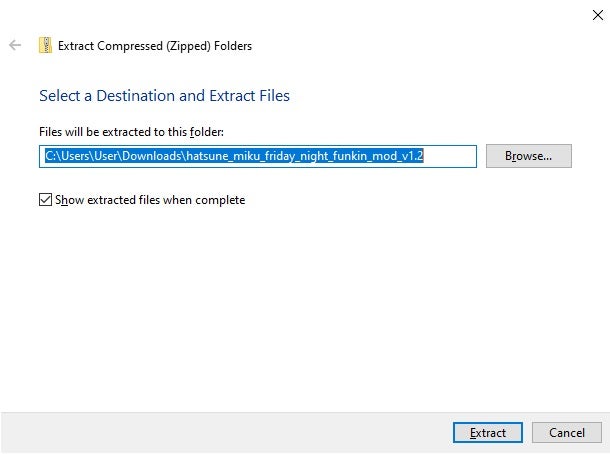
Step 2: Extract the Downloaded Mod File

Extract the downloaded files into your downloads folder. We will move them from here.

How to Install Friday Night Funkin’s Full Week With Hatsune Miku

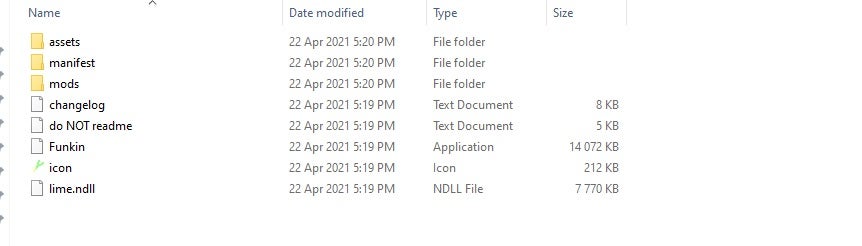
Step 3: Move Mod Files to the Root Folder

Move the mod files you just extracted to the root folder of Friday Night Funkin. The root folder is the one that contains the .exe file to launch the game. Once copied over, you can run the base game to install the mods.

Let the Music Set You Free

This mod is trendy and offers players some new music as well as new challenges. Why not give the entire week with Hatsune Miku a try and see how well you can do. Will Boyfriend finally get his kiss?

How to Install Friday Night Funkin’s Sarvente’s Mid-Fight Masses in 3 Easy Steps

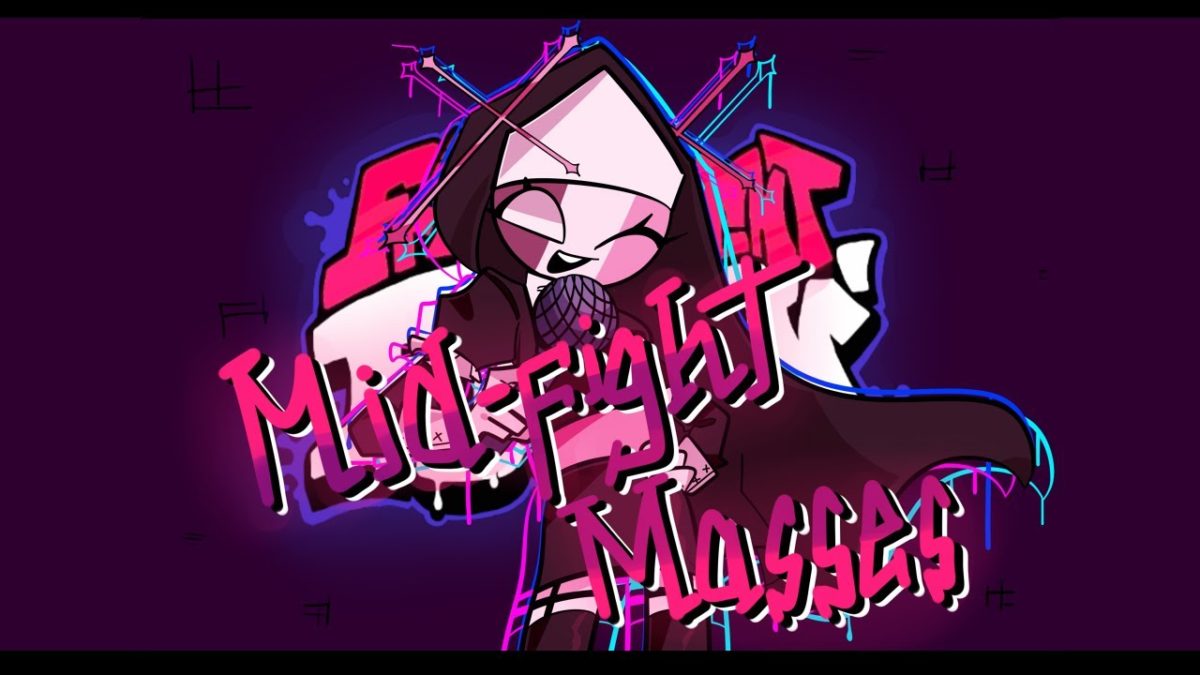
So many gamers have been enjoying the casual Friday Night Funkin music title that’s gone viral. Of course, the church has taken note of your endeavors with a nun trying to get you to join them in the Sarvente’s Mid-Fight Masses mod. Can you stand up against her religious endeavors long enough to protect your love interest with Girlfriend? Let’s show you how to install Friday Night Funkin’s Sarvente’s Mid-Fight Masses so we can see just how brave you are.

How to Install Friday Night Funkin’s Sarvente’s Mid-Fight Masses

We should probably not have to tell you this, but we’re going to anyway. You won’t be able to install the Sarvente’s Mid-Fight Masses mod without the Friday Night Funkin game. We suggest you install that first if you want to take on the nun’s sinister intentions.

Step 1: Download the mod zip file

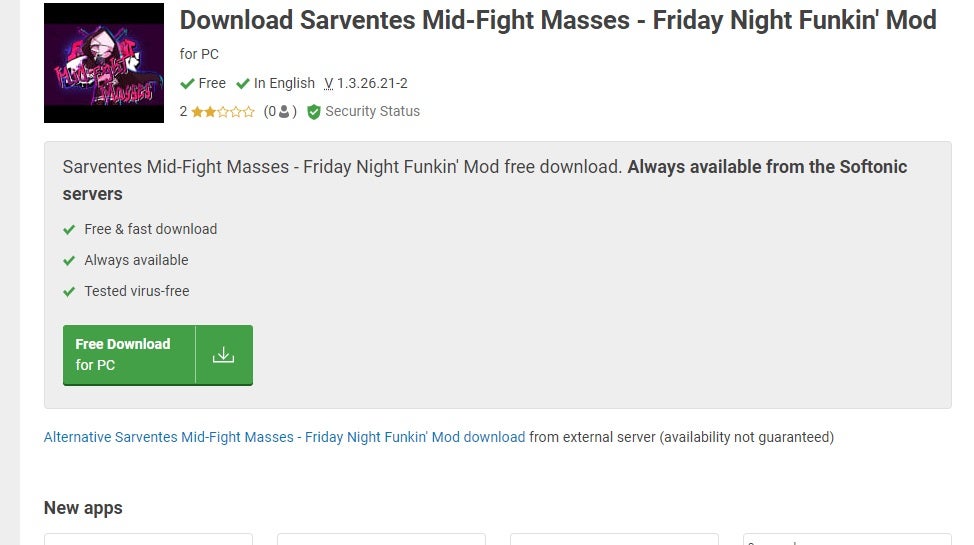
To begin, head to our Sarvente’s Mid-Fight Masses mod download page so that you can obtain a clean, reliable folder to enjoy the new add-on. Click on the green button to initiate the download, which will appear at the bottom of your browser. We recommend you open the file location before proceeding further.

How to Install Friday Night Funkin’s Sarvente's Mid-Fight Masses

Step 2: Extract the files

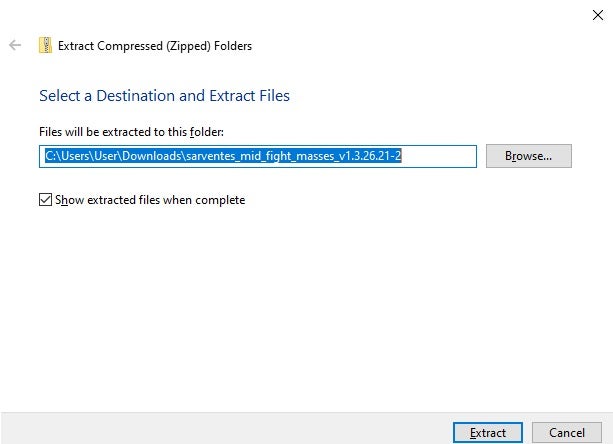
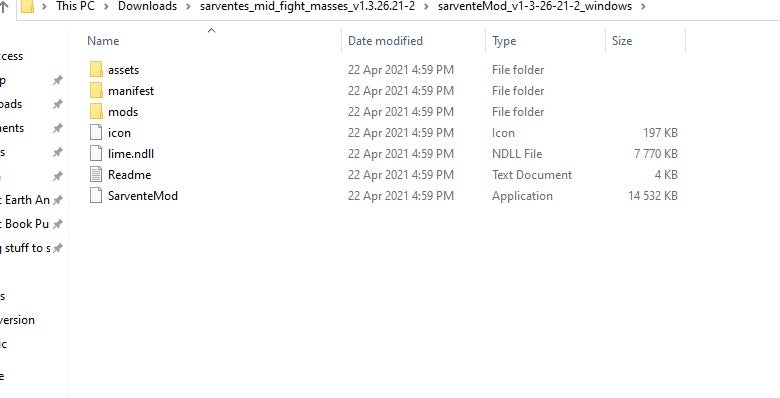
With the zip file in view, it’s time to extract the mod folder. You can extract it in any location, as we’ll be moving it to the right place shortly. All you need to do is right-click on it and tell your operating system to extract the files.

How to Install Friday Night Funkin’s Sarvente's Mid-Fight Masses

Step 3: Play the game

It’s almost time to play the new mod. With the extracted files at the ready, move them over to the mod section of your Friday Night Funkin game folder. When you play the game again, the nun will appear to challenge you.

How to Install Friday Night Funkin’s Sarvente's Mid-Fight Masses

Let’s go to Mass

Friday Night Funkin continues to grow as developers continue adding new characters to challenge. The Sarvente’s Mid-Fight Masses mod brings new humor to the game as the church gets involved, although this nun appears to be anything but spiritual.

How to Install Friday Night Funkin Vs. Sky Mod in 3 Easy Steps

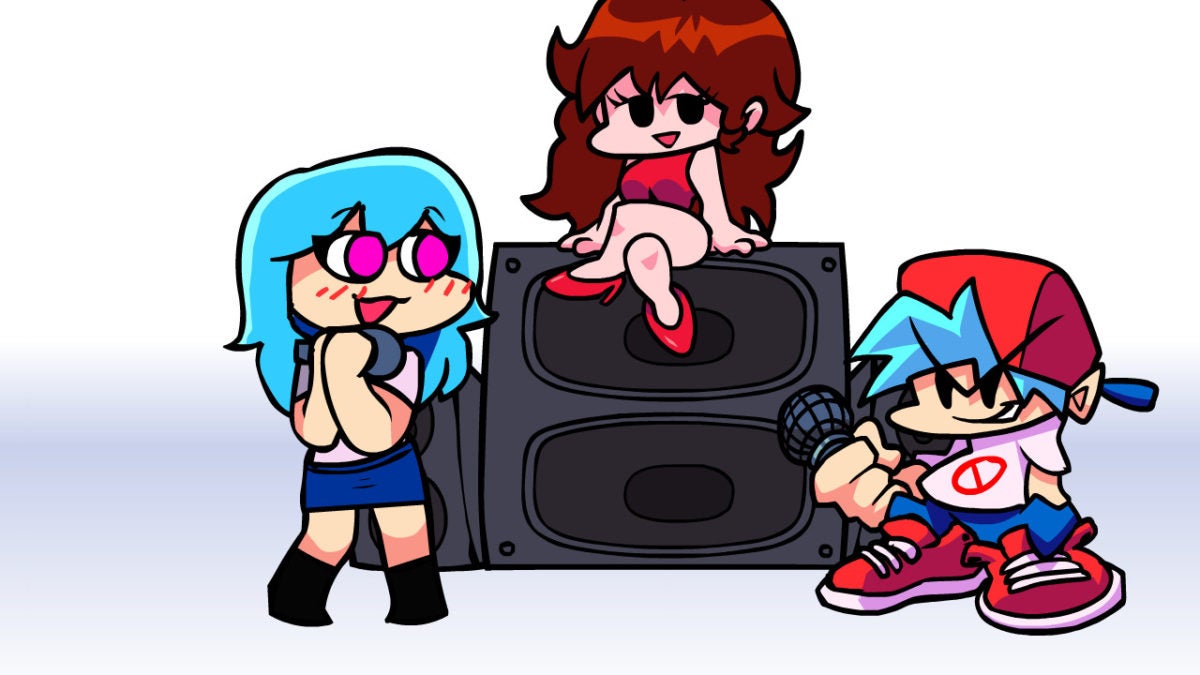
Friday Night Funkin has become a popular music, button-bashing game over the last few months whereby you attempt to win the Girlfriend by singing against opponents. Enter Sky, your most beloved fan who wishes to steal your heart. In this guide, we’ll show you how to install the Friday Night Funkin Vs. Sky Mod and play against this character’s serenades.

How to Install Friday Night Funkin Vs. Sky Mod

Before you proceed, it’s essential that you have the Friday Night Funkin game installed. The mod only works as an add-on, so will be useless unless you already own the title. It’s also necessary for one of the steps indicated below.

Friday Night Funkin Free download
9

Step 1: Download the Vs. Sky Mod

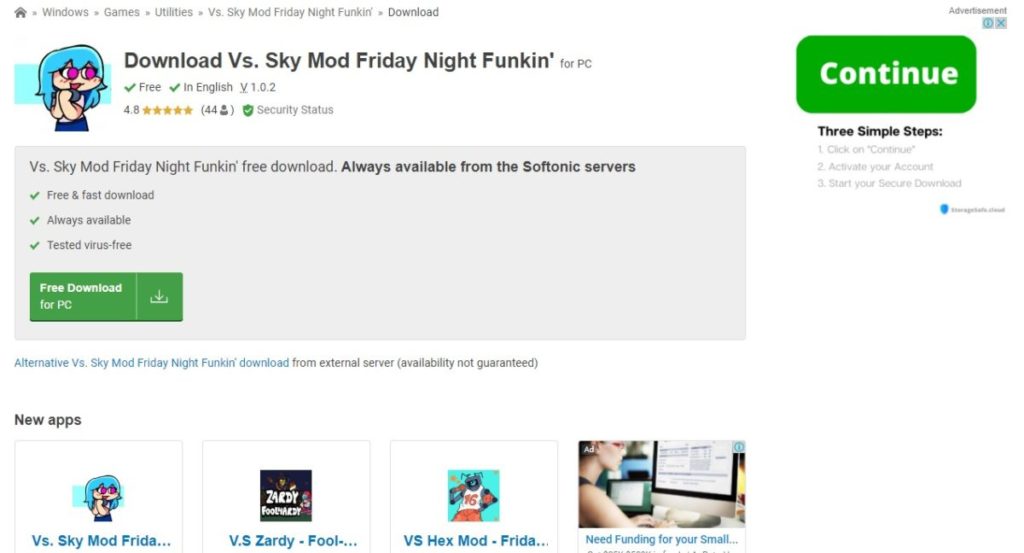
Head over to a reliable source for the Friday Night Funkin Vs. Sky Mod, such as our site that holds more details on the guide. When you select the download button, the zip folder will appear on the bottom of your web browser. As soon as it’s done, you can open the mod folder for the next step.

How to Install Friday Night Funkin Vs. Sky Mod

Step 2: Extract the files

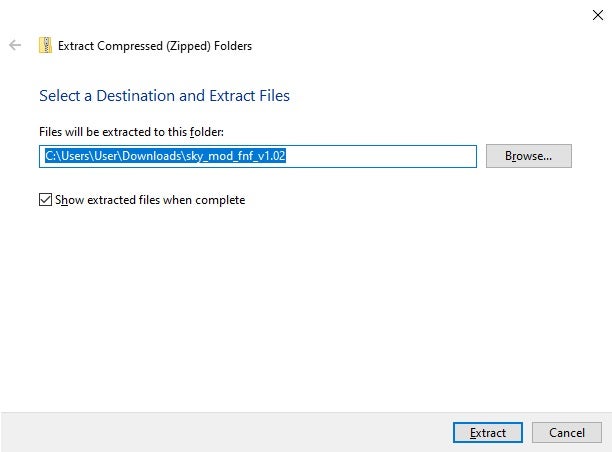
With the Vs. Sky Mod in the palm of your computer’s hands, it’s time to extract the files. Merely moving the folder to the correct location won’t help the game recognize it. Right click on the zip folder, tell it to extract, and watch all the files appear.

How to Install Friday Night Funkin Vs. Sky Mod

Step 3: Move mod files over

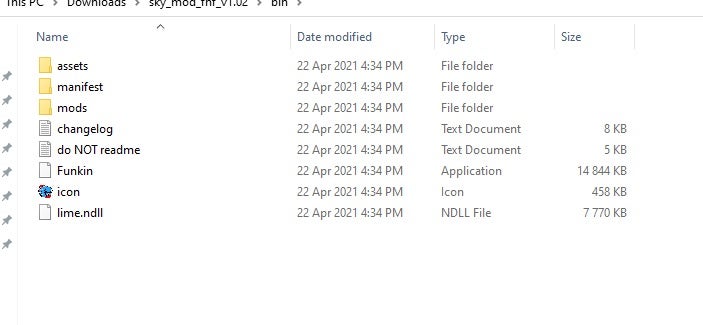
The final step entails moving the new folder over to the right place. Find the location of your Friday Night Funkin files and add the extracted files to the mods section. When you start the game again, you’ll be able to challenge Sky and protect the love of your life from yet another threat.

How to Install Friday Night Funkin Vs. Sky Mod

Battle against your greatest fan

No one said that love was easy. And now with the Friday Night Funkin Vs. Sky Mod, you need to sing against someone who wants your dearest affection while trying to maintain your relationship with Girlfriend. We wish you the best of luck!

How to Install Friday Night Funkin Girlfriend Mod in 3 Fast Steps

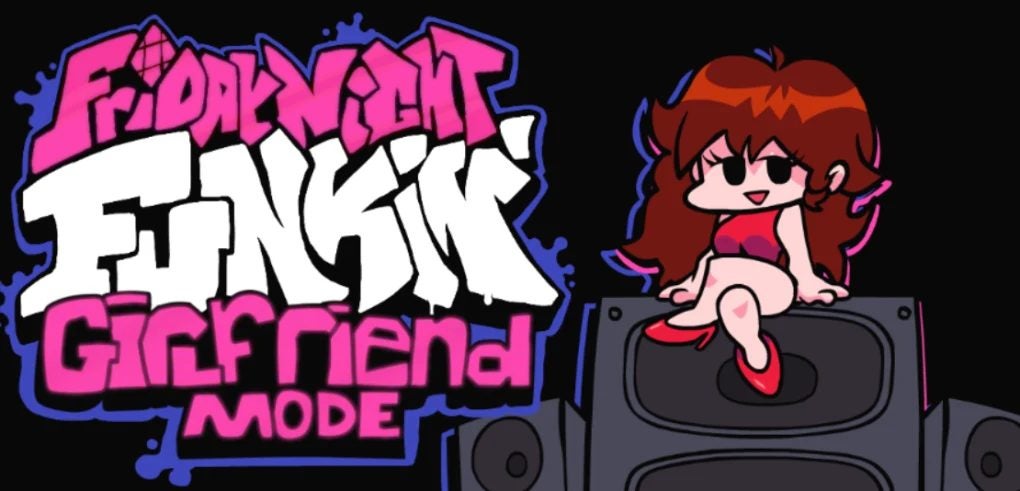
Since Friday Night Funkin is open-source, there are many fun and exciting mods that can enhance the game and bring new challenges to players that enjoy the music, beats, and gameplay of the original. A popular mod is the Girlfriend mod, a skin mod that allows you to change the gender of the main character to a female. This mod doesn’t, however, bring any added challenges to the base game.

Initially an in-browser game and still available online, there are downloadable versions available for Windows as well as on Mac. It is not yet available on mobile.

Steps to Install the Girlfriend Mod

Step 1: Download and Install Friday Night Funkin

You have to have the original version of Friday Night Funkin installed on your computer before you can install any additional mods.

How to Install Friday Night Funkin Girlfriend

Step 2: Download the Girlfriend Mod

Download the Girlfriend mod from a reputable source.

How to Install Friday Night Funkin Girlfriend

Step 3: Extract the Mod Files

Extract the files for the modification you have downloaded. You can extract it into your downloads folder first, as we will be moving it soon. Now, move the assets folder of your extracted mod to the root folder of Friday Night Funkin. The root folder is the one that contains the .exe file. You can do this by dragging and dropping or copy and pasting, whichever method you prefer.

Now, start the game and try the new mode!

How to Install Friday Night Funkin Girlfriend

A Simple Mode That Makes a Different

This is a simple mod that makes a big difference to your character as it enables you to change the gender. And as you can see, the steps to install the mod are equally easy.

How to Install Vs. Zardy Foolhardy Mod in 4 Fast Steps

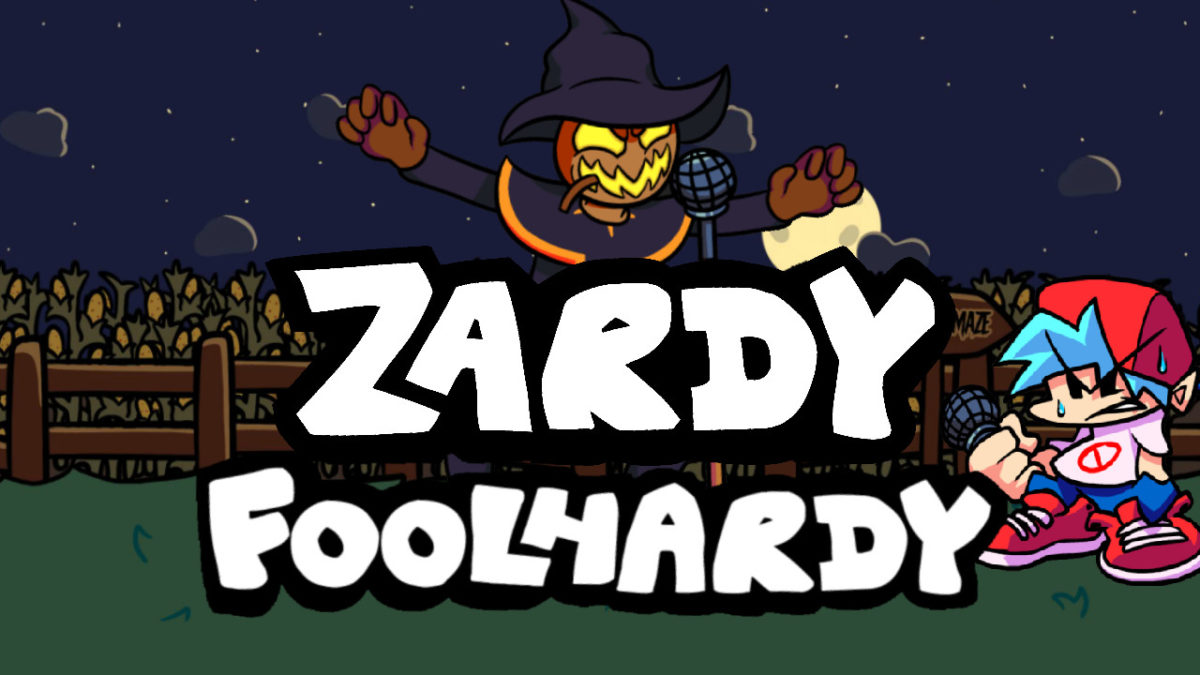
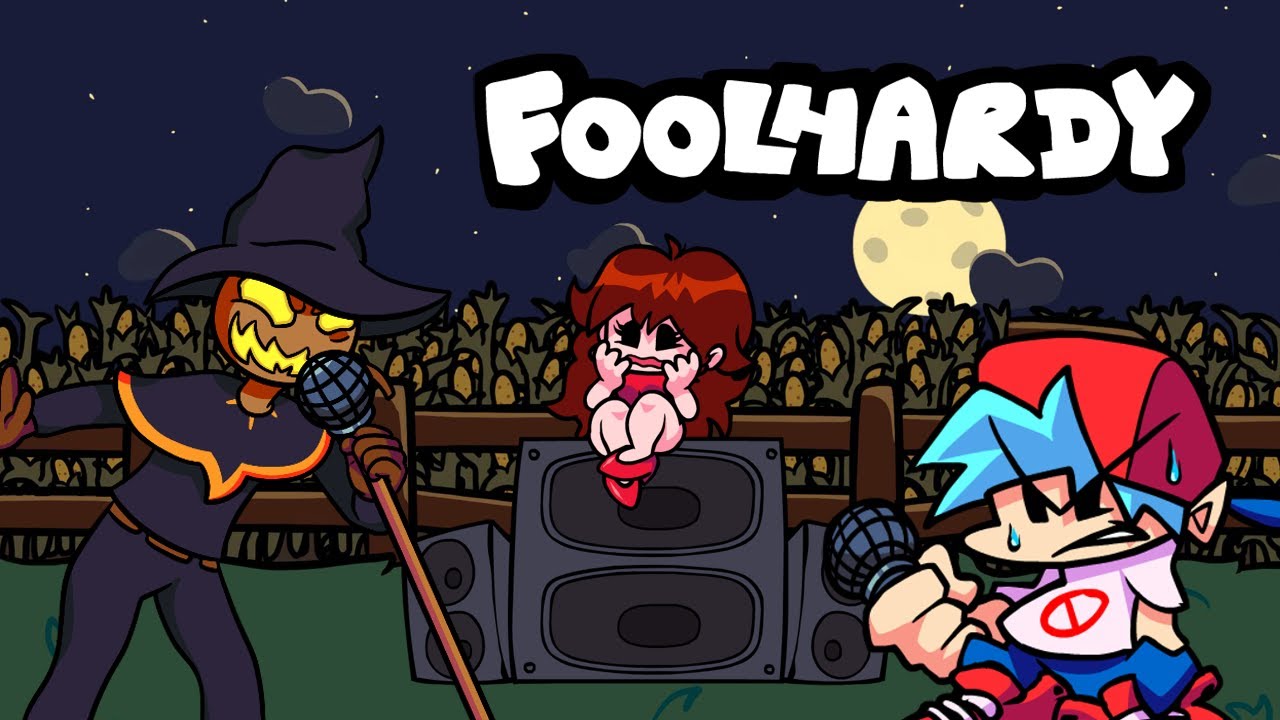
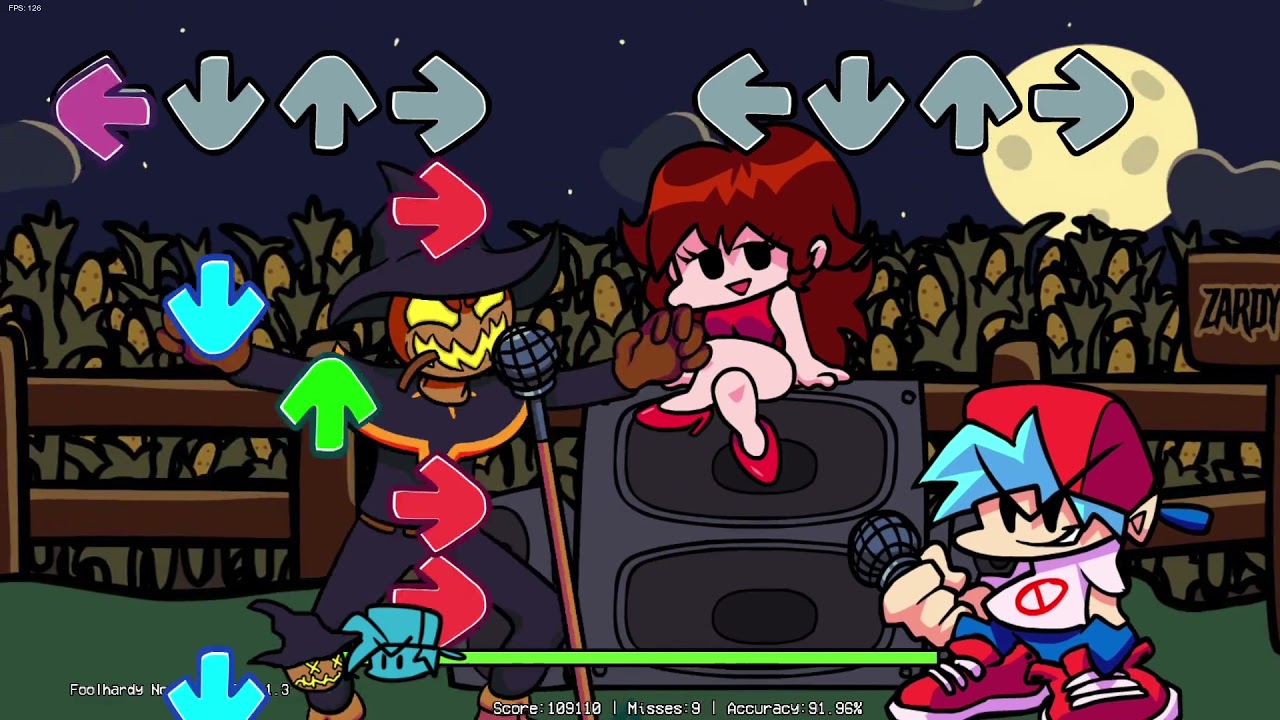
In the latest release for this sensational music game, the Vs. Zardy Foolhardy Mod combines Friday Night Funkin with another popular game Zardy’s Maze. In the modification, you’ll be challenged to beat Zardy Foolhardy in a musical battle.

Beware, though, as this is one of the most difficult, and rewarding, modifications for FNF. Although there are three different difficulty settings for you to choose from, even the easiest of them is a challenge to complete. However, the creators have released many different mods for you to try.

How to Install Vs. Zardy Foolhardy Mod

This modification fits seamlessly into your current Friday Night Funkin game, giving you a few new features such as a chance to face a new antagonist with new music without disrupting the storyline or flow of the original game. Here is how you can install the mod.

Step 1: Have Friday Night Funkin Installed

Make sure that you already have FNF installed on your computer. If you don’t, first download and install it.

Step 2: Download the Vs. Zardy Mod

Download the Vs. Zardy Mod from a reputable website.

Step 3: Extract the Mod Files

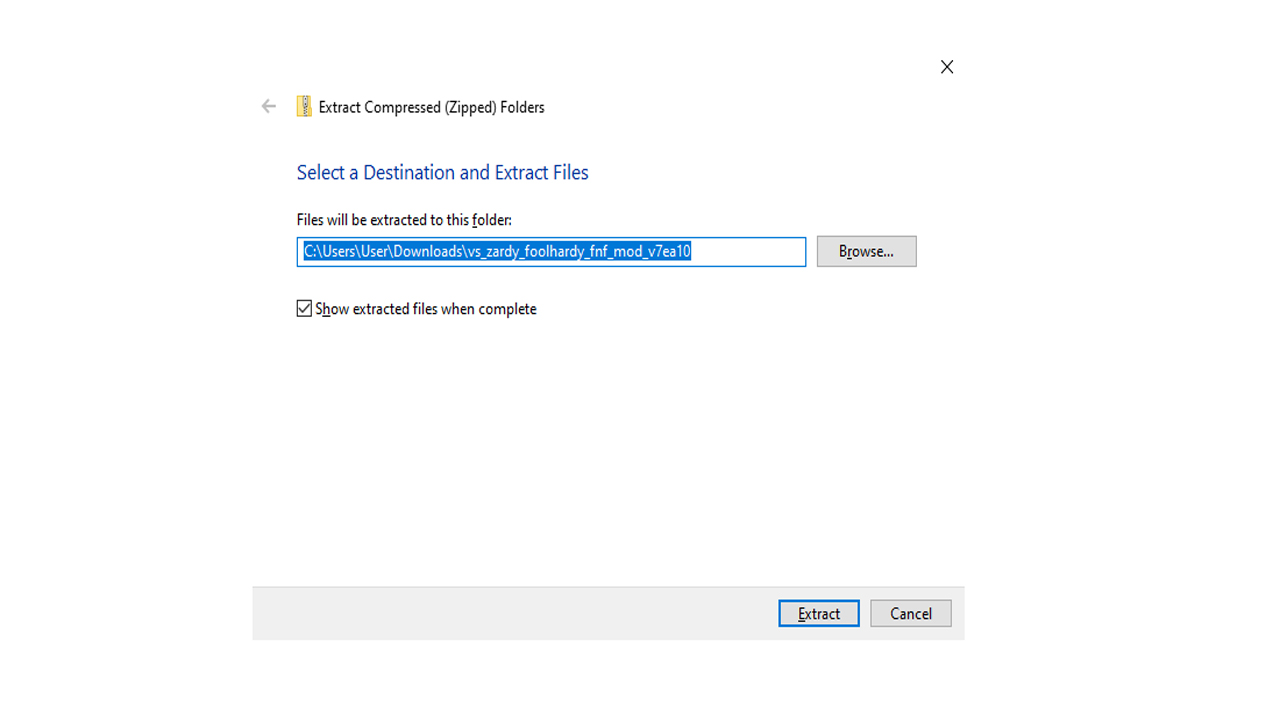
Next, you need to extract the Mod files. Although you don’t need to install this mod into a specific file, we do recommend that you extract it to the same location as your Friday Night Funkin game so that you can easily find it.

Step 4: Play Vs. Zardy Foolhardy Mod

Now you can play the mod by double-clicking the executable file from the mod you downloaded. A .exe file extension will represent it.

Enjoy this challenging mod

This modification is one of the most challenging and enjoyable mods for FNF. Make sure to give it a go once you’ve downloaded the mod. You will thank us, even if your fingers don’t.

If you enjoy the Vs. Zardy Foolhardy mod, why not also try the Whitty mod or even the Tricky mod.

How to Play Friday Night Funkin’ – The VS Hex Mod in 3 Easy Steps

If you ever played Dance Dance Revolution, then you’ll be well versed in the intricacies of Friday Night Funkin’. One thing that serves to keep these kinds of games alive is mods, and Friday Night’s Funkin’ has a highly active modding community. This game has so many mods that add new levels and opponents, newly customized characters, and different skins for the characters. 

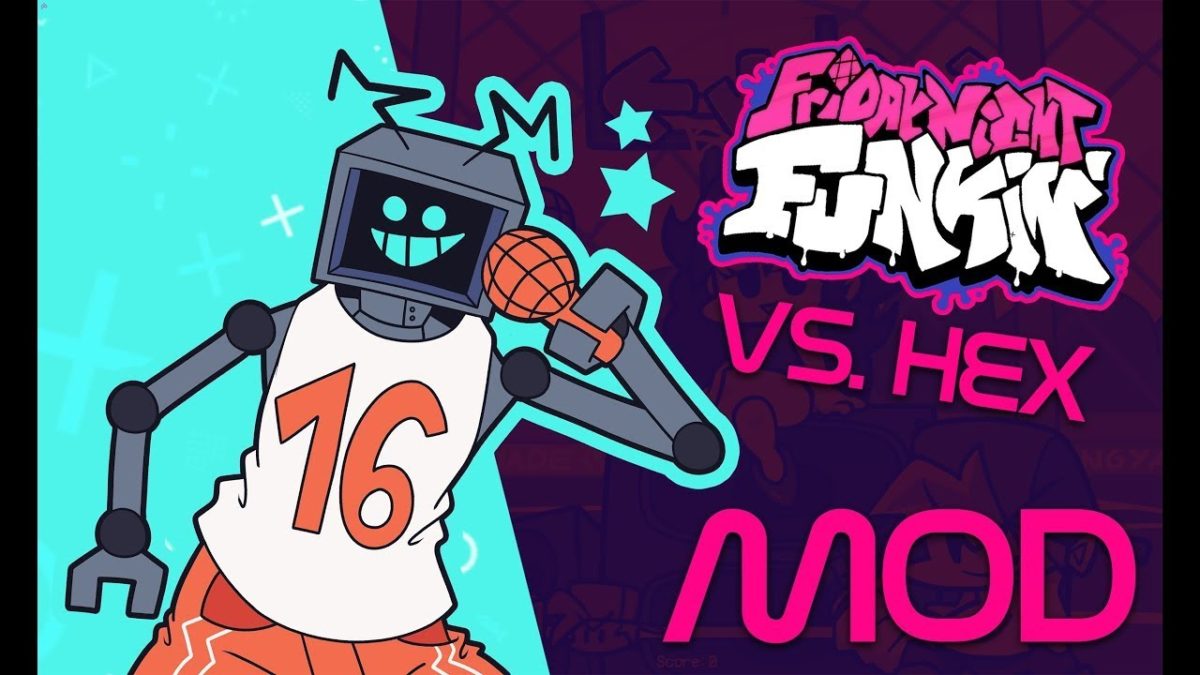
While most of the mods that add new opponents follow the same formula to create a proper antagonist who wants to destroy Boyfriend’s happiness, one mod that stands out from these is the VS Hex mod. This mod introduces Hex, a robotic opponent who offers a new week of battles, but Hex comes across as a friendly guy who just wants to drop some beats and make friends with the couple. This mod also adds new cutscenes and interactions, which helps to bring the characters to life. Overall, this mod is worth downloading because it adds so much new content to the game.

How to Play Friday Night Funkin’ – The VS Hex Mod

Step 1: Download the mod

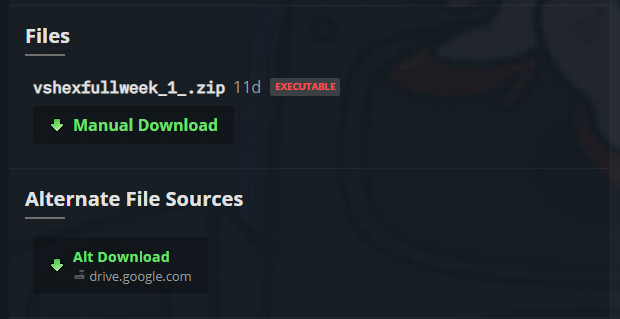
The first thing to do is download the mod.

Step 2: Extract files

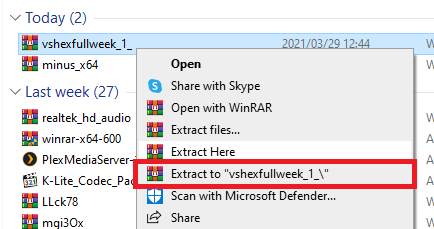
When the download is finished, you’ll need to extract the files; we advise that you use WinRAR for this.

Step 3: Launch game

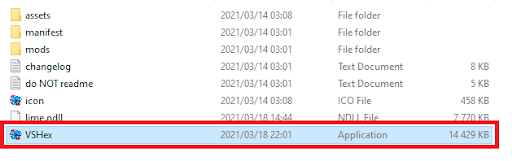
Now open the extracted folder and double click the VSHex file to launch the game. You’ll find the new Hex week in the Story Mode section labeled as Week X.

Arigato, Mr Roboto!

While it’s incredibly satisfying to beat someone who clearly hates you into the dust, it’s refreshing to meet someone who simply wants to be friends and share their love for music with you. You should also check out the Tricky mod where you battle a killer clown or the Whitty mod which adds some really good quality of life changes and a new challenger.