 I’ve been trying out a bunch of Facebook-related Greasemonkey scripts lately, and I’ve realized that maybe not everybody knows what a Greasemonkey script is – or even Greasemonkey, for that matter. So here’s a short tutorial on the wonderful world of Greasemonkey, and everything you can do with it.
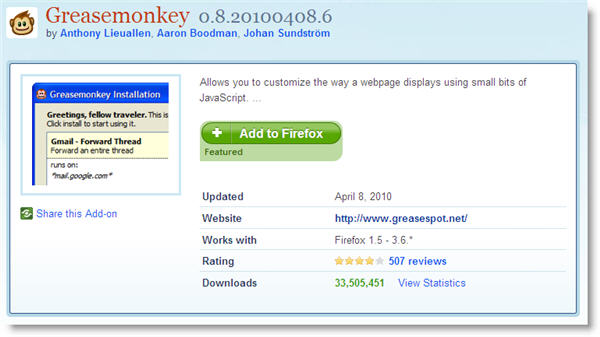
To begin with, Greasemonkey is a Firefox extension that doesn’t do anything by itself. It just allows you to use small bits of JavaScript (the so called Greasemonkeyscripts) on your browser, to customize the way a certain website looks or interacts with you. This means that, in order to use any of those scripts, first you need to install Greasemonkey on Firefox.
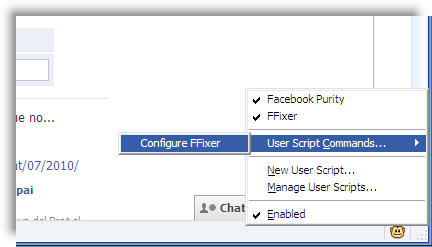
Once installed, Greasemonkey displays a small monkey icon in the bottom right corner of the browser interface. A left click on this icon disables the extension – and all the scripts you’ve installed so far. A right click on the icon shows the extension’s context menu, with access to installed scripts, configuration options and a script manager.

Now, the big question: where do you get scripts from? The answer is userscripts.org, an online script database with thousands of scripts to use with Greasemonkey. You’ll find scripts of all sorts, to customize and enhance hundreds of popular websites, including Gmail, Facebook, Google, Twitter,YouTube and lots more. Continue reading “Greasemonkey: What is it? How do you use it?”