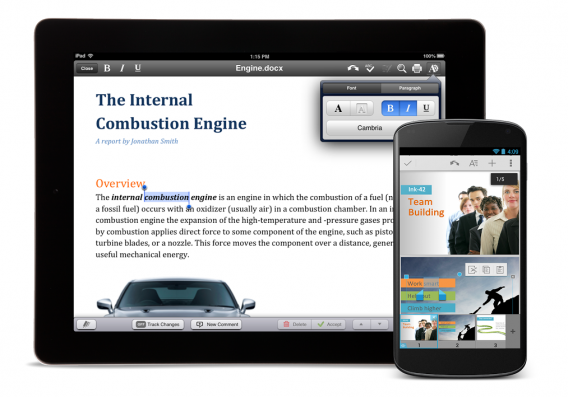
Google to remove Quickoffice for Android and iOS

Google’s popular offline productivity suite will be removed from Google Play and the App Store in the coming weeks. With new apps for Google Docs, Slides, and Sheets, there is no longer a need for Quickoffice.

Quickoffice was Google’s app for editing Microsoft Office files without conversion. Google announced native Office document support during its Google I/O conference last week, making Quickoffice obsolete.

Slides just debuted for Android, but there’s currently no app for iOS yet. I expect Google to release Slides for iOS before discontinuing Quickoffice in the coming weeks.

Quickoffice users can continue using the app but won’t be able to download it again once its removed from the app stores. Development will stop as well so don’t expect updates or support for Quickoffice in the future.

You can download the replacement apps for Quickoffice below.

Download Google Docs: Android | iOS

Download Google Sheets: Android | iOS

Download Google Slides: Android

Source: Google Apps

Follow Lewis on Twitter @lewisleong
RELATED STORIES

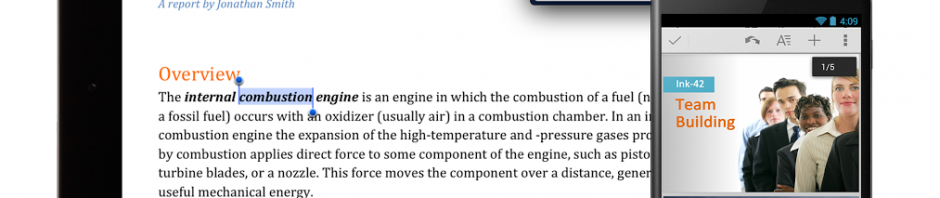
Quickoffice now free on Android and iOS

Google has announced today that anyone with a Google account will be able to download and use Quickoffice for free on Android and iOS. Previously, Quickoffice users were required to have a Google Apps for Business account.

Quickoffice is a complete office suite for Android and iOS, which differs from Google Drive by allowing users to create and edit office documents offline. The productivity suite does integrate with Google Drive, letting you access and edit files in your Drive. It’s a little strange that Google just doesn’t build in an offline mode for Drive, negating the need for two different office applications.


RELATED STORIES


In addition to making Quickoffice free, Google announced that anyone who downloads and logs into Quickoffice for Android or iOS by September 26th, 2013 will receive an additional 10GB of Google Drive space for two years. The storage space will take a few weeks to add so don’t fret if you don’t see the increased storage space just yet.

Source: Google Drive (Google+)