Softonic’s App of the Week highlights some of the coolest, most unique, and most interesting mobile apps for iOS and Android. TuneIn Radio for iOS and Android received a huge redesign this week, cashing in on the social network craze by bringing a social aspect to its radio streaming service, making it our App of the Week.
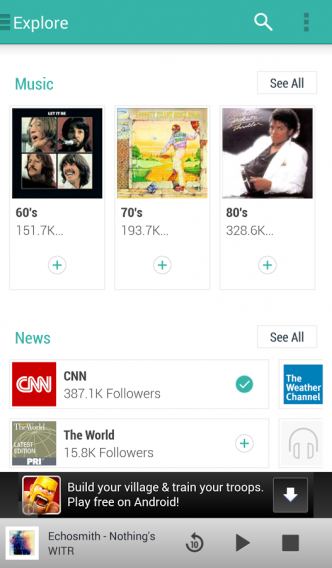
Aside from TuneIn Radio continuing to let you stream your favorite radio stations from around the globe, a lot has changed in the popular radio streaming app. The interface has been completely revamped– even the logo has changed with a new, unified color scheme.
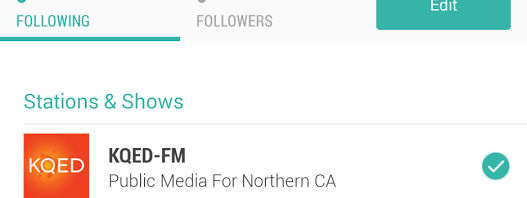
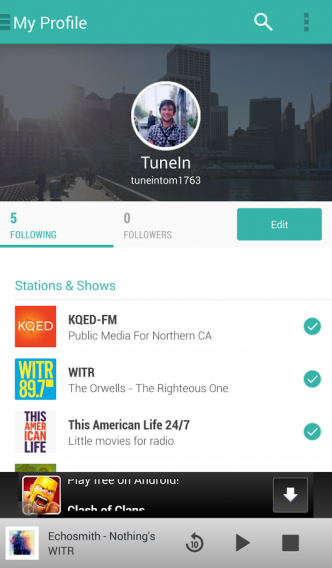
The biggest new feature of the app is interactivity, letting you create an account and follow other users, radio shows, or radio stations. Complete with a profile image and cover photo, you can see a stream of the stations your friends follow, as well as what they’re listening to. The same goes for radio shows, with a list of its most recent broadcasts in its profile stream.
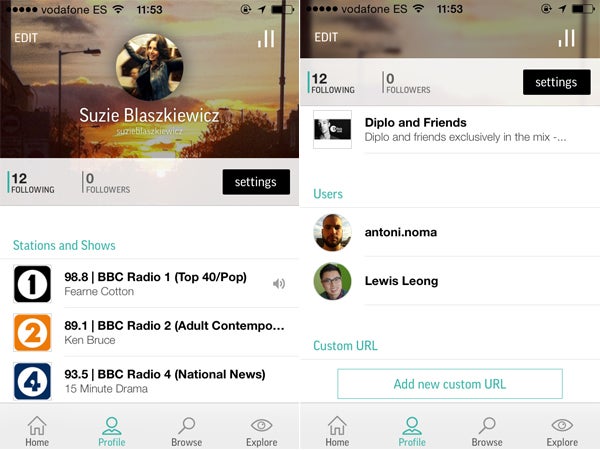
You can connect with the service and other users using Facebook, as well as through your contact list. The app may be a bit confusing to navigate if you’re used to the old version, but the options in the bottom panel are pretty self-explanatory: Home, Profile, Browse and Explore.
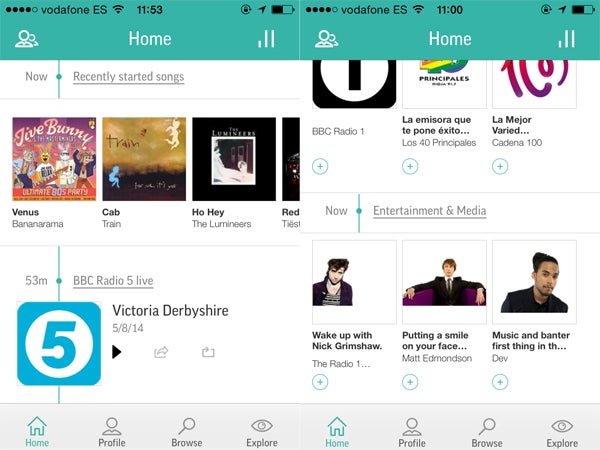
Does the social aspect work well with radio and streaming apps? From what we’ve seen with fellow streaming services like Spotify, Soundcloud, and Mixcloud, sharing what you’re listening to and following other users is a popular and useful feature. On the other hand, the social aspect is limited to checking out what your friends are following, and what type of music they’re listening to, without much more interactivity.
More than an innovative redesign, it might be that TuneIn Radio is trying to compete with the multitude of other steaming services that offer similar features. Either way, it seems like putting itself in the mix is a a smart move.
The Pro version, which eliminates display adds and gives you the option to record what you’re listening to, received the same redesign.
- Download TuneIn Radio for iOS
- Download TuneIn Radio Pro for iOS
- Download TuneIn Radio for Android
- Download TuneIn Radio Pro for Android
Make sure to check out some of our past App of the Week features: