We live in exciting times for educators and students alike. The advent of AI being implemented in different fields has resulted in almost daily innovations.
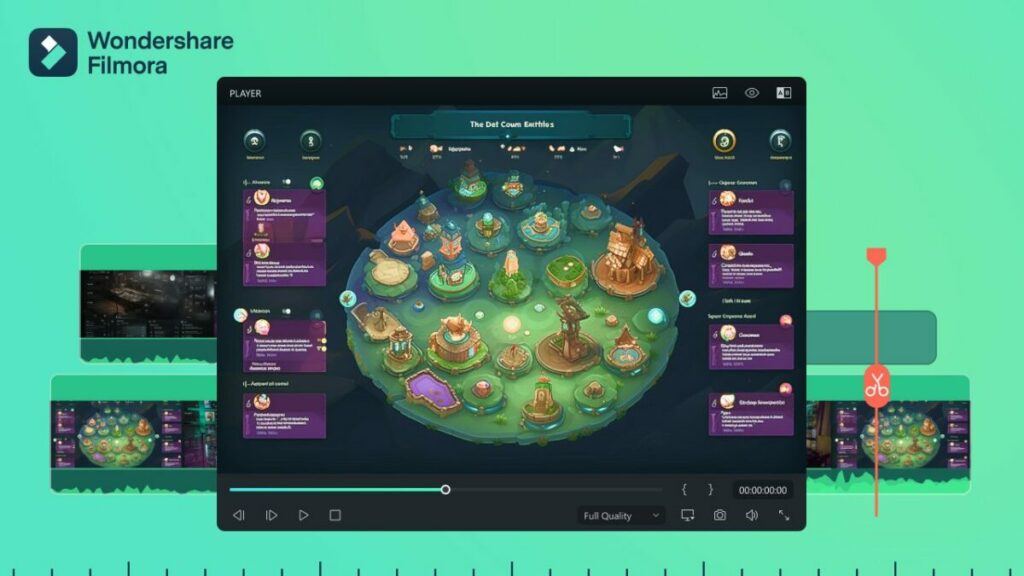
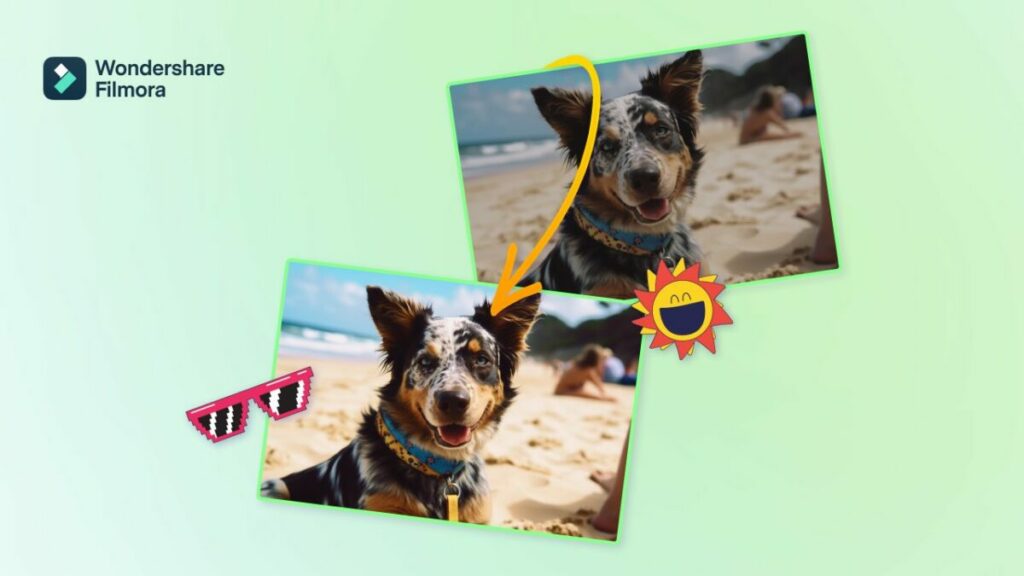
Filmora is one such example. Recently launching version 12.5, this update further enhances the video editing software’s AI capabilities with features like audio visualization, and unique text animations. These new tools in addition to Filmora’s already formidable suite of effects and features positions Filmora as a leader in AI video editing.

Still, some are wary of AI tools and are concerned with the many ethical questions arising from this new technology. Let’s dive into some of these considerations and look at how Filmora addresses them.
AI and Ethics
If you’re an educator, you might be worried about the implications of using AI tools in the classroom. After all, children tend to follow the adults in their lives. If a teacher is using AI to enhance their presentations to make them more engaging their students might think that anything goes when it comes to using AI.
However, a proper discussion should include the pros and cons of AI usage, both inside and outside the classroom. As with any tool, positive results are possible when used responsibly. With AI itcan decrease workload, and speed up productivity of tedious work allowingmore time for other activities.
It can also be a creativity enhancer. Especially when editing videos. Many students might have no idea what’s possible with video due to a lack of technical skills.
However, AI can help students deliver stunning results and polished content, which can allow them to better demonstrate advanced ideas and concepts.
Many who are against AI have a very black and white view of it : AI is often seen as a one-stop shop for everything either enabling incredible creativity and bringing any user’s imagination to life or as a dangerous technology full of intellectual property abuses and in serious need of guardrails . Those who hold a critical view of AI tend to ignore AI’s role as an equalizer. For instance, mature students who are going back to school.
For them, creating PowerPoint presentations can be a difficult and cumbersome task. However, with tools like Filmora, they can create visually impressive presentations and simply concentrate on the content.
What Filmora Can Do
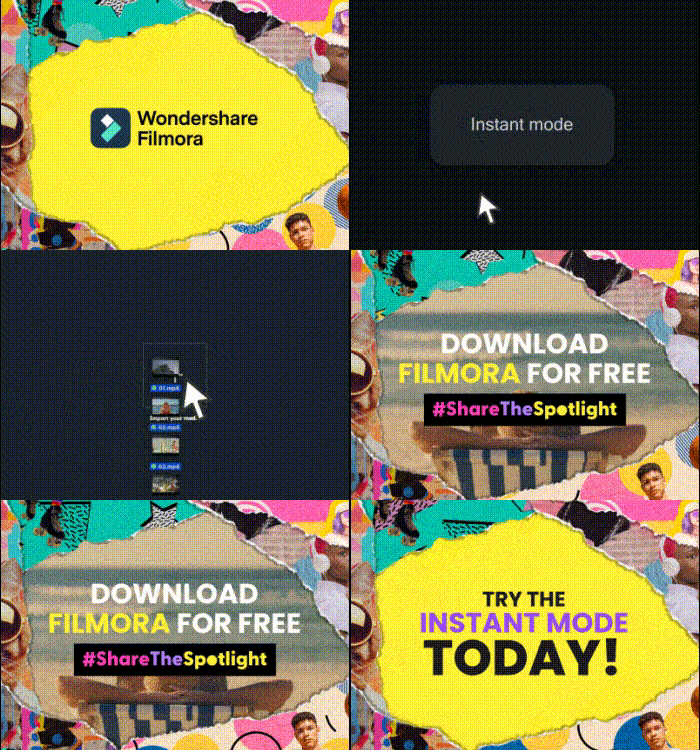
Even though its AI capabilities are impressive, reducing Filmora to an AI-assisted solution would be unfair. It’s, in fact, a powerful suite of tools that allows creators to perform complex edits quickly.
An example of this is adding text. With Filmora, you can straightforwardly add text while customizing font, color, effects, and animations. It’s on par with any other professional video editing solution, but it’s done with just a couple of clicks.
This is just the beginning, efficiency is baked into Filmora at every step of the editing process. For instance, the Quick Split Mode lets you easily cut the clips on your timeline. You can also create adjustment layers to apply the same effect to multiple clips. And let’s not forget that you can match the footage with music thanks to the Auto Beat Sync feature.
Another impressive feature is the Avatar Presentation. Instead of using your real-life image for presentations, you can use an animated avatar that mimics your facial expressions and moves in real time. It’s fun and innovative, which will keep your audience engaged.
Regarding AI-enhanced tools, one of the highlights is AI Copywriting. Working together with ChatGPT, it helps you to generate video scripts by simply writing a video description. It can also create catchy titles,, descriptions, and more.
There are also asset packs ideally suited for both educators and content creators. The Class Pass aims to improve the creativity in class with 27 assets to choose from. The Trend Pass is suited for content creators with 35 assets to unleash their creativity.
The central concept with Filmora is easing the learning curve for video editors and content creators by offering intuitive, one-click tools.. If AI makes the job easier, then AI is incorporated. If a tool is better off in the hands of the user without any AI input, then it’s streamlined so anyone can use it to get pro-level results.
As you can see, it’s a powerful suite that works just as well in education and for content creators. If you find yourself in the last group, there is some exciting news.
Filmora Young Creator Program
Filmora understands that talent needs to be fostered, which is why the team behind it developed the Young Creator program. To participate, you just have to show the world who you are and what inspires you as a Gen Z.
To do so, you can take advantage of Filmora’s many features and create a video.. It’s a great way to get acquainted with the program and use it to monetize your work.
It works like this: Filmora will share weekly themes and ideas that you can use to produce videos. Users visit the contest page and download the specific effect packs. After creating the video,share it on social media with the hashtag #shareTheSpotlight and the tag @Filmora_editor for a chance to earn $250.
In a Nutshell
Filmora is a next-gen solution for your media creation and editing needs. It’s a comprehensive suite of tools that uses the latest technologies and trends to empower you to create stunning content.
In today’s fast-paced world, staying ahead with the latest software is essential, and this is where Filmora truly shines. By using up-to-date software, you not only ensure that your content remains current but also guarantee that you’re harnessing the most advanced technology available. This not only keeps you in line with the latest trends but also enhances your overall experience.
Last but not least, it uses AI in a responsible way that works by enhancing your work, not replacing it.