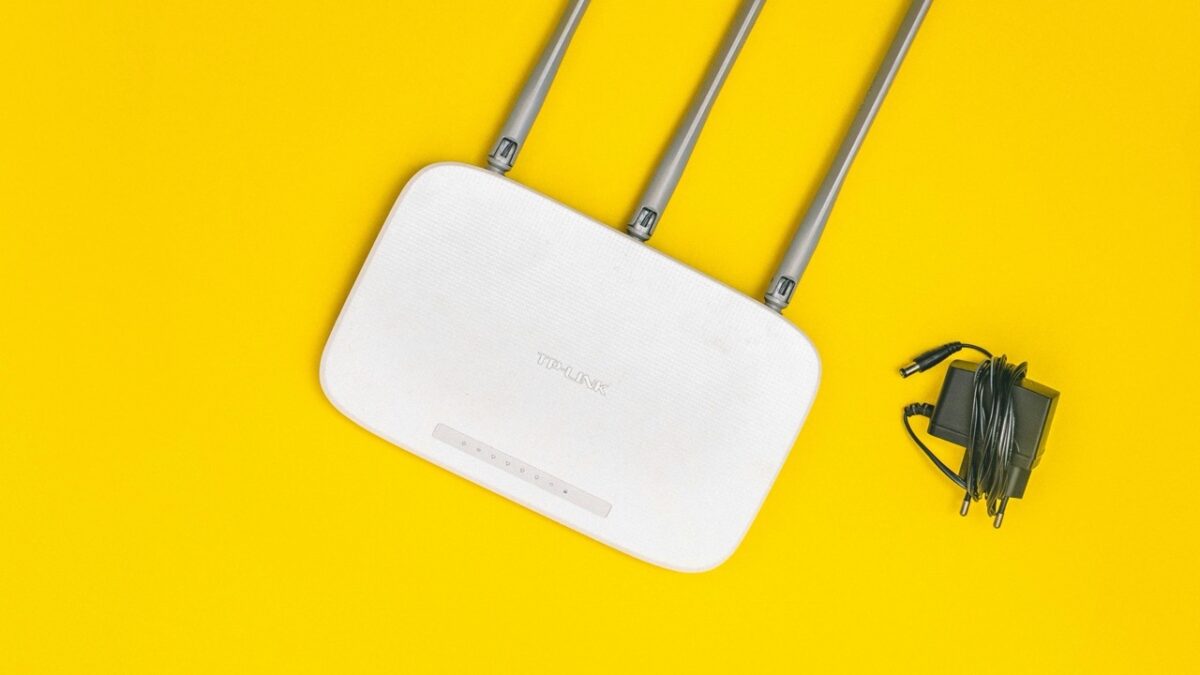
A poorly placed Wi-Fi router can significantly weaken your internet signal, causing frustrating slowdowns and connectivity issues. While it may be tempting to hide your router for aesthetic reasons, this can have a major impact on performance. To ensure the best coverage, avoid placing your router in these five locations.
1. On the floor
Placing your router on the floor limits the range and strength of your Wi-Fi signal. Radio waves travel outward and downward, meaning a low position will cause much of the signal to be absorbed by furniture and walls. Instead, place your router on a table or shelf, ideally a few feet off the ground.
2. Behind the couch
Hiding your router behind a couch might keep it out of sight, but it also blocks the signal. Wi-Fi signals struggle to pass through thick, upholstered furniture, leading to weaker connectivity. For the best results, position your router in an open space where signals can travel freely.
3. In the basement
A basement is one of the worst places for a Wi-Fi router, as concrete walls, pipes, and electrical wiring can interfere with the signal. Additionally, most people use their Wi-Fi upstairs, meaning a basement placement will reduce coverage in the main living areas.
4. Inside a cabinet
Although hiding your router in a cabinet might seem like a tidy solution, it severely limits performance. Wood and other materials obstruct the Wi-Fi signal, and lack of airflow can cause overheating, potentially damaging the router.
5. Near another Wi-Fi router
Placing two routers close together can create signal interference, leading to connectivity issues. If you use multiple routers, make sure they are part of a mesh network designed to work together, rather than competing for signal space.