The world of photo editing has become more accessible than ever. Thanks to generative artificial intelligence, we can now completely transform our photos with a more than credible result and in no time.
However, the proliferation of applications that exist today for editing with AI has made it more difficult to choose which one to pick. Today we present a small comparison with some of the options that work best as of 2026.

What to look for before choosing
Before we start downloading anything, it’s important to pause and consider what we want from an AI photo editor. There are several criteria to take into account, such as looking at what quality we are seeking.
Some, like the well-known ChatGPT, can give you quite generic and artificial results. If that’s what you’re looking for, go ahead, but you have better options for making more natural adjustments.
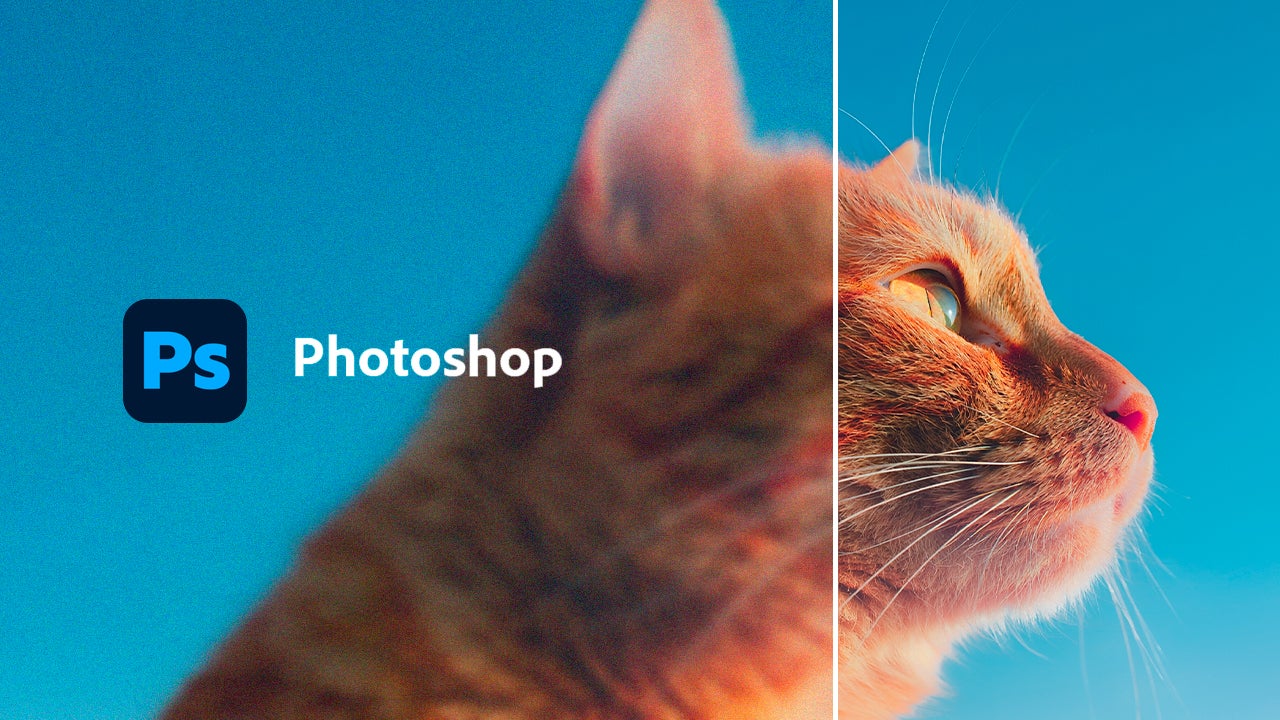
The variety of AI tools is also important. In the case of Adobe Photoshop, we have very useful features like Generative Fill, the ability to enlarge images, smart selections… it is quite comprehensive and handy.
If you are a professional and intend to use the editor for your work, you might want to know if the photos you edit can be used without any issues in commercial projects.
And of course, we cannot forget about the prices. There are both free and paid subscription applications, here you decide whether it is worth it or not to pay.
Below, we present some of our favorite AI editing programs.
Luminar Neo
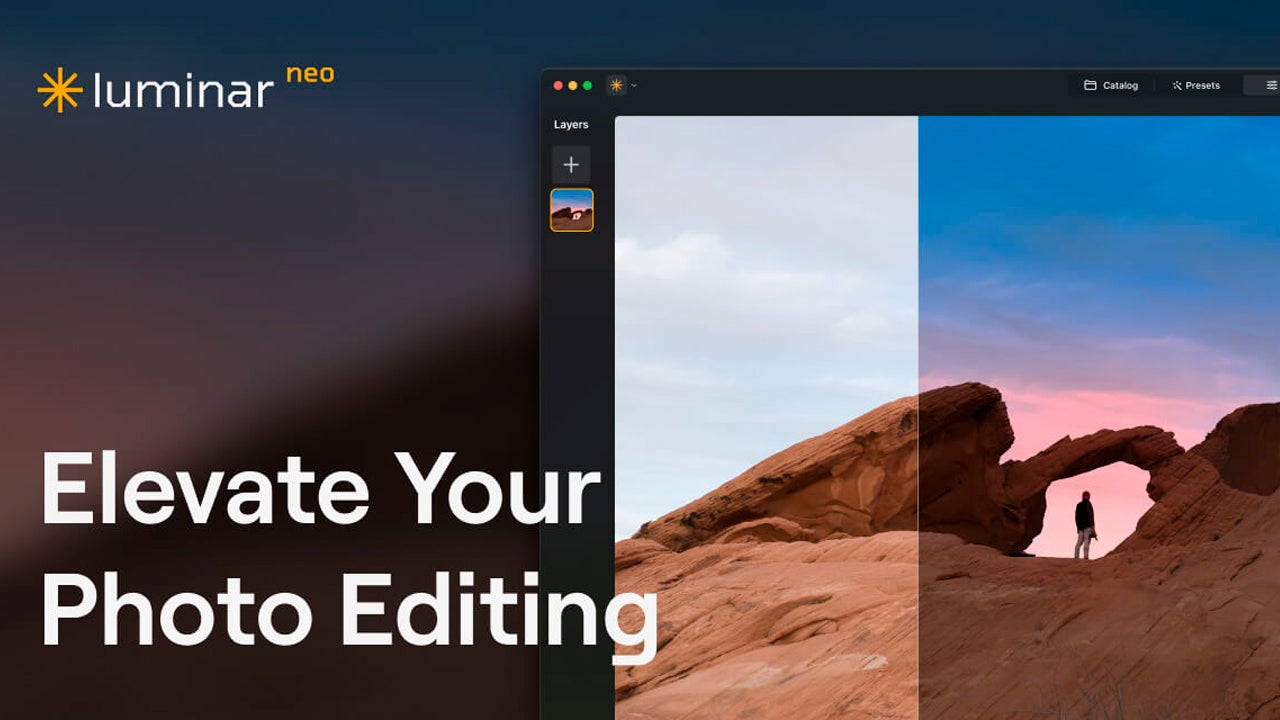
Luminar Neo is a photo editing program developed by Skylum that was released in February 2022. It works in a quite simple way: first, you start by importing your photos and then you begin editing with preset adjustments, although you can also use other more complex tools.
It is very comprehensive and ideal for retouching people and landscapes, due to the large number of functions dedicated solely to the sky or skin. Additionally, it has an AI assistant to help you with edits. You can tell it to enhance a photograph, convert it to black and white, remove distractions, and much, much more.
It is available for Windows, macOS, Chromebook, iPhone, iPad, and Android. Luminar Neo also works as a plugin for Photoshop and Lightroom, which can help make your Adobe programs even more complete. There is no free version, but there is a 7-day trial with full access to the entire program.
Adobe Photoshop (with Firefly)
Adobe Photoshop remains the quintessential program when we think of professional photo editing. Moreover, thanks to the inclusion of Firefly, Adobe’s family of generative models, AI editing has become easier than ever.
One of the features we can find is Generative Fill, with which you can replace or generate new areas in an image in a few seconds. You can also remove any object without it being noticeable or use Harmonize, which will help you introduce new elements into an image without that element clashing.
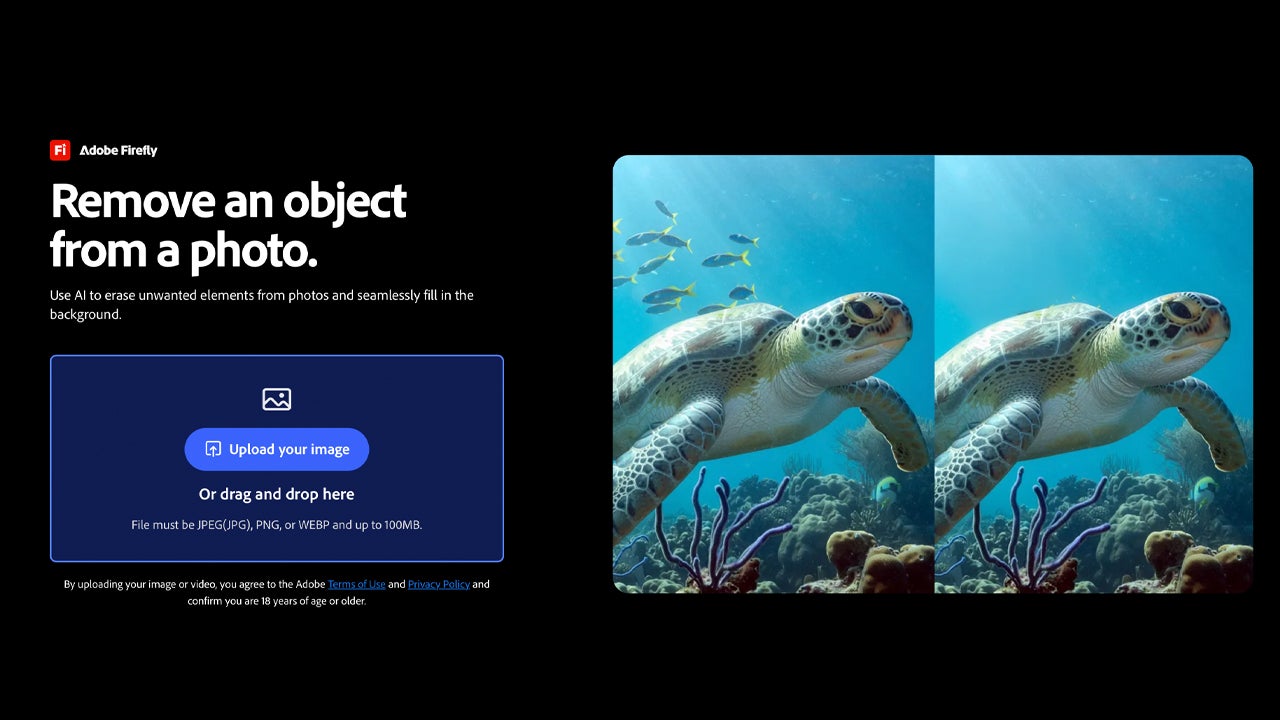
The big difference that Adobe Photoshop has compared to other programs is, precisely, Firefly. Unlike other AI technologies, Adobe trains Firefly with licensed content. That’s why it is one of the best programs to use in the commercial world.
Firefly also has its own mobile application. Although it is mainly used to generate images, videos, and sounds, you can also make quick edits, such as expanding an image or removing any object from a photo. Firefly offers limited free access, ideal for trying out the tool and getting familiar with it. Photoshop, on the other hand, operates on a paid subscription but also has a 7-day free trial available.
Firefly is available to access from web browser, iPhone, iPad, and Android. Photoshop is also available on the same platforms, but its best and most complete version is the one for computer (Windows and macOS).
Canva
Perfect for those who need quick results without too much hassle. Canva is a platform that allows us to create posters, presentations, social media posts, etc. Canva covers the basics, such as removing backgrounds, generating images, and much more with a good quality-price ratio.
As of today, the editing functions powered by Canva AI 2.0 are enhanced. It acts as an assistant to whom we can request things in writing for it to do for us. It can help you create templates to work on, in writing texts, or in photo editing.
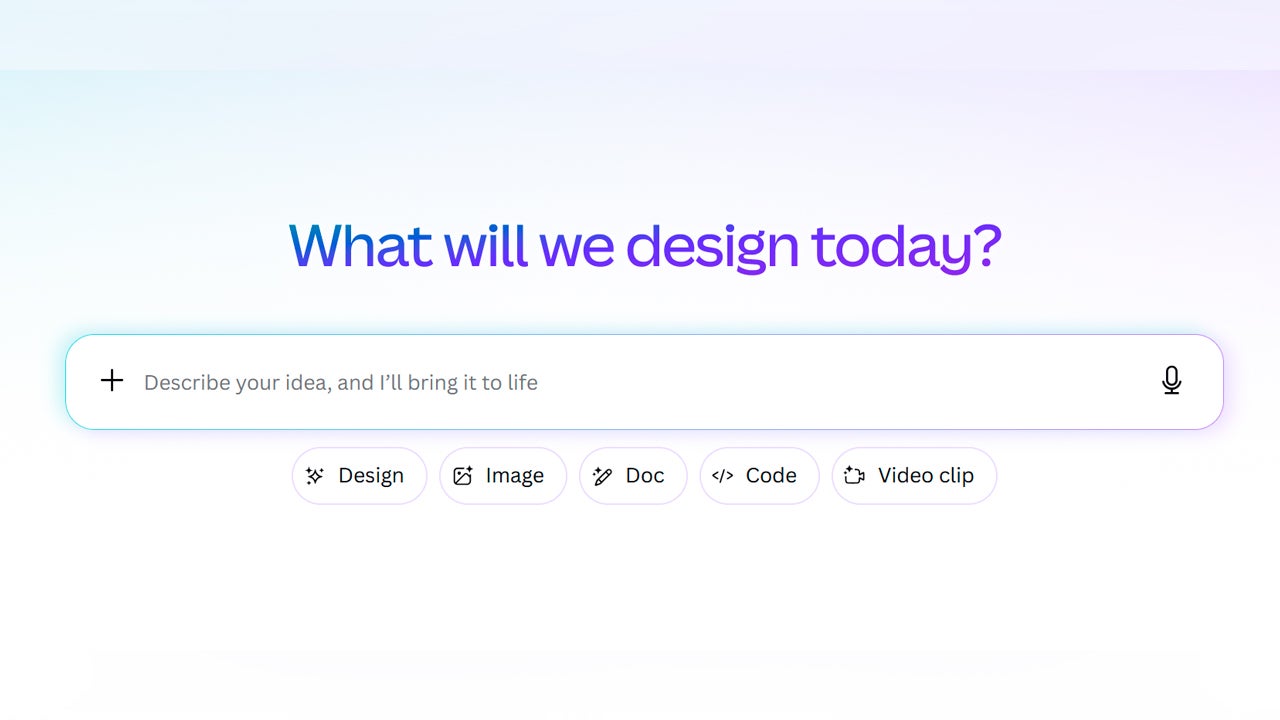
Canva does have the option to be used for free, but with certain limitations regarding the use of AI. If you don’t want to skimp on AI, you can always subscribe to some of its plans.
Although it falls short in terms of the quality of complex retouching, it can save you in more than one pinch. The thing is, Canva is more focused on graphic design than on photo retouching, although it can certainly do that as well. Its app for iPhone and Android includes most of the AI tools from the web and desktop version (available on Windows and macOS), making it very convenient for editing directly from your mobile.

Adobe Lightroom
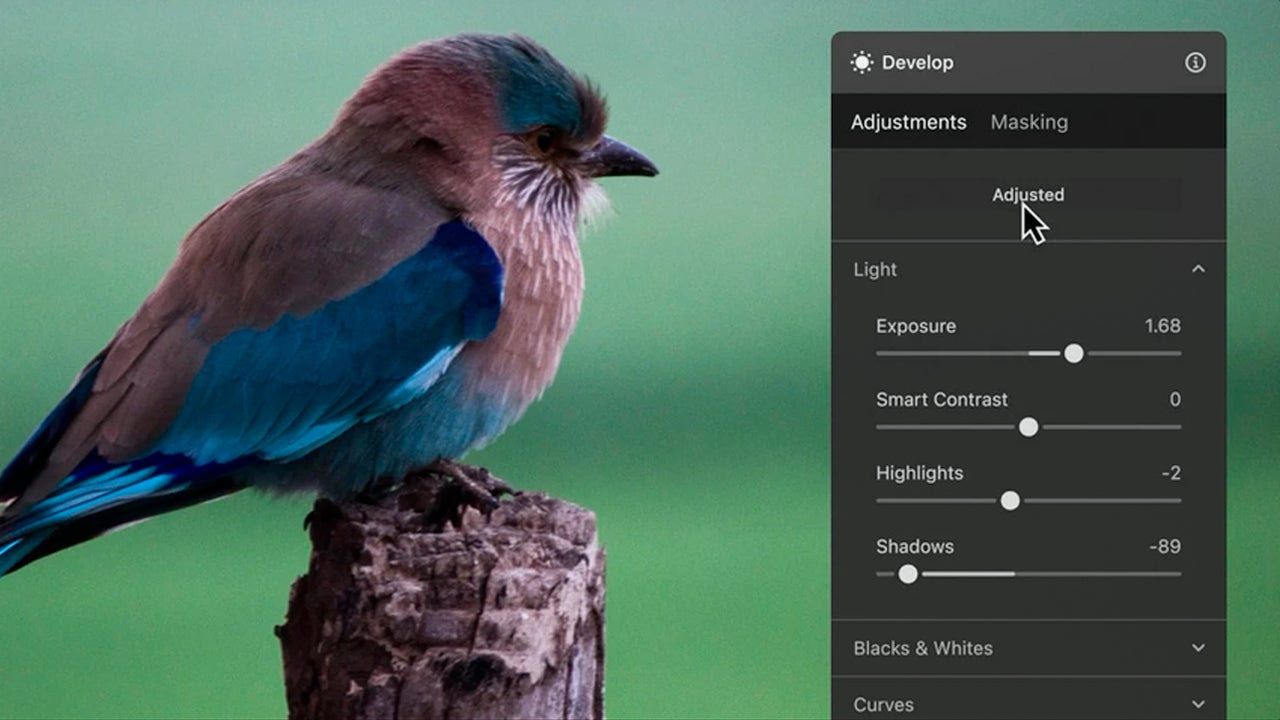
Adobe Lightroom is another program from Adobe well-known among photographers. Its function is more about managing, organizing, and editing many photographs at once. It allows for very precise adjustments of light, color, sharpness, and other aspects, always preserving the original photo.
The strength of Lightroom is not generative editing, but it does have AI tools to facilitate tasks that used to require a lot of time. Within Lightroom, you can remove objects from photos, automatically select any element, enhance portraits, erase imperfections, and more. Its app for iPhone and Android is one of the most comprehensive, as it allows editing in RAW, syncing with the desktop version, and applying presets with AI. Just like with Photoshop, the desktop program (Windows and macOS) is the most complete of all its versions.