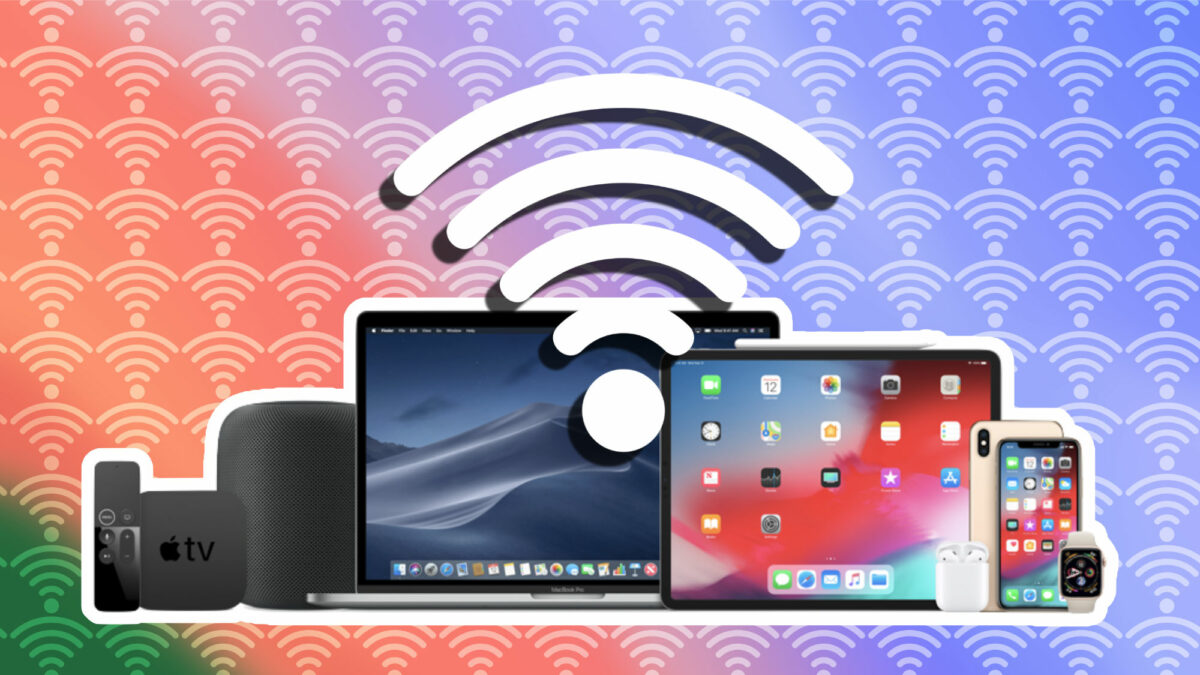
Nowadays, our need to use the Internet connection has increased exponentially. The quality and speed of our Wi-Fi connection has become a fundamental pillar of our daily lives, whether for working from home, consulting information or entertainment.

More speed, more stability and more coverage
Therefore, whether we are talking about our iPhone, iPad or Mac, improving the connection in terms of coverage, speed and stability, is a recurring theme. Let’s see, among the many recommendations that circulate on the network, those with which we will notice an improvement. Let’s start with the recommendations related to the network itself:
- Improve the location of the router: this is the most basic tip, but also one of the most effective. The router, being the source of the Wi-Fi signal, should be in a strategic location. Avoid corners or low places. Look for a central and elevated point in the space so that the signal is distributed evenly.
- Avoid interference: yes, the microwave in the kitchen or the refrigerator may be affecting our Wi-Fi connection. Electronic devices and even more especially metallic objects of a certain size can act as barriers and cause interference in signal propagation. The recommendation is simple: keep the router away from these devices and do not place your devices behind them when trying to connect.
- Channel optimization: Channel optimization: the Wi-Fi standard operates on different channels and we often find that several devices may be operating on the same one. More than once we will have seen on our iPhone, iPad or Mac a long list of available networks. While waiting for Wi-Fi 7, they all compete for the best channels, so it is best to configure the router to use the best channel automatically.
- Prioritize certain devices with QoS: Quality of Service (QoS) is a tool that many routers have that allows us to assign priority to certain devices. For example, if we are in an important video conference on the Mac, we can make sure that it has the most bandwidth while the TV takes a back seat.
- Extending the signal with repeaters: too often a single router is not enough. If we are talking about a large space or with multiple floors, a repeater can be our best ally. These devices capture the signal from the router through a cable connection and amplify it, bringing Wi-Fi to those corners where it did not reach before.
From here, we go into specific recommendations for our devices. What we can do from our iPhone -where we can also make Wi-Fi more private-, iPad or Mac.
- Keeping our devices up to date: Apple is continually releasing updates that can improve the performance of the device itself as well as fix bugs. Not all updates will revolve around Wi-Fi, but more than one is very likely.
- Reboot the device: sometimes there seems to be no way for the connection to be stable. In such cases, a simple reboot may be the best idea.
- Deactivate and reactivate the Wi-Fi: very much in line with the previous step, many times a simple disconnection makes that, when reconnecting, the network is caught better. Especially if we have a 5GHz network with the same name and we have changed location with respect to the router.
- Forget and reconnect to the network: In Settings > Wi-Fi, we can select the network and choose to Forget this network. Then, we can connect again by typing the password and checking that the signal should work better.
With all these resources at our disposal, the connectivity of our iPhone, iPad and Mac should improve substantially. We already know that a good connection is the basis for many of our daily activities, so spending time to optimize it will always be an interesting investment. A few steps to have better coverage and more speed in our Wi-Fi.
Some of the links added in the article are part of affiliate campaigns and may represent benefits for Softonic.
