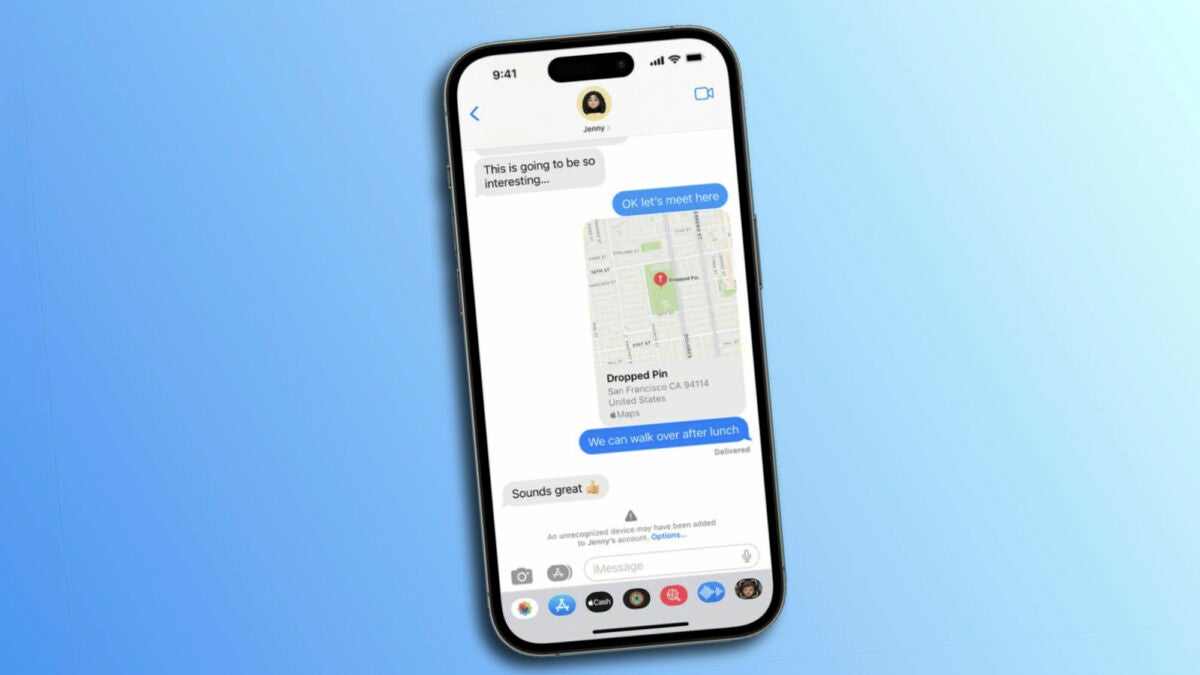
With the arrival of iOS 17.2, Apple has introduced a new security feature in the Messages app known as Contact Key Verification (CKV). This function marks a significant advancement in privacy and security, enabling us to ensure that conversations remain private and secure. Let’s delve into what CKV is, how it operates, and how we can activate it on our device.

A digital verification to confirm who we’re talking to
Contact Key Verification is an optional feature that, when enabled, provides automatic alerts if iMessage key distribution services return keys from devices that haven’t been verified. This could occur, for instance, if an unrecognized device has been added to an iMessage account. Put simply, this function ensures that we’re sending messages only to devices authorized by your contacts.
Additionally, CKV offers an extra layer of security when used in person, through FaceTime, or via another secure method to manually verify key pairs. While Apple hasn’t detected attacks exploiting vulnerabilities CKV is designed to prevent, its inclusion in iOS 17.2 is a preemptive measure against potential threats, providing greater peace of mind to users for whom security is more than just a preference.
It’s important to note that while only a small percentage of iPhone users might require such a high level of security, what’s intriguing about CKV is that its activation doesn’t diminish the functionality of the Messages app in any way.
To activate Contact Key Verification, it’s necessary for all devices connected to our iCloud account to be updated to iOS 17.2, macOS 14.2, or watchOS 10.2. Then, follow these steps:
- Open the Settings app on your iPhone, iPad, or Mac.
- Tap on your name at the top.
- At the bottom, tap on Contact Key Verification.
- Enable the Verification in Messages option.
- If desired, copy the verification code from your public key and share or send it so others can verify that they are indeed messaging with you.
This new security measure in iMessage is a clear example of how Apple continues to lead in the realm of user privacy and security. With the VCC, we can be certain that we’re communicating securely, which is undoubtedly an interesting advancement in protecting our digital conversations.
