We are still digesting the launch of the Apple Vision Pro and the operating system responsible for its functioning, and now more novelties are emerging. The recent release of the second beta of visionOS, along with the fourth beta featuring all the new features of iOS 17, has revealed several truly interesting details about the upcoming flagship product of the Cupertino company. Let’s discuss the main novelties that this operating system brings in this version and how they will impact the user experience with the device.

Small details that bring us closer to the Vision Pro
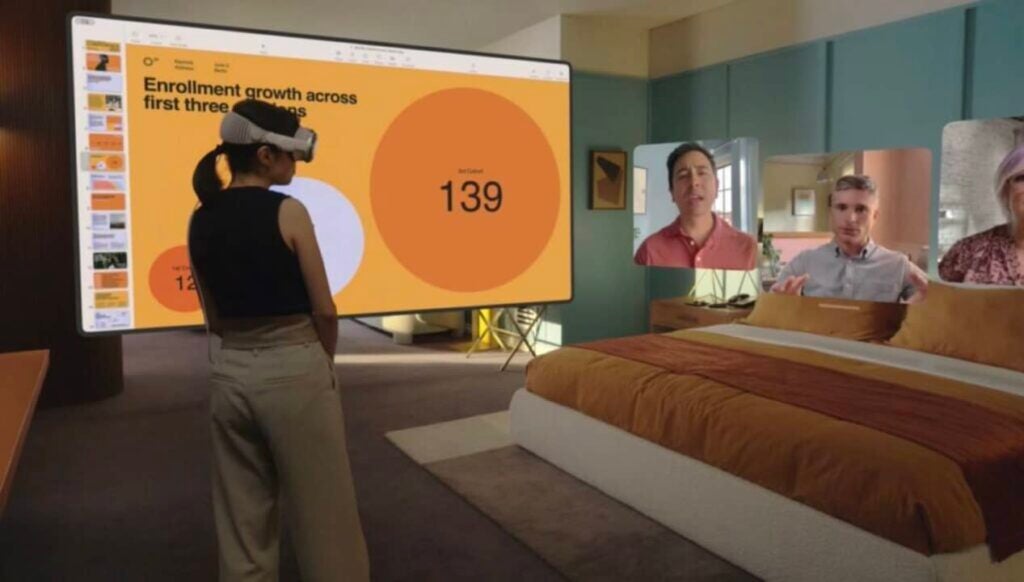
The Apple Vision Pro promises to revolutionize the way we interact with the virtual world. One of the most outstanding aspects of this proposal is the renewed FaceTime experience. In a time where video calls are essential, Apple has designed a system that will allow us to see the video streams of all participants floating around us. And if those participants also have a Vision Pro, the experience becomes even more immersive thanks to its Persona 3D.
Although we already knew that group FaceTime allows up to 32 participants simultaneously, the recent beta reveals that the Vision Pro will only display 9 people at the same time. This doesn’t limit the number of people in the call, but it sets a cap on how many can be “anchored” or visible at the same time.
And that’s not all, the Environments feature will be an integral part of FaceTime calls on the Vision Pro. This characteristic will allow us to immerse ourselves in virtual backgrounds, leaving behind the real environment and focusing on the conversation. According to reports on 9to5mac, we can share this virtual environment with the other person or people in the call, ensuring that everyone sees the same background.
In this context, Apple’s commitment to privacy remains a priority. Unlike devices like the iPhone or iPad, the Vision Pro will not allow third-party apps to access the built-in cameras, but they can capture photos and videos using the Persona. To clarify this functionality and avoid confusion with real camera recordings, the settings in the second beta of visionOS now refer to it as the “Virtual Persona Camera.”
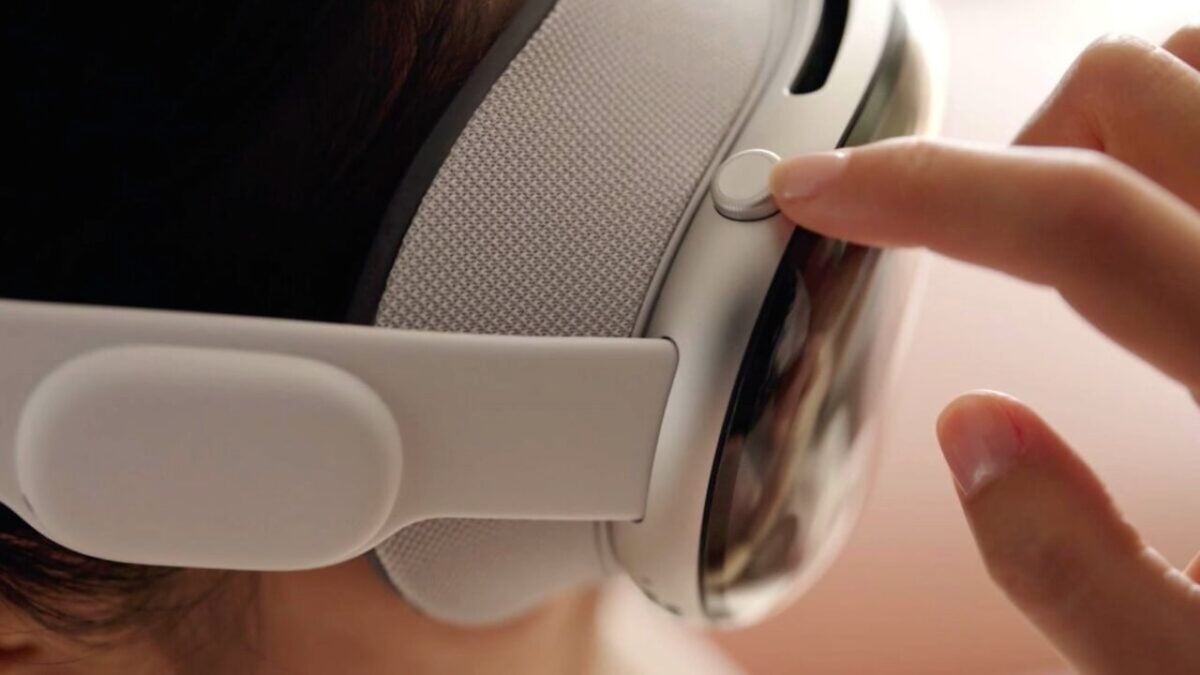
The Vision Pro also introduces “Optic ID,” an authentication method through iris scanning, similar to what we already know with other security systems like Touch ID and Face ID. This authentication will be essential for sensitive operations such as purchases or using Apple Pay. And, just like these systems, in certain situations, we will need to confirm our identity with a double click on the top button.
This simple gesture acts as the final confirmation, as the authentication is not valid until we reactivate it actively. A similar process occurs, in fact, with the Mac’s screen mode, where we can use the Vision Pro as an external monitor for the computer. Here, too, we will need to authenticate to access the screen content.
But the discoveries don’t stop there. In this second beta, it is explicitly stated that, just like with the Apple Watch, we will have the option to install apps on the Vision Pro from our iPhone or iPad. Additionally, the “Hand Pointer” that we saw during WWDC has been integrated, providing easier interaction with the interface by showing where we are going to touch. Now, all it takes is a double tap with our thumb and middle finger to activate it.
They have also added the option to force quit apps. Simply hold down the top button and the Digital Crown for a few seconds.
Indeed, with the opening of hardware access to developers, we can expect the development and testing process to reveal more details about the new flagship device from Apple. It is poised to change the landscape of augmented reality and offer an unparalleled user experience.
Some of the links added in the article are part of affiliate campaigns and may represent benefits for Softonic.
