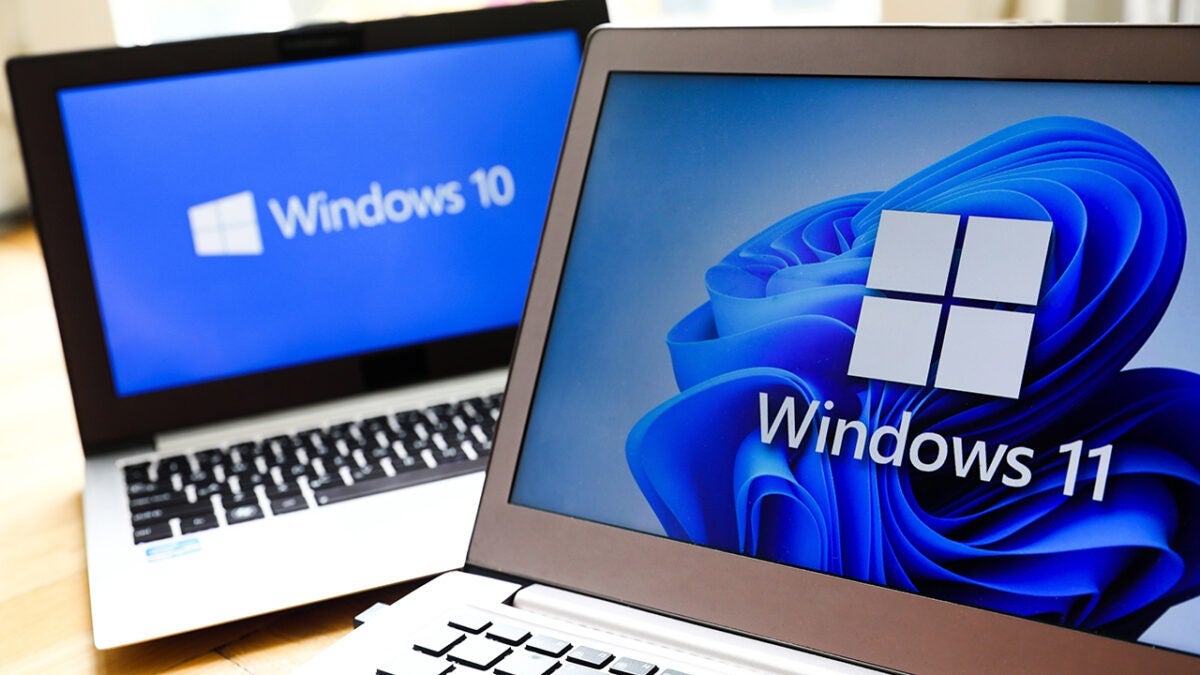
The next update of Windows 11, known as version 24H2, is set to take over once its predecessor, version 23H2, stops receiving security updates on November 11, 2025. From that date, users who remain on version 23H2 will stop receiving monthly patches that protect their systems from new threats and software bugs, thus increasing their vulnerability to potential cyber attacks.
For current Windows 11 users, upgrading to version 24H2 will be a free and straightforward process. To check the current version of the system, users should go to “Settings,” then “System,” and click on “About”. There, they can confirm if they are using 23H2, which will require them to upgrade to stay protected.
However, for those still operating on Windows 10, the landscape is different. Starting October 14, 2025, this system will stop receiving free updates. Users will need to choose to upgrade to Windows 11 at no cost, pay for the Extended Security Updates program, or accept the security risks that come with remaining on an obsolete system. It is crucial for those interested in upgrading to check that their devices meet the minimum requirements for Windows 11, such as TPM 2.0 and UEFI firmware.
Although you can alleviate the impact, you cannot avoid it
Staying on an outdated version significantly increases the risk of being targeted by cybercriminals, who often focus on unpatched systems. The only way to ensure system security is by updating to the latest versions of Windows. If your device cannot support Windows 11, purchasing a new device may be the most viable solution to keep up with security updates.
