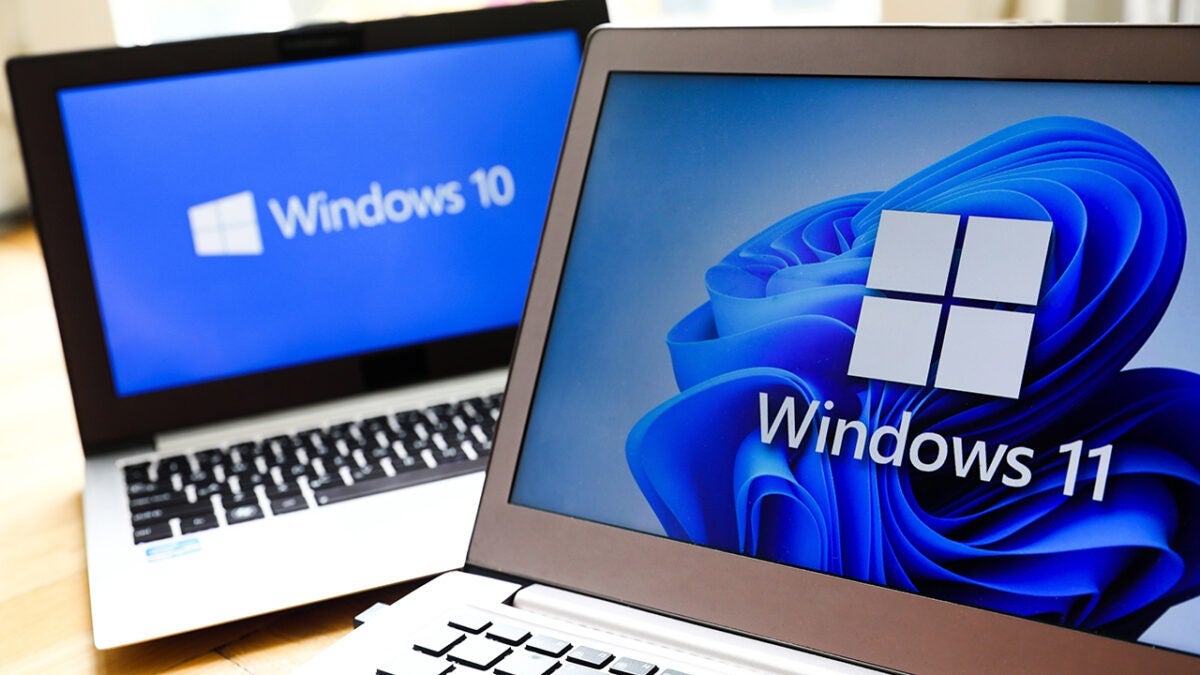
Thank you Windows 11 for giving us the start menu we always wanted… 4 years later

Microsoft has announced significant changes to the start menu of Windows 11, describing it as a “new start menu.” These changes aim to improve the customization and organization of applications, which has been a controversial point for many users since the launch of the operating system. The company emphasizes that “the start is becoming personal,” offering more options for users to organize their applications more efficiently. Windows 11 is significantly renewed with a customized start menu. The new features will include a “all apps” view that will automatically sort applications and categories […]

Microsoft has announced significant changes to the Start menu of Windows 11, describing it as a “new Start menu.”

These changes aim to improve the personalization and organization of applications, which has been a controversial point for many users since the launch of the operating system.

The company emphasizes that “the start is becoming personal,” offering more options for users to organize their applications more efficiently.

Windows 11 is significantly renewed with a customized start menu

The new features will include a “all apps” view that will automatically sort the most used apps and categories. This will allow users to quickly access their favorite apps, making navigation more intuitive.

In addition, the new start menu will include a “phone companion” feature, which will facilitate access to connected Android or iOS devices, thus improving connectivity between devices.

Microsoft, which had been testing these changes in preliminary versions of the operating system, has confirmed that the adjustments to the start menu are significant enough to warrant the label of “new start menu.”

Despite the excitement generated by these announcements, the company has not provided a specific date for Windows Insiders users to experience these updates. It is estimated that those who are not subscribed as Insiders will have to wait several additional months before the changes are available for general use.

The current start menu has been criticized for its design and lack of customization options. With this update, Microsoft hopes to address these complaints and provide a more satisfying experience for its users, who have expressed a desire for a start menu that is more adaptable to their needs.

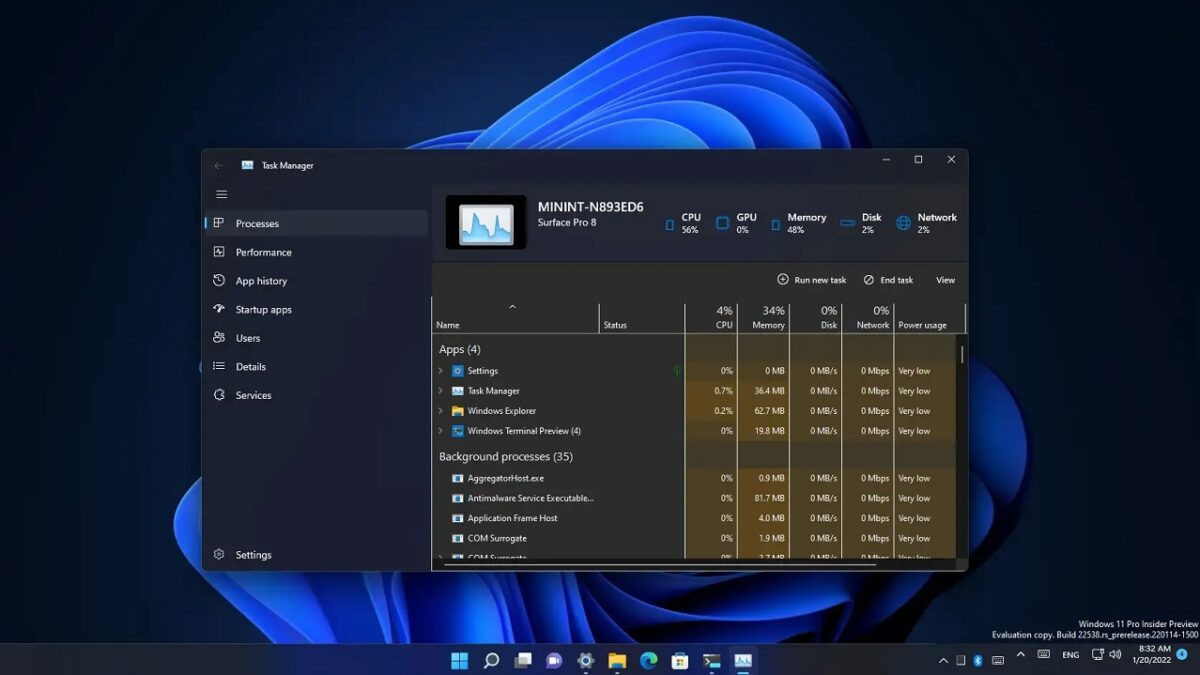
Microsoft would have finally fixed the Task Manager in W11

Microsoft has recently released several builds in the Windows 11 Insider program, including Build 27802 in the Canary channel and Builds 22635.5015 or 26120.3360 in the Beta channel, depending on the version of the system that users have chosen. These updates include improvements in Task Manager functionality and new features for interface customization. One of the main changes announced is the way Task Manager calculates CPU usage. Users previously could notice discrepancies in the data displayed in the Processes and Performance tabs. The task […]

Microsoft has recently released several builds in the Windows 11 Insider program, including Build 27802 in the Canary channel and Builds 22635.5015 or 26120.3360 in the Beta channel, depending on the version of the system that users have chosen.

Microsoft 365 DOWNLOAD

These updates include improvements in the functionality of the Task Manager and new features for customizing the interface.

One of the main changes announced is the way the Task Manager calculates CPU usage. Users previously could notice discrepancies in the data displayed in the Processes and Performance tabs.

The pending task of Windows 11

From now on, Task Manager will use standard metrics to maintain consistency in CPU usage values across different tabs, thus aligning with industry standards and third-party tools. Additionally, a new optional column will be introduced in the Details tab that will show the previous CPU value used in the Processes tab.

On the other hand, the company is optimizing the use of emojis in Windows 11. Although there is already a shortcut to access the emoji panel (Windows + .), Microsoft is testing a new icon in the system tray that will facilitate access to emojis, GIFs, and special characters, potentially enhancing the user experience.

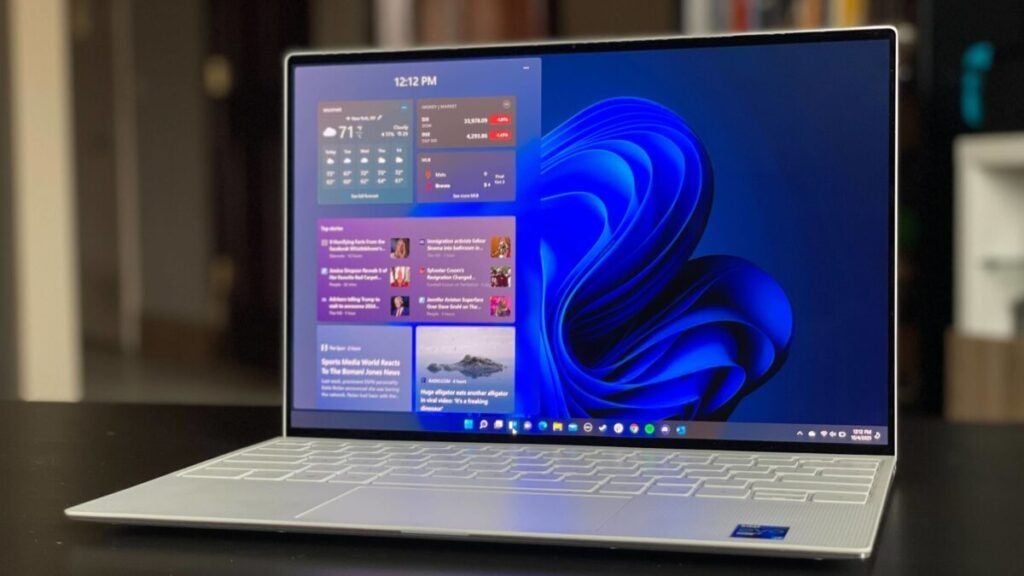
Likewise, support for widgets on the lock screen is being implemented in the EEA, allowing users to add, remove, and rearrange widgets such as weather and others.

In the future, a new group policy will be introduced that will allow IT administrators to disable widgets on the lock screen without affecting the functionality of widgets in other parts of the system, although this policy is currently only available in the EEA.

Microsoft 365 DOWNLOAD

Microsoft continues to work on improving the experience for its users in Windows 11, maintaining a focus on feedback from Insiders and the gradual implementation of new features.

Are you still using Windows 7? We’re sorry, you have to switch to Windows 10 now

Hello, good day, did you ask someone to break the glass that connects you with reality and makes you see time in an erroneous way? Well, that’s what we’re here for, to tell you that Windows 7 was born in 2009, fifteen years ago. To give you an idea of what we’re talking about, there is more time between today and the release of Windows 7 than there was between Windows 95 and Windows 7. No, it wasn’t born yesterday. And it’s time for you to change your mindset. Literally.

Windows 11 DOWNLOAD

And…now what?

Basically, developers on Windows have started to abandon support for Windows 7, and if you have any issues while using it, it is likely that no one will help you. Don’t worry: upgrading to Windows 10 is completely free… although you will encounter a problem soon, because on October 14, 2025, ten years after its release, support will also be discontinued.

So, what’s the solution? Well, possibly upgrading to Windows 11 completely, although you may have to retire your decade-old computer for that. Yes, don’t worry about the expense: any laptop, no matter how basic it may seem, will be an incredible improvement compared to what you had before because everything has evolved enormously in the last fifteen years.

Probably switching to a system like Windows 11 after years with Windows 7 is going to be a little shock, but we assure you that all the changes are for the better once you get used to them, from virtual desktops to a unified notification system to see them all in one place, or an easier way to organize your windows for multitasking.

But let’s say you flatly refuse to change your old Windows 7. You can, but you will face several problems: apps will stop updating, the operating system will be vulnerable to risks, and there will be no one on the other side to help you. At least switch to Windows 10, and then we’ll see what happens. Take a friend’s advice.

Windows 11 DOWNLOAD

Windows 11 Snap Layouts and Groups

Microsoft isn’t very clear about its controversial AI tool Recall, and now it’s in danger

Microsoft va a retrasar su polémica función de Recall, según una publicación actualizada en el blog del Vicepresidente de Windows y Dispositivos, Pavan Davuluri.

Microsoft Copilot DOWNLOAD

And when the feature returns “in the coming weeks,” Davuluri writes, it’ll be like a preview available for PC in the Windows Insider Program, the same phase of testing and public validation that all other Windows features go through before being released to the general public.

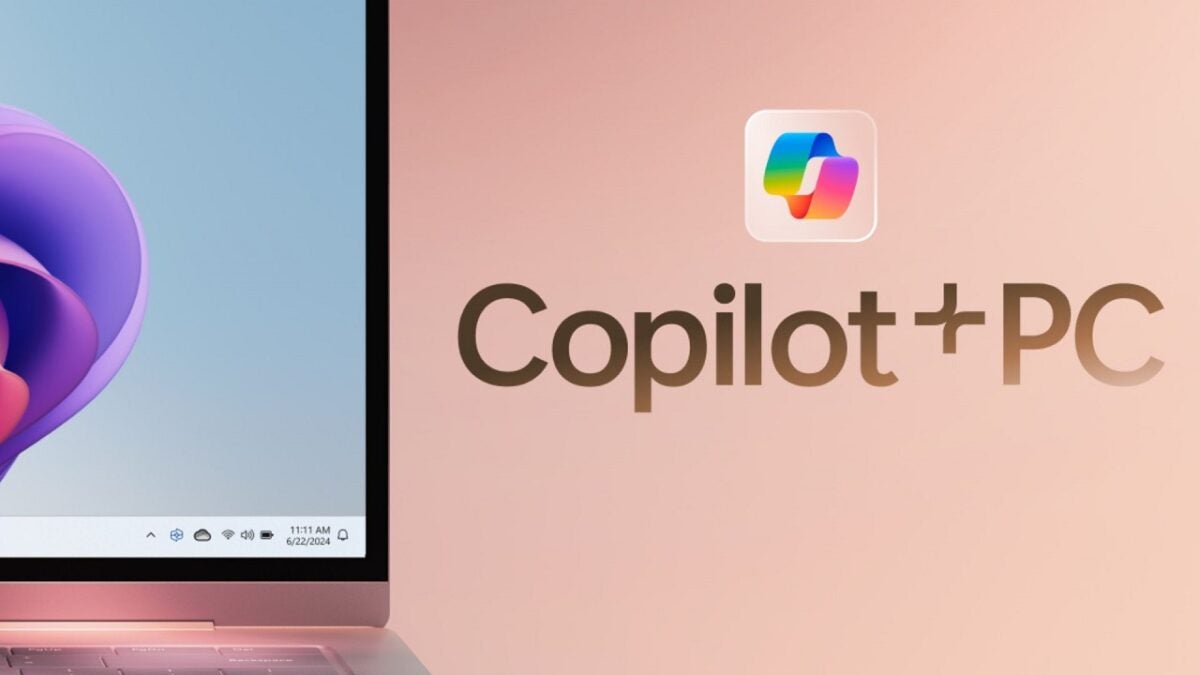
Recall is a new artificial intelligence feature of Windows 11 that’ll be available on computers that meet the requirements of the company’s “Copilot+ PC” program.

PC Copilot+ requires at least 16 GB of RAM, 256 GB of storage, and a Neural Processing Unit (NPU) capable of performing at least 40 trillion operations per second (TOPS). Although this has been proven false.

Why Recall has been removed from Microsoft’s immediate plans

Recall works by periodically capturing screenshots from your PC and saving them to your hard disk, and scanning those screenshots with OCR to create a large text database that can be searched and can help you find anything you’ve previously run on your PC.

The main problem was that all this was saved on a hard disk without any additional encryption or other protection, and it was easily visible and copyable by practically any user (or hacker) with access to the PC.

Recall was also going to be enabled by default on PCs with Copilot+ despite being a “preview”, which means that users who didn’t modify the default settings would have all this data recorded by default.

This was the version of Recall that was initially going to be sent to reviewers this week in the first wave of PC Copilot+ from Microsoft and other PC companies.

A report from Windows Central states that Recall was developed “in secret” and was not even widely distributed within Microsoft before it was announced, which could explain why these security issues were not detected and resolved before the feature appeared in a publicly available version of Windows.

Microsoft Copilot DOWNLOAD

The delay in Microsoft’s withdrawal comes after Microsoft President Brad Smith testified before Congress during a House Homeland Security Committee hearing on the company’s “cascading security failures” in recent months.

Among other things, Smith stated that Microsoft would commit to prioritizing security issues over new AI-based features, as part of the company’s recently announced Secure Future Initiative (SFI). Microsoft has also hired more security personnel and linked executive compensation to the achievement of security goals.